
AI Zoom Background Generator
Custom Video-Call Backgrounds in Seconds
Make a video-call background that is actually yours with the AI zoom background generator on this page. Describe the scene you want — a clean office, a calm forest, a cozy home study, or a branded backdrop — or pick a preset, and the AI zoom background generator renders a sharp 16:9 image in 4K, ready to drop into Zoom, Microsoft Teams, or Google Meet. It works as a video call background maker, a virtual background generator ai, a teams background generator, and a meeting background generator in one, built for remote workers, students, freelancers, and content creators. No stock photos, no Photoshop, no design skills — free virtual backgrounds powered by Nano Banana 2.
Try the AI Zoom Background Generator
Pick a scene or describe your own, and the AI zoom background generator returns a 16:9 4K image — ready to upload as your virtual background in Zoom, Microsoft Teams, and Google Meet.
AI Zoom Background Generator
Pick a scene or describe your own, and the AI zoom background generator creates a custom 16:9 video-call background in seconds.
Made with the AI Zoom Background Generator
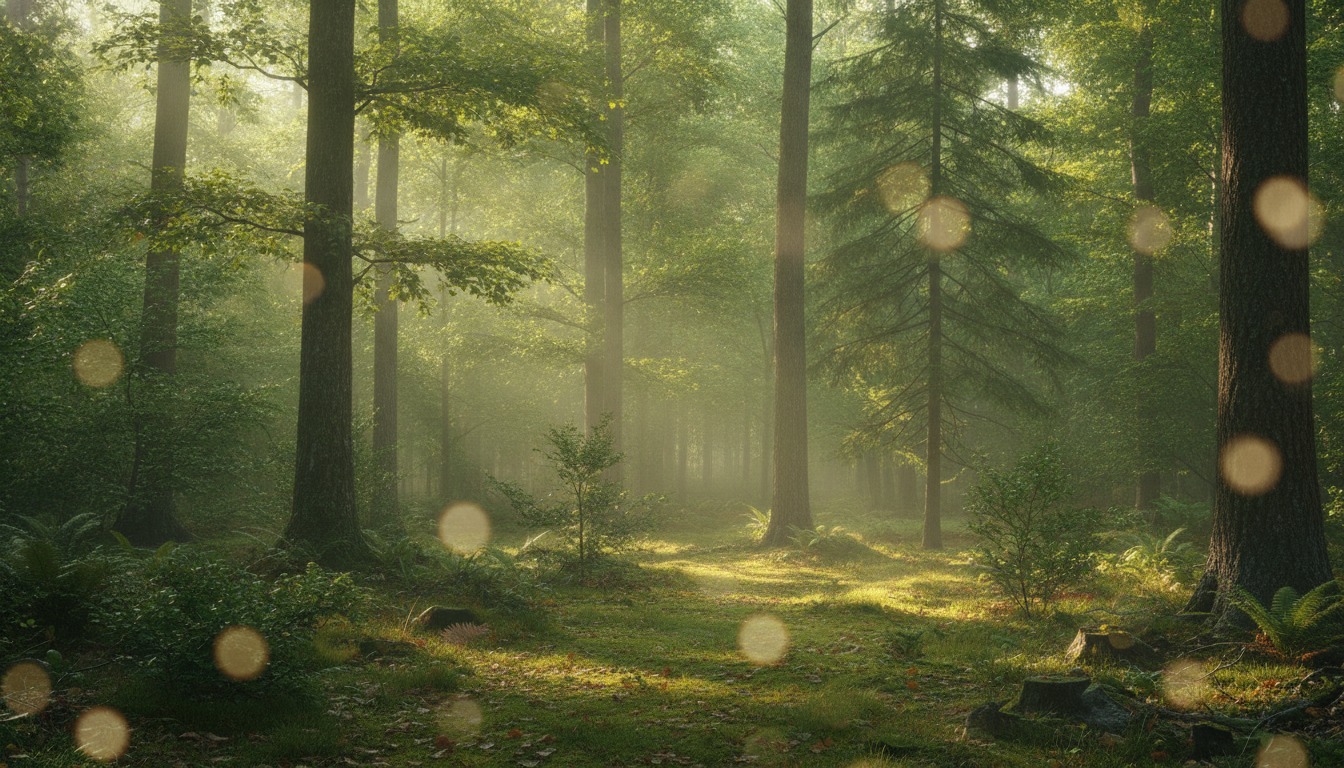
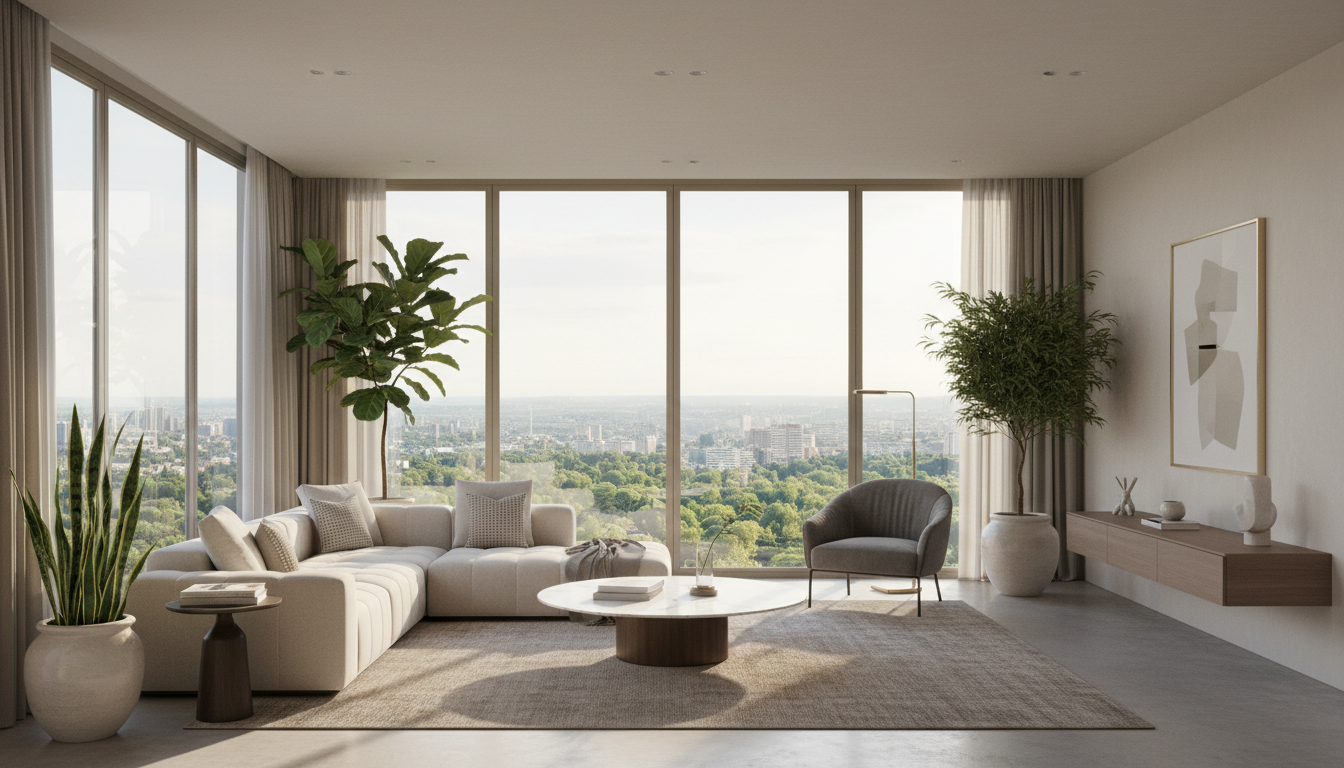
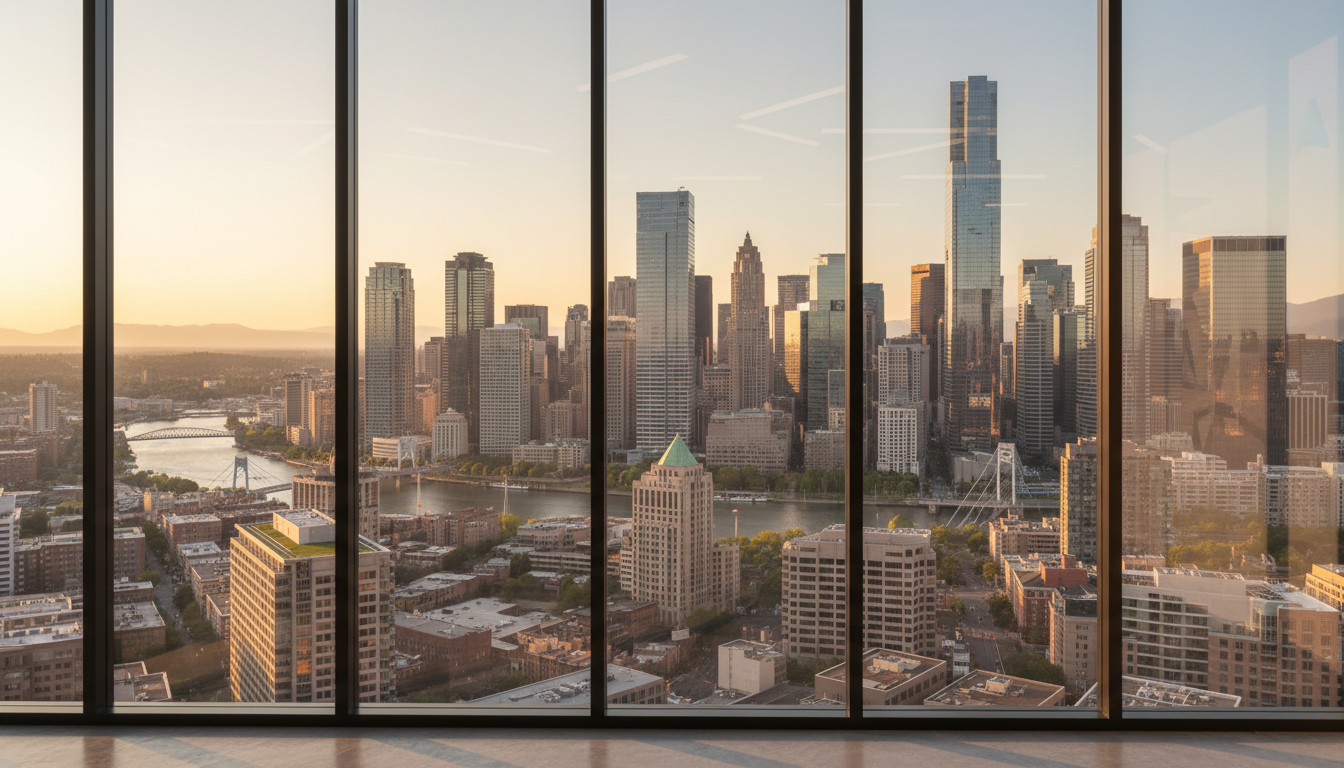
Real 16:9 backgrounds from the AI zoom background generator on this page — office, home study, nature, branded, living room, and city skyline, each rendered as a finished, upload-ready video call background maker result.



How the AI Zoom Background Generator Works
Three steps from an idea to a video-call background — built for remote workers and creators
Describe Your Scene
Pick a preset or type your own brief into the AI zoom background generator — the room or setting, the lighting, and the colors you want. Add "no people" and a slightly blurred look so the background sits naturally behind you. The zoom background generator builds the scene from your words instead of pulling a tired stock photo.
Generate a 16:9 Background
Nano Banana 2 renders a clean 16:9 image with balanced composition and realistic lighting. The video call background maker outputs the exact aspect ratio Zoom, Teams, and Meet expect, so this virtual background generator ai gives you an image that fills the camera frame without stretching or awkward cropping.
Download and Upload
Download your background as a high-resolution image, then add it in Zoom under Background & Effects, in Teams under Background effects, or in Google Meet's background panel. Because the meeting background generator renders at 4K, your backdrop stays crisp on camera. Free, no sign up required.
Why the AI Zoom Background Generator Wins
Compared with the same recycled stock backgrounds everyone uses, this AI zoom background generator gives you a unique, on-brand backdrop in seconds.
A Background No One Else Has
The built-in Zoom and Teams libraries hand everyone the same beach, bridge, and bookshelf. The AI zoom background generator renders an original scene from your prompt, so your video-call background actually looks like you chose it. Tweak the room, the lighting, and the colors until it fits your style, and you walk into the call with a backdrop nobody else on the team is using.
Perfect 16:9 for Every App
Zoom, Microsoft Teams, and Google Meet all expect a 16:9 background, and a low-resolution image looks blurry once the app scales it to your camera. The AI zoom background generator outputs 16:9 in 4K-quality detail, so this video call background maker gives you a backdrop that fills the frame and stays sharp — no stretching, no pixelation, no awkward crop.
Office, Nature, Home & Branded
Clean office, calm forest, cozy home study, branded gradient, modern living room, city skyline — the AI zoom background generator covers every scene with presets tuned for the right mood and lighting. Switch from a professional office for a client call to a relaxed nature scene for a casual catch-up in one click, with the same realistic render quality across every style.
Branded Backgrounds for Teams
The teams background generator side of this tool builds branded backdrops with your colors and clean space where a logo can sit, so webinars, sales demos, and all-hands calls look cohesive. Generate one shared background for the whole team, or drop your real logo on top in any editor before uploading — your meeting background generator output keeps the brand consistent on every call.
Reads Naturally Behind You
A good virtual background sits behind you without fighting for attention. The AI zoom background generator can render a slightly blurred, shallow depth-of-field scene with no people and the visual interest pushed toward the edges, so your face stays the focal point. The result looks like a real room captured on a real camera, not a flat photo pasted behind your head.
Free, No Sign Up Required
The AI zoom background generator on this page is free — no payment, no credit card, no sign up — just describe your scene, pick a style, and generate. Optional plans starting at $2.99 unlock unlimited generations and faster queueing during peak hours, but the free tier alone covers office, home, nature, and branded virtual backgrounds for remote workers, students, and creators.
AI Zoom Background Generator FAQ
Everything remote workers and creators ask about the AI zoom background generator
Make Your Virtual Background Free
Remote workers, students, freelancers, and creators use the AI zoom background generator on this page to turn an idea into a custom video-call backdrop. Describe your scene, pick a preset, and the zoom background generator delivers a 16:9 4K image ready for Zoom, Teams, and Meet in seconds. Free, no sign up, powered by Nano Banana 2.
Make a Virtual Background FreeAI Zoom Background Generator: Make Custom Video-Call Backgrounds From a Prompt
What an AI Zoom Background Generator Should Actually Do
Search for an AI zoom background generator and most results either point you to the same dozen built-in stock images or to a downloads pack everyone else already has. A real AI zoom background generator should take your brief, render a clean 16:9 image in the resolution video apps need, and give you a scene that fits your role and brand — so the result is a finished, upload-ready backdrop, not a recycled photo. That is the bar this page is built to: an AI zoom background generator that turns a one-line idea into a professional virtual background for Zoom, Microsoft Teams, and Google Meet.
The AI zoom background generator on this page runs on Nano Banana 2 — Google's state-of-the-art image model, also known as Gemini 3 Pro Image. Its strong control over composition, lighting, and depth of field is exactly what a zoom background generator needs: it can render a realistic room with the focus pushed to the edges so you stay the center of attention on camera. That matters because a virtual background has to look natural at video resolution — the video call background maker keeps it crisp and believable instead of flat and obviously fake.
Whether you searched AI zoom background generator, zoom background generator, virtual background generator ai, video call background maker, teams background generator, custom zoom background ai, or meeting background generator — the tool above is what you came for. Describe your scene, pick a preset, and the AI zoom background generator handles the rest, free, with no sign up.
Who Uses the Video Call Background Maker
For remote workers and distributed teams, the AI zoom background generator is the fastest way to hide a messy room and show up looking professional on every call. For students in online classes, the video call background maker turns a dorm or kitchen into a clean study setting. For freelancers and consultants, the custom zoom background ai builds a polished backdrop for client meetings. For recruiters and sales reps, a branded teams background generator keeps demos and interviews on-brand. For content creators and streamers, the meeting background generator doubles as a set backdrop. The tool also powers webinars, all-hands calls, virtual events, and recorded video — anywhere you want a sharp, intentional background instead of whatever is behind you.
Looking for related AI tools for your on-camera setup and branding? /tools/ai-background-generator makes backgrounds for any project, /tools/ai-headshot-generator turns a selfie into a professional headshot, and /tools/ai-logo-generator creates brand logos you can place on a branded backdrop. All three pair well with the AI zoom background generator on this page — design your video-call background here, then round out your on-camera presence with those tools.
Ready to use the AI zoom background generator? Scroll back to the interactive tool section above. Pick a scene or describe your own, and the AI zoom background generator will deliver a detailed 16:9 4K background in seconds. That is the whole pitch: an AI zoom background generator that renders a unique scene, sizes it for every video app, and ships free with no sign up.
AI zoom background generator — make custom video-call backgrounds in 4K, free no sign up. Video call background maker, virtual background generator ai, and meeting background generator for Zoom, Teams, and Google Meet. Optional plans from $2.99 only when you want unlimited.