
AI Video Transition Effects
Generate Cinematic Transitions Instantly
Turn any text prompt into stunning AI video transition effects. Generate dissolves, glitches, morphs, whip pans, and zoom punches for your videos — no editing skills required. Free to try, from $2.99.
Try It Now — Free
Pick a transition style or describe your own — the AI will generate a 4K cinematic concept in seconds
AI Video Transition Effects Generator
Choose a preset transition style or describe your own custom AI video transition effect
AI Video Transition Effects Gallery
See the stunning AI video transition effects you can generate from simple text prompts

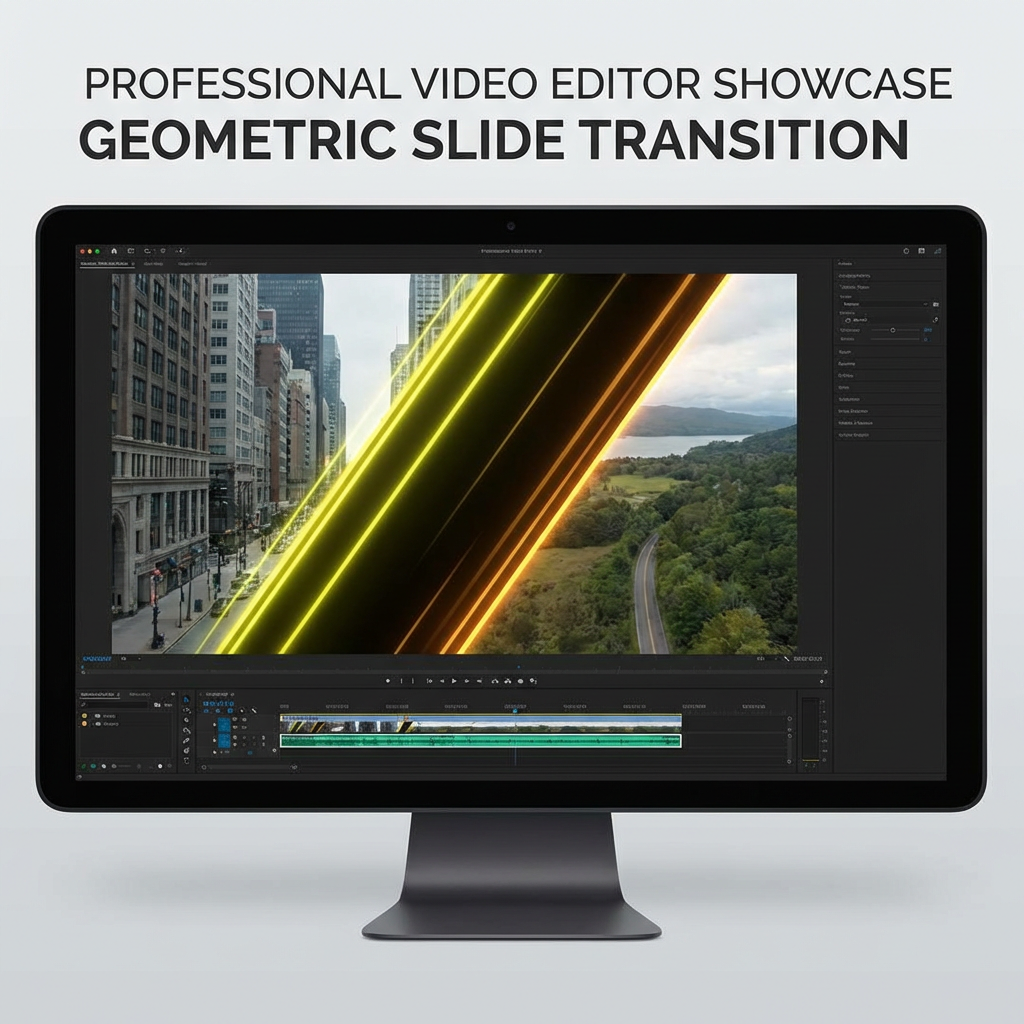
How AI Video Transition Effects Work
From transition idea to drop-in asset in three simple steps
Describe Your Transition
Pick a preset transition style like Dissolve, Glitch, Morph, Whip Pan, Zoom Punch, or Slide Wipe — or type a fully custom prompt describing the motion, the two scenes being connected, color palette, and cinematic mood.
AI Renders The Effect
Nano Banana Pro renders your AI video transition effect as a 4K cinematic concept frame in seconds. The AI understands editing terminology — whip pan, cross-fade, match cut, morph, zoom punch — and produces accurate, usable transition visuals.
Drop Into Your Editor
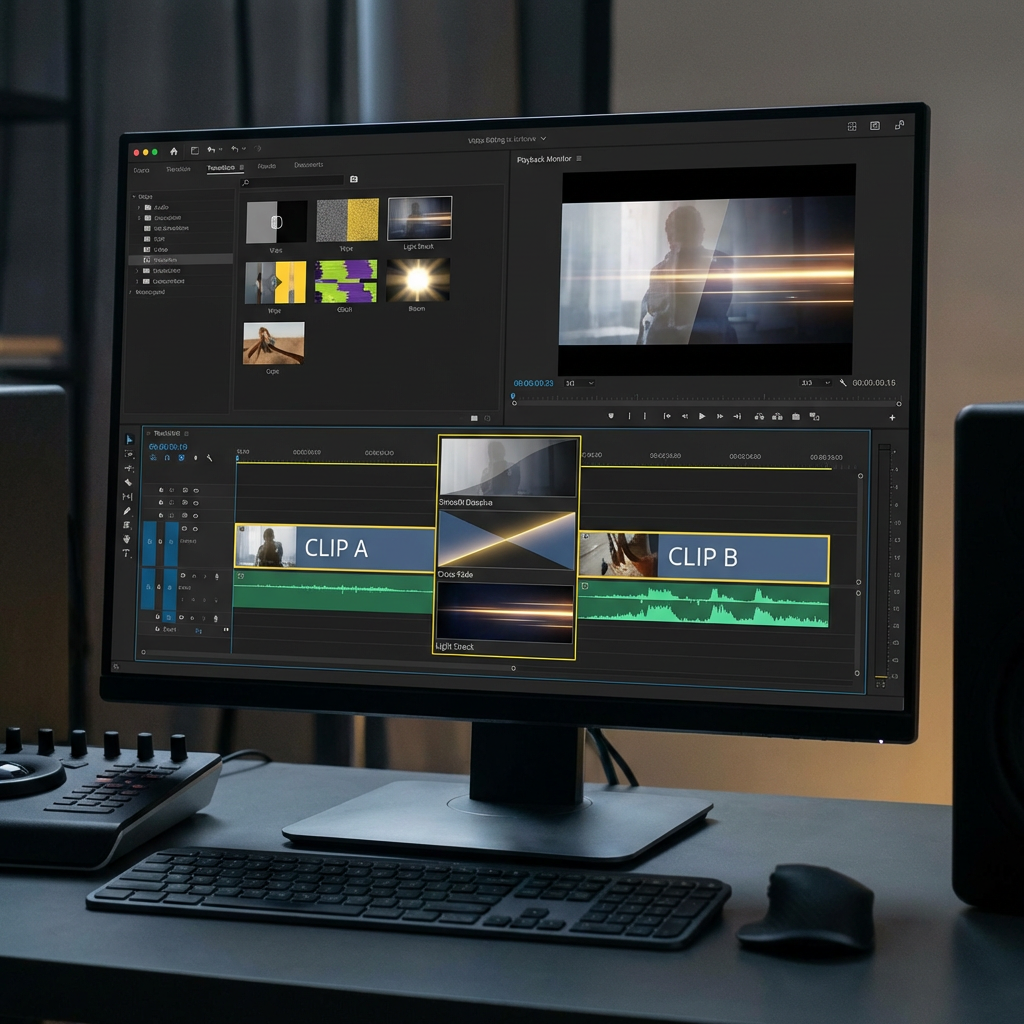
Download the AI video transition effect as a high-resolution PNG and drop it into CapCut, Premiere Pro, DaVinci Resolve, Final Cut, or After Effects. Use as a storyboard reference, overlay frame, or inspiration for custom transition design.
Why Creators Choose This AI Video Transition Effects Tool
The most flexible way to generate unique cinematic transitions for your videos
15+ Transition Styles
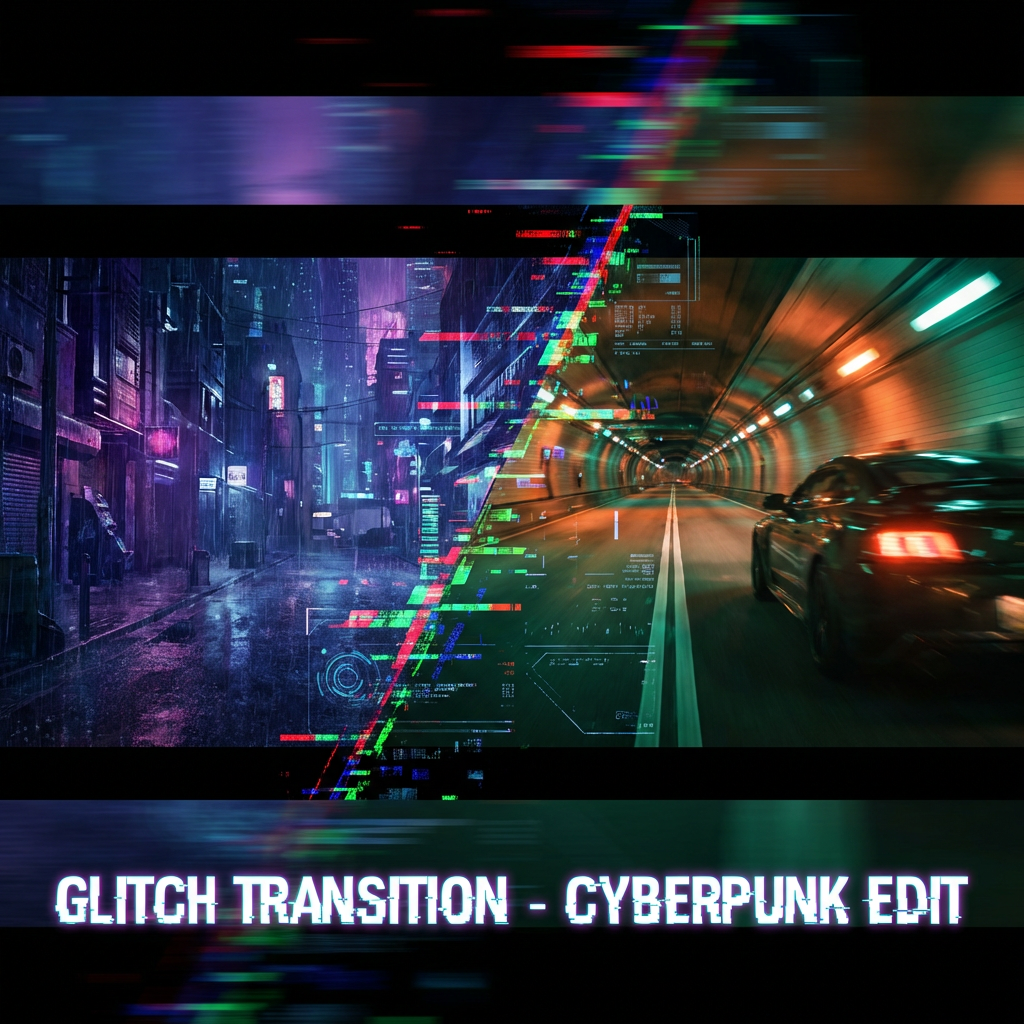
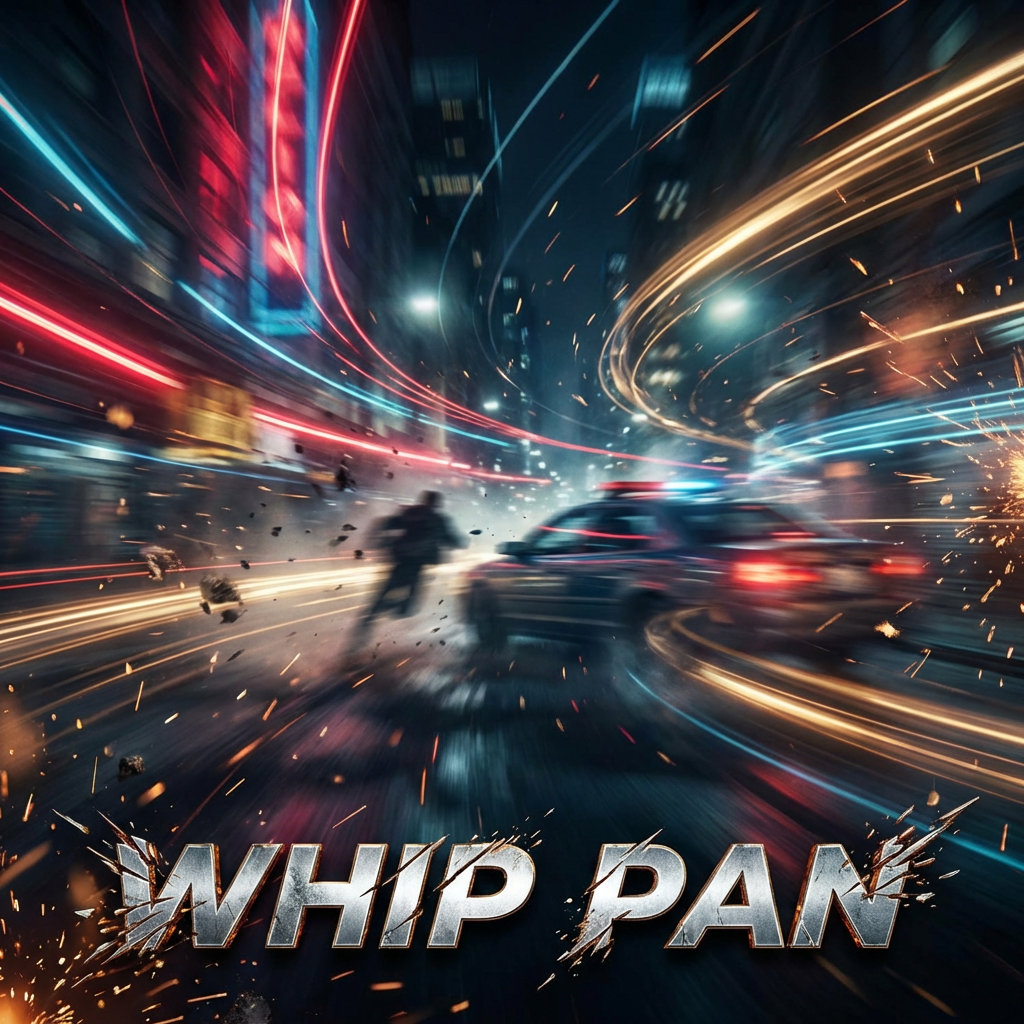
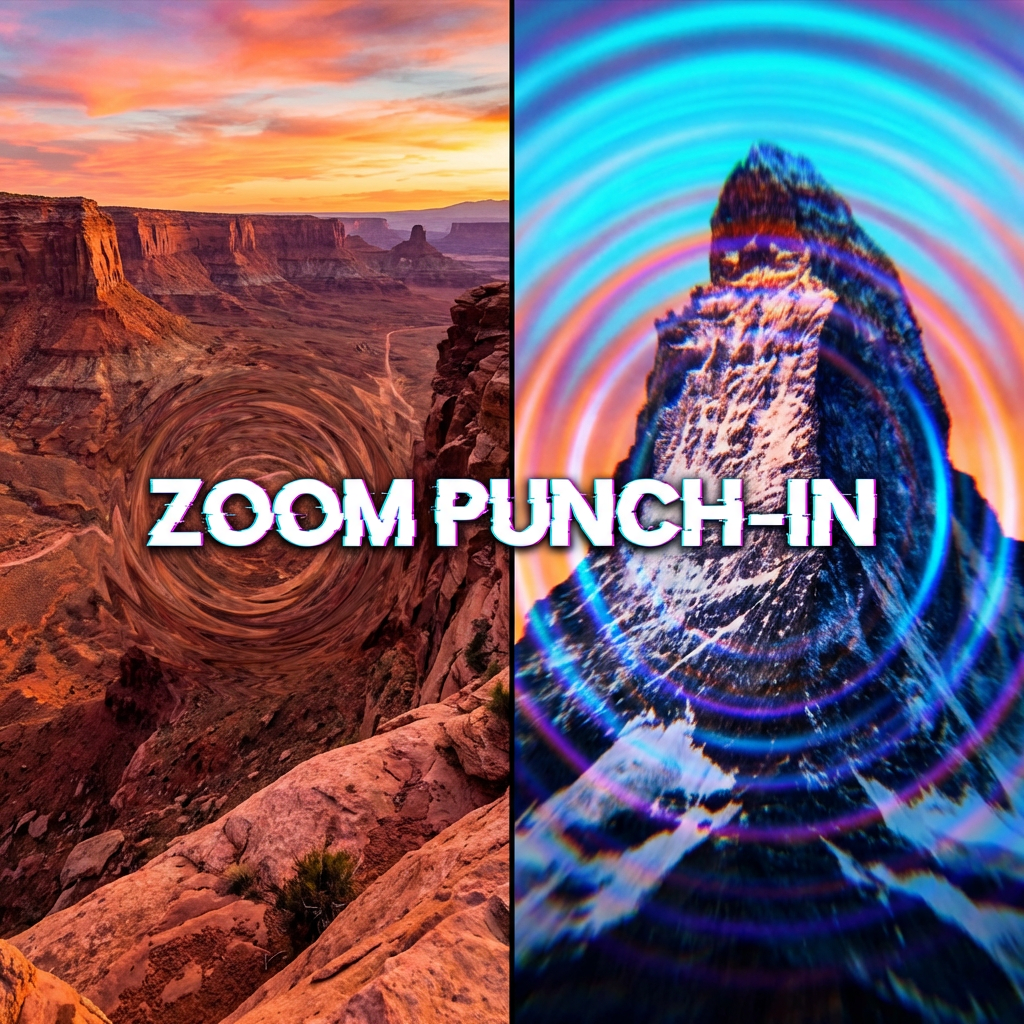
From classic dissolves and fades to modern glitch, morph, whip pan, zoom punch, slide wipes, light leaks, particle dissolves, smoke transitions, and lens flare effects. The AI video transition effects library covers every editing style and cinematic genre you could need.
4K Cinematic Quality
Every AI video transition effect renders at 4K resolution with professional color grading, dynamic lighting, and motion blur. The output holds up on YouTube, Netflix-style productions, film festivals, and big-screen presentations — no upscaling artifacts or blur.
Infinite Unique Variations
Preset transition packs give you the same effects everyone else has. AI video transition effects generation gives you infinite unique variations tailored to your exact project. Change one word — from "elegant" to "chaotic" — and get a completely different transition.
Works With Every Editor
The transition concept frames export as high-resolution PNG that drop directly into Adobe Premiere Pro, CapCut, DaVinci Resolve, Final Cut Pro, Filmora, After Effects, iMovie, and any video editing software. Use as overlays, references, or custom transition assets.
Understands Editing Language
The AI speaks cinematographer — describe whip pan, match cut, J-cut, L-cut, dissolve, cross-fade, morph, zoom punch, radial blur, RGB split, chromatic aberration, or lens flare and the AI video transition effects engine renders exactly what editors expect to see.
Commercial Use Included
Every AI video transition effect you generate is yours to use commercially. YouTube videos, TikTok reels, ad campaigns, music videos, client work, film trailers, product demos — no royalties, no attribution required, no restrictions on usage across any platform.
Where AI Video Transition Effects Shine
AI video transition effects unlock editing creativity across every platform
Short-Form Video
Generate unique AI video transition effects for TikTok, Instagram Reels, and YouTube Shorts. Stand out from creators using the same preset pack transitions with custom cinematic effects that match your brand colors and visual style perfectly.
Music Videos
Build music videos with beat-synced AI video transition effects that match lyrics, tempo, and mood. Generate glitch cuts for drops, smooth morphs for verses, and whip pans for choruses — all rendered at 4K cinematic quality.
YouTube Channels
Signature AI video transition effects give YouTube channels a recognizable visual identity. Generate a custom transition pack unique to your channel — intro wipes, section breaks, sponsor roll-ins — all rendered consistently in your color palette.
Wedding & Event Videos
Elegant morph and dissolve AI video transition effects elevate wedding films, highlight reels, and event recaps. Generate warm golden-hour transitions, particle-based blends, and cinematic match cuts that make every ceremony feel like a feature film.
Marketing & Ads
Dynamic AI video transition effects make product demos, ad creatives, and promotional videos more engaging. Generate brand-aligned transitions that reinforce visual identity and boost watch time across social media ad campaigns.
Film & Documentary
Indie filmmakers use AI video transition effects for previz, storyboarding transitions before editing, and generating custom effects that match their cinematic vision. Perfect for trailer edits, montage sequences, and documentary segment breaks.
AI Video Transition Effects FAQ
Everything you need to know about generating AI video transition effects
Ready to Upgrade Your Video Transitions?
Join thousands of video editors, filmmakers, and content creators using AI video transition effects to make their videos unforgettable. Free to start, plans from $2.99.
Generate Your First Transition FreeAI Video Transition Effects for Modern Video Editors
Why AI Video Transition Effects Are Replacing Preset Packs
Traditional transition packs give every editor the same dissolve, the same whip pan, the same glitch effect. The audience has seen them all a thousand times. AI video transition effects flip the equation — instead of picking from a fixed library, you describe the exact transition you want and generate a unique visual in seconds. No two creators produce identical AI video transition effects, even with the same prompt, because the generator produces fresh interpretations every time.
Powered by Nano Banana Pro, this AI video transition effects generator understands professional editing language. Type whip pan, match cut, cross-dissolve, morph blend, zoom punch, RGB split, or chromatic aberration and the AI renders exactly what editors expect. Combine those terms with color palettes, mood descriptors, and scene details to create transitions that match the emotional arc of your video perfectly.
Whether you edit on CapCut for TikTok, Premiere Pro for YouTube, DaVinci Resolve for client work, or After Effects for motion graphics, AI video transition effects drop straight into your timeline as high-resolution PNG overlays or inspire custom transition builds.
From Transition Prompt to Production-Ready Asset
The best AI video transition effects prompts describe three things: the motion of the transition, the two scenes being connected, and the mood or color palette. Instead of typing "transition," try "elegant morph transition between two portrait close-ups with flowing golden particles, warm cinematic lighting, ethereal smoke wisps, 4K detail." That level of detail produces AI video transition effects that look production-ready out of the box.
Generate multiple variations for every edit. Try the same prompt with different color palettes, different motion speeds, or different mood descriptors. In the time it would take to manually build one custom transition in After Effects, you can generate fifty AI video transition effects and pick the best ones for your timeline. This rapid iteration unlocks creative choices that were previously impossible under deadline pressure.
All AI video transition effects render at 4K native resolution with cinematic motion blur, accurate color grading, and the kind of lighting detail that holds up on any screen. Starting at just $2.99, Nano Banana 2 makes professional AI video transition effects accessible to every creator. Try it free today — no credit card required, no watermarks on your first generations.
Start creating unique AI video transition effects today. Join thousands of video editors and content creators using Nano Banana 2 to make their videos stand out. Free tier available with no credit card required. Premium plans from $2.99.