
AI Video Editing Software
Thumbnails, Channel Art, Storyboards & Keyart
Real video editing AI lives in Premiere Pro, DaVinci Resolve, Final Cut, and CapCut — but every YouTuber, indie filmmaker, and video podcaster also burns hours on the static assets around the timeline: the YouTube thumbnail, the channel banner, the pre-production storyboard frame, the podcast cover, and the cinematic poster keyart. The AI video editing software companion on this page is built for exactly that gap. Pick a preset like YouTube Thumbnail, Channel Banner, Storyboard Frame, Podcast Cover, Movie Poster Keyart, or Vlog Cover, and get high-CTR AI video creator assets in seconds. AI for video production AI image generation, free, powered by Nano Banana 2.
Try the AI Video Editing Software Companion
Pick a video creator preset or write your own brief — the AI video editing software companion returns YouTube thumbnails, channel art, storyboards, and cinematic keyart in seconds.
AI Video Editing Software Companion
Pick a creator asset preset or describe your video — the AI video editing software companion delivers cinematic YouTube thumbnails, channel art, storyboards, and keyart in seconds.
Made with AI Video Editing Software
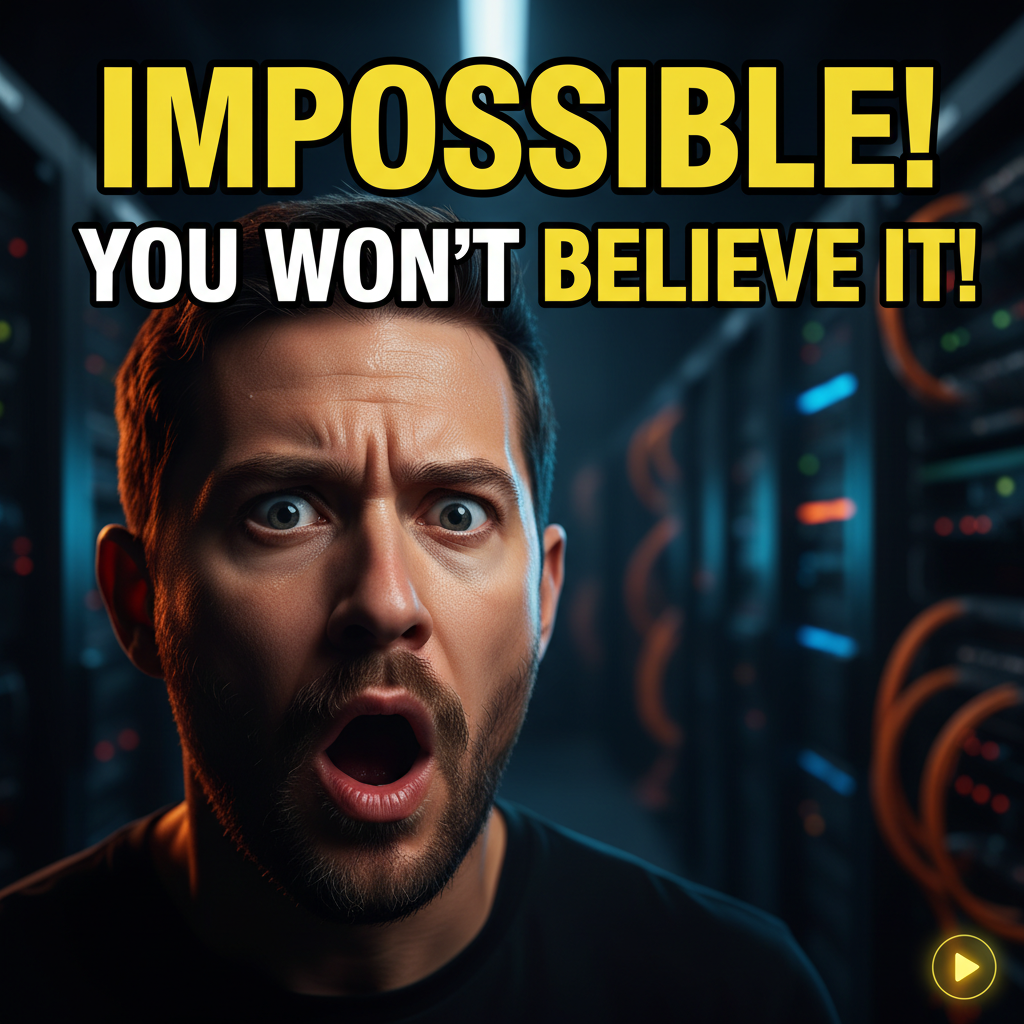
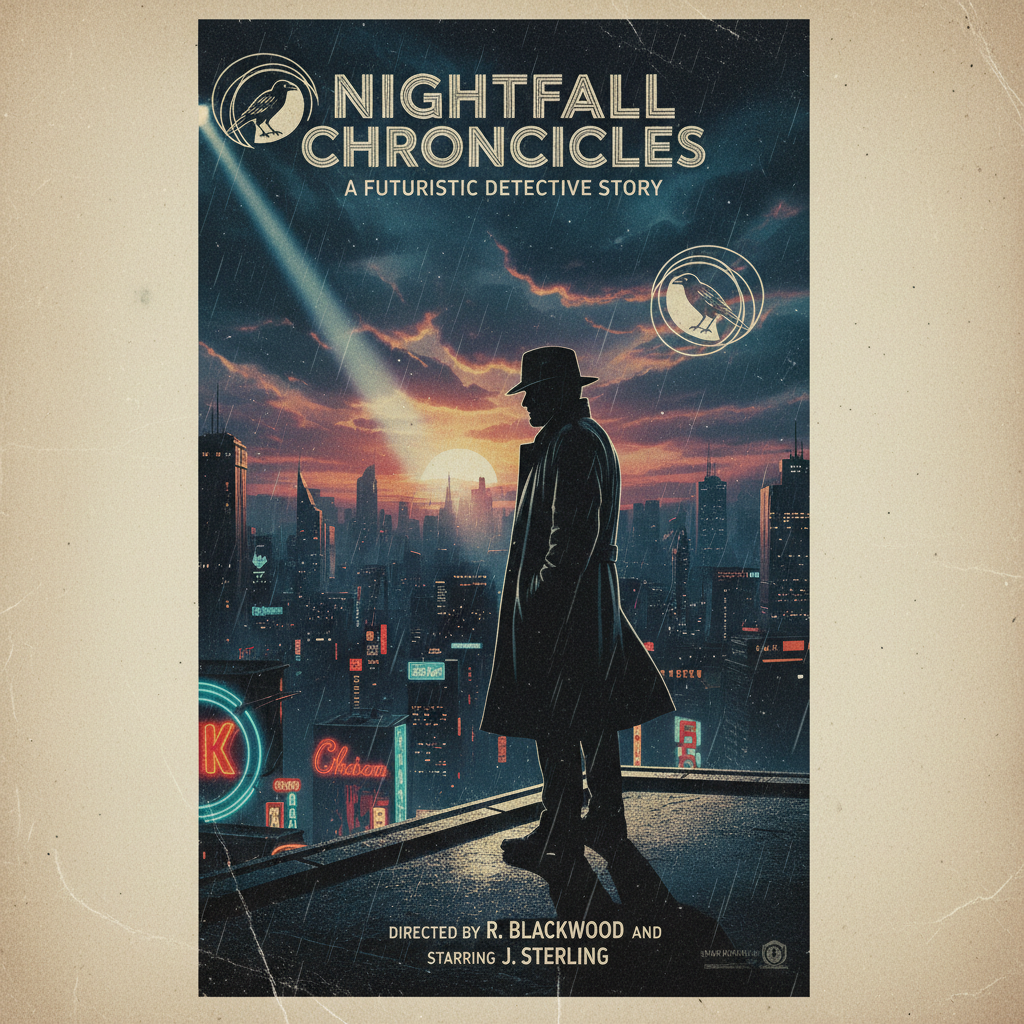
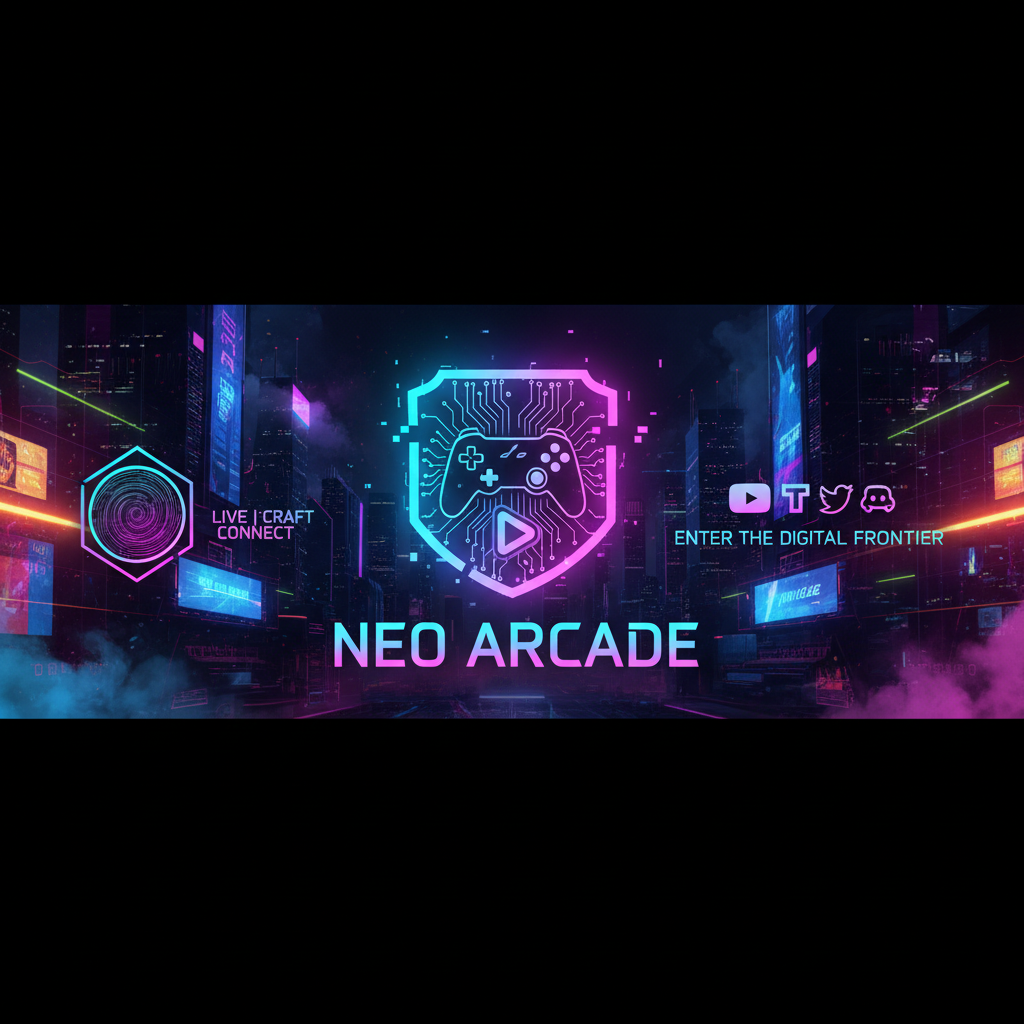
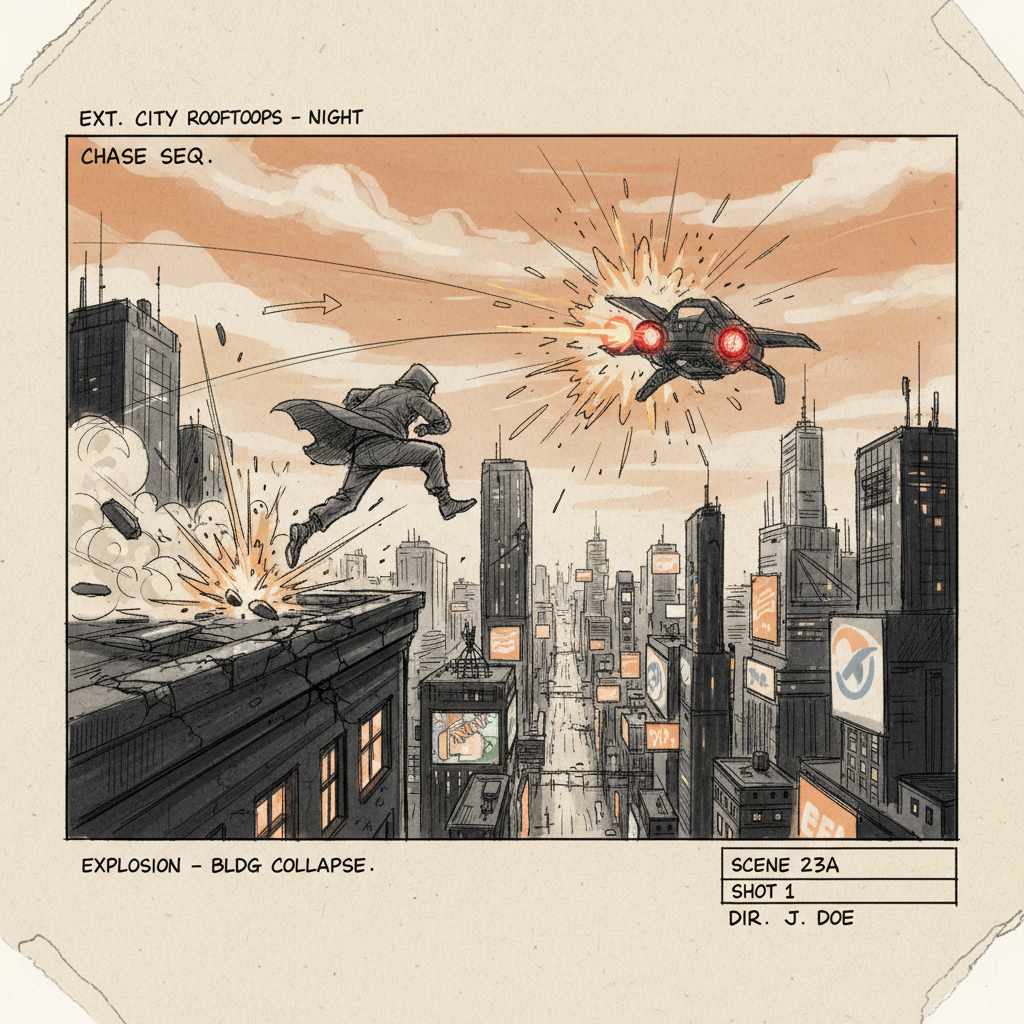
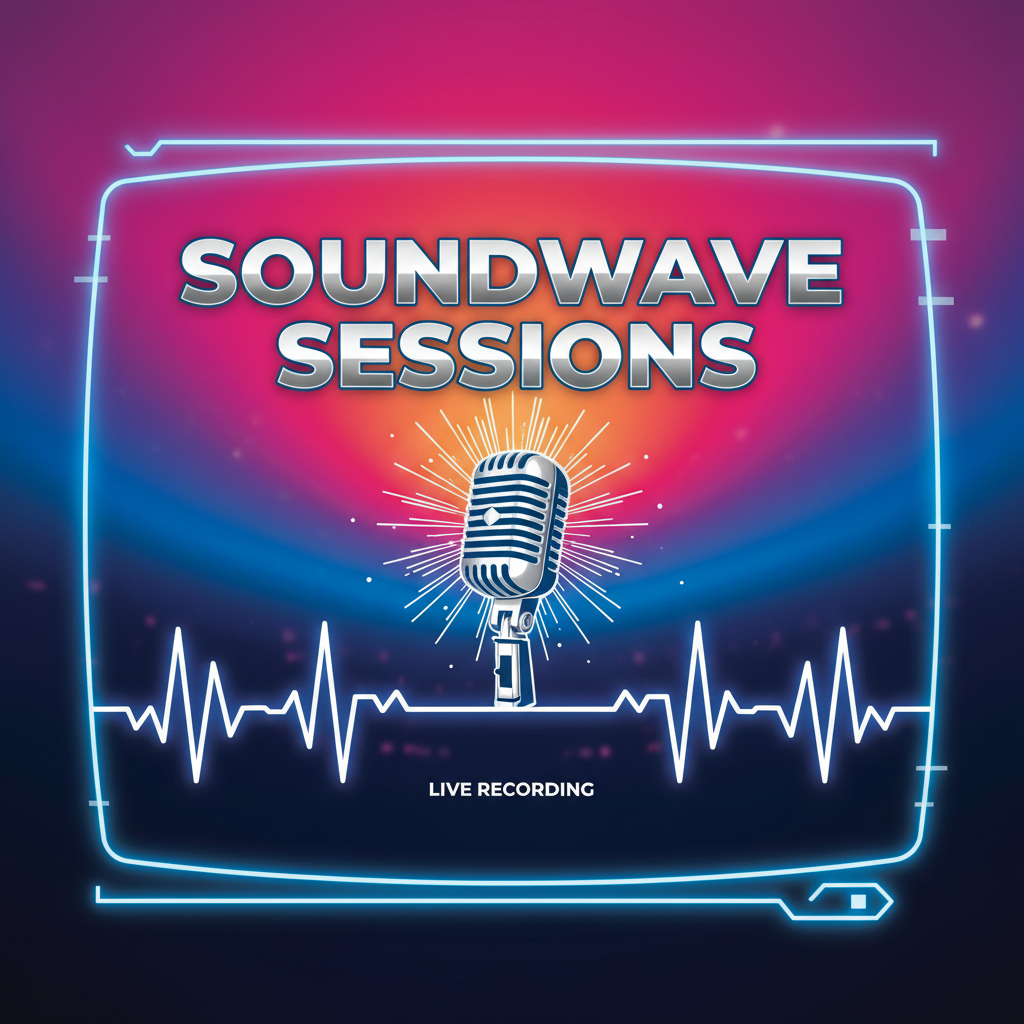
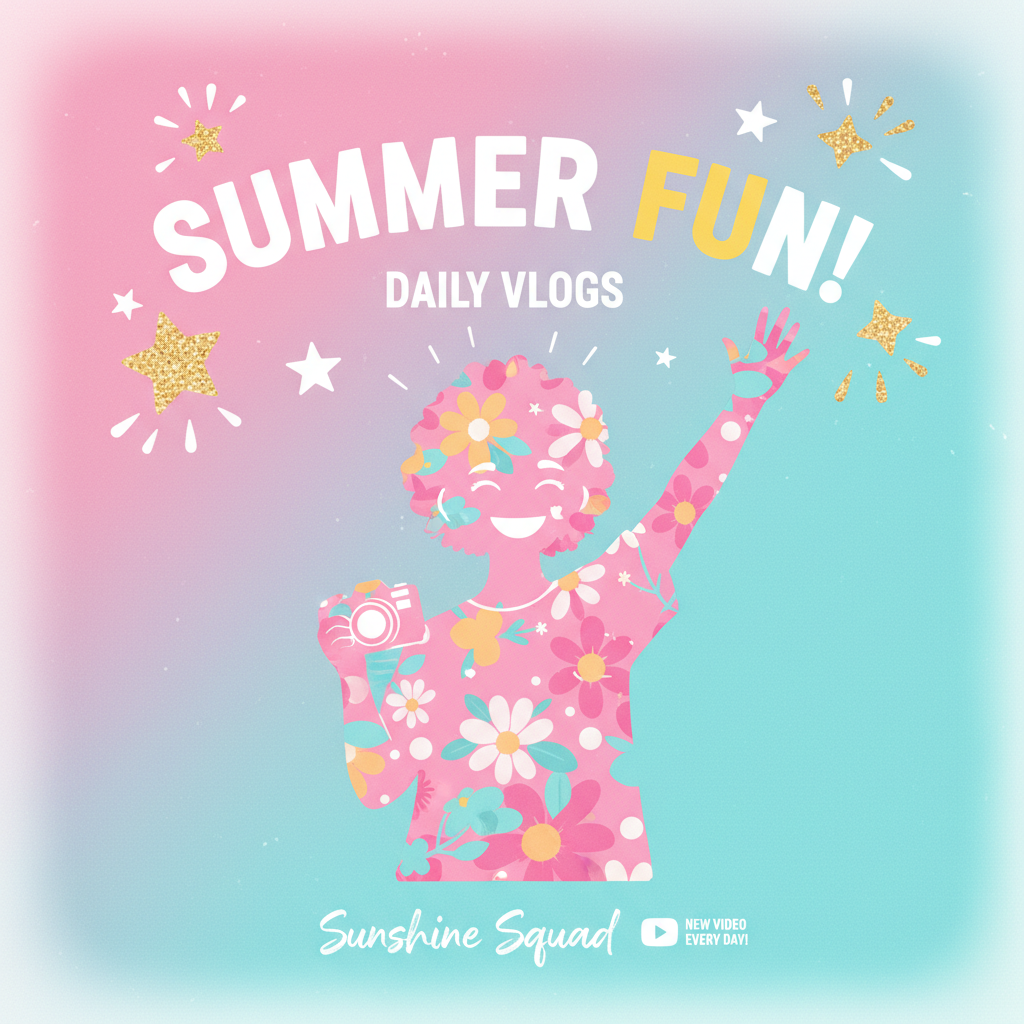
Real video creator assets from the AI video editing software companion on this page — YouTube thumbnails, channel banner art, pre-production storyboards, podcast cover artwork, cinematic keyart, and vlog title cards.
How AI Video Editing Software Works
Three steps from a one-line video brief to YouTube thumbnails, channel art, storyboards, and cinematic keyart ready to drop into your Premiere Pro, DaVinci Resolve, Final Cut, or CapCut project
Describe Your Video Project
Pick a preset like YouTube Thumbnail, Channel Banner, Storyboard Frame, Podcast Cover, Movie Poster Keyart, or Vlog Cover — or write a one-line brief like "YouTube thumbnail for a Tesla Model Y review with a dramatic creator face and a bold yellow title". The AI video editing software companion reads the asset type, the host, the mood, and the reference channel so AI video tools output matches the creator's real brand voice instead of looking like a generic stock illustration.
AI Renders Video Creator Assets
Nano Banana 2 reads the brief and renders cinematic AI video creator imagery — high-CTR YouTube thumbnails with bold expressive face composition and large title type, 2560x1440 channel banner art with safe-area title blocking, hand-drawn pre-production storyboard frames, square 3000x3000 podcast cover artwork, festival-ready short film poster keyart, and vibrant lifestyle vlog title cards. The AI video editing software companion handles lighting, palette, composition, and on-image typography blocking so video editing AI output looks like real creator work.
Download and Drop into Your Editor
Download AI video editing software companion output as a high-resolution PNG ready for YouTube thumbnail upload, Spotify and Apple Podcasts cover artwork, Twitch and Kick channel panels, indie short film festival press kits, Kickstarter and Patreon campaign tier graphics, online course landing page hero images, and pre-production mood boards. Drop the AI for video production asset directly into your Premiere Pro, DaVinci Resolve, Final Cut Pro, or CapCut project — generate, layer your channel watermark and final title type, ship.
Why This AI Video Editing Software Companion Wins
Compared with generic AI image generators, stock cinematic photography, and commissioned thumbnail designers — this AI video editing software companion delivers AI for video production tuned for real YouTube, podcast, and indie cinema workflows.
Built for Real Creator Composition
Generic AI image generators render art-school illustrations or stock photography — output looks like a portrait dropped into a thumbnail template, missing the actual composition logic of real high-CTR YouTube thumbnails. The AI video editing software companion on this page is preset for true creator composition: rule-of-thirds bold-face thumbnails with large title type, 2560x1440 channel banner safe-area blocking, hand-drawn storyboard frames with shot numbers, square 3000x3000 podcast covers, and festival-ready cinematic keyart. AI video tools output looks like real creator work, not generic illustration.
Faster Than a Photoshop Thumbnail Run
Cutting a YouTube thumbnail in Photoshop takes 30-90 minutes per upload, hiring a thumbnail designer costs $50-200 per video, and stock photography licensing burns hours on rights clearance. AI video editing software companion image generation runs in seconds and gives YouTubers, indie filmmakers, and video podcasters polished thumbnails, channel art, and keyart they can ship today. Daily upload creators iterate on twenty AI thumbnail directions in the time it used to take to cut one in Photoshop, then pick the strongest video editing AI render to refine.
Premiere, Resolve, Final Cut & CapCut Ready
AI video editing software companion output is ready for Premiere Pro, DaVinci Resolve, Final Cut Pro, CapCut, and Adobe Express as a high-resolution drop-in layer. Use the AI thumbnail as your end-card overlay, the storyboard frame as your previs reference, the channel banner as your offline screen, and the cinematic keyart as your indie short film festival press kit. Many YouTubers use this AI video editing software companion as a brainstorming layer rather than the final piece, then bring their own typography and channel watermark on top of the AI for video production base render.
Built for Real Video Pipelines
Daily YouTube and indie cinema work needs daily fresh static assets — but commissioning a thumbnail designer or licensing stock cinematic photography is the slowest part of the upload pipeline. The AI video editing software companion is built for real workflows: daily YouTube upload thumbnails, indie short film festival packets, video podcast cover refresh, Twitch and Kick offline screens, online course thumbnails, channel rebrand projects, sponsor read end-cards, livestream hold screens, vertical TikTok and Reels covers, and pre-production storyboard packs. Creators ship a full week of AI video creator assets in a single afternoon instead of waiting on a thumbnail designer.
Covers Every Video Creator Format
AI video editing software companion AI image generation handles MrBeast-style high-CTR YouTube thumbnails, gaming and tech YouTuber 2560x1440 channel banner art, hand-drawn cinematic pre-production storyboards, square 3000x3000 video podcast cover artwork, Sundance and SXSW indie cinema short film keyart, Joe Rogan and Lex Fridman podcast aesthetic, vibrant Emma Chamberlain and Casey Neistat vlog covers, livestream offline screens, sponsored read end-cards, vertical TikTok and Instagram Reels cover frames, university film school portfolio reel artwork, and Kickstarter and Patreon tier graphics. AI video tools output adapts composition and palette to every modern video creator format.
Free, No Sign Up Required
AI video editing software companion image generation on this page is free, no payment, no credit card, no sign up — describe the video, pick a preset, and generate. Optional plans starting at $2.99 unlock unlimited cinematic AI thumbnail and channel art renders and faster queue priority during peak hours, but the free tier alone covers a daily YouTube upload thumbnail run, a podcast cover refresh, and a stack of AI video creator assets for most YouTubers, indie filmmakers, video podcasters, and Twitch streamers.
AI Video Editing Software FAQ
Everything YouTubers, video podcasters, indie filmmakers, and video editors ask about AI video tools and AI for video production
Create AI Video Creator Assets Free
YouTubers, indie filmmakers, video podcasters, and Twitch streamers use the AI video editing software companion on this page to skip the Photoshop thumbnail run and the commissioned designer. Pick a preset, describe the video, and AI video tools output is ready to drop into your Premiere Pro, DaVinci Resolve, Final Cut, or CapCut project in seconds. Free, no sign up, powered by Nano Banana 2.
Create Video Creator Assets FreeAI Video Editing Software: AI for Video Production Asset Generation for YouTubers, Filmmakers, and Podcasters
What AI Video Editing Software Should Actually Do
Search for AI video editing software and most results promise that AI will edit your timeline, color grade your footage, and render your final cut. The honest reality is the real timeline edit still happens in Premiere Pro, DaVinci Resolve, Final Cut Pro, and CapCut — and the slowest part of every video project is not the timeline cut, it is the static asset layer that surrounds the video. The thumbnail. The channel banner. The pre-production storyboard. The podcast cover. The festival keyart. That asset work used to mean Photoshop hours or commissioned designer fees, and that is the part of AI video editing software that actually saves YouTubers, indie filmmakers, video podcasters, and editors the most time. The AI video editing software companion on this page collapses thumbnail work from hours to seconds, so the timeline edit can stay where it belongs — in your real video editor of choice.
The AI video editing software companion on this page runs on Nano Banana 2 — Google's state-of-the-art image model, also known as Gemini 3 Pro Image. It is preset for video creator context: YouTube Thumbnail renders bold-face high-CTR thumbnail compositions with large title typography, Channel Banner produces 2560x1440 safe-area channel art, Storyboard Frame delivers hand-drawn pre-production previs sketches, Podcast Cover gives square 3000x3000 broadcast-style cover artwork, Movie Poster Keyart renders festival-ready short film one-sheet aesthetics, and Vlog Cover Frame outputs vibrant lifestyle creator title cards. AI video tools used to mean either timeline AI plugins that hallucinate cuts or stock photography licensing that takes hours; the AI video editing software companion on this page collapses the static asset layer into a single prompt per piece.
Whether you searched AI video editing software, AI video tools, video editing AI, AI for video production, automatic video editing, AI video effects, AI thumbnail generator, AI channel art, AI storyboard, AI movie poster, or video creator AI tools — the tool above is what you came for. Pick a preset like YouTube Thumbnail, Channel Banner, Storyboard Frame, Podcast Cover, Movie Poster Keyart, or Vlog Cover, or write your own brief. The AI video editing software companion engine handles the rest, free, with no sign up and no credit card required.
YouTubers, Filmmakers, and Podcasters Shipping Video Daily
For YouTubers running daily upload channels, AI video editing software companion AI image generation is the fastest way to break through blank-page friction — generate ten thumbnail directions, A/B test the top three on a small audience, and lock the high-CTR winner before tomorrow morning's upload. For indie filmmakers, AI video tools become festival submission keyart, short film one-sheet posters, behind-the-scenes Patreon updates, and university film school portfolio reels. For video podcasters, AI for video production handles cover artwork refreshes, seasonal episode title cards, guest interview promo graphics, and Twitch and Kick offline screens. For online course creators on Udemy, Skillshare, and Teachable, video editing AI thumbnail generation prototypes module cover art before commissioning the final designer — twenty AI video creator asset directions in a morning instead of one designer brief in a week. For agency video producers and marketing teams, AI video editing software output prototypes campaign tone and palette directions before locking the final illustrator. Daily AI video creator asset generation used to be a Photoshop specialist task; the AI video editing software companion on this page makes it a free, daily habit.
Looking for related AI tools for the rest of the video creative stack? /tools/ai-art-for-movie-posters is the cinematic film poster specialist for indie cinema and short film festival packets, /tools/ai-image-generator is the general-purpose 4K image generator for any subject, and /tools/ai-cover-generator handles album, book, and soundtrack cover artwork. All three pair well with the AI video editing software companion on this page — generate the thumbnail and channel art here, then build the soundtrack cover artwork and lock the matching cinematic poster keyart for the full video campaign.
Ready to use the AI video editing software companion? Scroll back to the interactive tool section above. Pick YouTube Thumbnail, Channel Banner, Storyboard Frame, Podcast Cover, Movie Poster Keyart, or Vlog Cover — or write your own brief with the asset type, the host, the mood, and the reference channel. The AI video editing software companion will deliver AI video tools output in seconds. That is the whole pitch: AI video editing software companion AI image generation built for daily creator workflows, tuned for AI for video production authenticity, and shipped free with no sign up.
AI video editing software companion — generate YouTube thumbnails, channel banner art, storyboards, podcast covers, and cinematic keyart in seconds, free no sign up. AI video tools and AI for video production for YouTubers, indie filmmakers, video podcasters, Twitch streamers, online course creators, and video editors. Optional plans from $2.99 only when you want unlimited.