
AI Video Background Remover
Every clean shot starts with a clean frame. This AI video background remover lifts your subject off any cluttered backdrop and drops in a new one in seconds — no green screen, no masking by hand. Upload a frame from your footage, choose a background style, and Nano Banana Pro returns a pixel-perfect 4K cutout with crisp edges around hair and motion. It is the fastest way to clean up, restyle, and composite your video shots before you bring them into the timeline.
Try It Now — Free
Upload a frame from your video, pick how you want the background handled, and let the AI video background remover deliver a clean cutout or a brand-new backdrop instantly.
AI Video Background Remover
Upload a video frame, choose a background style, and remove or replace it in seconds — no green screen required
Upload a frame from your video, select a background option, and click Generate
The AI Video Background Remover in Action
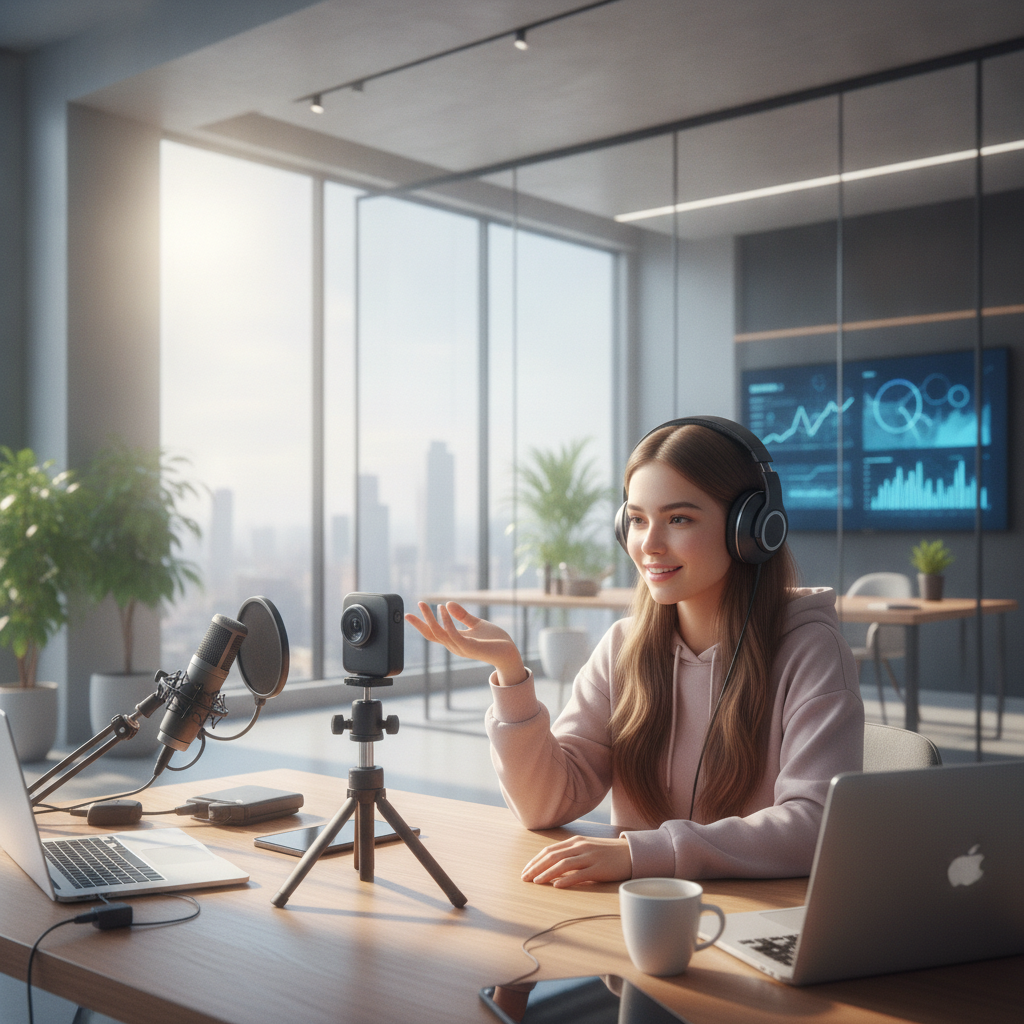
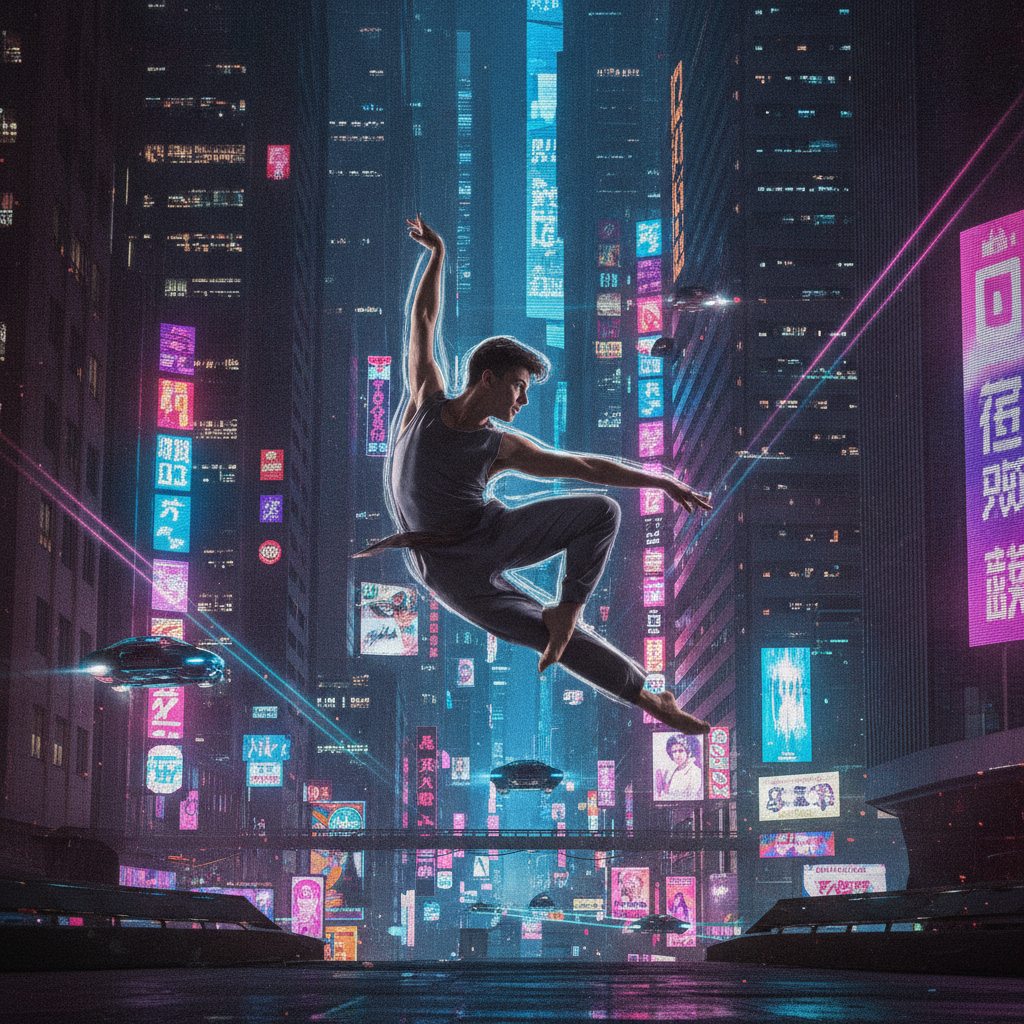
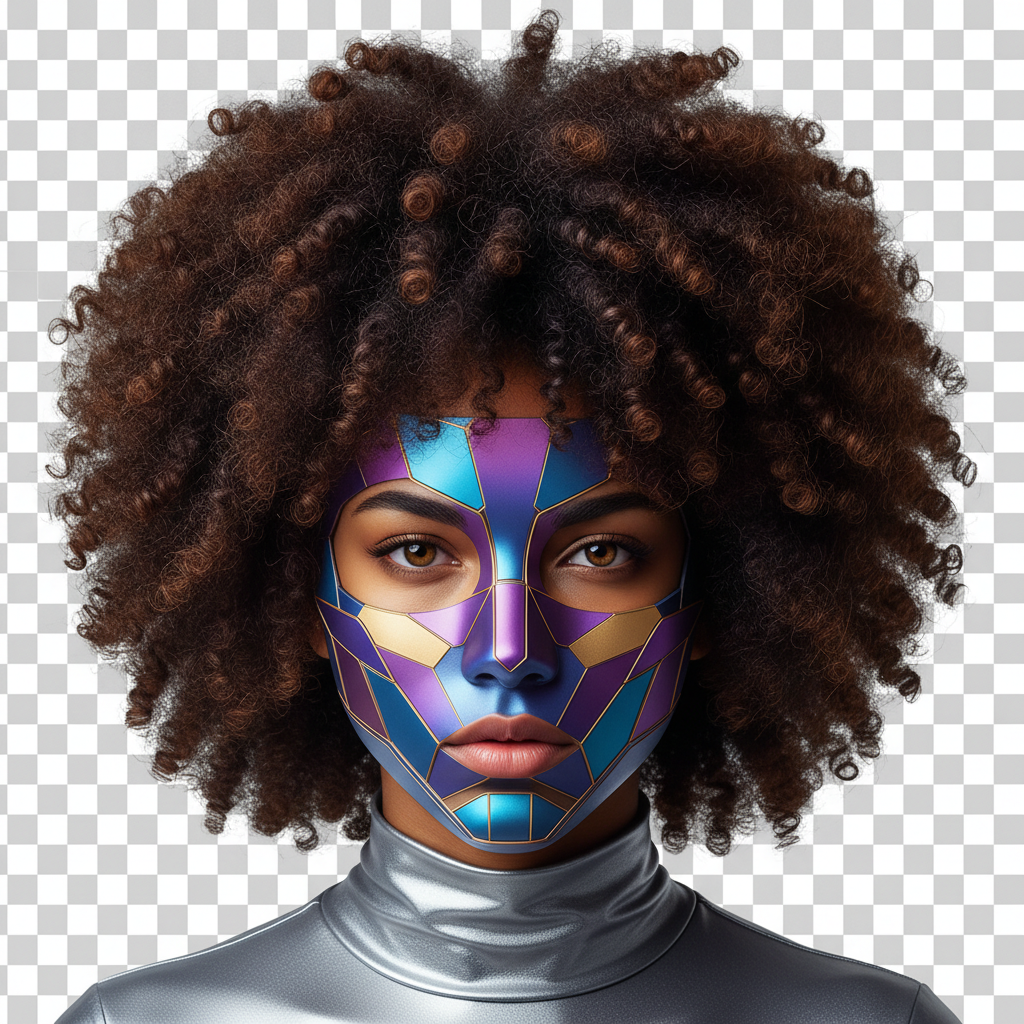
From clean transparent cutouts to fully restyled scenes — see the kind of results this AI video background remover delivers the moment you upload a frame



What This Background Removal AI Handles
The AI video background remover covers every cleanup and compositing job your footage needs
Clean Transparent Cutouts
Lift any subject off its background to a transparent canvas with pixel-perfect edges — ready to drop into any timeline, thumbnail, or overlay.
Green Screen Alternative
Skip the green screen entirely. This background removal AI isolates your subject from a normal, cluttered room with no chroma key setup required.
Background Replacement
Swap a messy backdrop for a clean studio, virtual office, or cinematic scene — the AI matches lighting so the composite looks natural.
Hair & Edge Detail
Fine hair, motion blur, and complex outlines are masked precisely, so your video editing AI cutouts never look like cardboard cutouts.
Product & E-commerce Shots
Place product video frames on a seamless white background for clean, professional listings and ads in seconds.
Creator & Vlog Frames
Turn an ordinary vlog frame into a polished, branded shot with a styled backdrop that looks like a real studio set.
How the AI Video Background Remover Works in 3 Steps
Go from a cluttered video frame to a clean, composited shot in under a minute
Upload Your Frame
Drop in a frame from your footage — a vlog shot, product clip, or interview still. No green screen and no special setup needed.
Pick a Background
Choose to remove the background entirely or replace it with a white studio, gradient, virtual office, or cinematic scene. The background removal AI does the masking for you.
Generate & Download
Nano Banana Pro returns a clean, sharp result in about 20 seconds. Download in 4K, ready for your editing timeline, thumbnail, or social post.
Why Editors Choose This Video Editing AI
Built for video editors, content creators, and filmmakers who need clean cutouts fast
No Green Screen Required
This AI video background remover isolates your subject from any normal background, so you can shoot anywhere and skip the chroma key headache entirely.
Real-Time Speed
Each frame processes in about 20 seconds, so cleaning up and restyling shots feels live rather than like waiting on a slow rotoscoping render.
Pixel-Perfect Edges
Hair, motion blur, and complex outlines are masked with precision, giving your background removal AI results clean edges that hold up in 4K.
One-Click Backdrops
Remove the background or drop in a white studio, gradient, virtual office, or cinematic scene with a single click — no manual compositing.
4K High-Resolution Output
Every result exports in up to 4K, sharp enough for professional video timelines, ads, thumbnails, and big-screen delivery.
Free to Start
Try the AI video background remover with free starter credits and no credit card. Upgrade only when you need more — paid plans start at just $9.98/month.
Who Uses the AI Video Background Remover
Clean cutouts and restyled backdrops power editing, marketing, and content creation across every field
Video Editors & Filmmakers
- • Compositing — pull subjects off any background and drop them into new scenes without rotoscoping by hand.
- • Cleanup — fix distracting or messy backdrops in key frames before they reach the timeline.
- • Pre-visualization — test how a shot looks against different backgrounds in seconds with this video editing AI.
Creators & Marketers
- • Thumbnails — cut yourself out of a frame and place yourself on bold, scroll-stopping backgrounds.
- • Product shots — drop product video frames onto clean white backdrops for ads and listings.
- • Branded vlogs — turn an ordinary room into a polished studio set with a styled background.
Frequently Asked Questions
Everything you need to know about the AI video background remover
Remove Your First Video Background
Use the AI video background remover to cut out subjects and restyle backdrops in 4K — no green screen needed. Try this video editing AI free — plans from $9.98/mo.
AI Video Background Remover, Made Simple
Removing a background from video used to mean a green screen, perfect lighting, and hours of manual rotoscoping — or expensive software that still left jagged edges around hair. The Nano Banana Pro approach to the AI video background remover removes all of that friction. Upload a frame from your footage, choose whether to cut the background out completely or replace it with a new scene, and the AI returns a clean, fully composed result in crisp 4K in about twenty seconds. It is the fastest way to turn an ordinary shot into a polished, timeline-ready frame.
Because the model genuinely understands subjects, edges, and lighting, the cutouts look like professional compositing rather than flat AI masks. Fine hair, motion blur, and tricky outlines are handled precisely, and when you replace a background the new scene's light is matched to your subject. This is video editing AI turned into a creative tool: you can clean up messy rooms, test a shot against different backdrops, and lock the perfect look frame by frame, all without touching a green screen.
Video editors and filmmakers use the AI video background remover to composite subjects and clean up shots, while creators and marketers cut themselves out for bold thumbnails or drop products onto clean white backdrops. Because every result ships with full commercial rights, you own everything you create — ready for client videos, ads, YouTube content, and professional editing pipelines.
Why Nano Banana Pro Excels as a Background Removal AI
Many tools either process slowly or produce harsh, unrealistic cutouts. Nano Banana Pro strikes the right balance. Its AI video background remover processes each frame in roughly twenty seconds with professional-grade quality, so cleaning up and restyling a shot feels live rather than like waiting on a slow render. That speed is what lets you try a subject against a white studio, a gradient, a virtual office, and a cinematic scene in the time it used to take to set up a single green screen.
The model also responds to creative direction. Beyond the built-in background presets, the background removal AI interprets exactly the kind of backdrop and look you want and composites your subject into it with matched lighting and clean edges. You can iterate endlessly, generating fresh variations until the shot lands exactly as intended, all in up to 4K resolution — a genuine green screen alternative that works straight from your browser.
Best of all, there is nothing to install and nothing to learn. The AI video background remover runs right in your browser, the free tier lets you start without a credit card, and paid plans begin at just $9.98 a month. Whether you are an editor compositing a scene, a creator building a thumbnail, or a marketer cleaning up product footage, Nano Banana Pro turns cluttered frames into clean shots in seconds. Scroll up, upload a frame, and remove your first video background now.
Try the AI video background remover today. Remove or replace video backgrounds in 4K with no green screen. No software and no credit card required. Paid plans from $9.98/mo.