
AI Thumbnail Maker
for YouTube & Social Media
Create eye-catching thumbnails that get clicks. Describe your video topic and the AI generates professional, scroll-stopping thumbnails in seconds. Free to start.
Try It Now — Free
Pick a style or describe your thumbnail idea
AI Thumbnail Maker
Select a style or describe the thumbnail you want to create
Upload your image, select a thumbnail style, and get a click-worthy result
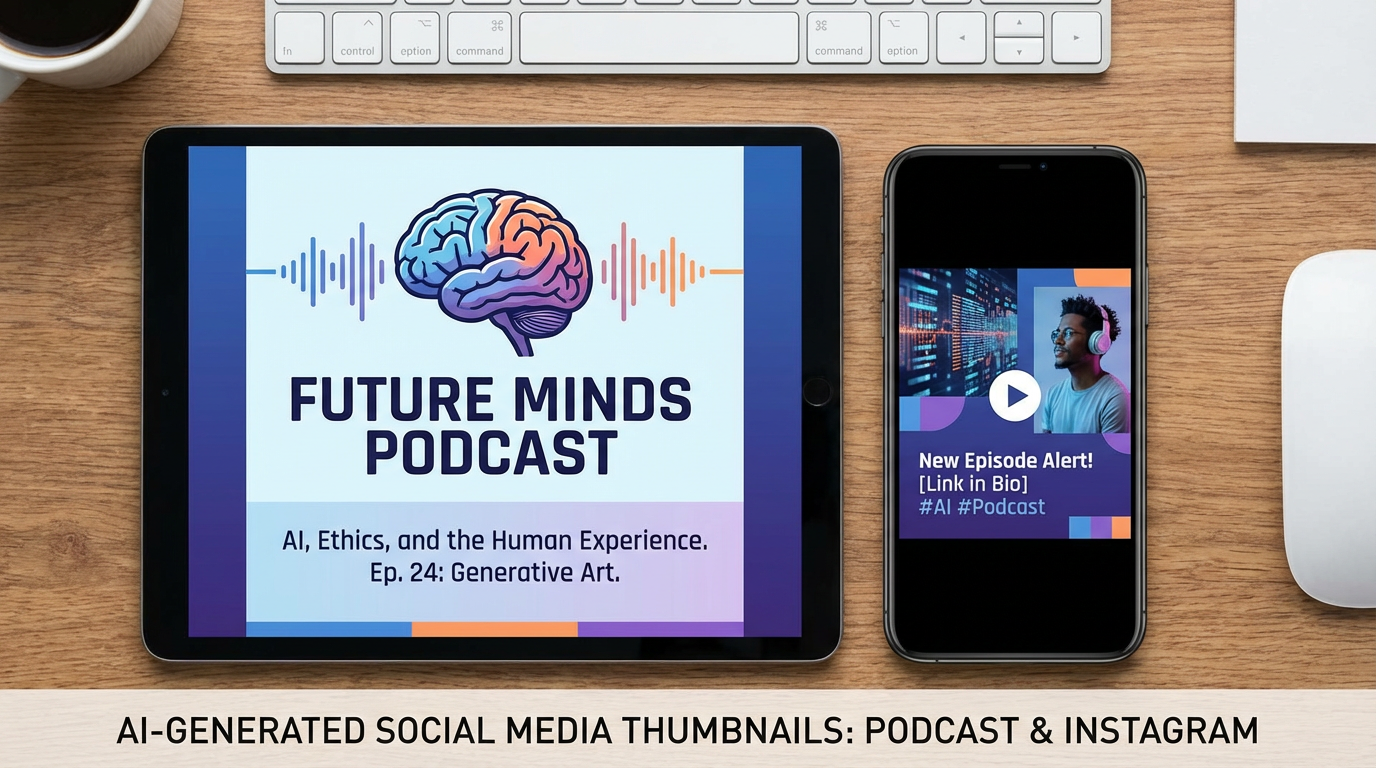
AI Thumbnail Examples
See the variety of thumbnails you can generate with AI
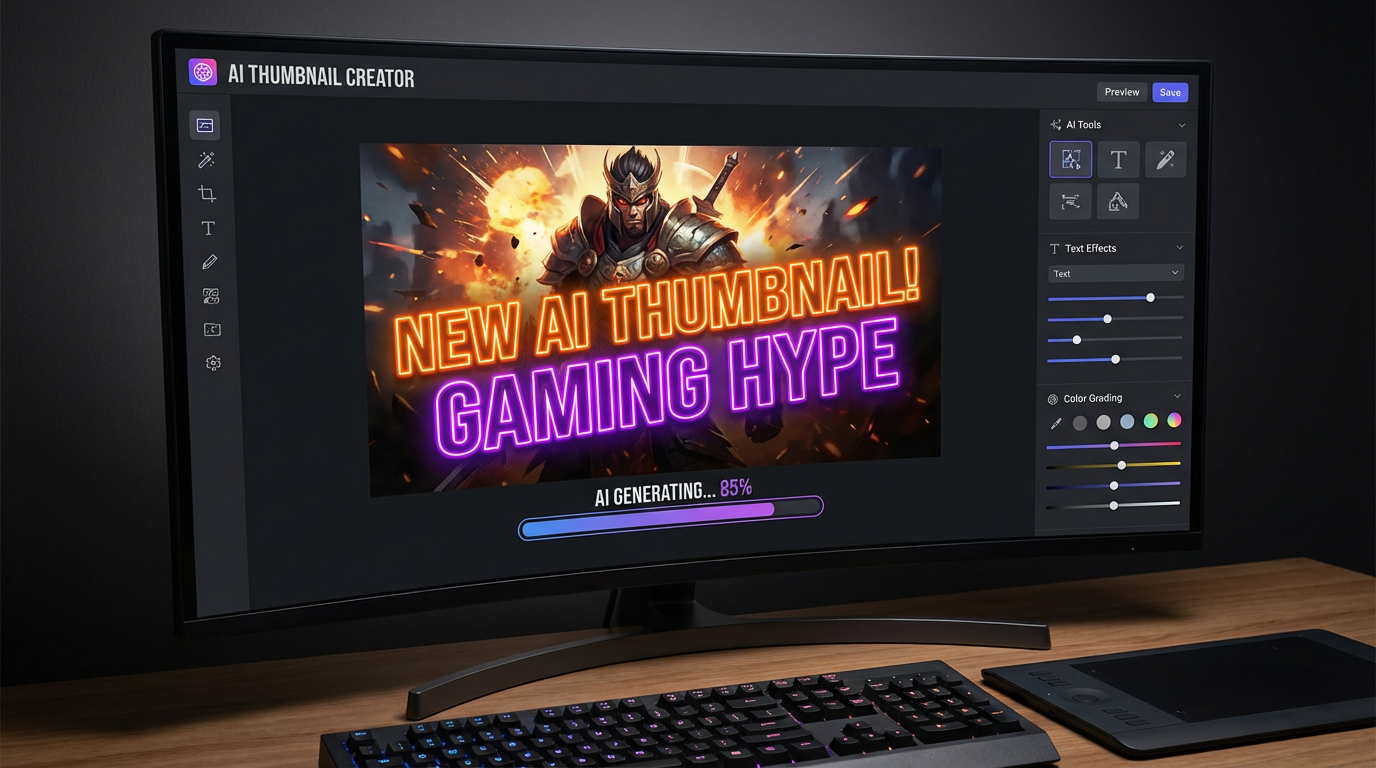
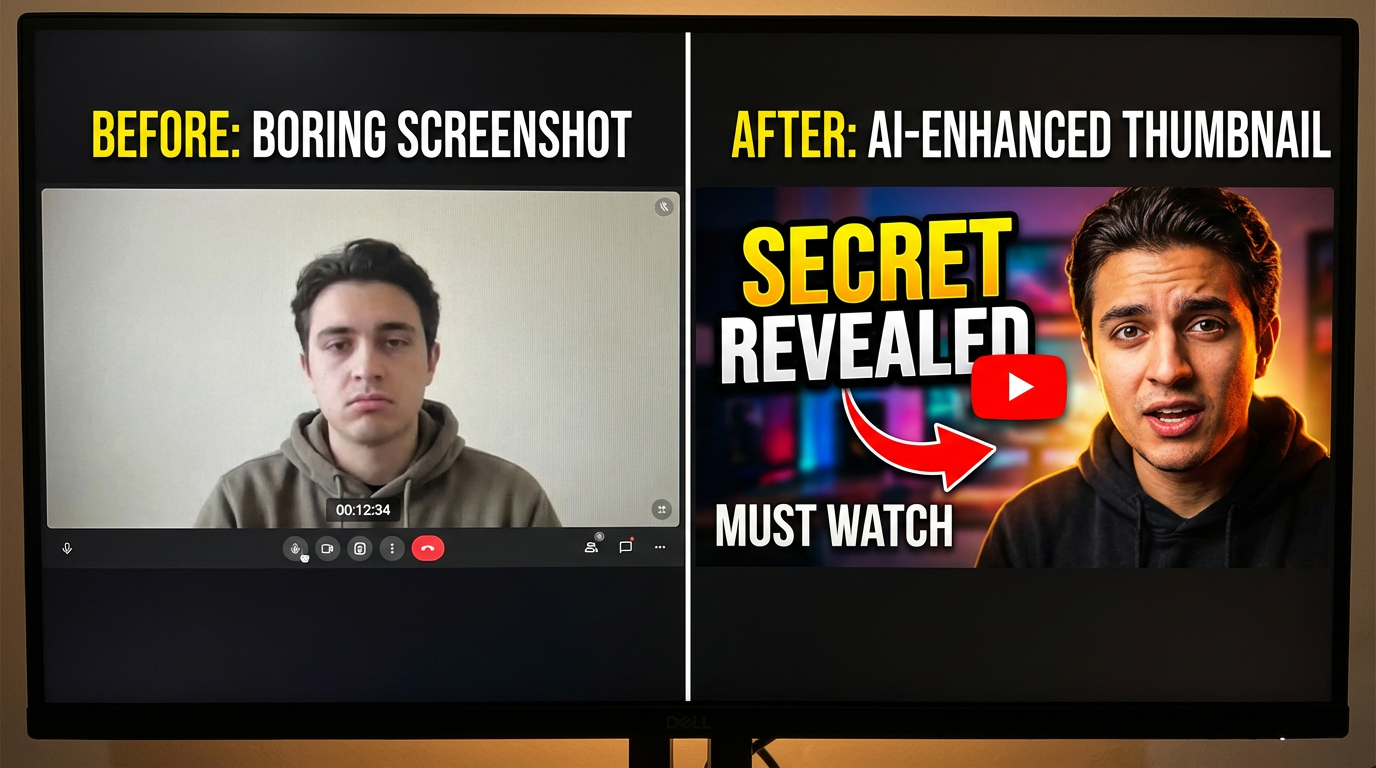
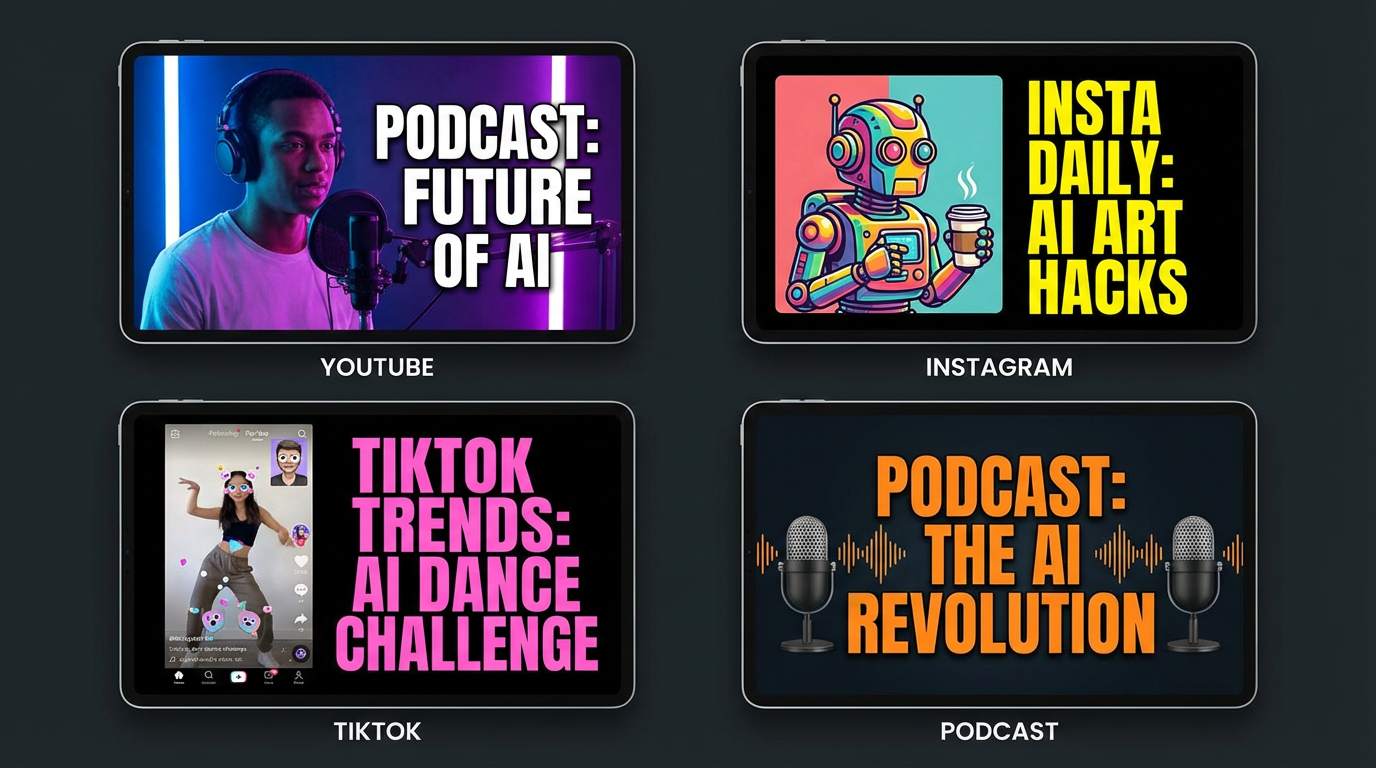

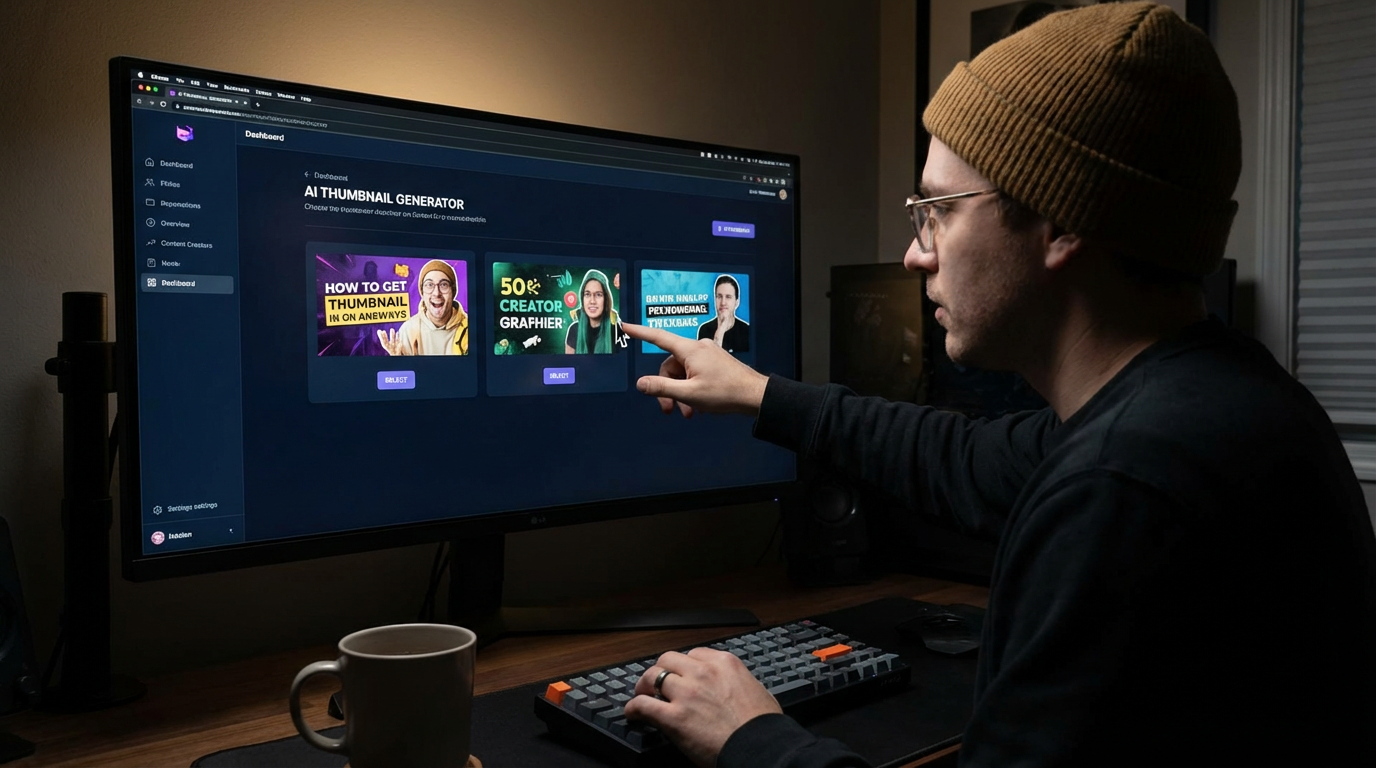
How It Works
Create a scroll-stopping thumbnail in three simple steps
Describe Your Thumbnail
Pick a preset like Gaming, Cooking, or Tech Review — or describe exactly what you want. Include your video topic, any text to display, color preferences, and the mood you're going for. The more specific, the better the result.
AI Generates Your Thumbnail
Nano Banana Pro creates a professional, click-worthy thumbnail with bold text, vibrant colors, and engaging composition. The AI understands what makes thumbnails perform — high contrast, readable text, and eye-catching visuals that stand out in feeds.
Download & Upload
Download the high-resolution thumbnail and upload it directly to YouTube, Instagram, TikTok, or any platform. Generate multiple variations and A/B test to find the highest-performing thumbnail for each video.
Why Choose Our AI Thumbnail Maker
Professional thumbnails for every creator, every platform
Built-In Text Rendering
Unlike most AI image generators, Nano Banana Pro can render bold, readable text directly in your thumbnails. Include video titles, clickbait phrases, or call-to-action text — no need to add text in a separate editor afterward.
Optimized for Click-Through Rate
The AI understands what makes thumbnails perform on YouTube and social media: high contrast, bold colors, dramatic lighting, and engaging composition. Every thumbnail is designed to stop the scroll and earn the click.
Any Niche, Any Style
Gaming, cooking, tech, fitness, travel, education, podcasts, vlogs — the AI adapts to any content niche. Describe your specific style and brand colors to get thumbnails that match your channel's visual identity.
Multiple Variations Instantly
Generate several thumbnail options for each video and pick the best one. A/B test different styles, compositions, and text to find what resonates with your audience. More options mean better performance.
No Design Skills Required
Skip the hours spent in Photoshop or Canva. Describe what you want in plain English and get a professional thumbnail in seconds. Perfect for creators who want to focus on content, not graphic design.
All Platforms Supported
Generate thumbnails for YouTube videos, Instagram posts, TikTok covers, podcast artwork, blog headers, and more. The AI creates images optimized for each platform's recommended dimensions and style.
Thumbnail Pro Tips
Get higher click-through rates with these techniques
Use High Contrast
Thumbnails compete with dozens of others on screen. Use bold, contrasting colors — bright text on dark backgrounds, or vice versa. Include "high contrast" and "vibrant colors" in your prompt for maximum visibility in search results and feeds.
Keep Text Short & Bold
The best YouTube thumbnails have 3-5 words maximum. Use short, punchy phrases like "INSANE RESULTS" or "DON'T DO THIS." Include the text in quotes in your prompt and add "bold text" or "large text" for the AI to emphasize it.
Show Emotion & Faces
Thumbnails with expressive human faces get significantly more clicks. Include "shocked expression," "excited face," or "surprised reaction" in your prompt. Emotional thumbnails trigger curiosity and drive clicks.
Match Your Niche
Gaming thumbnails use neon and explosions. Cooking thumbnails use warm tones and steam. Tech thumbnails use clean gradients. Study top creators in your niche and describe their visual style in your prompts for thumbnails that fit your audience's expectations.
Generate Multiple Options
Never settle for the first thumbnail. Generate 3-5 variations with different compositions, text placements, and color schemes. Upload the best one and check your click-through rate in YouTube Analytics. Swap it out if it underperforms.
Avoid Clutter
A cluttered thumbnail is worse than a simple one. Focus on one main subject, one text element, and a clean background. Add "clean composition" and "minimal elements" to your prompt. The thumbnail needs to read clearly at small sizes on mobile.
Frequently Asked Questions
Everything you need to know about AI thumbnail generation
Ready to Make Thumbnails That Get Clicks?
Join thousands of YouTubers, streamers, and creators who use AI to generate scroll-stopping thumbnails in seconds. Start for free today, plans from $9.98.
Create a Thumbnail FreeAI Thumbnail Maker for Every Creator
Why AI Thumbnails Are Changing the Creator Game
Your thumbnail is the first thing viewers see. It determines whether someone clicks your video or scrolls past it. Studies show that 90% of top-performing YouTube videos have custom thumbnails, and channels that consistently use eye-catching thumbnails see 30% higher click-through rates on average.
The problem? Creating professional thumbnails traditionally requires Photoshop skills, stock photos, and hours of design work per video. For creators publishing daily or weekly, that's a massive time sink that takes away from actual content creation.
AI thumbnail generation solves this. Describe your video topic and the look you want, and get a professional, click-optimized thumbnail in seconds. No design skills, no stock photo subscriptions, no templates — just describe and download.
From Small Creator to Viral Channel
Small channels compete with established creators for the same clicks in search results and suggested videos. A professional thumbnail levels the playing field — viewers judge content quality by the thumbnail before they ever hit play. With AI, every creator gets access to professional-grade thumbnail design regardless of budget or skill level.
The secret to thumbnail success is iteration. Generate multiple variations for each video, upload your best pick, then check YouTube Analytics after 48 hours. If your click-through rate is below 5%, swap the thumbnail. AI makes this A/B testing process fast and free.
Whether you're a gaming streamer, cooking vlogger, tech reviewer, or podcast host, AI thumbnail generation puts professional click-worthy designs at your fingertips. Starting at just $9.98, Nano Banana 2 makes it accessible to creators at every level. Try it free today.
Start creating click-worthy thumbnails with AI today. Join thousands of YouTubers and creators who use Nano Banana 2 for instant thumbnail generation. Free tier available with no credit card required. Premium plans from $9.98.