
AI Style Transfer for Video
AI style transfer video tools let you repaint your footage in the look of any artist or aesthetic. Drop in a frame from your clip, pick a style — Van Gogh oil painting, Studio Ghibli anime, watercolor, cyberpunk neon, cubism, or ukiyo-e — and Nano Banana Pro applies an AI video style transfer that keeps your scene recognizable while transforming every texture, color, and stroke. No After Effects plugins, no LUT packs, no render farm. Just describe the style and download your stylized frame in crisp 4K.
Try It Now — Free
Describe your scene, choose an art style, and the AI style transfer video tool repaints your frame in seconds — no account needed.
AI Style Transfer for Video
Pick an art style, describe your scene, and generate a stylized video frame instantly
AI Style Transfer for Video in Action
See how the AI repaints ordinary footage into oil painting, anime, watercolor, neon, cubist, and woodblock art styles
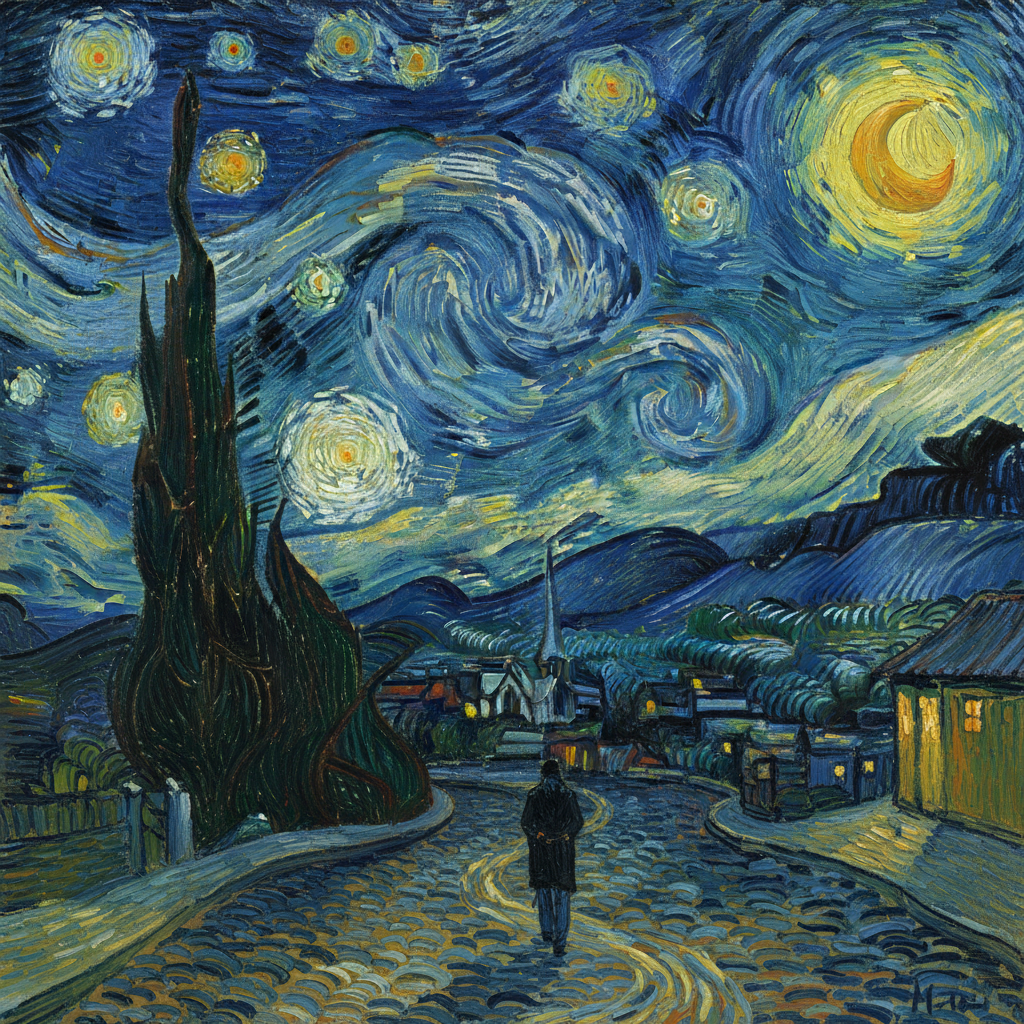

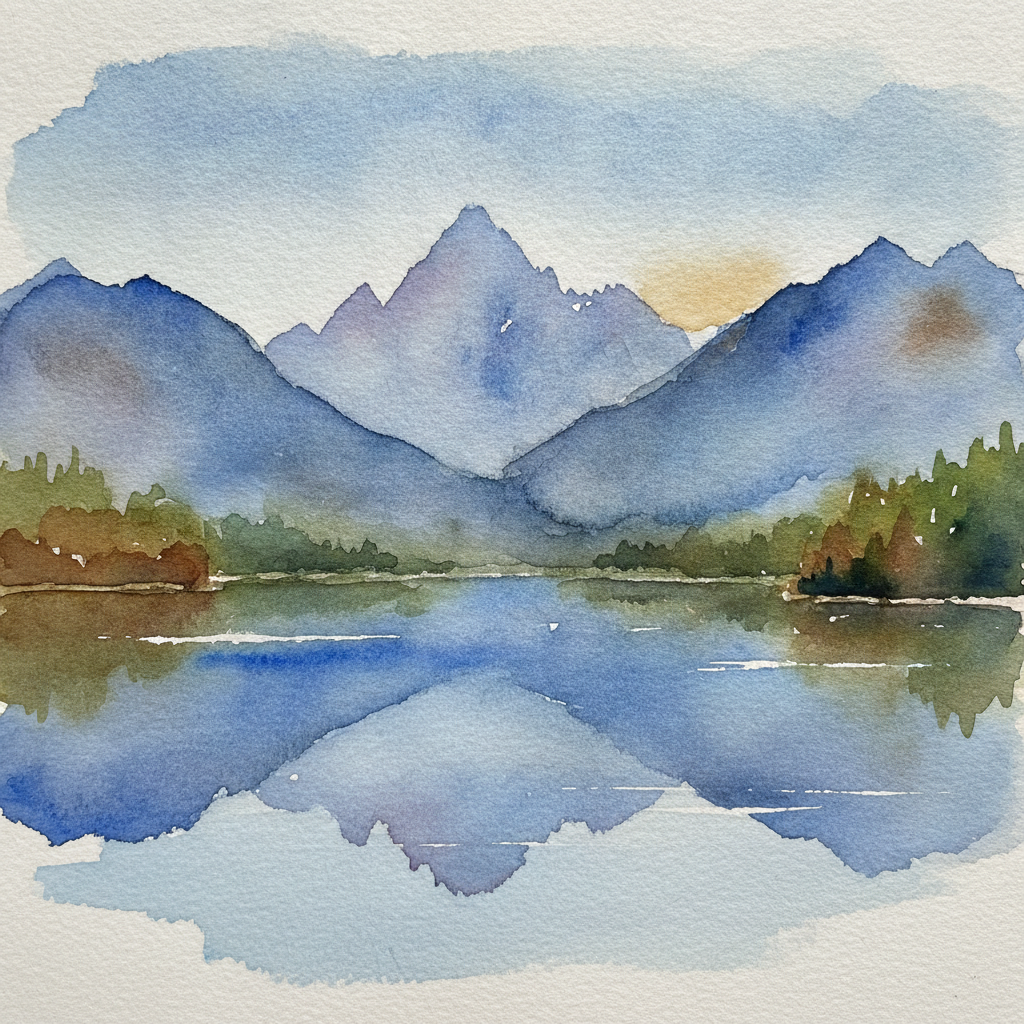
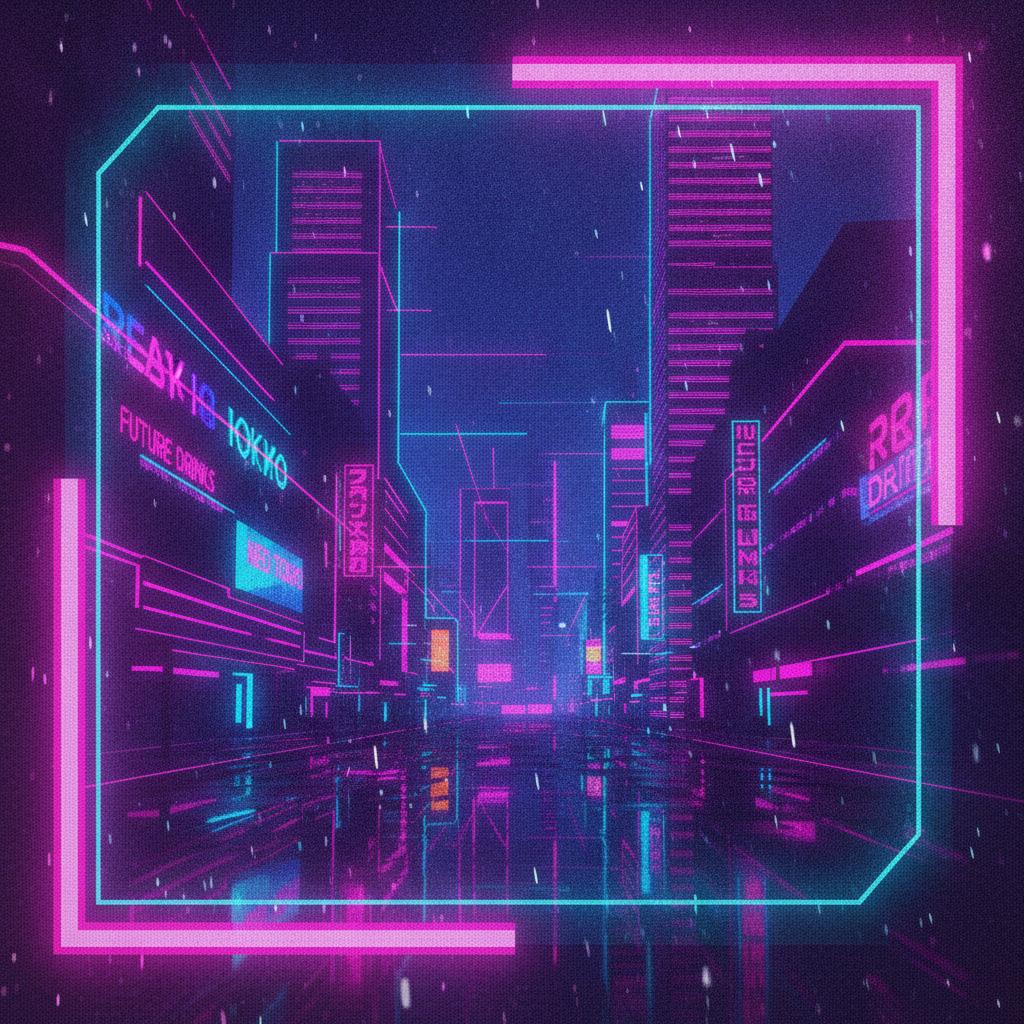
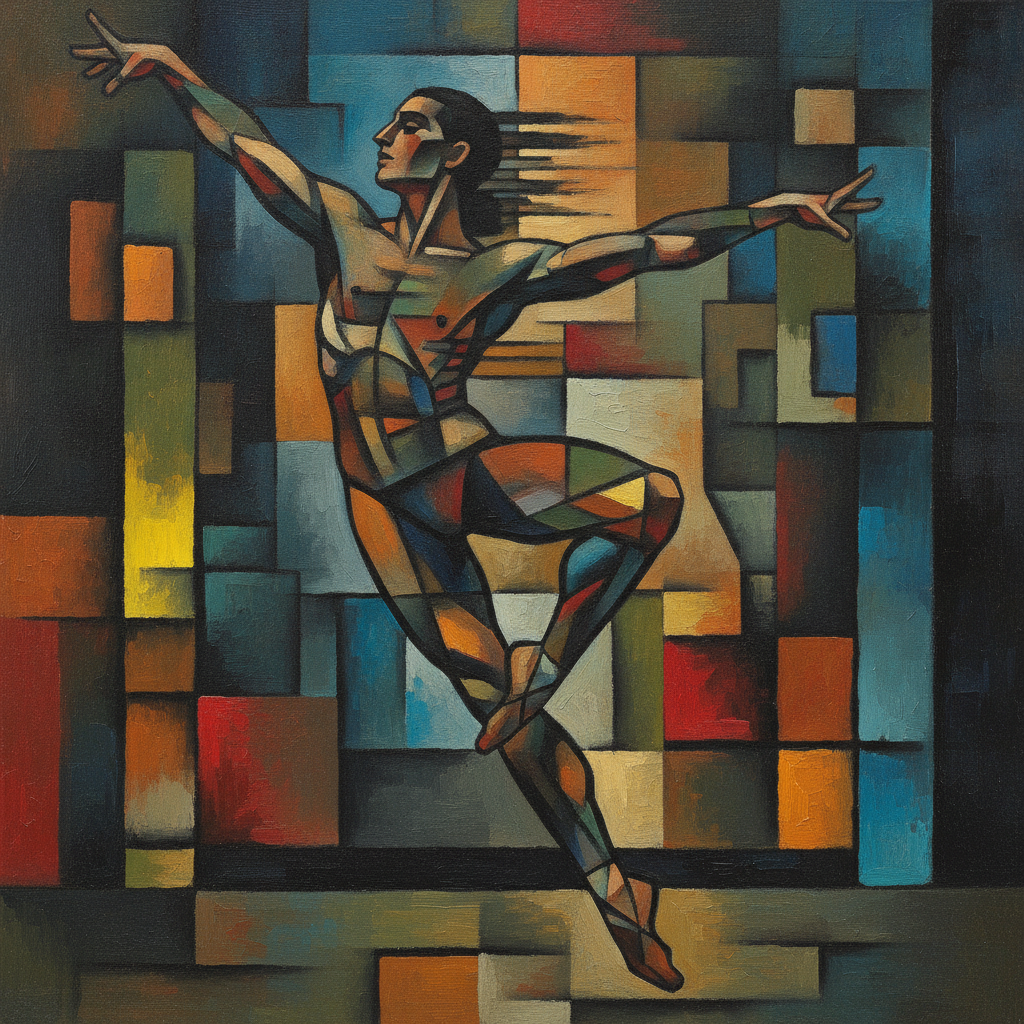

How AI Style Transfer for Video Works
Go from a plain video frame to a stylized work of art in three simple steps
Describe Your Scene
Type a short description of the frame you want to stylize — a person walking through a city, a landscape, a portrait — or paste in details from your clip. The AI style transfer video tool uses this to understand the composition before applying the art style.
Choose an Art Style
Pick the look you want — Van Gogh oil, Studio Ghibli anime, watercolor, cyberpunk neon, cubism, or ukiyo-e woodblock. Nano Banana Pro performs the AI video style transfer, repainting every texture and color while keeping the scene readable, in about 20 seconds.
Download in 4K
Save your stylized frame in crisp 4K, ready to drop into your edit, use as a title card, build a consistent animated look, or post as standalone art. Try several styles and pick the transformation that fits your video best.
Why Creators Choose This AI Video Style Transfer
Six reasons this is the fastest way to apply art styles to your video frames
Any Art Style You Want
From Van Gogh oil painting and Studio Ghibli anime to watercolor, cyberpunk neon, cubism, and ukiyo-e woodblock — the AI style transfer video tool repaints your footage in dozens of looks. Stick to a preset or describe a custom style in your own words.
Keeps Your Scene Intact
A good AI video style transfer should transform the look without losing the shot. Nano Banana Pro preserves composition, subjects, and motion cues while restyling color, texture, and brushwork, so your scene stays recognizable instead of dissolving into noise.
Consistent Frame-to-Frame Look
Use the same style preset and prompt across multiple frames to build a cohesive stylized sequence. Reusable presets help you keep characters and palettes consistent shot after shot, which is the hardest part of stylizing a whole video by hand.
4K Export Quality
Every stylized frame outputs in crisp 4K, sharp enough to drop straight into a timeline, blow up for a title card, or post as standalone art without softness, banding, or visible compression artifacts.
No Plugins or Render Farm
Traditional video style transfer means After Effects plugins, LUT packs, GPU render queues, or training your own neural model. This runs entirely in your browser — describe the style, click generate, and the AI does the heavy lifting in seconds.
Free to Start
Stylize your first video frame with free starter credits — no credit card required. Upgrade only when you want to restyle a full sequence in premium 4K with full commercial usage rights included.
Frequently Asked Questions
Common questions about AI style transfer for video
Turn Your Footage Into Art
Apply art styles to your video frames with AI style transfer — oil painting, anime, watercolor, cyberpunk neon and more, all in crisp 4K. Try the AI style transfer video tool free. Plans from $9.98/mo.
Apply Artistic Styles to Video in Seconds, Powered by AI
Style transfer used to be a luxury reserved for studios with deep budgets and big render farms. To make a clip look like a Van Gogh painting or a Studio Ghibli film, an editor would chain together After Effects plugins, hand-tuned LUTs, and sometimes a custom neural network trained for days on a single style — then wait through long GPU renders for every shot. AI style transfer for video removes that barrier. Describe a frame from your footage, choose an art style, and the AI repaints it in about twenty seconds, so any creator can turn ordinary video into artistic work without specialist software or hardware.
What makes this AI style transfer video tool stand out is how well it balances transformation with fidelity. Nano Banana Pro repaints color, texture, and brushwork in the style you pick while preserving the composition, subjects, and motion of your original shot — so a stylized cityscape still reads as that city, and a portrait still looks like that person. It interprets natural-language style descriptions, applies an AI video style transfer that holds together frame to frame, and renders the result in crisp 4K rather than a soft, noisy approximation.
Because everything runs in your browser, there is nothing to install and nothing to learn. You can grab a still from your timeline, describe it, and stylize your first frame in seconds, then move through oil painting, anime, watercolor, neon, cubist, and woodblock styles with a free tier to get you started.
One Tool for Every Kind of Video Art Transformation
The AI style transfer video tool is built for the full range of looks creators want. Use the Van Gogh and watercolor styles for painterly, hand-made warmth, the Studio Ghibli style for soft animated storytelling, the cyberpunk neon style for moody futuristic music videos, and the cubist and ukiyo-e styles for bold, graphic art-film aesthetics. Each preset targets a different mood, so you can mix and match until your footage matches the tone of your project.
Creators use AI style transfer for video to build stylized music videos, animate title sequences and intros, create consistent looks for short films and reels, design eye-catching social and ad content, produce concept frames and mood boards, and turn travel and event footage into shareable art. Each stylized frame outputs in 4K, so it stays sharp whether you drop it into an edit, enlarge it for a poster, or post it on its own as standalone artwork.
Whether you need to restyle a single hero shot or build a fully stylized sequence, the AI style transfer video tool gives you a fast, affordable way to apply art styles to video without plugins or render farms. Start free today and see your footage transformed into art with the click of a button.
Try the AI style transfer video tool free today. Apply art styles to your video frames in 4K — oil painting, anime, watercolor, cyberpunk neon and more. No credit card required. Paid plans from $9.98/mo.