
AI Storybook Illustration Generator
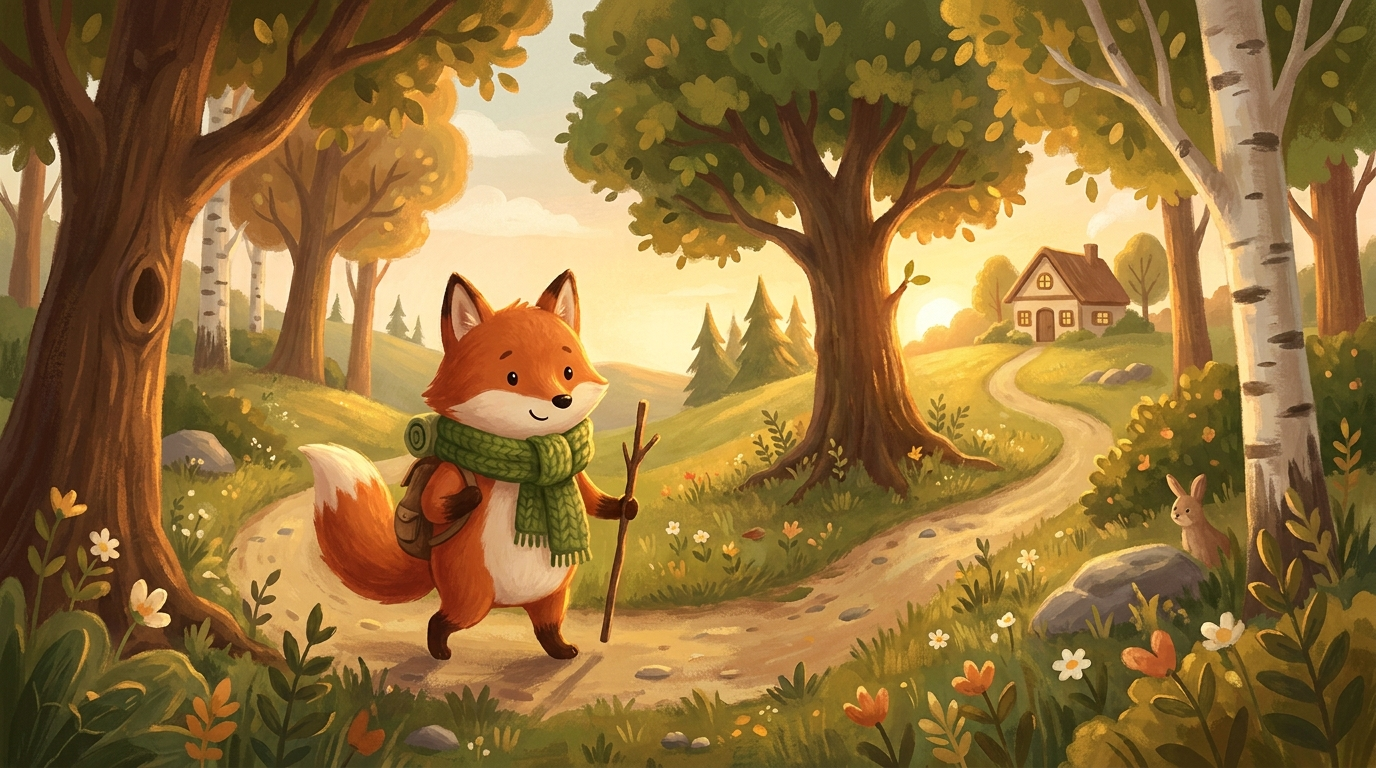
You have the story. What you do not have is thirty paintings and a year to make them. This AI storybook illustration generator takes one line — “a small fox in a green scarf follows a path into the woods” — and paints the page: soft gouache texture, warm golden light, the rounded shapes a picture book is supposed to have. Pick a style, describe the scene, and get a 4K illustration in about twenty seconds. Keep going until the whole book is illustrated.
Try It Now — Free
Choose an illustration style, describe the moment in your story, and click Generate. Your page comes back in about twenty seconds at up to 4K.
AI Storybook Illustration Generator
Pick a picture-book style, describe the scene from your story, and get a printable 4K illustration in seconds
Pages Made With This AI Storybook Illustration Generator
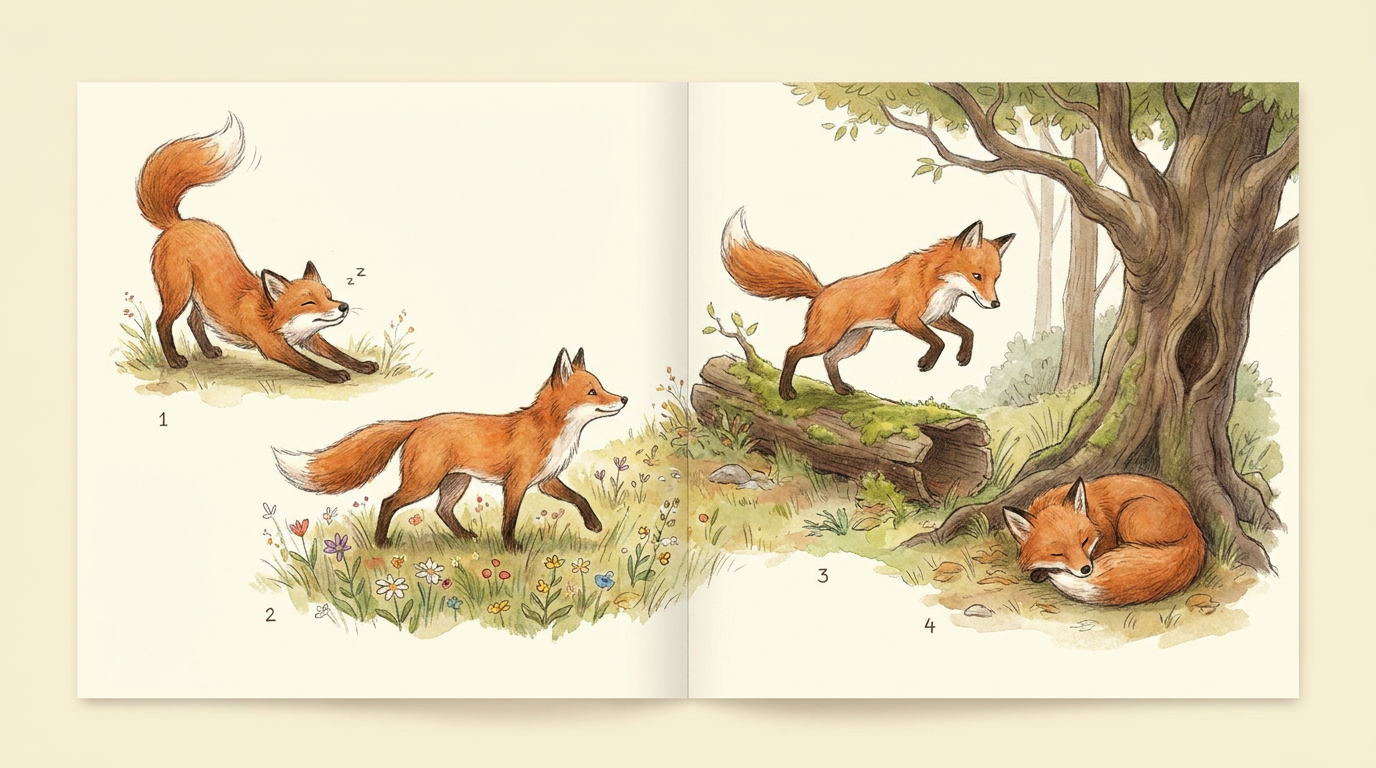
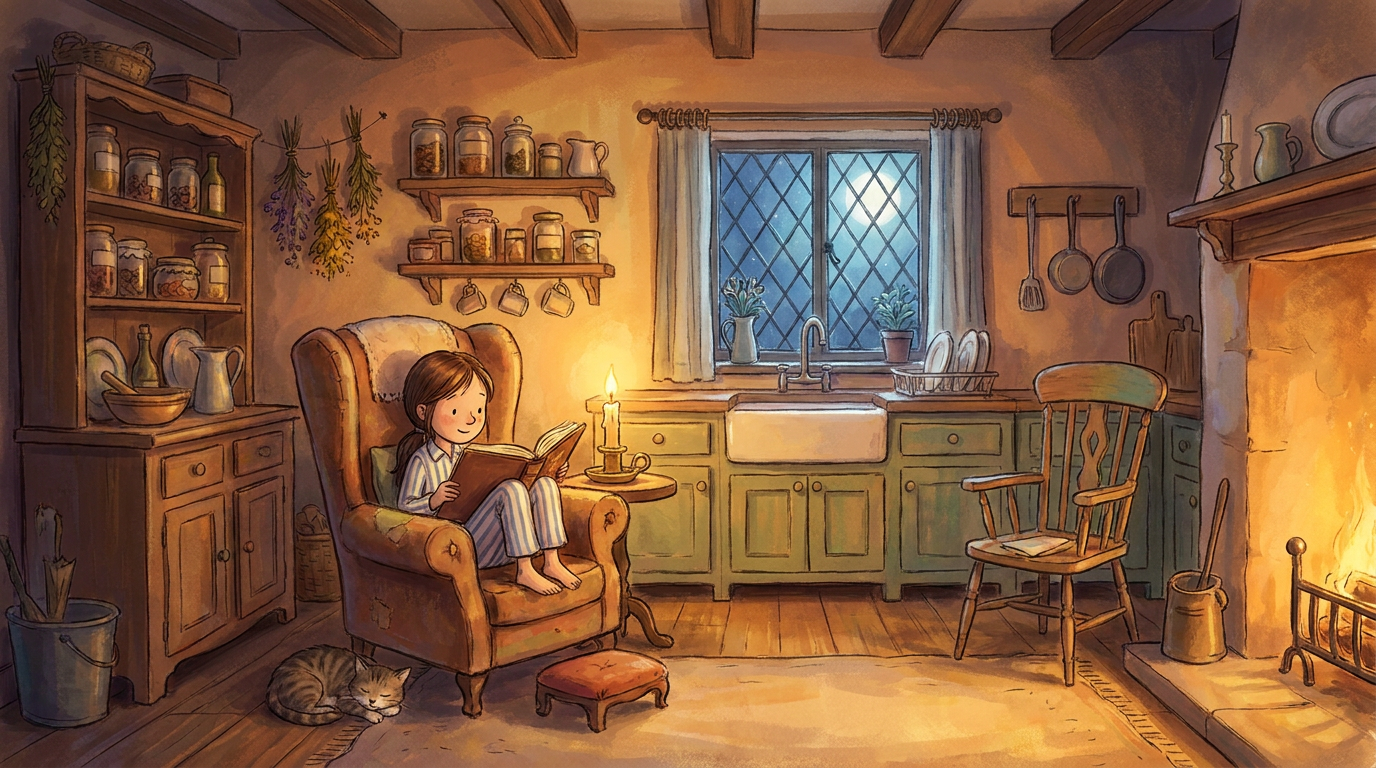
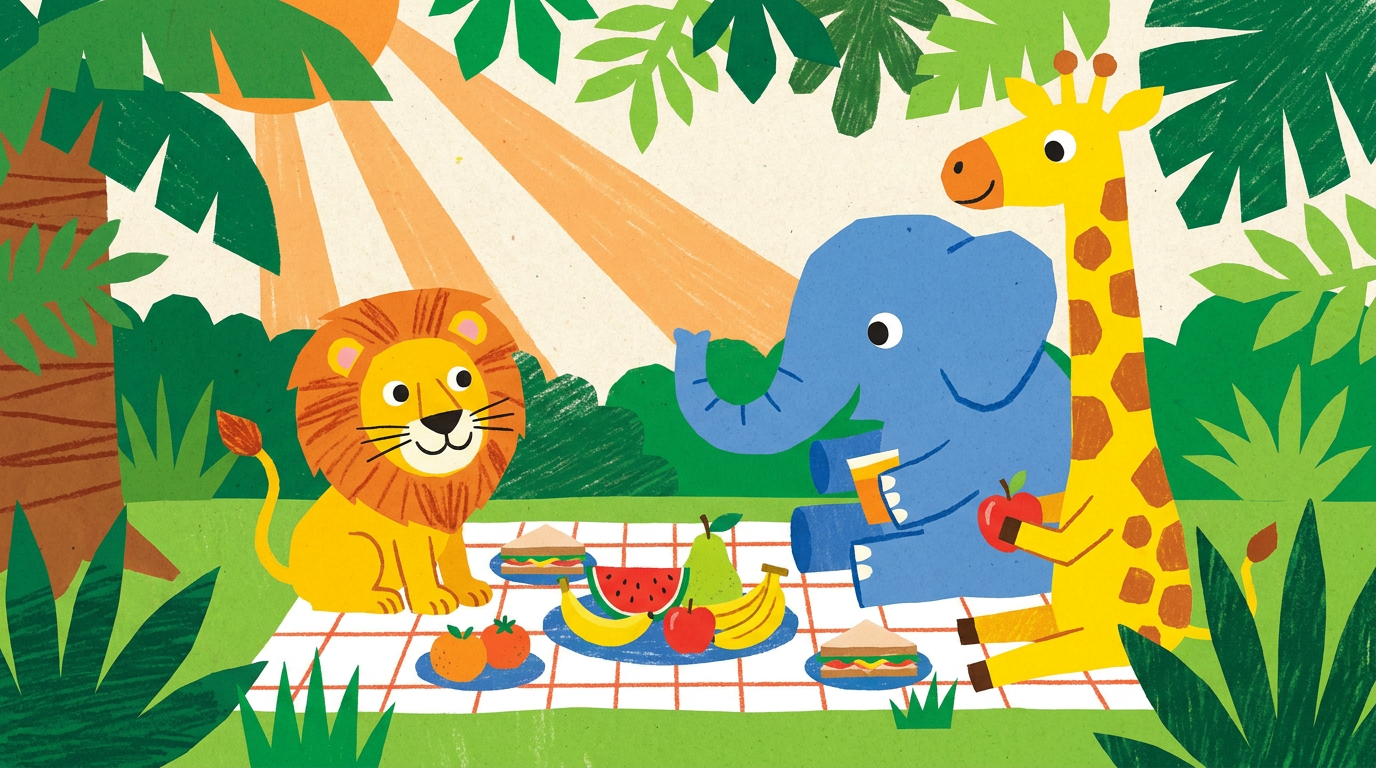
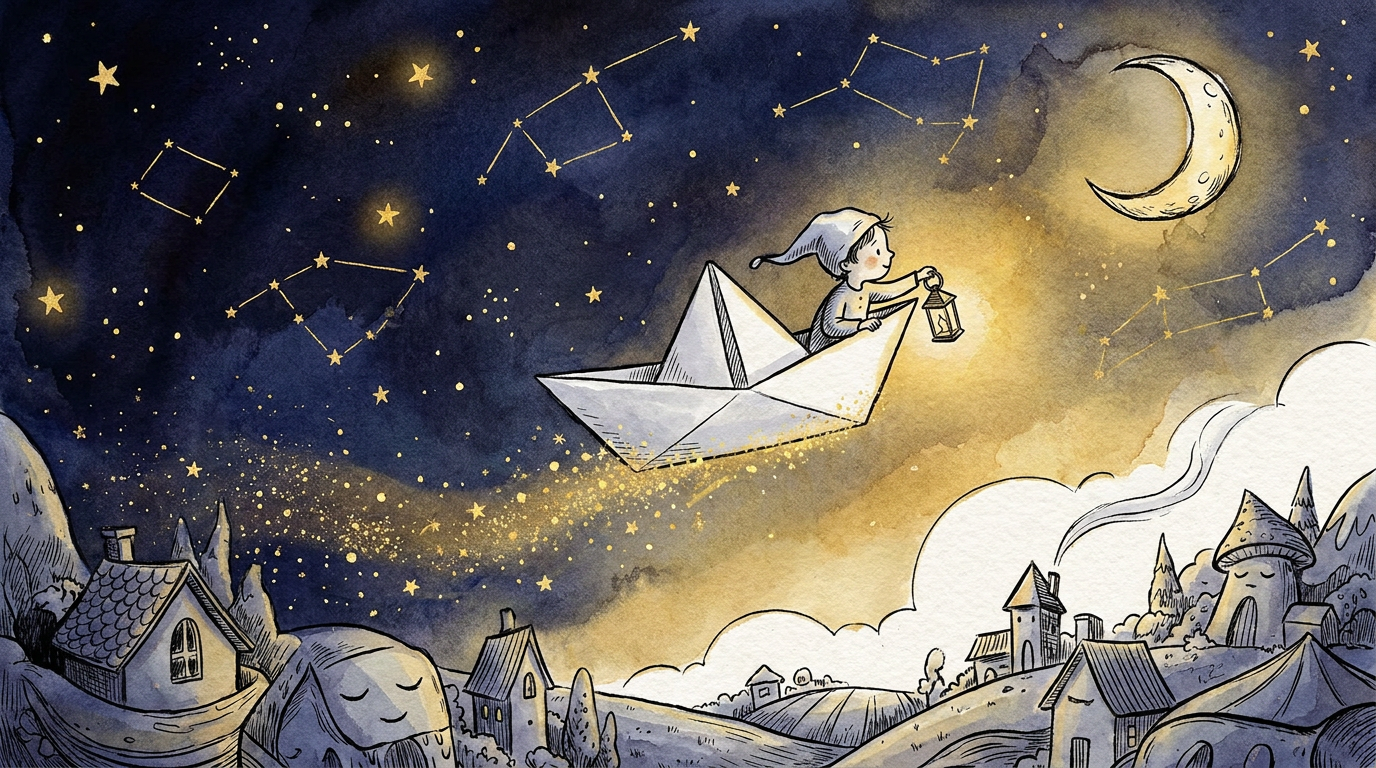
Watercolor woodlands, cartoon picnics, candlelit kitchens and starry bedtime scenes — the range one story can cover without hiring an illustrator
How the AI Storybook Illustration Generator Works
Three steps from a line of manuscript to a finished picture-book page
Choose Your Illustration Style
Six picture-book styles ship with the tool: classic watercolor, warm gouache, bright cartoon, dreamy bedtime, ink and wash, and a character reference sheet. Each one is a full art brief covering medium, palette, line weight, lighting and composition, so the result reads as a deliberate illustration rather than a generic render. Pick the one that matches the age of your reader.
Describe the Scene
Write the moment the way you would to a human illustrator. Name the character and what they are wearing, say where they are and what time of day it is, and add the feeling you want the page to carry. The more specific the description, the more the picture belongs to your story — a green scarf, a lantern, rain on the window.
Generate and Print
Click Generate and the illustration comes back in roughly twenty seconds at up to 4K, watermark-free and cleared for commercial use. Print-ready resolution matters here: a picture book page at 300 DPI needs real pixels. Keep the description and change one line at a time to build the next spread in the same visual world.
Why Storytellers Use This AI Storybook Illustration Generator
Six reasons a manuscript stops waiting on an illustrator
A Character Who Stays the Same
The hard part of illustrating a book is not the first drawing, it is the twenty-eighth — the one where the fox still has to be the same fox. Start with the character sheet style to lock a design, then paste the same character description into every scene prompt. Keeping the wording identical across pages is what holds a face, a costume and a color together from the cover to the last spread.
Six Styles for Six Ages
A board book for a two-year-old and a chapter book for a nine-year-old are not the same art. Bright cartoon gives bold flat shapes and big friendly eyes for the youngest readers, classic watercolor and warm gouache suit the traditional four-to-eight picture book, dreamy bedtime handles the quiet closing pages, and ink and wash carries older middle-grade stories.
Print-Ready 4K Output
Illustrations export at up to 4K with no watermark, which is the difference between a picture you can post and a page you can print. Physical picture books are laid out at 300 DPI, and a low-resolution image turns soft and blocky the moment it hits paper. This output holds up in a print-on-demand file, a Kindle Kids upload, or a poster on a classroom wall.
Try a Whole Look in an Afternoon
Commissioning an illustrator means committing to one visual direction before you see the book. Here you can render the same opening scene in watercolor, gouache and cartoon, put them side by side, and decide with your eyes rather than your imagination. Authors routinely settle a style question in twenty minutes that would otherwise take a month of back-and-forth.
Cheaper Than a Commission
A professionally illustrated picture book typically costs several thousand dollars and takes six to twelve months, which is why most finished manuscripts never become books. This AI storybook illustration generator starts free with no credit card and paid plans from $9.98 — enough that illustrating a draft becomes something you do to test the story rather than a decision you save for after the deal.
Yours to Publish
Everything you generate is cleared for commercial use with no attribution line and no per-image licence. That covers self-published paperbacks, Kindle Direct Publishing, print-on-demand, school and classroom materials, story apps and read-aloud videos. Do check the current disclosure rules of any platform you publish to, since several storefronts now ask you to declare AI-assisted artwork.
Frequently Asked Questions
Common questions about using an AI storybook illustration generator
Your Story Deserves to Be Seen
Stop waiting on an illustration budget. This AI storybook illustration generator paints your scenes in 4K — watercolor, gouache, cartoon and bedtime styles — powered by Nano Banana Pro. Free to start, plans from $9.98.
Picture-Book Pages From an AI Storybook Illustration Generator
Most children’s books die at the same point. The manuscript is finished, it has been read aloud to a patient family member, the ending works — and then it stops, because a picture book is thirty-two pages of paintings and paintings cost thousands of dollars and the better part of a year. An AI storybook illustration generator changes what that stage costs. You describe a scene the way you would brief an illustrator, choose the medium you want it painted in, and twenty seconds later you are looking at the page. Not a mood board, not a sketch — a finished illustration at print resolution.
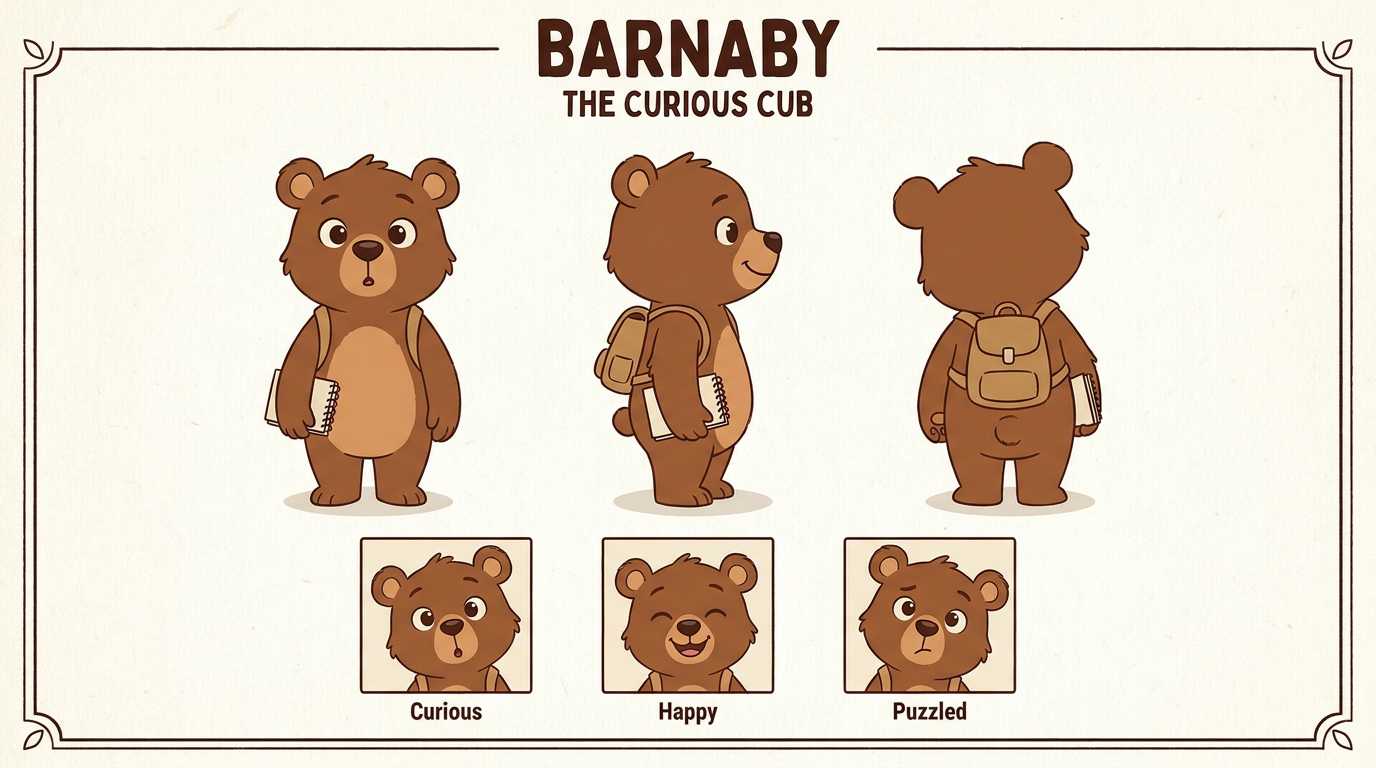
The six styles are chosen to cover the shelf rather than to show off. Classic watercolor gives soft washes on cold-press paper with delicate ink outlines, the look most people picture when they hear “picture book.” Warm gouache is heavier and more modern, with visible brush strokes and a golden autumnal palette. Bright cartoon uses bold flat shapes and big expressive faces for the youngest readers. Dreamy bedtime works in indigo and gold for the quiet closing spreads. Ink and wash brings the cross-hatched, timeless feel of older children’s literature. And the character sheet style does something different from the rest: it renders one character from several angles with several expressions, which is how you pin down a design before you start illustrating around it.
Consistency is the real craft in illustrating a book, and it is worth being straight about how to get it. The model does not remember your previous page. What carries a character from spread to spread is the wording you reuse: a fixed description of the character, pasted unchanged into every prompt, with only the scene around them rewritten. Authors who work this way get books that hold together. Authors who re-describe the character freshly each time get a different fox on every page.
From Bedtime Stories to Self-Published Books
The people getting the most out of this are the ones with a story already written and nowhere to take it. Self-publishing authors illustrating a first picture book on no budget. Teachers building decodable readers around the actual children in their class, with the animals and places those children know. Parents making a one-copy birthday book where the hero has their kid’s name. Therapists producing social stories for a specific child’s specific worry. Game and app developers testing an art direction before hiring anyone. In each case the alternative was not a cheaper illustrator — it was the story staying in a drawer.
Everything you generate is yours to publish. Downloads are watermark-free at up to 4K and cleared for commercial use, which covers paperbacks, ebooks, print-on-demand, classroom packs, story apps and read-aloud videos with no attribution and no per-image fee. Two things to keep in mind before you upload a finished book anywhere: several publishing platforms now ask you to declare AI-assisted artwork, and you should answer that honestly; and copyright law around AI-generated images is still being written and varies by country, which is worth professional advice if the project is commercially serious. Neither affects a book you are making for one child, a classroom or a pitch.
Start with a single page. Take the opening line of your story, choose the style that matches your reader’s age, and describe what the character is doing and where. Then run the same scene again in a different style to see which world your story wants to live in. Once you have chosen, lock a character description and work through your manuscript spread by spread. It is free to begin with no credit card, and by the end of an afternoon you can be holding — on screen at least — the book you have been describing to people for years.
Try the AI storybook illustration generator free today. Turn one line of your story into a 4K picture-book page in watercolor, gouache, cartoon or bedtime style. No credit card required to start. Paid plans from $9.98.