
AI Portrait Enhancement ToolStunning, High-Quality Portraits in Seconds
Make every portrait look professionally retouched. The AI portrait enhancement tool turns ordinary phone photos into crisp, polished images — improving photo quality, smoothing skin naturally, sharpening detail, and fixing lighting automatically. No editing skills, no expensive software. Upload your portrait, pick a style, and the AI portrait enhancement tool delivers high-resolution results in seconds.
Start Enhancing Free →No credit card required • Free to start
Try the AI Portrait Enhancement Tool — Free
Upload your portrait, choose an enhancement style, and get a polished, high-quality photo instantly
AI Portrait Enhancement Tool
Upload a portrait, pick an enhancement style, and get a retouched, high-quality photo instantly
Upload a portrait photo, select an enhancement style, and click Generate
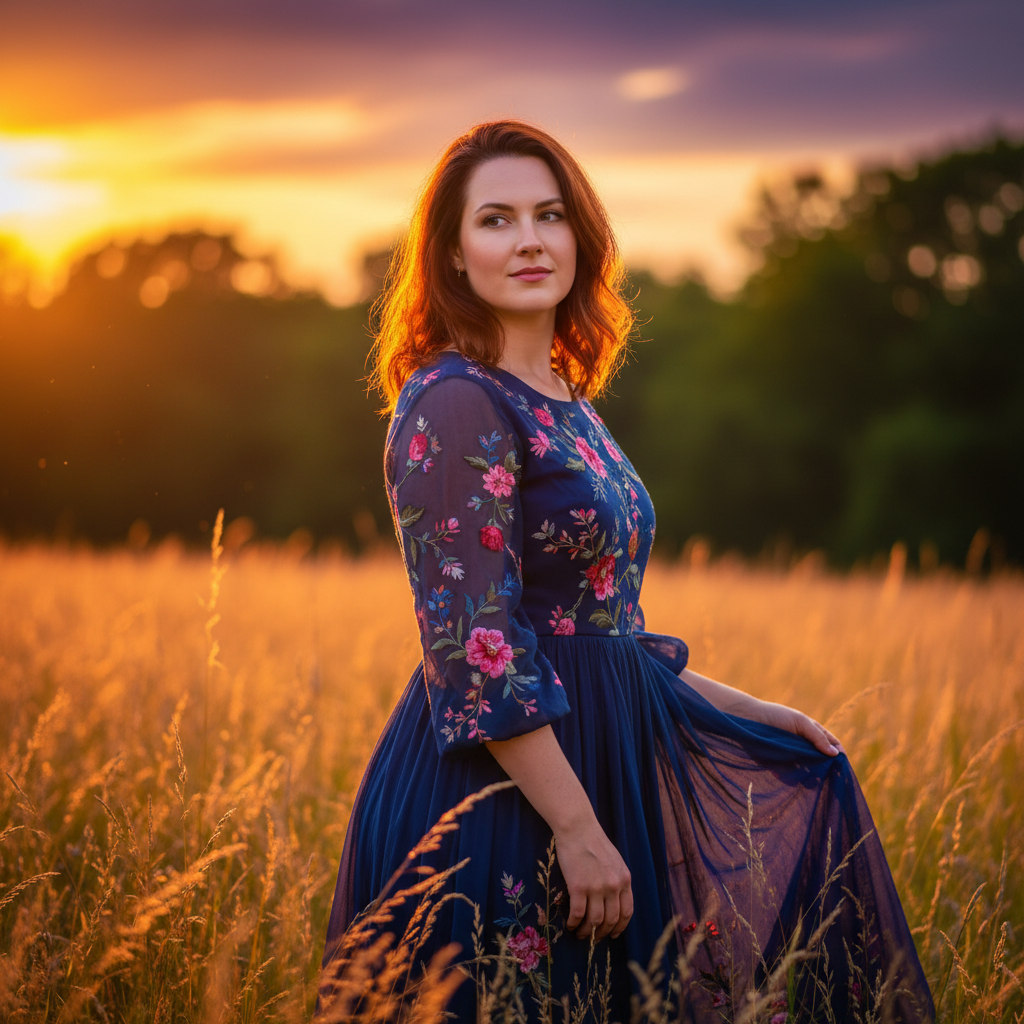
Portraits Enhanced with Nano Banana Pro
See the kind of polished, high-quality results the AI portrait enhancement tool produces
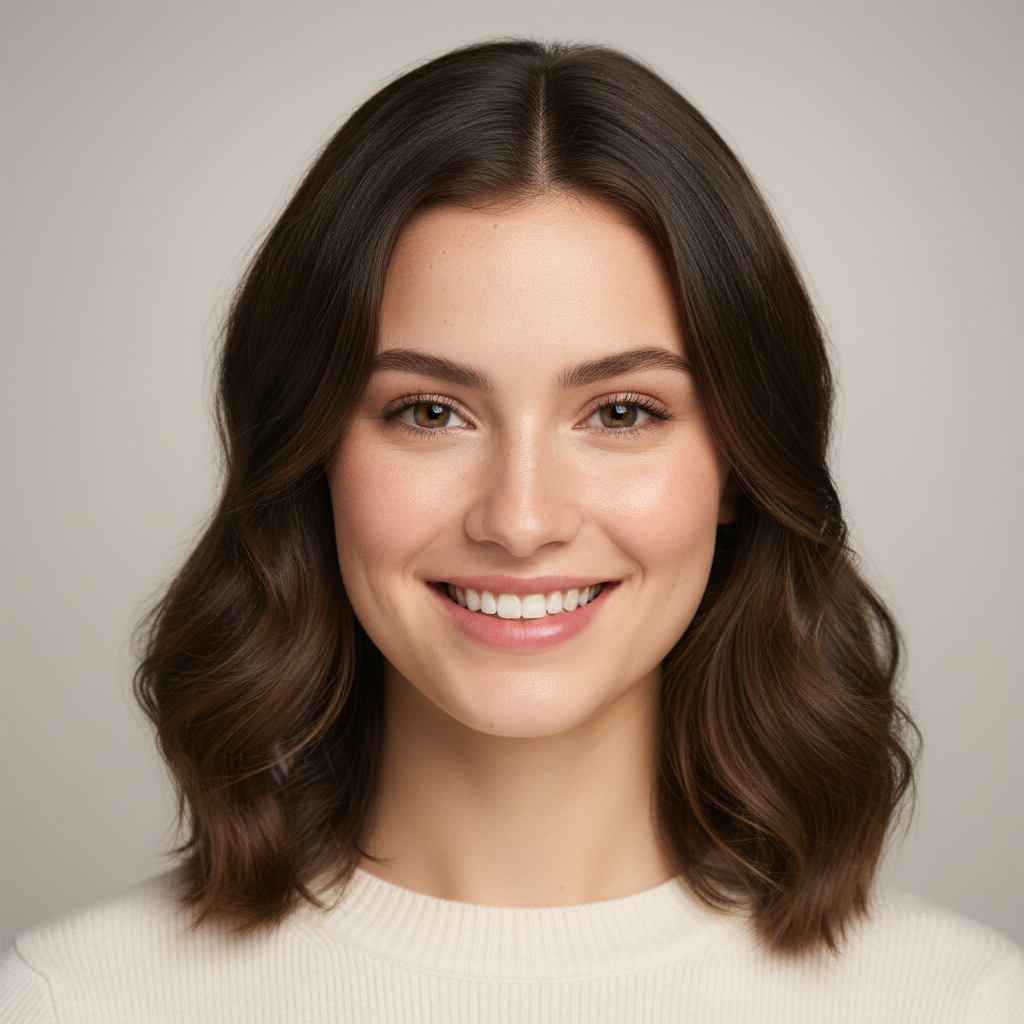
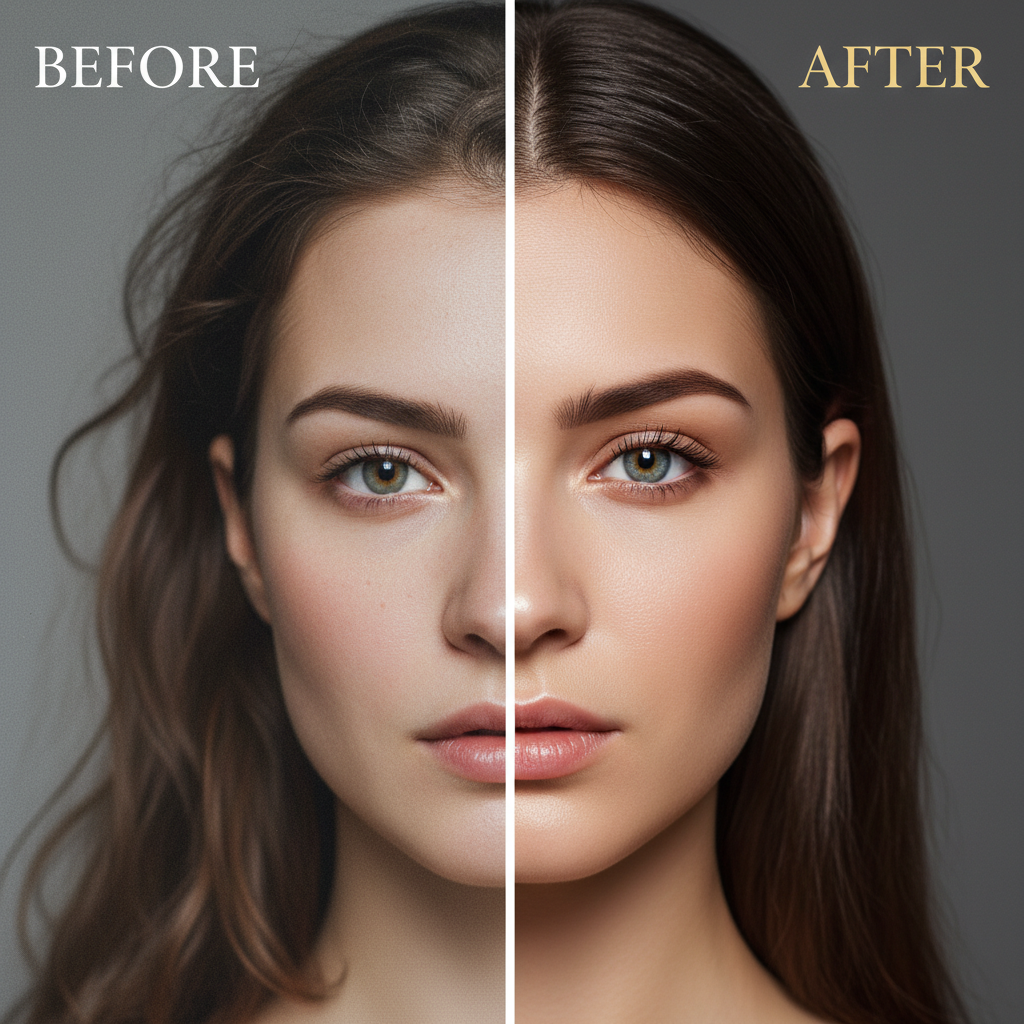

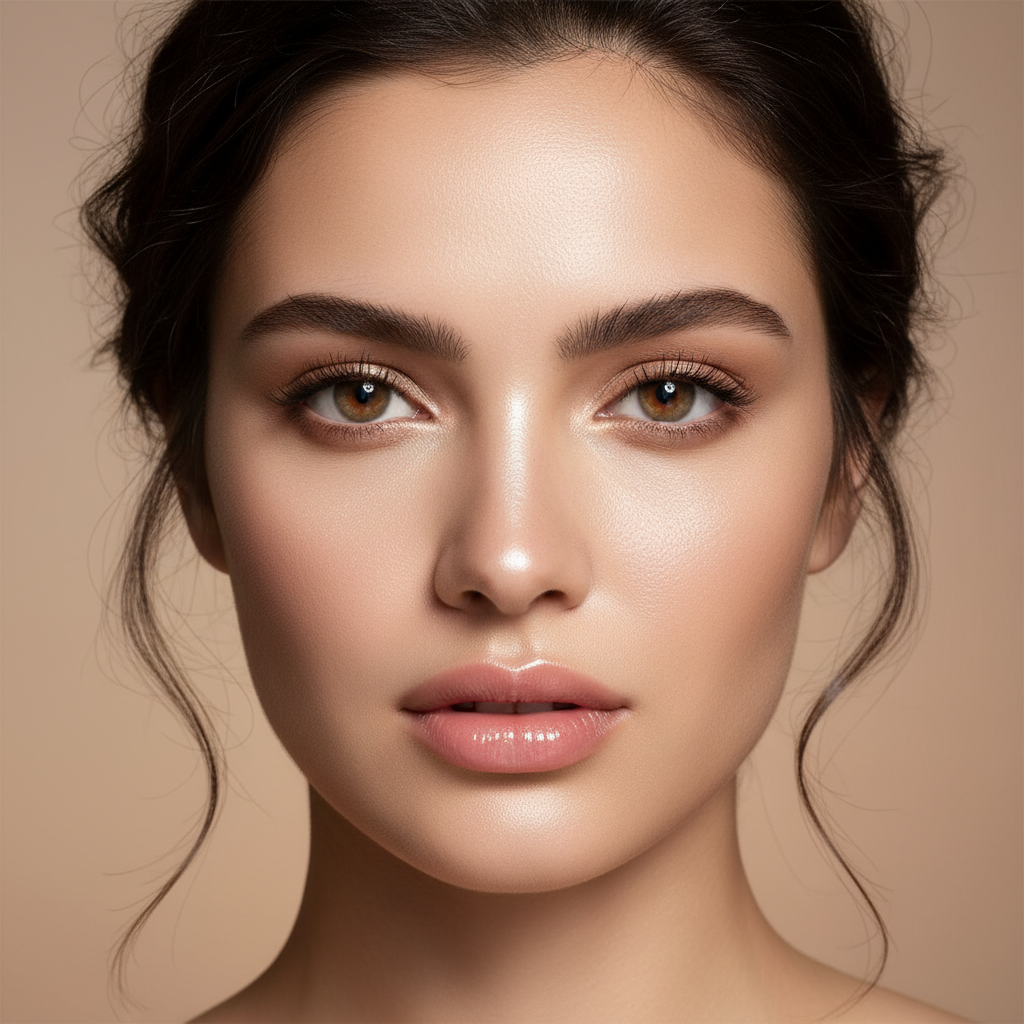
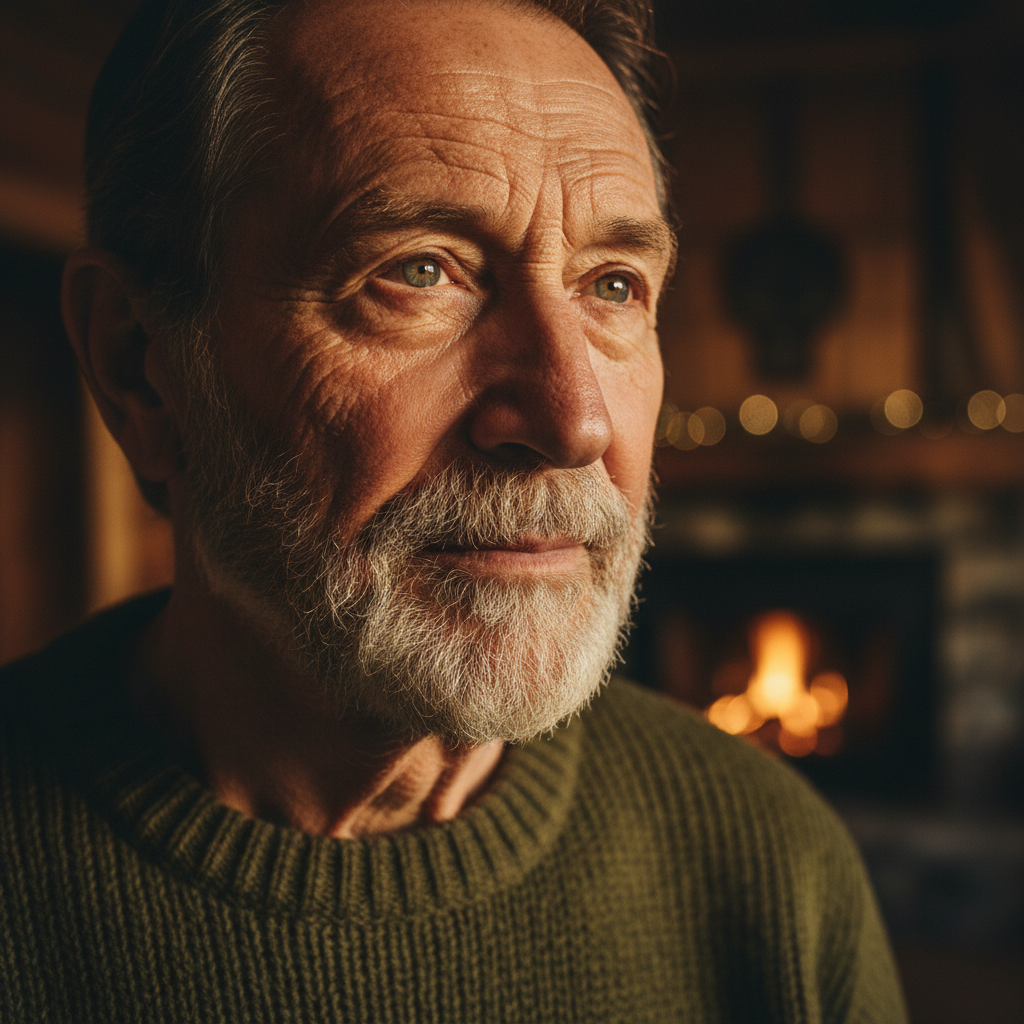
How the AI Portrait Enhancement Tool Works
Upload Your Portrait
Choose any portrait — a selfie, a headshot, or an old family photo — and upload it. The AI portrait enhancement tool works with phone photos, scans, and low-quality images alike.
Choose an Enhancement
Pick a style — natural retouch, studio quality, HD sharpen, beauty glow, lighting fix, or old photo restore. The AI portrait enhancement tool improves quality while keeping the person looking like themselves.
Download Your Photo
Get a polished, high-resolution portrait in seconds. Compare enhancement styles, then download your favorite for profiles, prints, resumes, or social media.
AI Portrait Enhancement Tool Features
Natural Skin Retouching
The AI portrait enhancement tool smooths blemishes and evens skin tone while preserving realistic texture, so portraits look polished — never plastic or over-edited.
HD Detail & Sharpening
Recover crisp detail in eyes, hair, and skin. The AI portrait enhancement tool sharpens soft images and reduces noise to improve photo quality dramatically.
Smart Lighting & Color
Fix harsh shadows, underexposure, and dull color automatically. The tool adds flattering studio-style light and balanced, vivid color to every portrait.
Keeps Your Identity
Unlike filters that change your face, the AI portrait enhancement tool keeps the same person — improving quality while you still look like you.
High-Resolution Output
Powered by Nano Banana Pro for crisp, high-resolution portraits ready for LinkedIn, resumes, printed photos, and social profiles.
Free to Start
Try the AI portrait enhancement tool free with no credit card. Paid plans start at just $9.99 for more enhancements and styles.
Who Uses the AI Portrait Enhancement Tool
Professionals
Turn a casual selfie into a polished LinkedIn or resume headshot with studio-quality lighting and retouching in seconds.
Photographers
Speed up retouching workflows with batch-ready enhancement, skin smoothing, and HD sharpening that preserve natural detail.
Social Creators
Enhance profile pictures and content portraits with a flattering beauty glow that keeps your real look intact.
Families
Restore and enhance old or low-quality family portraits, repairing damage and bringing faded photos back to life.
AI Portrait Enhancement Tool FAQ
What is an AI portrait enhancement tool?
An AI portrait enhancement tool is software that uses artificial intelligence to improve the quality of portrait photos. You upload an image and the AI portrait enhancement tool retouches skin, sharpens detail, corrects lighting, and balances color automatically — producing a professional, high-quality portrait in seconds without any manual editing.
Is the AI portrait enhancement tool free?
Yes, you can start using the AI portrait enhancement tool for free. No credit card is required to enhance your first portraits, and paid plans start at just $9.99 if you want to process more photos and unlock additional enhancement styles.
Will the tool change how I look?
No. The AI portrait enhancement tool is designed to keep your identity intact. It improves photo quality, skin, lighting, and sharpness while preserving your facial features, so the enhanced portrait still looks like you — just at its best.
Can it improve low-quality or blurry photos?
Yes. The AI portrait enhancement tool excels at improving low-resolution, soft, or noisy images. Its HD sharpen and clarity mode recovers fine detail in the eyes, hair, and skin, making even old phone photos look crisp and professional.
Can it restore old photos?
Yes. The old photo restore style in the AI portrait enhancement tool repairs scratches, fading, and blur in vintage portraits, then enhances sharpness and color while preserving the original face — perfect for bringing family photos back to life.
Do I need editing software like Photoshop?
No. The AI portrait enhancement tool replaces complex manual editing. There is nothing to install and no skills required — just upload your portrait, pick a style, and the tool does all the retouching and enhancement for you.
What resolution are the enhanced portraits?
The AI portrait enhancement tool produces high-resolution images powered by Nano Banana Pro, suitable for LinkedIn, resumes, printed photos, and social profiles. You can download your enhanced portrait and use it anywhere you need a polished, professional image.
Make Every Portrait Look Professional
Join thousands of professionals, photographers, and creators using the AI portrait enhancement tool to retouch and improve their photos in seconds. Start free today.
Start Enhancing Free →About the AI Portrait Enhancement Tool
The AI portrait enhancement tool from Nano Banana 2 makes it effortless to improve photo quality and produce professionally retouched portraits without any editing software or experience. Great portrait editing has traditionally meant hours in complex programs or hiring a retoucher. The AI portrait enhancement tool changes that: upload a portrait and artificial intelligence instantly smooths skin, sharpens detail, corrects lighting, and balances color, so an ordinary phone photo looks like a polished studio shot in seconds.
What makes this AI portrait enhancement tool so powerful is how natural the results look. Powered by the Nano Banana Pro model, it understands faces — recognizing skin texture, eyes, hair, and lighting — and enhances them while keeping your identity completely intact. You can choose from styles like natural retouch, studio quality, HD sharpen and clarity, beauty glow, lighting and color fix, or old photo restore. The person in the photo stays the same; the AI portrait enhancement tool simply improves photo quality so they look their absolute best.
People of every kind rely on the AI portrait enhancement tool. Professionals turn casual selfies into polished LinkedIn and resume headshots. Photographers speed up retouching with skin smoothing and HD sharpening that preserve realistic detail. Social media creators enhance profile pictures with a flattering glow that still looks authentic. And families use the old photo restore mode to repair damage and fading, bringing treasured vintage portraits back to life with modern clarity and color.
Start using the AI portrait enhancement tool today and give every portrait the professional finish it deserves. Whether you need a single standout headshot or want to improve a whole album of photos, Nano Banana 2 turns each upload into a high-quality, beautifully enhanced portrait in seconds. Your first enhancements are free, so you can experiment with different styles and see your photos transformed before you commit to anything.