
AI Passport Photo GeneratorCompliant Passport & Visa Photos from a Selfie
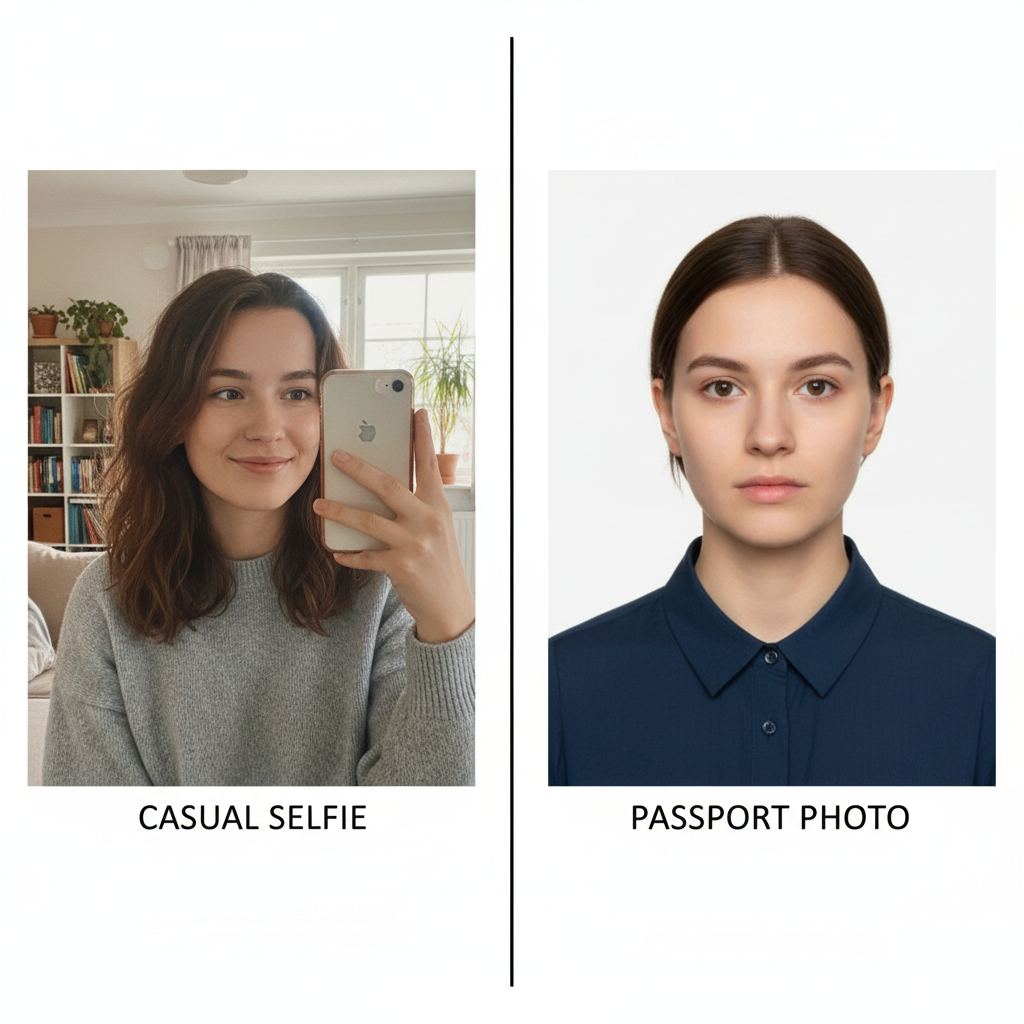
Skip the photo booth. The AI passport photo generator turns an everyday selfie into a compliant passport, visa, or ID photo in seconds — with an automatic white background, correct head sizing, and even, professional lighting. Perfect for US, UK, EU, India, and most countries worldwide.
Start Creating Free →No credit card required • Free to start
Try the AI Passport Photo Generator — Free
Upload a clear selfie, choose the document type you need, and generate a compliant passport photo instantly
AI Passport Photo Generator
Upload your selfie, pick a document style, and get a compliant passport photo instantly
Upload a clear, front-facing selfie, select a document type, and click Generate
Passport Photos Created with Nano Banana Pro
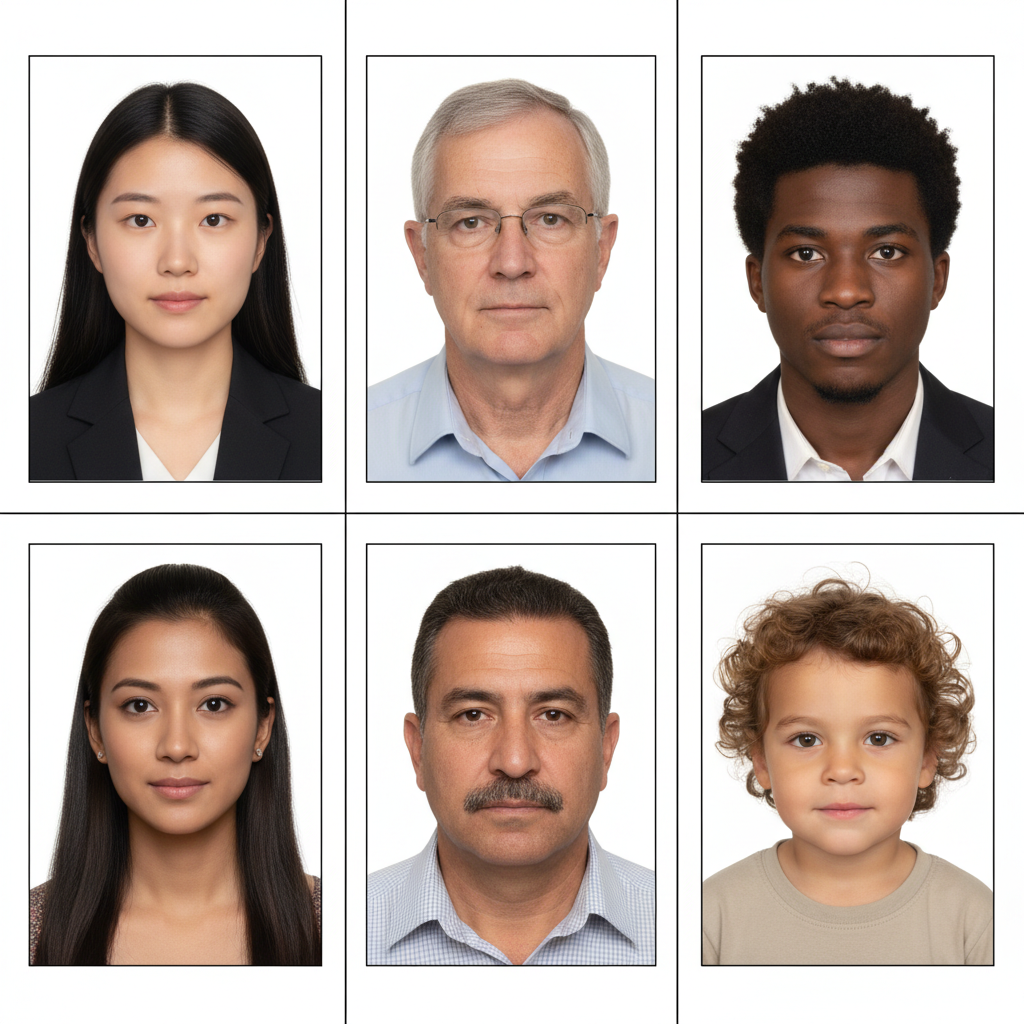
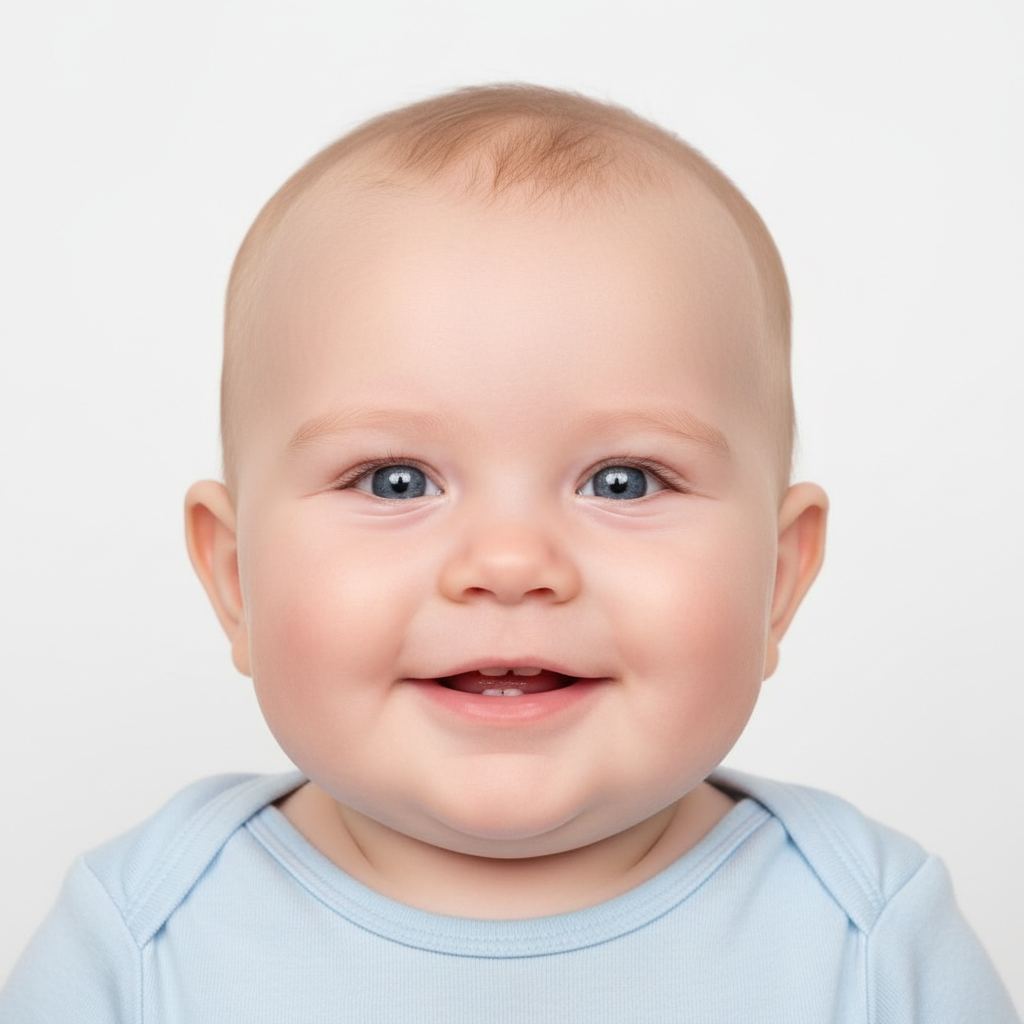
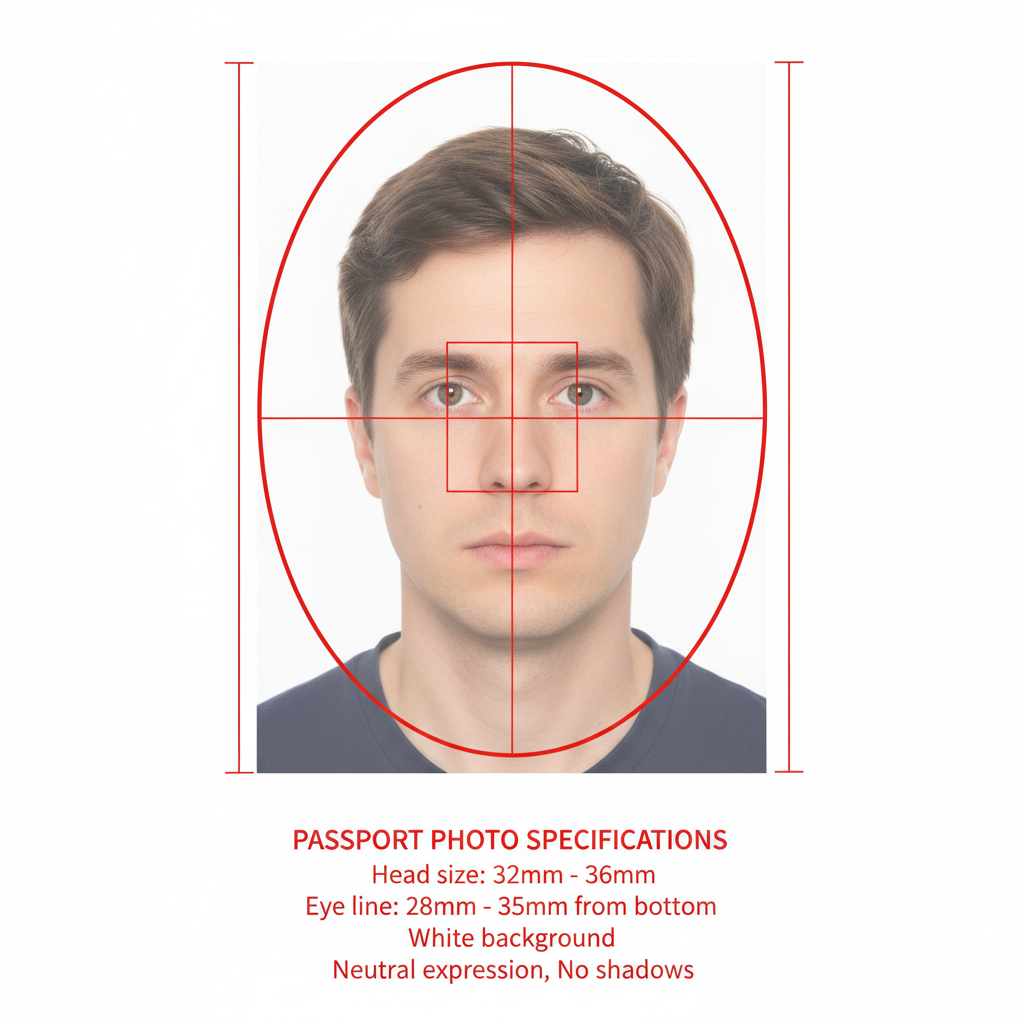
See the kind of compliant passport, visa, and ID photos the AI passport photo generator produces


How the AI Passport Photo Generator Works
Upload Your Selfie
Take or upload a clear, front-facing photo in good lighting. No professional camera or photo booth needed.
Choose Document Type
Pick passport, visa, US ID, UK/EU biometric, professional headshot, or infant — and the AI passport photo generator applies the right format.
Generate & Download
Get a compliant photo with a clean background and correct sizing in seconds, ready to print at 2x2 inches or upload to an application.
AI Passport Photo Generator Features
Auto White Background
The AI passport photo generator removes your background and replaces it with the clean white or light backdrop required for official photos.
Correct Sizing
Head position and proportions are adjusted to meet common passport specs like the US 2x2 inch standard.
Even Lighting
Harsh shadows and uneven light are smoothed out for the balanced, glare-free lighting officials expect.
Multi-Country Support
Presets for US, UK, EU, India, and more, plus visa and ID formats for applications around the world.
Instant Results
Turn a selfie into a finished passport photo in seconds — no appointment, no photo booth, no waiting.
Free to Start
Create your first passport photos free. No credit card required, with paid plans from just $9.99.
What You Can Make with the AI Passport Photo Generator
Passport Photos
Compliant photos for new passports and renewals with the correct white background and head size.
Visa Applications
Biometric visa photos for travel, study, and work applications to countries worldwide.
ID & Licenses
Driver’s license, national ID, and student ID photos with clean, professional formatting.
Baby & Infant Photos
Tricky infant passport photos made easy, with a clean background and proper head positioning.
AI Passport Photo Generator FAQ
What is an AI passport photo generator?
An AI passport photo generator is a tool that uses artificial intelligence to turn a regular selfie into a compliant passport, visa, or ID photo. It automatically replaces the background with white, adjusts head size and positioning, and evens out the lighting so your photo meets official requirements — without a trip to a photo booth or studio.
Is the AI passport photo generator free?
Yes, you can start using the AI passport photo generator for free. No credit card is required to create your first photos, and paid plans start at just $9.99 if you need more downloads or higher volume.
Will my AI passport photo be accepted by the government?
The AI passport photo generator is built to match common official specifications — plain white or light background, neutral expression, correct head size, and even lighting. Requirements vary by country and document, so we recommend reviewing your local passport or visa authority’s guidelines before submitting. Many users successfully use these photos for online applications and home printing.
What photo should I upload for the best results?
Upload a clear, front-facing selfie taken in good, even lighting with a neutral expression and your full head and shoulders visible. Avoid hats, sunglasses, and heavy shadows. The better your original selfie, the more accurate and compliant your AI passport photo will be.
Can the AI passport photo generator make visa and ID photos too?
Yes. In addition to passport photos, the generator includes presets for visa applications, US ID and driver’s license photos, UK and EU biometric photos, professional headshots, and infant passport photos — so you can create the right format for almost any document.
Does it work for baby and infant passport photos?
Yes. Infant passport photos are notoriously difficult to take, so the AI passport photo generator includes a dedicated baby preset that places your child on a clean white background with proper head positioning, making one of the hardest photos to capture much easier.
Can I print the passport photo at home?
Absolutely. The AI passport photo generator produces high-resolution images you can print at home, at a pharmacy, or at a print shop — commonly at the 2x2 inch (US) or 35x45 mm (UK/EU) size — or upload directly to an online application.
Ready to Make Your Passport Photo?
Join thousands of travelers and applicants creating compliant photos with AI. Start free today with the AI passport photo generator.
Start Creating Free →About the AI Passport Photo Generator
The AI passport photo generator from Nano Banana 2 makes getting an official photo effortless. Instead of booking a studio appointment or squeezing into a pharmacy photo booth, you simply upload a selfie and let the AI passport photo generator do the work. It removes your background and replaces it with the clean white or light backdrop officials require, centers and resizes your head to match common passport specifications, and smooths out uneven lighting and shadows — all in just a few seconds. Powered by the Nano Banana Pro model, every result comes out crisp, balanced, and ready to submit.
Whether you need a new passport, a visa for travel, a driver’s license renewal, or a national ID, this AI passport photo generator has a preset to match. Choose passport, visa, US ID, UK/EU biometric, professional headshot, or infant baby photo, and the AI applies the correct format and framing automatically. Because requirements differ from country to country, the tool is designed around widely accepted standards like the US 2x2 inch (51x51 mm) and UK/EU 35x45 mm formats, with a plain background and neutral expression that meet most official guidelines.
Parents will especially appreciate how the AI passport photo generator handles infant and baby photos — one of the hardest pictures to take by hand. The dedicated baby preset places your child on a clean white background with proper head positioning and even lighting, turning a frustrating task into a quick one. And because everything happens in your browser, there is no software to install and no design skill required. Your first photos are completely free to create, and you can generate as many versions as you need until everything looks right.
Start using the AI passport photo generator today and save the time and money of a traditional photo service. From a last-minute visa application to a renewal for the whole family, Nano Banana 2 helps travelers, students, job seekers, and parents create compliant, professional passport and ID photos that are ready to print at home or upload straight to an online application. Always double-check your local authority’s latest requirements before submitting, and you will be set to go.