
AI Music Video Maker
Create Videos for Your Music — Free
Turn your songs into professional music videos without a camera or crew. Describe the visuals you want and the AI generates cinematic scenes, concert footage, and artistic visuals in seconds. Free to start.
Try It Now — Free
Pick a style or describe the music video visuals you want
AI Music Video Maker
Select a style or describe the music video visuals you want to create
AI Music Video Examples
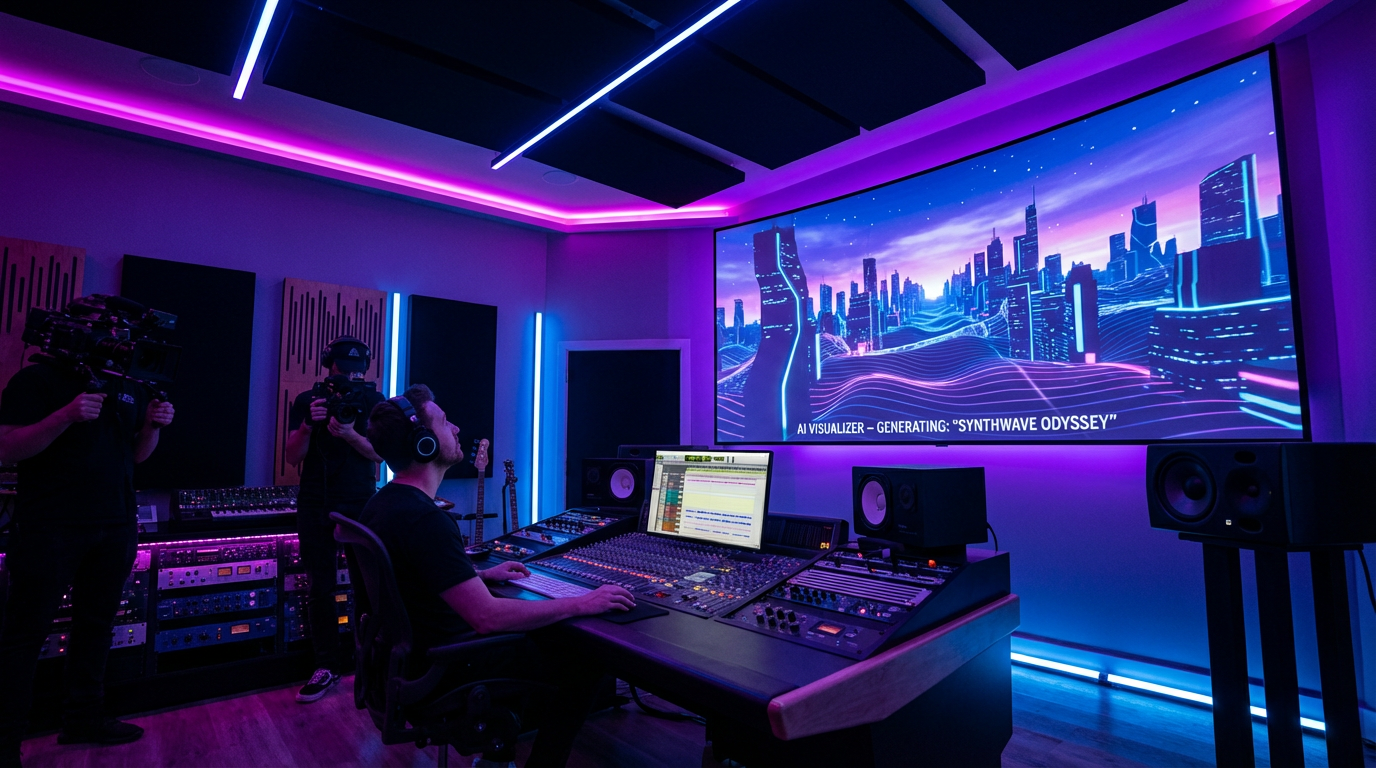
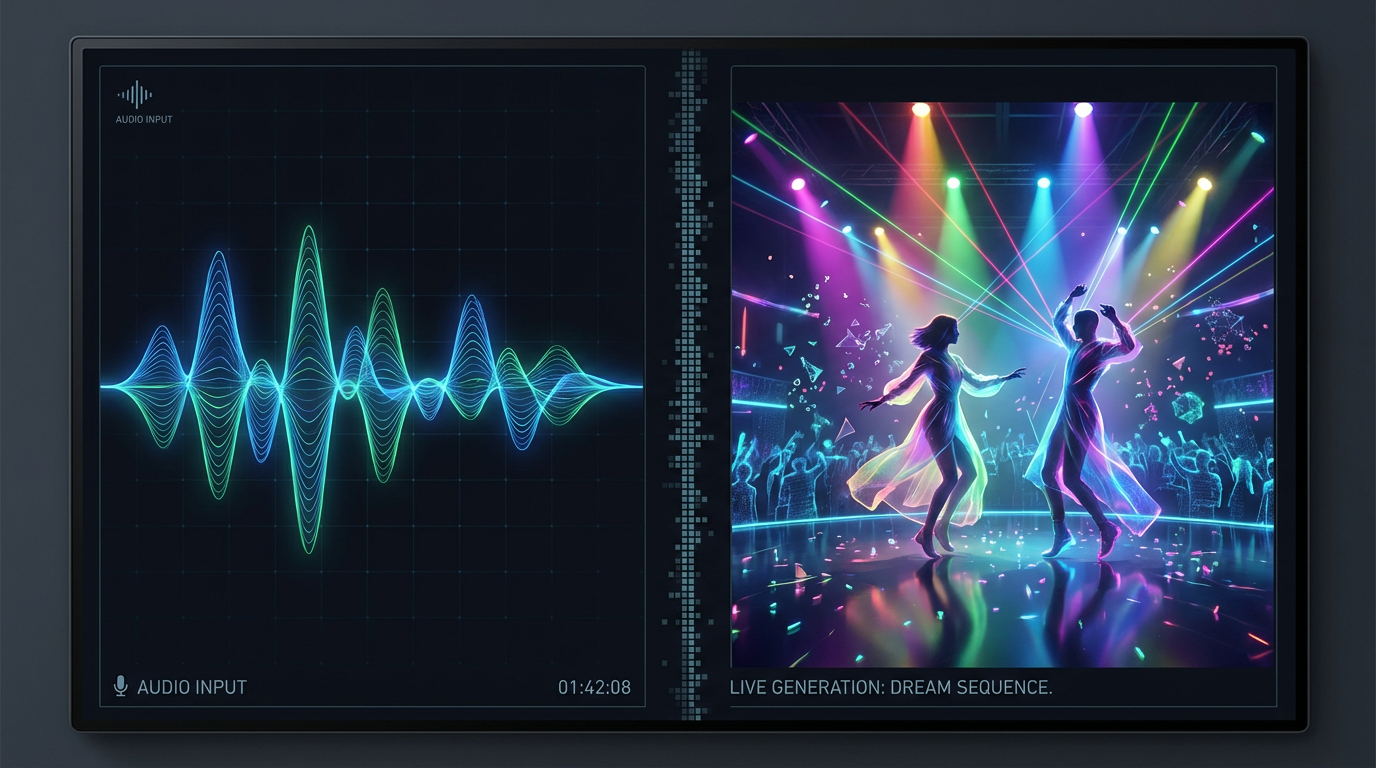
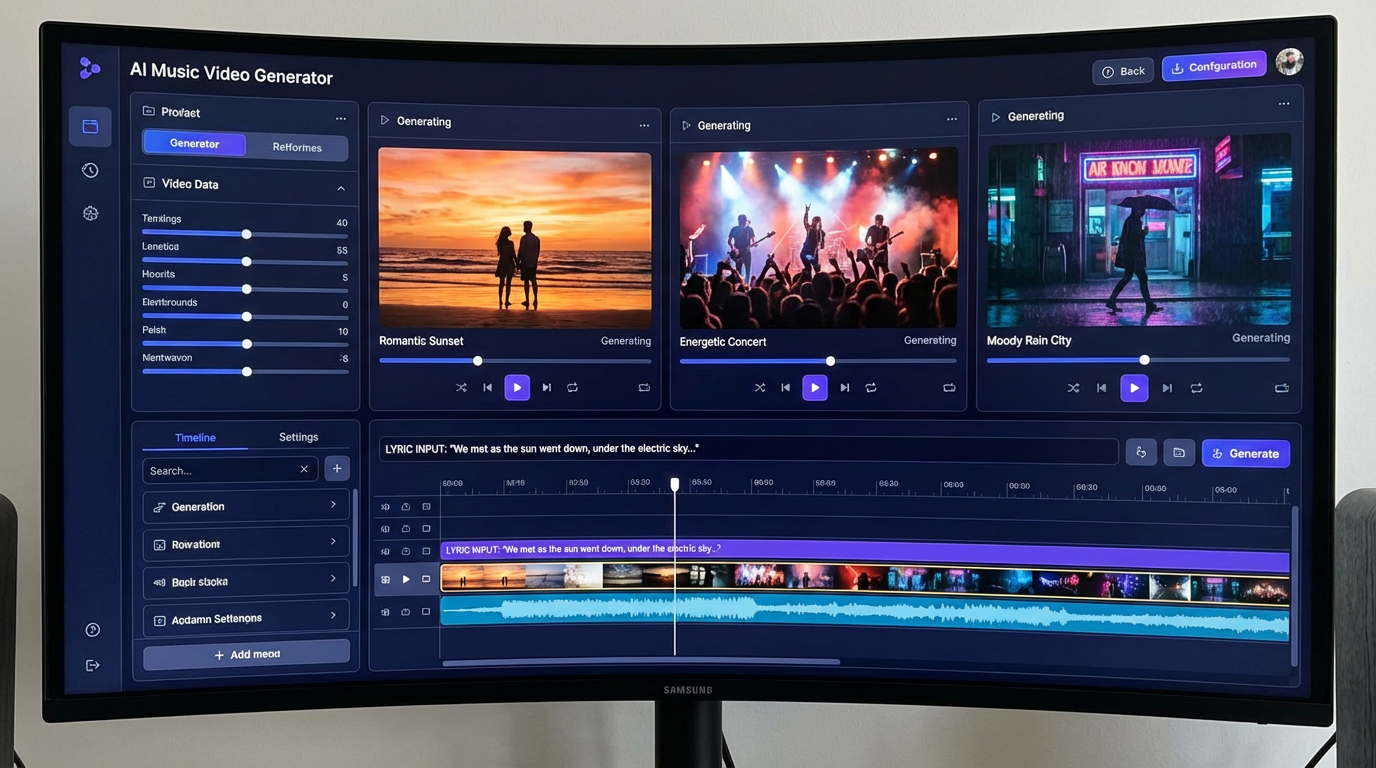
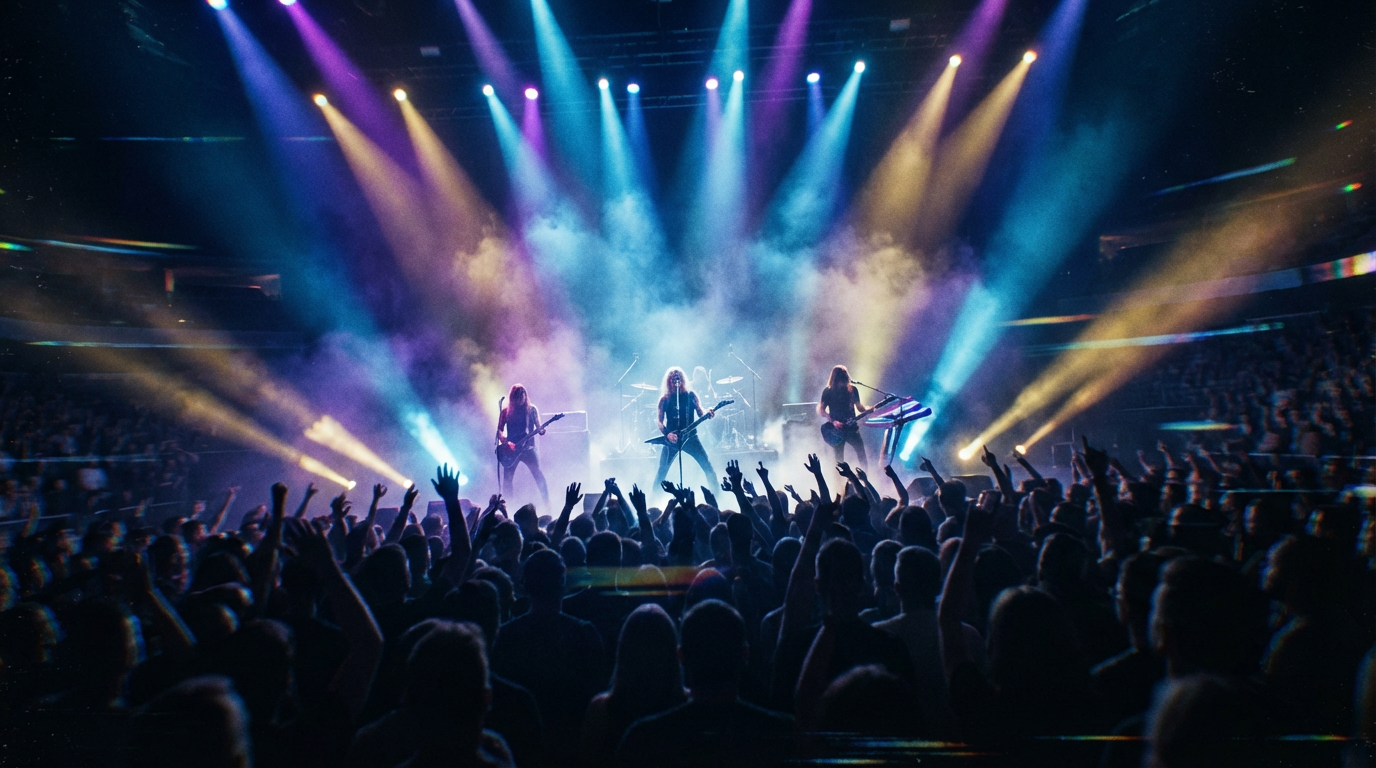
See the cinematic visuals you can generate for your music
How It Works
Create a professional music video in three simple steps
Describe Your Vision
Pick a preset style like Concert, Dreamy, Hip Hop, or Anime — or describe your exact vision. Include the mood, setting, color palette, and any specific elements you want. The AI adapts to any music genre and visual style.
AI Generates Your Scenes
The AI creates cinematic, high-quality visuals tailored to your description. Generate different scenes for each part of your song — verse, chorus, bridge — and build a complete visual narrative that matches the emotion and energy of your music.
Combine with Your Track
Download the AI-generated visuals and pair them with your music in any video editor. Use AI video generation to animate scenes, add transitions between clips, and produce a polished music video ready for YouTube, Spotify Canvas, or social media.
Why Choose Our AI Music Video Maker
Professional music videos for every artist, every genre
No Camera or Crew Needed
Skip the expensive video shoots. The AI generates all visuals from text descriptions — concert stages, dreamy landscapes, urban scenes, abstract art. Create a full music video without ever picking up a camera or hiring a production team.
Any Genre, Any Aesthetic
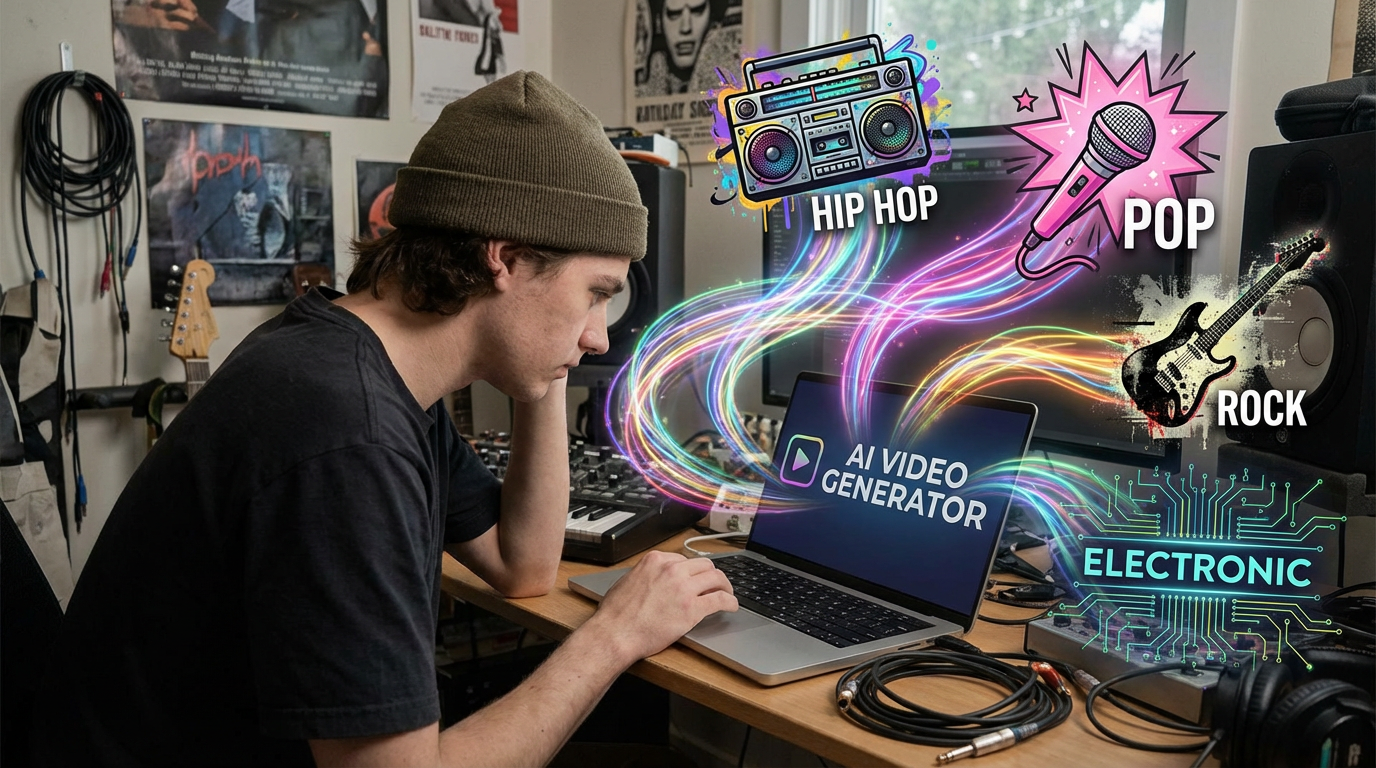
Hip hop street scenes, ethereal pop landscapes, heavy metal concert footage, lo-fi anime visuals, synthwave retro — the AI adapts to your music's genre and creates visuals that match the energy, mood, and style your audience expects.
Scene-by-Scene Control
Generate different visuals for each section of your song. Create moody scenes for verses, explosive visuals for choruses, and intimate close-ups for bridges. Build a complete visual story that follows your song's emotional arc.
Cinematic Quality Output
AI-generated visuals at up to 4K resolution with professional lighting, composition, and color grading. The output looks like it came from a real production — dramatic camera angles, volumetric lighting, and rich visual detail.
Fast Iteration & Experimentation
Try dozens of visual concepts in minutes instead of spending weeks in pre-production. Experiment with different aesthetics, color palettes, and settings until you find the perfect look for your track. No commitment until you find what works.
Commercial Use Included
Every visual you generate is yours. Upload your finished music video to YouTube, Vimeo, Spotify Canvas, Apple Music, TikTok, or any platform. Use it for official releases, promotional content, or live show visuals — no royalties or restrictions.
Music Video Pro Tips
Make your AI music videos look professionally produced
Match Visuals to Mood
Your visuals should reflect the emotion of each section. Use warm golden tones for nostalgic verses, intense reds and blues for energetic choruses, and cool muted colors for introspective bridges. Include mood keywords like "dreamy," "intense," or "melancholic" in your prompts.
Think in Scenes
Plan your music video as 4-8 distinct scenes, each matching a section of your song. Generate visuals for each scene separately with consistent style but varied settings. This creates a natural visual narrative that keeps viewers engaged throughout the entire track.
Use Consistent Color Palettes
Pick 2-3 core colors and include them in every prompt. This creates visual cohesion across your scenes. Professional music videos have a unified color grade — specify "color palette: teal and orange" or "neon pink and purple tones" for consistency.
Specify Camera Angles
Include cinematic direction in your prompts: "low angle hero shot," "aerial drone view," "extreme close-up," or "tracking shot." Varying camera angles between scenes makes your music video feel dynamic and professionally directed.
Generate Multiple Options
Create 3-5 variations of each scene and pick the strongest ones. Mix and match visuals from different generations to build the best possible sequence. The more options you explore, the more polished your final music video will look.
Add Motion with AI Video
After generating still frames, use AI video generation to animate your best scenes. Add subtle camera movements, parallax effects, and atmospheric motion. Even simple animations like drifting smoke or floating particles make a huge difference.
Frequently Asked Questions
Everything you need to know about AI music video creation
Ready to Make Your Music Video?
Join thousands of musicians, indie artists, and producers who use AI to create stunning music videos without filming a single frame. Start for free today, plans from $9.98.
Create Music Video Visuals FreeAI Music Video Maker for Every Artist
Why Musicians Are Turning to AI for Music Videos
Traditional music video production costs thousands of dollars and takes weeks of planning, filming, and editing. For independent artists releasing music regularly, that budget simply doesn't exist. AI music video generation changes the equation entirely — create professional-quality visuals in minutes for a fraction of the cost.
The visual component of music has never been more important. Spotify Canvas, YouTube, TikTok, and Instagram all reward artists who pair their music with compelling visuals. Artists without video content miss out on algorithmic promotion and audience engagement. AI makes it possible for every artist to have visual content for every release.
AI-generated music video visuals aren't just a budget alternative — they unlock creative possibilities that would be impossible with traditional production. Abstract visualizers, anime scenes, cinematic landscapes, surreal dreamscapes — you can create any visual world you imagine without location scouting, set design, or special effects teams.
From Bedroom Producer to Visual Artist
The barrier between making music and making music videos used to be enormous. You could produce a hit song on a laptop, but creating a matching visual required an entirely different skill set and budget. AI music video makers eliminate that gap. If you can describe what you see when you hear your music, you can create the visuals to match.
The most effective approach is scene-based generation. Break your song into 4-8 sections, describe the visual mood for each, and generate multiple options per scene. Then combine the best visuals with your track in a video editor. This workflow produces music videos that feel intentional and professionally directed.
Whether you're an indie songwriter, hip hop producer, electronic music creator, or band looking for visual content, AI music video generation puts professional visuals within reach. Starting at just $9.98, Nano Banana 2 gives you the tools to bring your music to life visually. Try it free today.
Start creating music video visuals with AI today. Join thousands of musicians and artists who use Nano Banana 2 for instant music video generation. Free tier available with no credit card required. Premium plans from $9.98.