
AI Mandala Generator
Drawing a mandala by hand means dividing a circle into equal segments and then repeating the same motif around it without the symmetry ever slipping — hours of ruler work before you find out whether the idea was any good. This AI mandala generator gives you the finished circle in about twenty seconds, in six styles that each exist for a different reason: ink linework, botanical florals, a printable coloring page, a dotwork tattoo design, gold sacred geometry and loose watercolour. Up to 4K.
Try It Now — Free
Pick the style first, then use the details box for your motifs and colours. Each preset already carries the things that style has to get right — how tight the symmetry is, how heavy the linework runs, and whether the result is meant to be printed, tattooed or hung on a wall.
AI Mandala Generator
Pick a mandala style, describe your motifs and colours, and get a perfectly symmetrical circle
Mandalas From the AI Mandala Generator
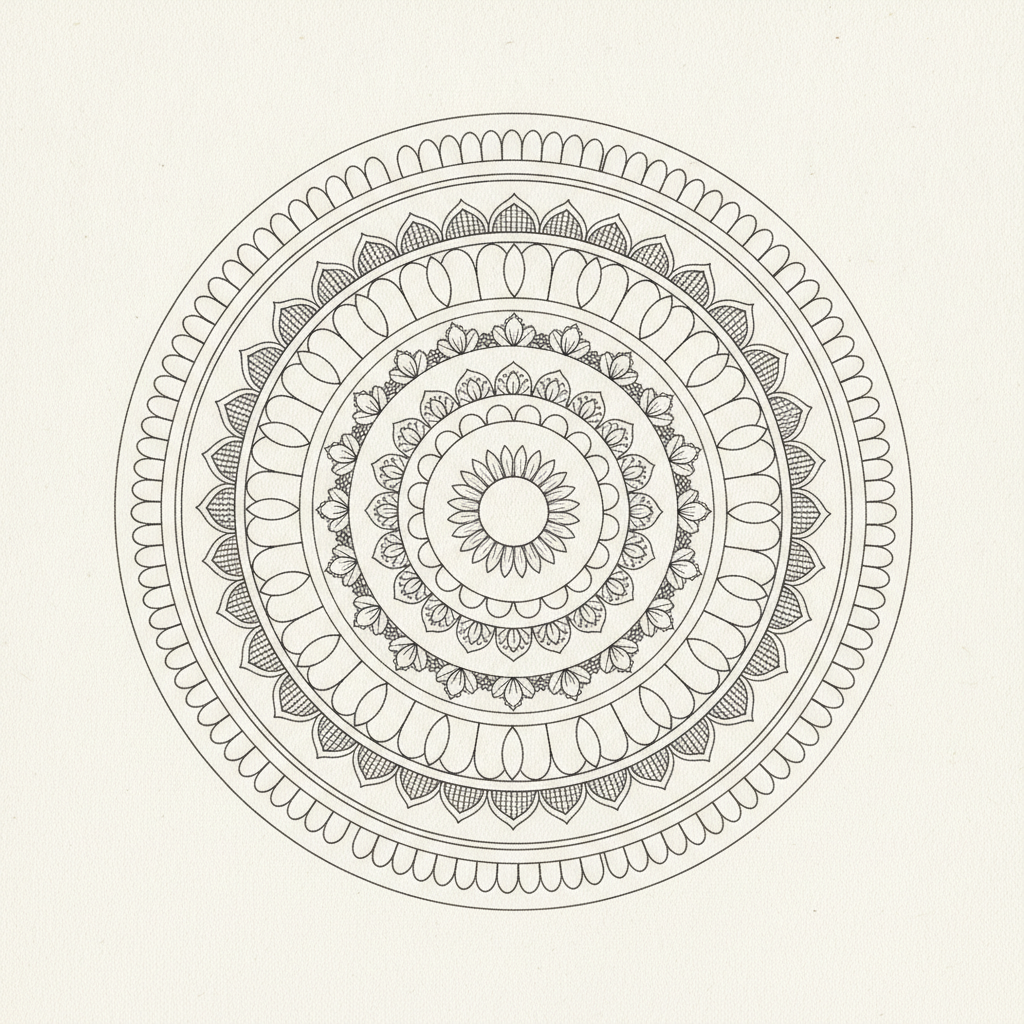
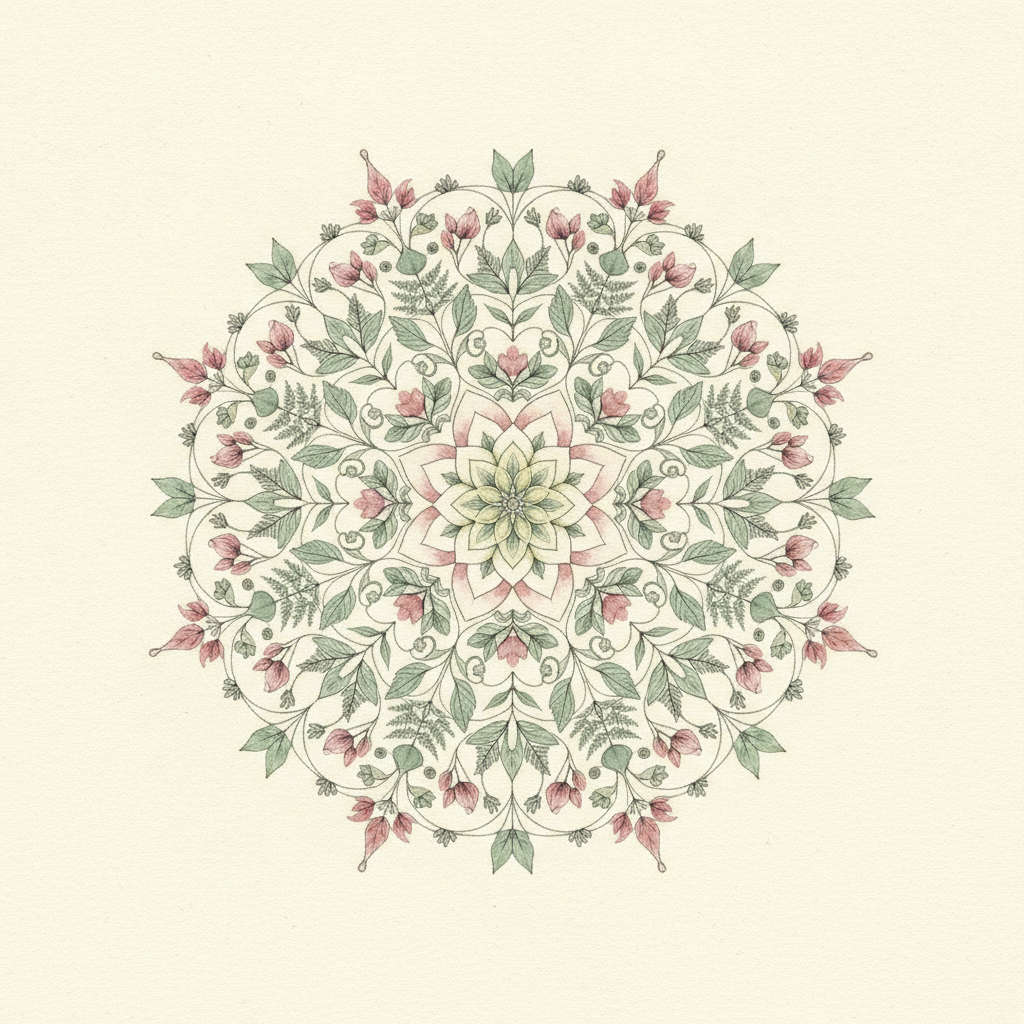
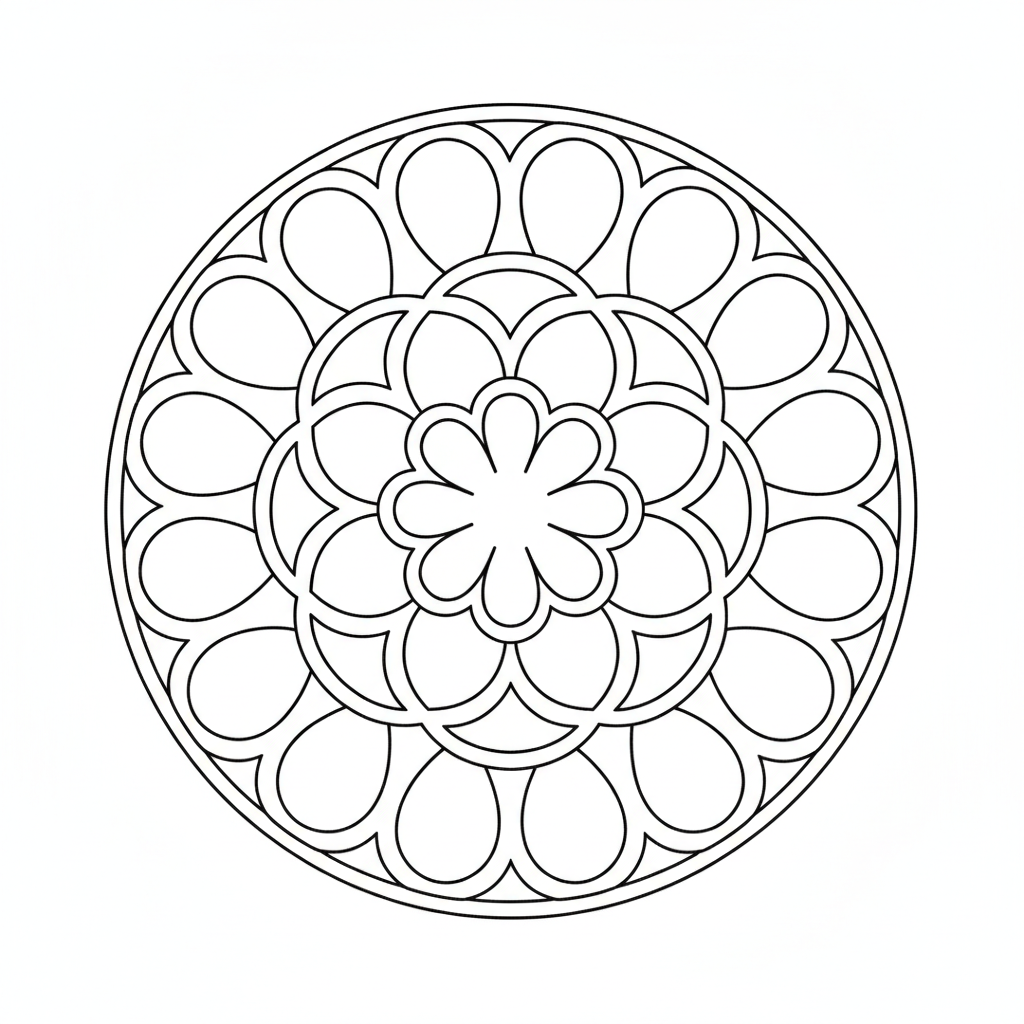
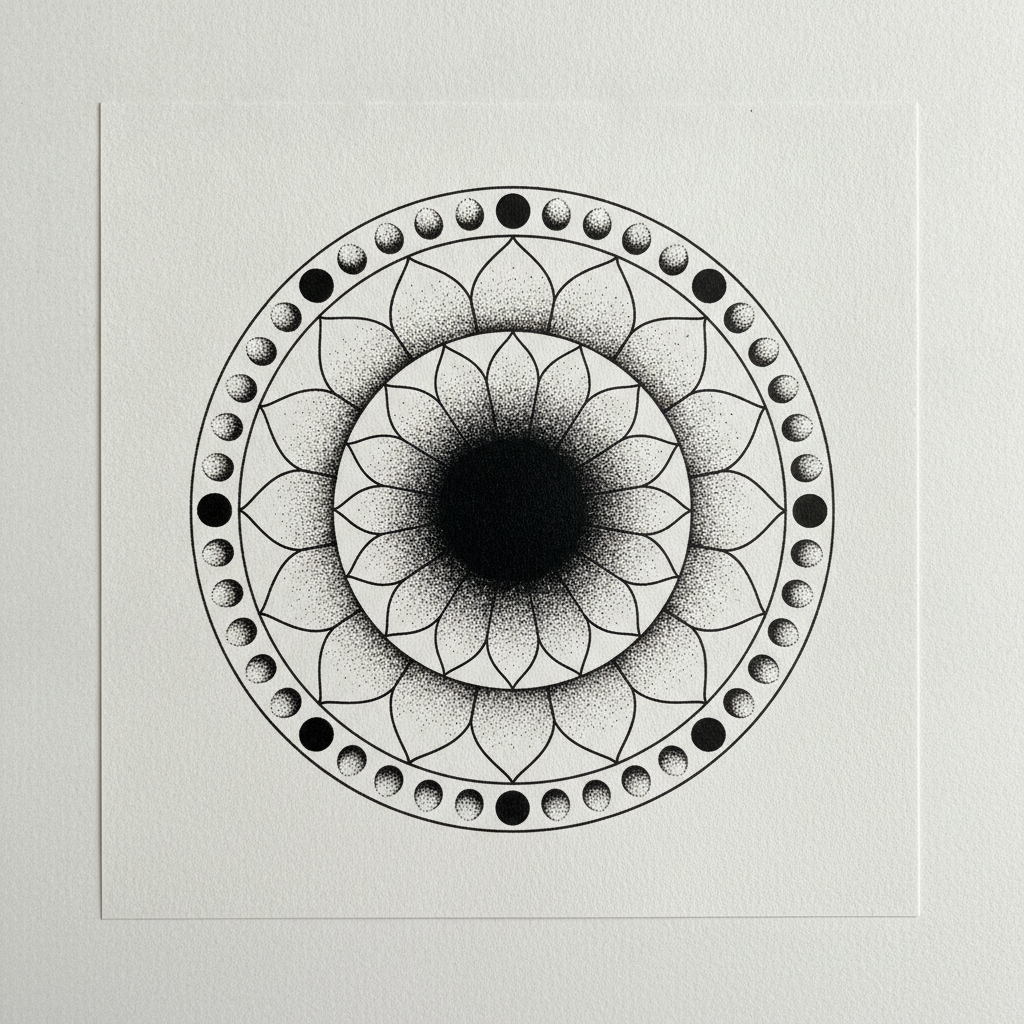
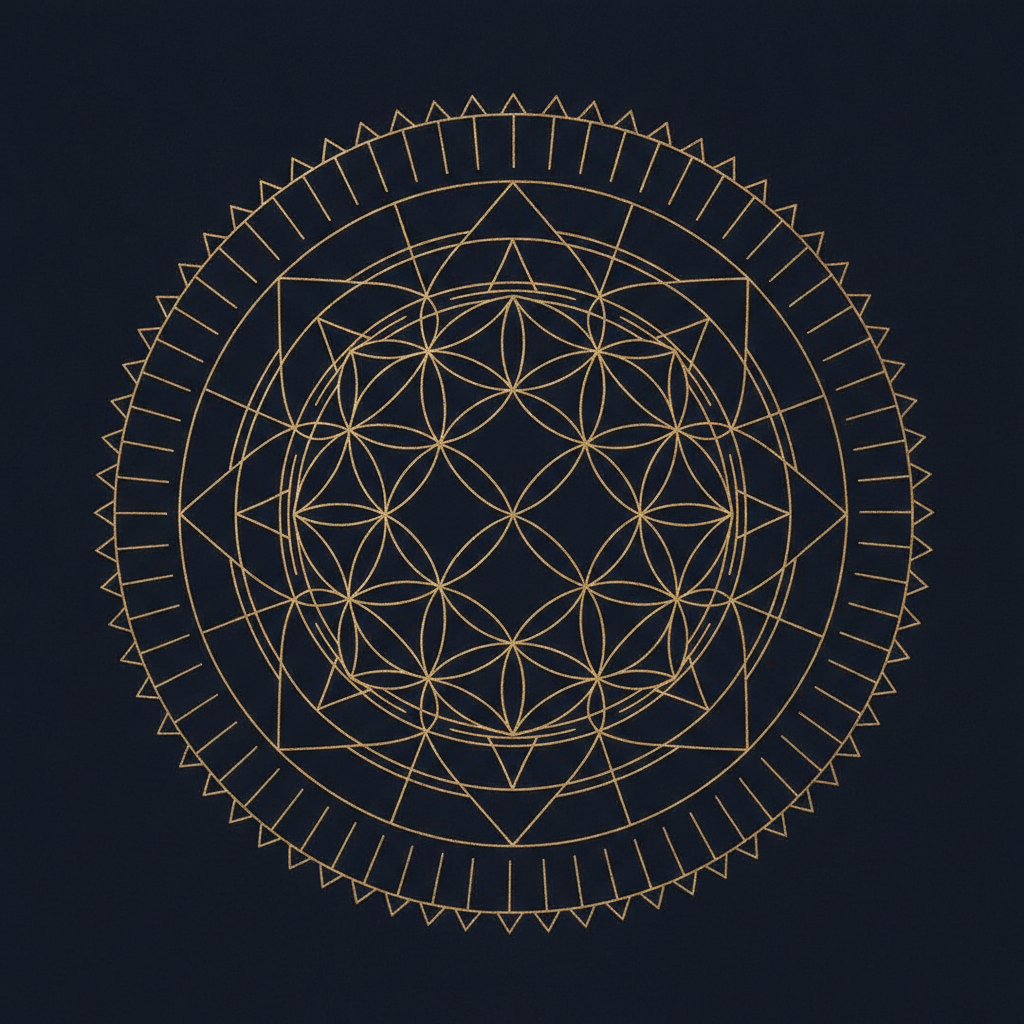
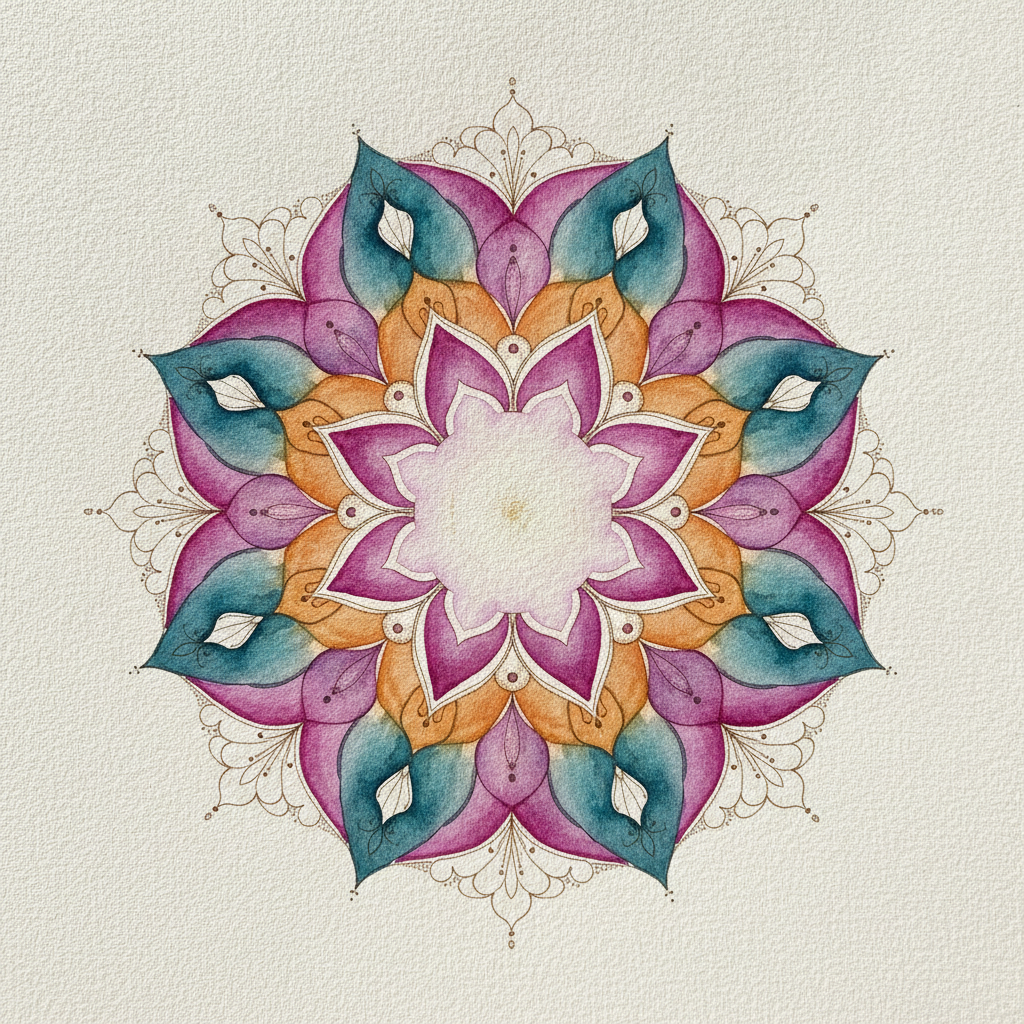
Classic ink linework, botanical floral, printable coloring page, dotwork tattoo, gold sacred geometry and flowing watercolour — six answers to the same circle
How the AI Mandala Generator Works
Three steps from an idea to a finished circle
Pick the Style, Because It Decides the Output
The six presets are six end uses rather than six decorations. Classic Line Mandala is fine ink on white and the closest thing to a traditional drawn mandala. Floral builds the whole circle out of petals, leaves and buds instead of geometry. Coloring Page is deliberately stripped back — thick outlines, no shading, no grey, large open areas — because anything subtler is unusable once a child has a pencil. Dotwork Tattoo is pure black stippling with a silhouette strong enough to survive on skin. Sacred Geometry is ruler-and-compass construction, flower-of-life circles and hexagrams in gold on navy. Watercolour throws precision away in favour of bleeding pigment on cotton paper. Choose what the mandala is for and the rest follows.
Describe the Motifs and the Colours
Use the details box for what the preset cannot guess: lotus petals instead of teardrops, moon phases instead of scallops, peacock feathers, mountains, waves, or a colourway of indigo and gold rather than sage and rose. Two things help more than anything else. Name a rough symmetry — six-fold, eight-fold, twelve-fold — because it sets how busy the circle reads, with fewer segments giving bigger bolder shapes and more segments giving lace. And name two to four colours rather than a whole palette; mandalas fall apart visually when every ring is a different hue.
Generate, Check the Symmetry, Then Take It Somewhere
Each mandala arrives in about twenty seconds at up to 4K. Check the thing that matters before anything else: is the symmetry actually holding, are the rings concentric, does one segment differ from its neighbours, is the centre in the centre. AI image models approximate radial symmetry rather than constructing it mathematically, so it is usually very close and occasionally off — regenerate rather than argue with it. What you download is a finished raster image, which is exactly what you want for a print, a wall piece or a tattoo reference, and not what a vinyl cutter or laser engraver wants; those need the design vectorised first.
Why Use an AI Mandala Generator
Six reasons the circle is worth generating rather than ruling out by hand
Symmetry Is the Slow Part, Not the Idea
Drawing a mandala traditionally means finding the centre, ruling concentric guide circles, dividing the circumference into equal segments with a protractor, and then repeating one motif around the ring without the spacing drifting. That is an hour of setup before a single decorative line exists, and any error compounds outward until the whole circle looks tilted. Generating the circle inverts the order: you see the composition first and spend your time on the idea, the motif and the palette, which is the part that actually distinguishes one mandala from another.
Coloring Pages Have Real Rules
A mandala meant to be coloured in is not just a mandala printed lighter. It needs unbroken outlines so pencil and marker do not bleed between shapes, thick enough line weight to survive being printed at home on ordinary paper, and enclosed areas large enough for an actual hand to fill — which is why the Coloring Page preset drops to sixteen simple repeating shapes with no shading and no grey. Fine cross-hatching that looks beautiful on screen turns into an unusable grey smudge on a printed page, and that is the single most common mistake in generated coloring sheets.
Tattoo Designs Need a Silhouette
Mandala tattoos are one of the most requested designs there is, and the ones that age well share a property: a strong black silhouette with clear separation between elements. Ink spreads slightly in skin over years, so detail packed too tightly closes up into a solid patch. The Dotwork Tattoo preset works in pure black with stippled shading that fades from dense to sparse — the traditional way of getting tonal range without grey wash. Take the render to an artist as a reference, not a stencil: it still has to be fitted to the curve and flow of a specific arm, back or thigh.
Sacred Geometry Is a Different Discipline
Flower-of-life lattices, hexagrams, Metatron-style constructions and equal-segment rings are built from circles of identical radius intersecting at fixed points, which makes them geometry rather than decoration. Rendered as fine gold line on deep navy they read as luminous rather than printed, which is why the style dominates yoga studio posters, album art, meditation apps and event branding. Check the construction in the result if precision matters to you — a generated lattice is judged by eye, and a mathematically exact one is a job for vector software.
One Motif, a Whole Coherent Set
Mandalas are rarely wanted one at a time. A coloring book needs twenty pages that clearly belong together while staying distinct, a print shop wants a series in one palette, a studio wants a set of wall pieces at matching scale. Running a single motif through several styles, or one style through a set of colourways and symmetry counts, builds that range in minutes. The consistency comes from holding the motif and palette steady in the details box and changing only one variable at a time.
Free to Start, $9.98 to Go Further
You can generate mandalas free without a credit card, which is enough to find out whether a motif carries a whole circle. Paid plans start at $9.98 for real work: building a twenty-page coloring book, generating colourways for a print listing, or the repeated passes it takes to get symmetry and density right for a tattoo reference. Output reaches 4K without a watermark, which is the resolution that matters once something is going to be printed large rather than looked at on a phone.
Frequently Asked Questions
Common questions about using an AI mandala generator
Draw the Circle in Twenty Seconds
Pick a mandala style, describe your motifs and colours, and download a perfectly symmetrical design at up to 4K — line art, floral, coloring page, dotwork tattoo, sacred geometry or watercolour. Powered by Nano Banana Pro. Free to start, plans from $9.98.
A Circle, Divided Equally: the AI Mandala Generator
A mandala is a simple idea executed with enormous patience. You find a centre, rule a series of concentric circles, divide the circumference into equal segments, and repeat one motif around each ring so that the whole thing resolves into a single symmetrical figure. The form runs through Hindu and Buddhist practice, through Islamic geometric ornament, through Gothic rose windows and Celtic knotwork, and it survives in all of them for the same reason: radial symmetry is restful to look at. The hard part was never the concept. It was the ruler work, and the fact that a small error near the centre becomes a visibly tilted circle by the time it reaches the outer ring.
That is what an AI mandala generator changes. You describe the motifs and the palette, and the circle arrives already divided, already repeating, already closed. The six presets here are six end uses rather than six decorations: fine ink linework on white for something close to a traditionally drawn mandala, a botanical version built entirely from petals and leaves, a stripped-back coloring page with outlines heavy enough to print, a pure-black dotwork design meant to be read as a tattoo, gold sacred geometry on navy for posters and studio branding, and a watercolour that abandons precision for bleeding pigment on cotton paper. Change the motif and the colours inside those rules and the result still behaves like a mandala.
Two prompt habits improve almost every result. Name the symmetry count — six-fold, eight-fold, twelve-fold, sixteen-fold — because it decides whether the circle reads bold or lacelike, and it is the single most effective control you have over density. And keep the palette to two to four colours. Mandalas depend on the eye following repetition around a ring, and that structure is the first thing lost when every band is a different hue. Motif, symmetry, palette: three decisions, then let the tool handle the protractor.
What the AI Mandala Generator Will Not Do
Be clear about the symmetry. An image model draws what a symmetrical mandala looks like rather than constructing one from circles and angles, so the result is usually very close and occasionally off — one segment unlike its neighbours, a ring slightly out of true, a centre a few pixels adrift. Look for that first in every result and regenerate rather than trying to prompt it away. For a print, a coloring page or a tattoo reference the difference does not matter. For anything that must be exact — a laser cut, a seamless repeating tile, a logo mark — take the render as the approved design and rebuild it in vector software. The same applies to a vinyl cutter or engraver, which needs paths rather than pixels.
The other limit is size. Output reaches 4K, which covers a coloring page, a card, an A3 print or a poster seen from a few feet away, but a large wall piece wants more pixels than that — work back from your final print size and use the 4K image upscaler before printing rather than letting a print shop stretch the file. Mandalas take upscaling better than most artwork because the linework is clean and repetitive. If the circle is destined for a repeat rather than a single print, the AI pattern generator handles tiling, the AI coloring page generator covers non-circular pages for a book, and the AI tattoo generator goes wider than the mandala form.
Within those limits the designs are yours. Output reaches 4K with no watermark and is cleared for commercial use, which matters for self-published coloring books, print shops, fabric and studio merchandise alike. Mandalas are safer ground than most generated art on the rights question, since the form is a shared tradition thousands of years old rather than anyone's property — though anything you work into it, a logo or a character, still belongs to whoever owns it. It is free to start with no credit card and plans begin at $9.98. Pick a style, name your motif, and let the circle close itself.
Try the AI mandala generator free today. Pick one of six mandala styles, describe your motifs and colours, and download a symmetrical mandala at up to 4K. No credit card required to start. Paid plans from $9.98.