
AI Laptop Skin Design Generator
A laptop lid is the one surface you never look at and everybody else does — it faces away from you the entire time the machine is open. It also has rounded corners, a model-specific die line, a 3mm bleed you will lose, and on a lot of machines a hole punched straight through the middle. This AI laptop skin design generator is organised around those constraints, with six layouts built for a panel that gets cut rather than for a pretty thumbnail. Up to 4K, about twenty seconds each.
Try the AI Laptop Skin Design Generator Free
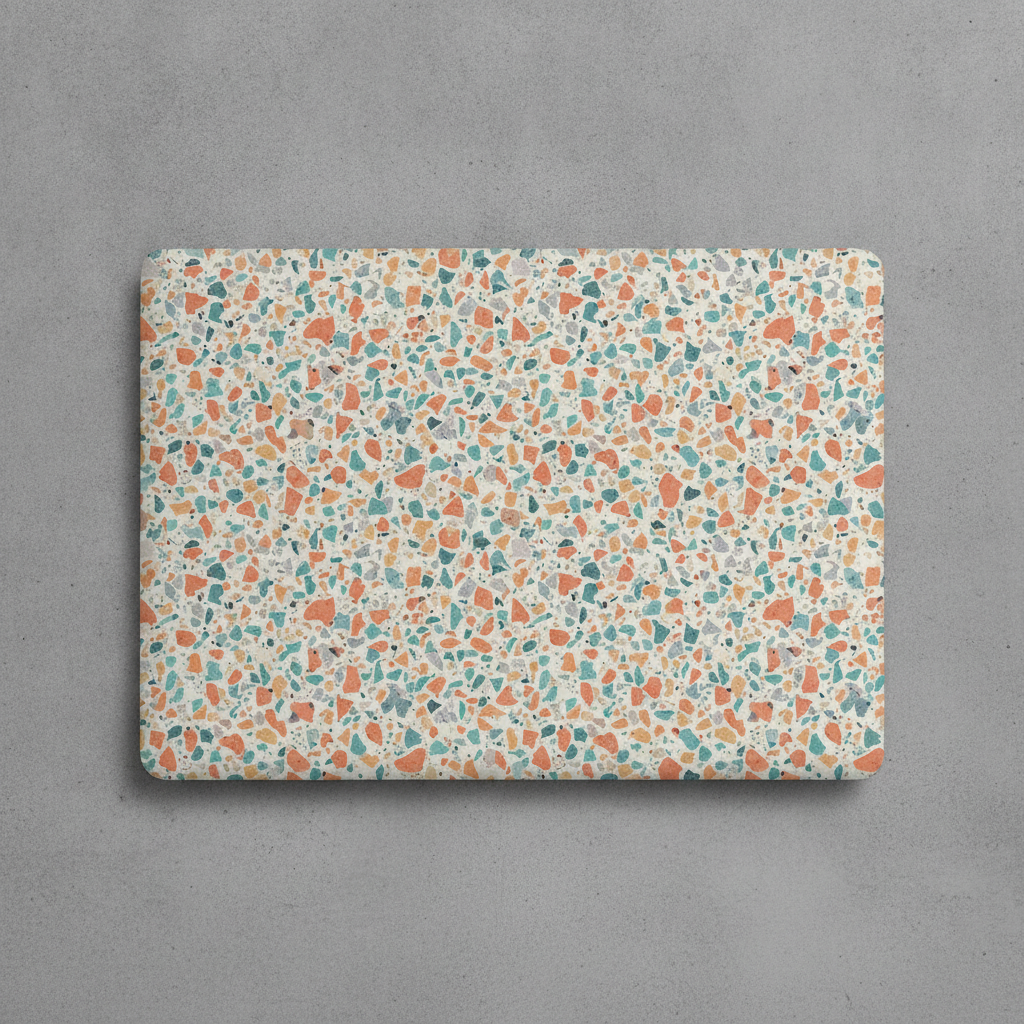
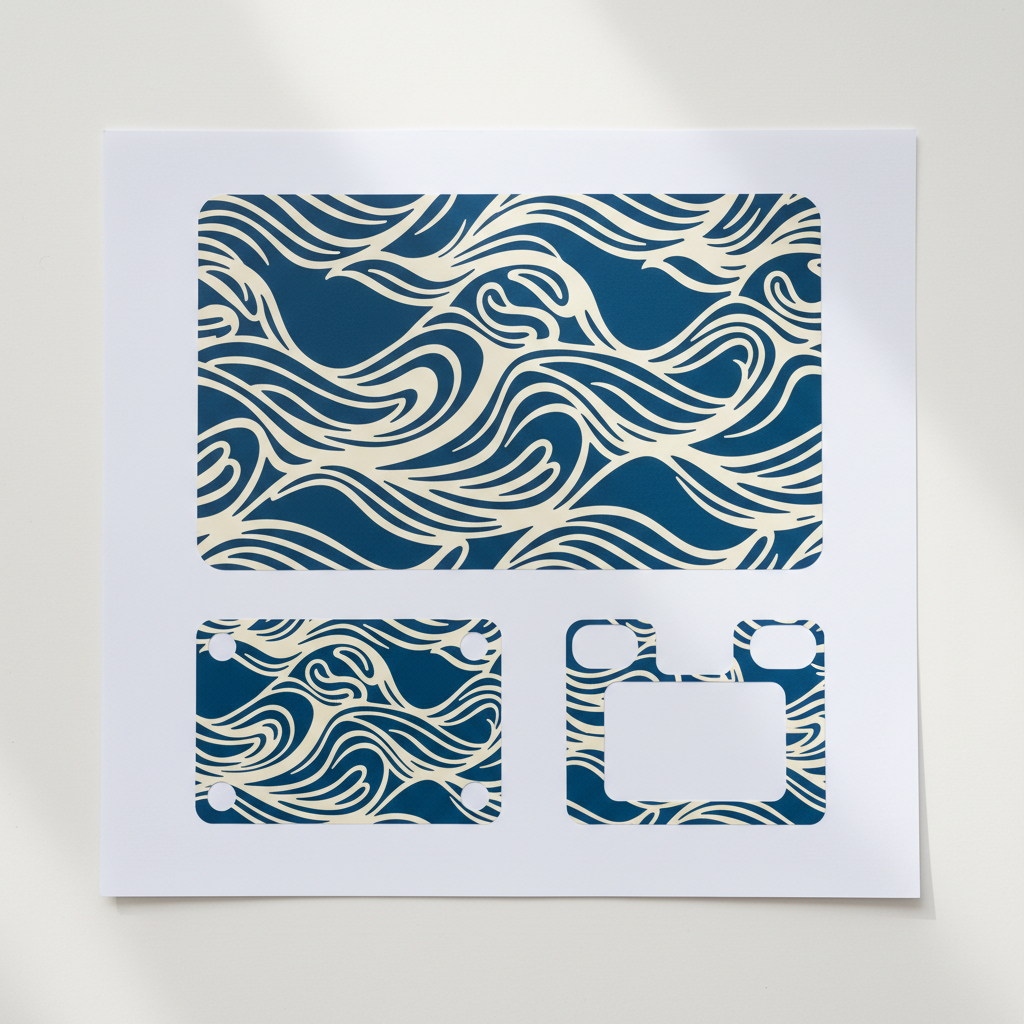
Pick a layout by how it handles the cut, not by which thumbnail is prettiest. All-over pattern is the forgiving one and the only one that drops onto any laptop model without a re-layout. Logo cutout frame is for machines with a badge hole in the middle of the lid. Matte minimal is the one that still looks new after a year in a bag. The full kit preset gives you all three panels at once. Add your subject and palette in the box to steer any of them.
AI Laptop Skin Design Generator
Choose a laptop skin layout, describe your subject and palette, and get flat vinyl skin artwork at up to 4K
What the AI Laptop Skin Design Generator Produces
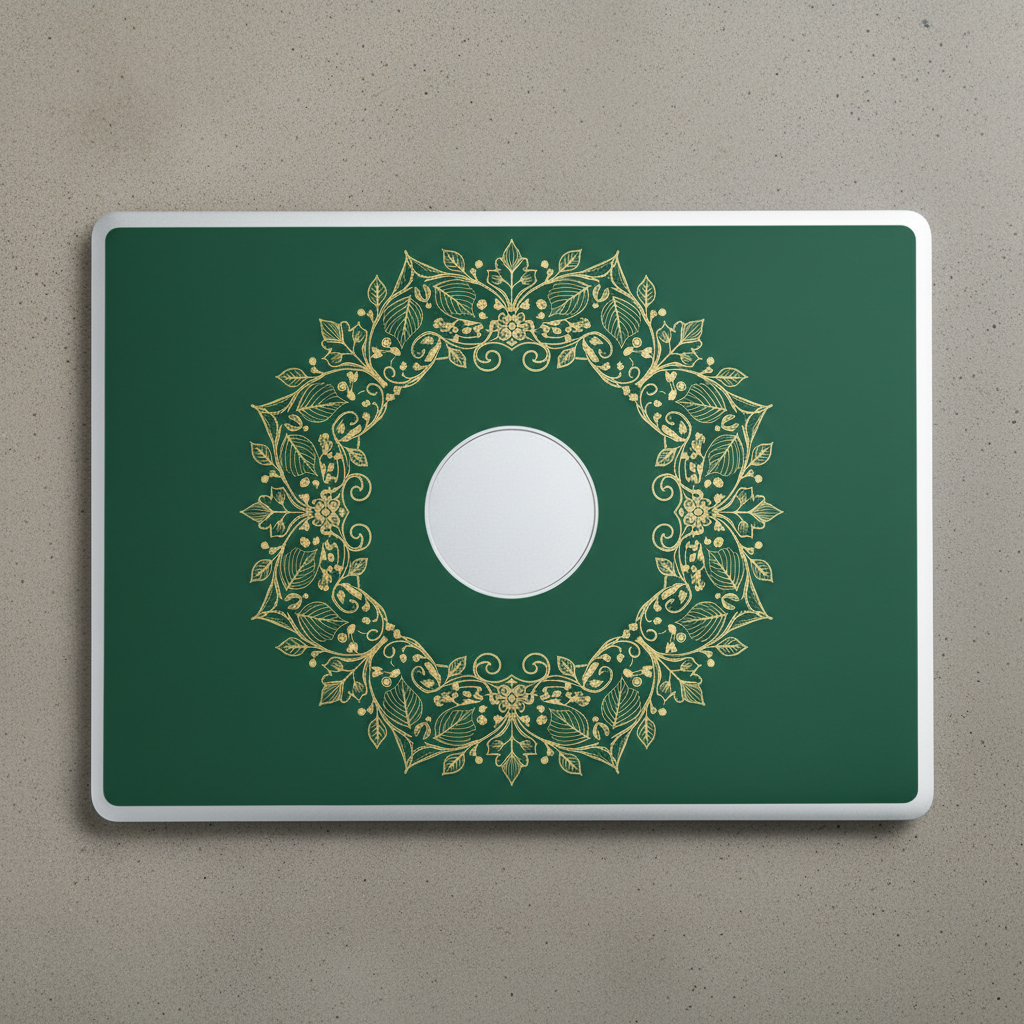
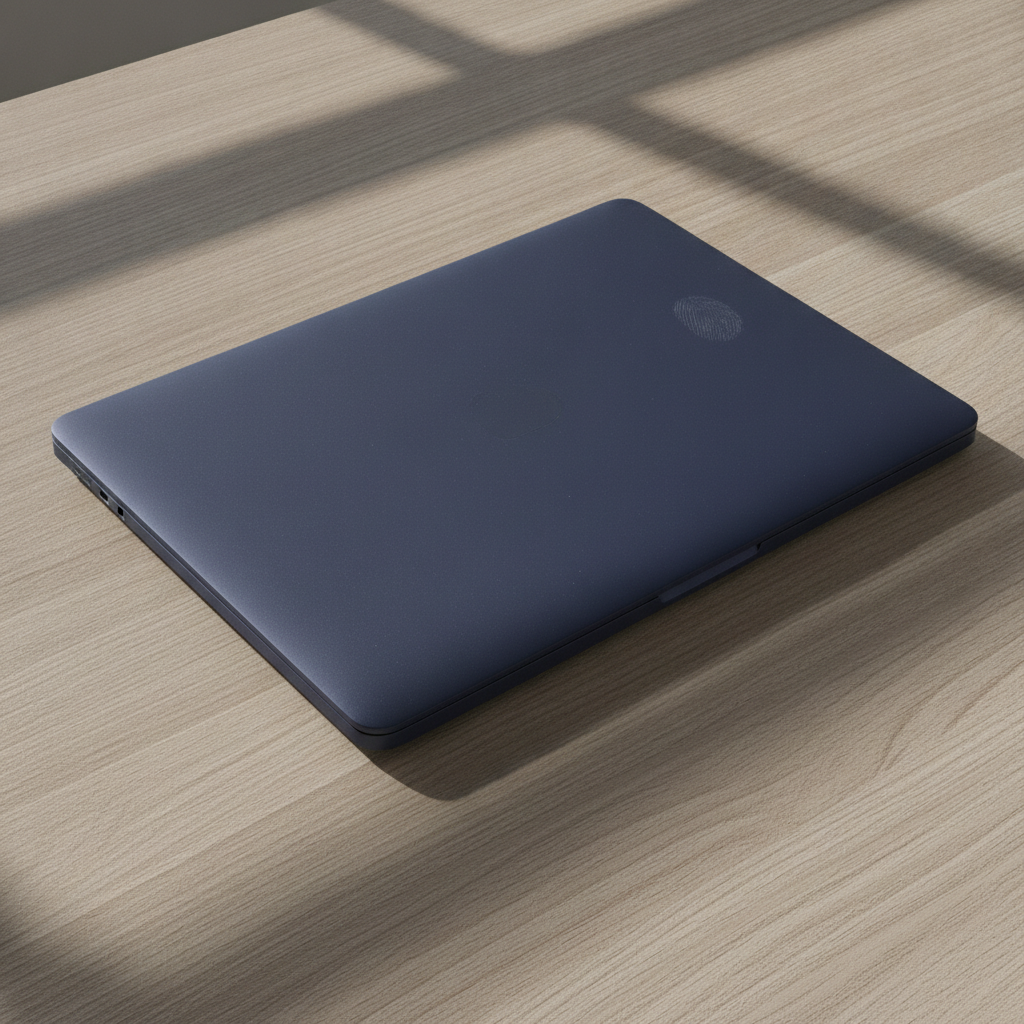
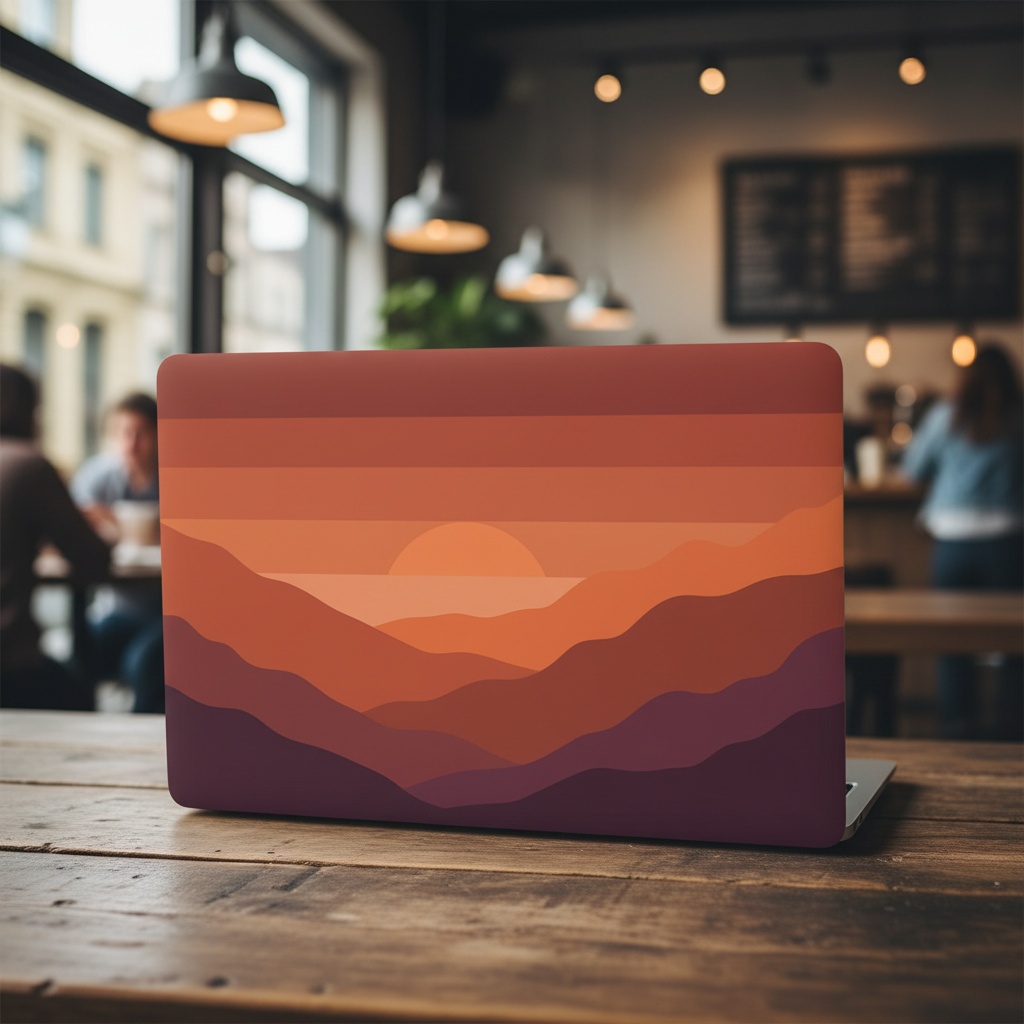
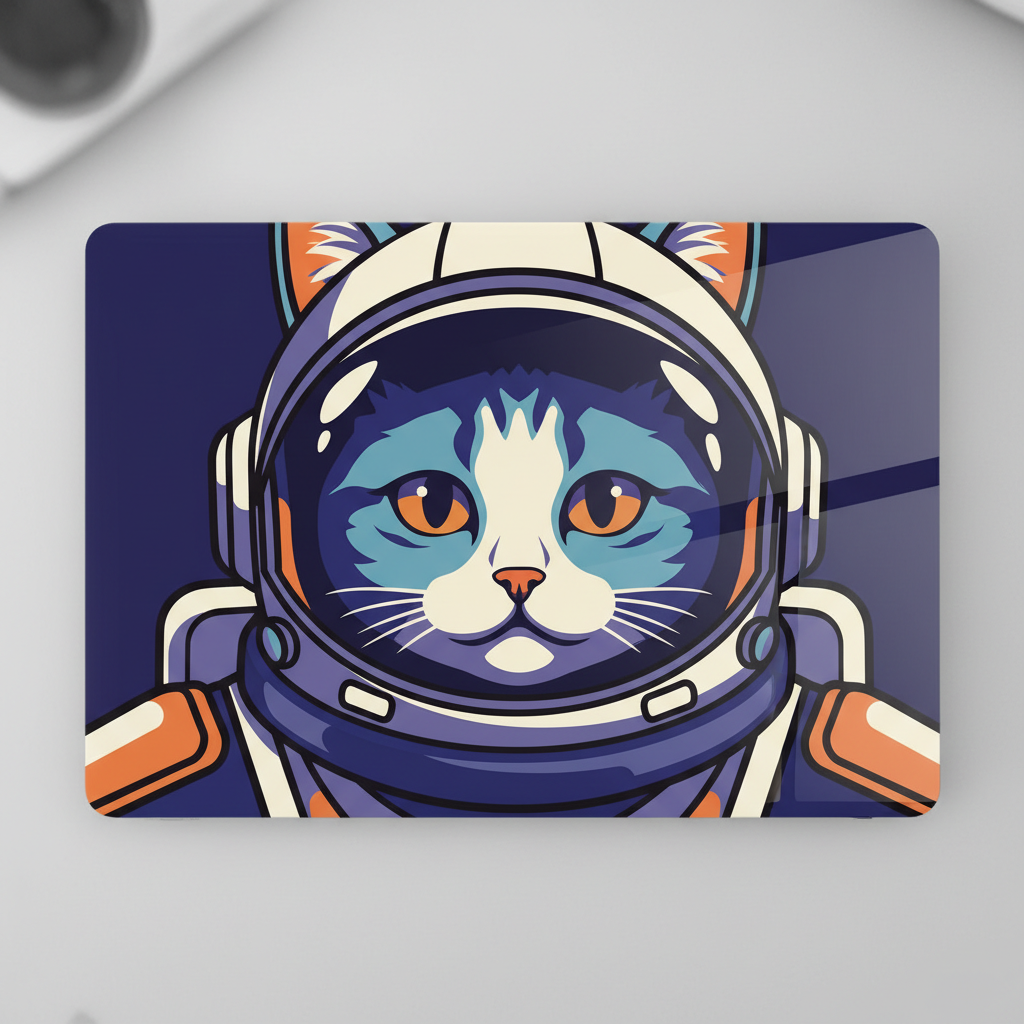
Six layouts, shown on the panel rather than as flat swatches. The wreath is composed entirely around the empty badge hole in the middle. The navy minimal skin is carrying a visible fingerprint, which is the honest version of what a plain dark field looks like on a desk. And the bold character has left a band of plain ground around itself instead of bleeding off — a reminder to check the crop against the die line before you order.
How the AI Laptop Skin Design Generator Works
Check the Die Line First
Find your exact model on your skin service and note two things: whether the lid panel has a logo cutout, and how much bleed they want beyond the trim. Both decide which layouts are even possible before you generate anything.
Pick a Layout and a Palette
Choose one of six layouts by how it behaves when it gets cut, then describe your subject and colours. Leave the box blank and the layout picks its own. Each design takes about twenty seconds.
Upscale and Place on the Template
Download at up to 4K and upscale to roughly 300 dpi at panel size — around 3,600 pixels across for a large lid. Drop it into your service template, push the artwork past the trim into the bleed, and keep anything precious well inside the edge.
Why Use This AI Laptop Skin Design Generator
Any image generator can make an attractive graphic. Very few are set up for a panel that gets die-cut to a model-specific outline, punched through the middle and then rubbed by a wrist for eight hours a day.
Six Layouts, Not Six Styles
Each preset is a different answer to the same question — what happens when this artwork meets a cut line. All-over pattern, logo cutout frame, matte minimal, wide panorama, a full three-piece kit and a bold graphic. The palette is yours; the layout is the decision that actually matters.
Designed Around the Badge Hole
A large share of laptop skins are cut with an opening at the centre of the lid, and it lands exactly where most people put their subject. One preset builds a wreath around that opening on purpose, and the pattern preset simply does not care where the hole falls.
Model-Agnostic by Default
Skin services cut a separate die for nearly every machine, so a placed graphic has to be re-laid out per model while a repeat does not. If you are listing one design across thirty laptop sizes, the pattern presets are the ones that let you do it without thirty layouts.
Read From Two Metres, Not Twenty Centimetres
The lid faces away from you whenever the laptop is open, so it is signage for other people at conversational distance. The panorama and bold graphic presets are written for that viewing distance — large shapes, high contrast and no fine detail that dissolves across a room.
The Whole Kit, Not Just the Lid
A skin is usually three panels: lid, base and palm rest. The kit preset generates a coordinated set in one shot, with the boldest treatment on the lid and the calmest under your hands, so the palm rest is not an afterthought pulled from a crop of the lid file.
It Makes Artwork, Not a Cut Skin
Said plainly because it saves a wasted upload: there is no die line, no bleed marks, no port cutouts and no model template baked into the file. This tool settles what the surface should look like. Your skin service handles cutting, material and fit.
What Makes a Good Laptop Skin Design
Five things that decide whether your skin looks like a product or looks like a printout stuck to a computer.
The lid is not for you
This is the part almost everyone gets backwards. For the entire time your laptop is open, the lid points away from you — you are looking at a screen, and the artwork is facing the room. It is outward-facing signage, read at two or three metres by whoever is sitting opposite in a cafe, a lecture hall or a meeting, and read upside-down and edge-on by anyone walking past a closed machine on a desk. That distance kills fine line work, small text and photographic detail, and it rewards one large idea with high tonal contrast. Design it the way you would design a book spine on a shelf, not the way you would design a phone wallpaper.
There may be a hole in the middle of your composition
Premium skin services cut an opening in the lid panel so the manufacturer badge still shows through, and it sits dead centre — precisely where a centred subject wants to be. There are exactly three sane responses. Frame it, and let a ring, wreath or radial burst make the opening the deliberate centre of the design. Ignore it, by using an all-over pattern dense enough that one more interruption reads as part of the field. Or confirm your service cuts a solid lid, in which case you have the full rectangle. What does not work is designing a face, a logo or a single hero object for the middle and hoping the hole lands somewhere polite.
Everything within five millimetres of the edge is expendable
Skins are die-cut, and dies drift by a millimetre or two. Printers ask for around 3 millimetres of bleed past the trim line so a slight misregistration shows your artwork rather than bare white, which means the outermost band of your file exists only to be thrown away. Push the design past the edge deliberately. The corners matter too: laptop corner radii vary by model, so a design with meaningful content tucked into a corner will get shaved on some machines and not others. And the edge is where lift and peeling start in a bag, so a busy pattern hides a slightly worn perimeter far better than a crisp geometric frame that has to stay perfectly aligned to look right.
Matte and gloss are two different palettes
The finish is not a packaging choice made after the design; it changes the design. Matte vinyl scatters light, so saturation drops a few percent, blacks lift towards charcoal and fine gradients band slightly — but glare disappears, fingerprints stop showing and the machine looks like it came that way. Gloss keeps colours vivid and makes illustration and photography genuinely sing, then records every fingerprint, scuff and application bubble, worst of all on flat dark fields. If your artwork is a plain dark colour, a subtle grain or texture in the file is worth more than any amount of care during application, because it gives all that surface damage somewhere to hide.
A placed design is model-specific, a pattern is not
Every laptop gets its own die: different lid proportions between a 13-inch and a 16-inch, different corner radii, different port and vent cutouts on the base, different logo openings or none at all. A composition with a centred subject and considered margins is a layout for one die, and moving it to another crops it somewhere you did not choose. An all-over repeat or a texture has no privileged position, so it drops onto any outline and still looks composed. This is the same trade every print-on-demand seller makes, and it is why catalogues that list one design across dozens of models are built on patterns while placed graphics are reserved for the two or three best-selling sizes.
Tools That Pair With This One
Phone Case Design Generator
The other device surface built around cutouts — camera holes instead of a badge opening, and a portrait panel instead of a landscape one.
Pattern Generator
For the seamless repeat itself, when you want a tile worked out on its own before deciding which die line it has to survive.
Image Upscaler
Take a 4K design up to the roughly 3,600 pixels across that a 300 dpi lid panel wants before you hand it to a vinyl printer.
AI Laptop Skin Design Generator FAQ
Settle the Artwork Before You Order the Vinyl
Twenty seconds and no sign-up to see whether your idea still reads once a badge hole goes through it and three millimetres come off every edge. Considerably cheaper than a delivered skin you peel straight back off.
Start Designing FreeAbout the AI Laptop Skin Design Generator
This AI laptop skin design generator creates the printed artwork a custom vinyl skin is made from, using Nano Banana Pro. Choose one of six layouts — all-over pattern, logo cutout frame, matte minimal, wide panorama, full three-piece kit, or bold graphic — describe your subject and palette if you have one in mind, and the model returns flat artwork at up to 4K in about twenty seconds. It is free to start with no account required, and what comes back is what a print-on-demand skin service asks you to upload: the design itself, with the die line, the cutting and the material left to the manufacturer.
What separates a laptop skin design generator from a general graphic tool is that a lid is not a blank canvas. It is a panel with a model-specific outline, rounded corners that vary between machines, a bleed allowance that eats the outer few millimetres, and frequently a circular opening punched through the exact centre so the manufacturer badge shows. On top of that it is the one surface on your laptop you never see while you use it — open the lid and the artwork faces the room, read at two or three metres by other people rather than at arm's length by you. That is why the presets here are organised by how a design behaves when it is cut and viewed from a distance rather than by art style: a dense all-over pattern survives any die line and any hole, a framed ring turns the badge opening into the centre of the composition, a wide panorama is built from shapes large enough to read across a room, and a matte minimal field is the version that still looks new after a year in a bag.
People use this AI laptop skin design generator for three broad jobs. Individuals skin one machine, usually to make an identical work laptop findable in a room full of them or simply to stop looking at grey aluminium. Print-on-demand sellers develop skin ranges across dozens of device models, which is exactly where the pattern presets earn their place, since a repeat can be dropped onto any die without a fresh layout while a placed graphic cannot. And companies produce branded skins for staff machines and conference giveaways, where the lid is genuinely functioning as signage and the two-metre reading distance is the whole design brief.
Two limits are worth stating plainly. First, this produces artwork rather than a cut skin: there is no template, no bleed marks and no port cutouts in the file, so download your service's die line and place the design on it yourself. Second, check every render before you list or order it — device skins sit on branded hardware and look semi-official, so this category attracts more intellectual property complaints than most, and image models will happily invent a manufacturer-looking emblem if you let them. Every preset here excludes logos and brand marks explicitly for that reason. Beyond that, the resolution maths is friendly: a large lid at 300 dpi needs roughly 3,600 pixels across, which a 4K generation plus an upscale covers comfortably, so unlike most print-on-demand surfaces no tiling is involved. Generate a few, look at them from across the room rather than on your screen, and let that decide.