
AI Image vs Video Tools
Trying to decide between AI image and video tools for your next project? This side-by-side comparison breaks down the AI tool features that matter most — speed, cost, quality, and control — so content creators, video producers, and digital artists can pick the right approach with confidence. In most day-to-day work an AI image generator is faster, cheaper, and more flexible, while video AI shines when motion is the whole point. Read the image and video AI comparison below, then try AI image generation free right on this page — no account needed to start.
Try the AI Image Tool — Free
The best way to judge an image and video AI comparison is to test it yourself. Choose a style — product, portrait, concept art, illustration, or tech visual — add any details you like, and click Generate. In about twenty seconds you get a crisp 4K image, so you can see exactly what an AI image generator delivers before committing to any heavier video workflow.
AI Image vs Video Tools
Pick a style and generate high-quality images fast — the image side of the comparison, free to test
AI Image vs Video Tools: Side by Side
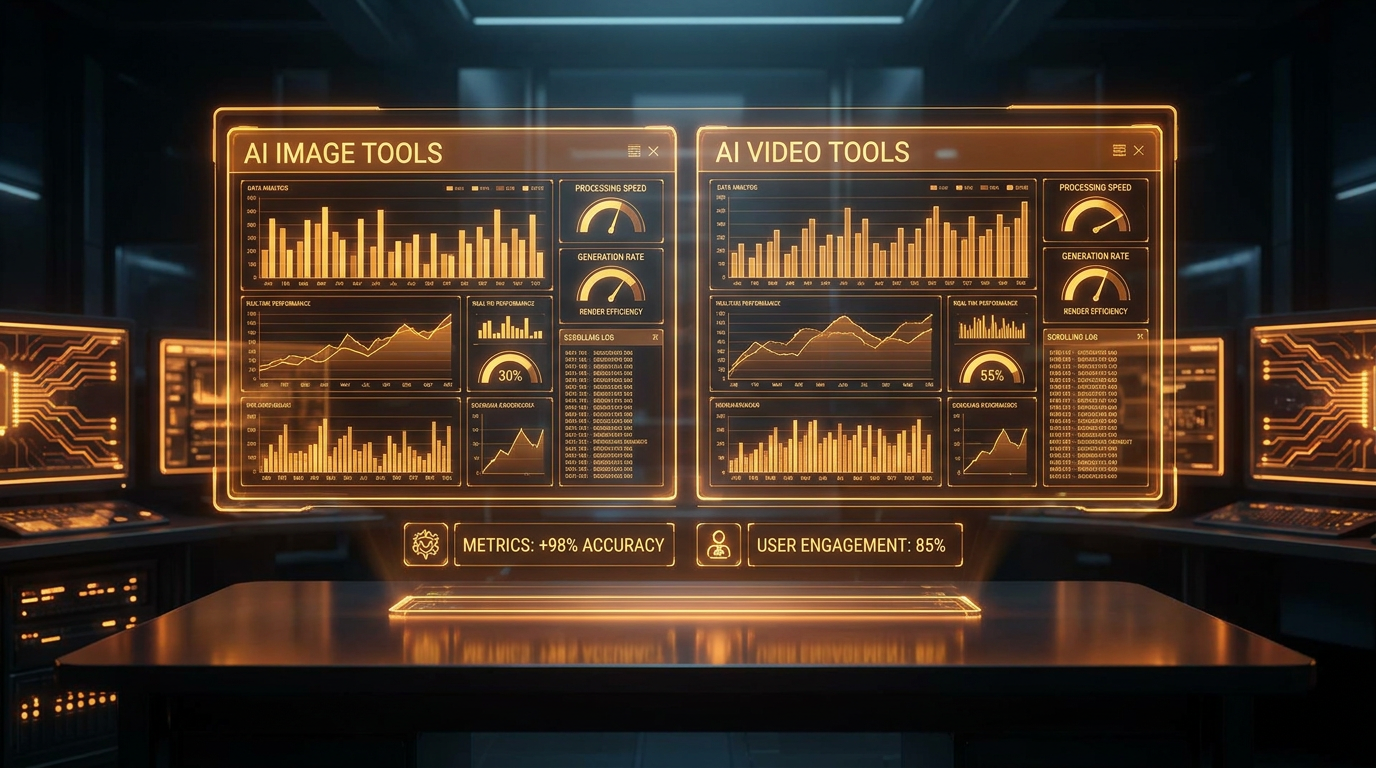
A quick image and video AI comparison across the AI tool features that shape real projects
| Feature | AI Image Tools | AI Video Tools |
|---|---|---|
| Speed per result | ~20 seconds | Minutes per clip |
| Cost per output | Cents — very low | Much higher per second |
| Resolution | Up to sharp 4K stills | Often lower, upscaled |
| Best for | Thumbnails, ads, art, product shots | Reels, motion, storytelling |
| Control & edits | Precise, easy to iterate | Harder to fine-tune |
| Learning curve | Beginner friendly | Steeper, more settings |
| Free to try | Yes, on this page | Usually limited trials |
Values are typical ranges for consumer AI tools and vary by provider and settings.
AI Image vs Video Tools in Pictures
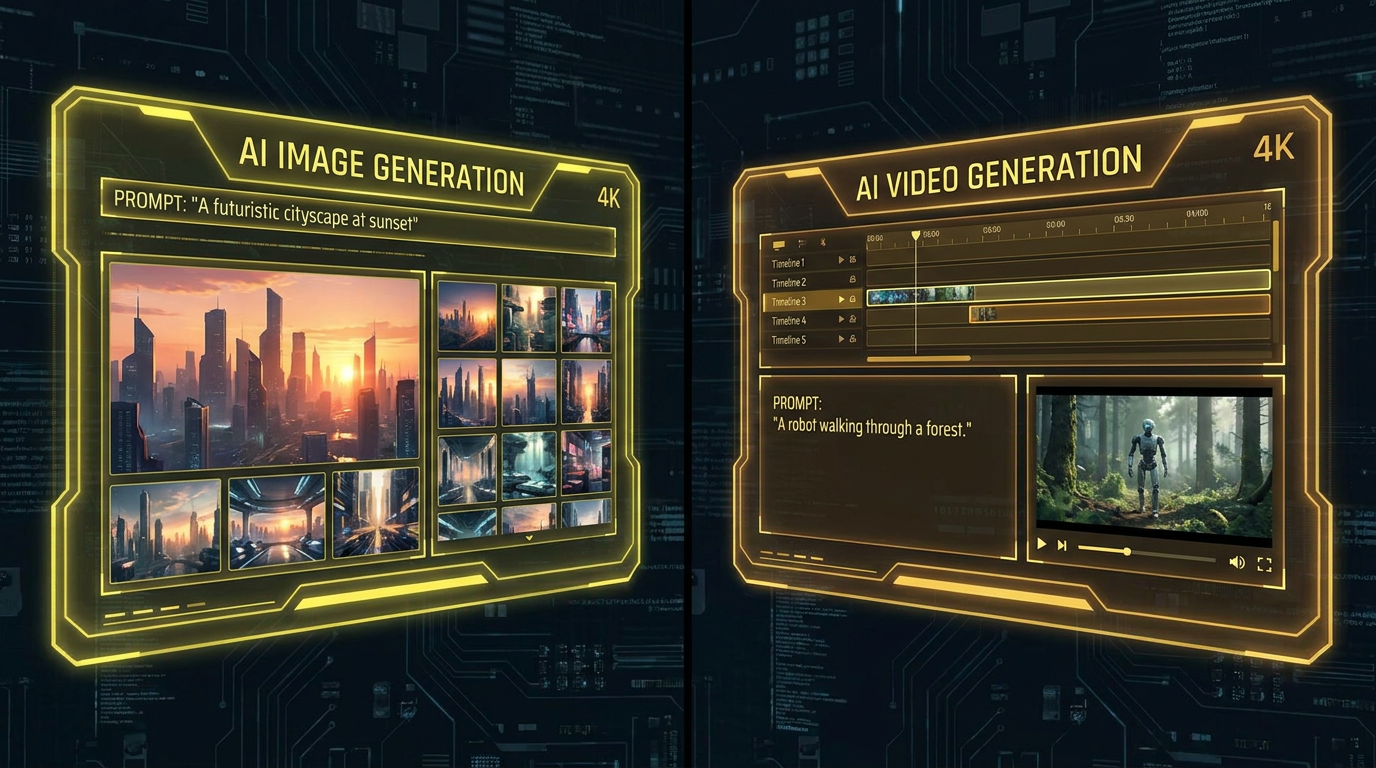
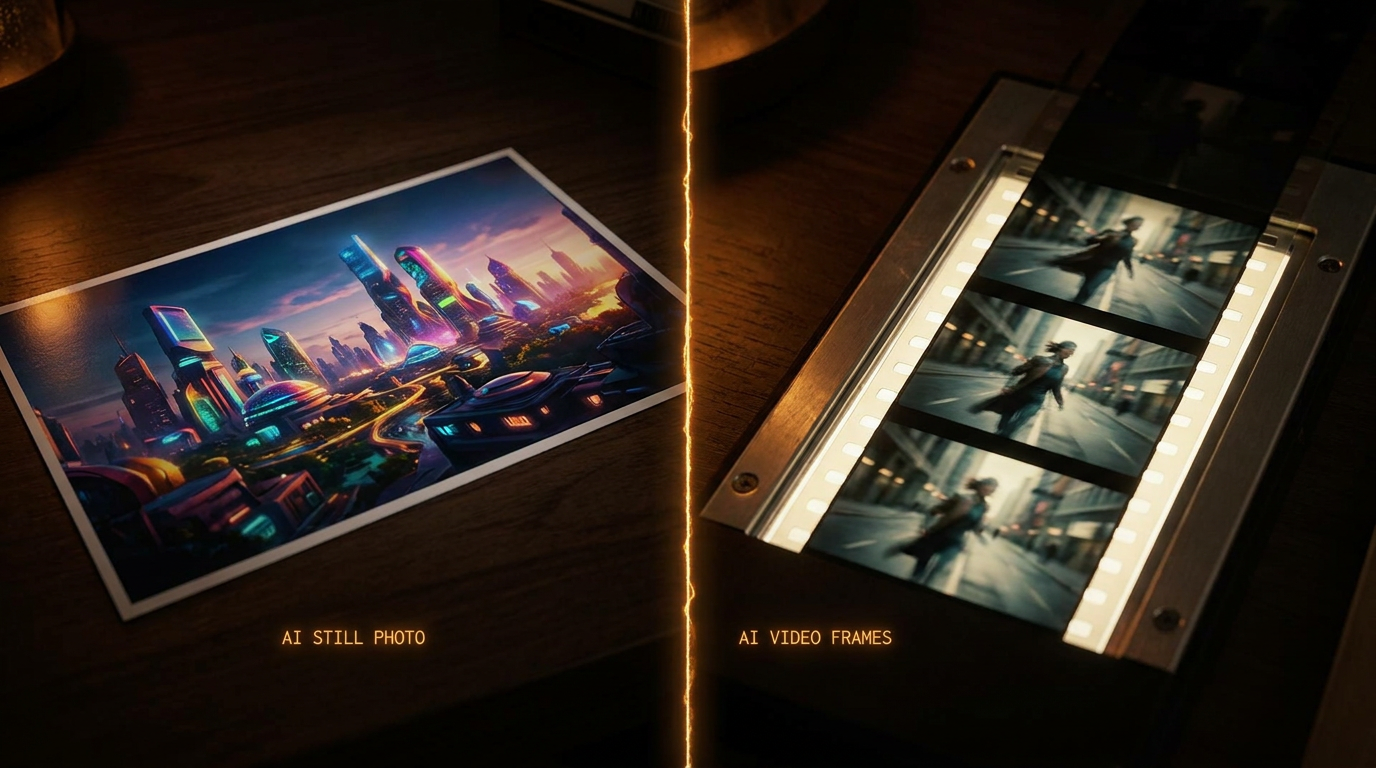
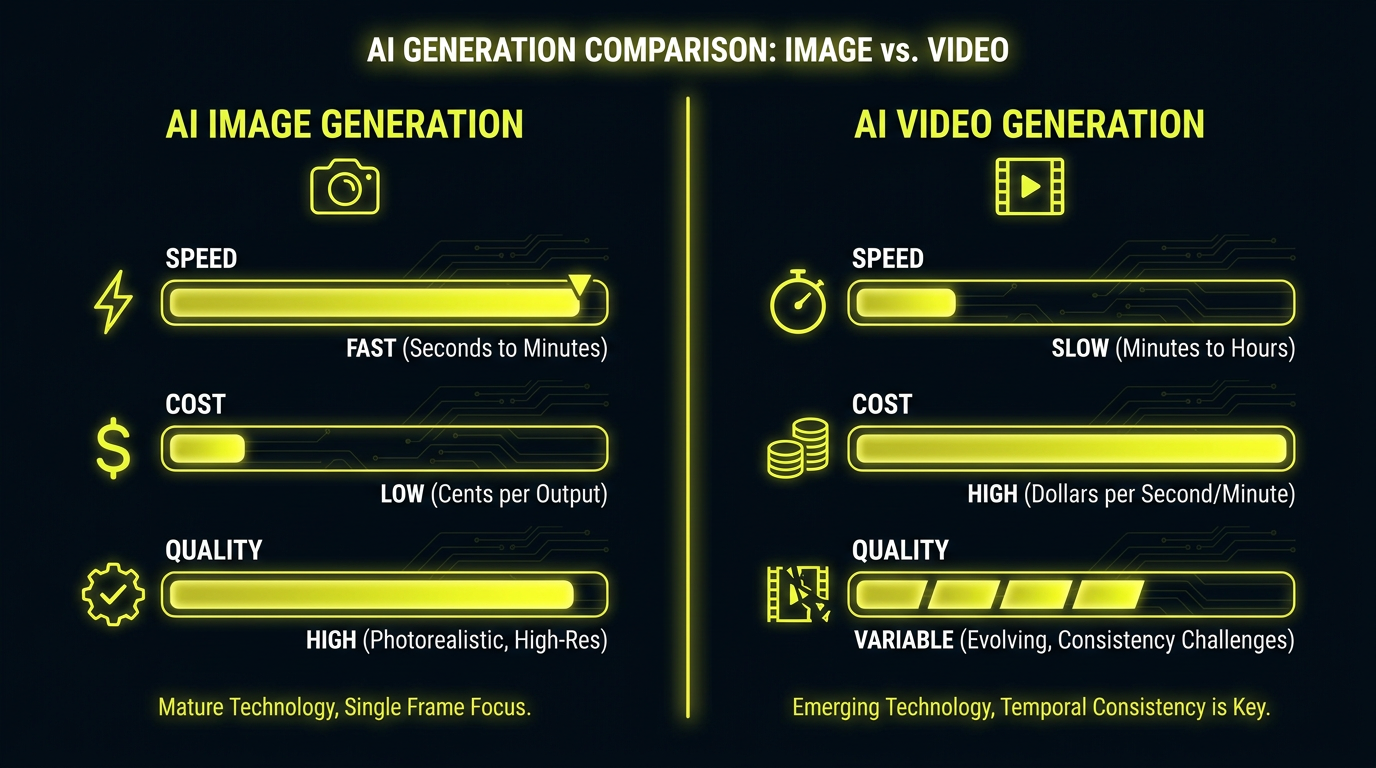
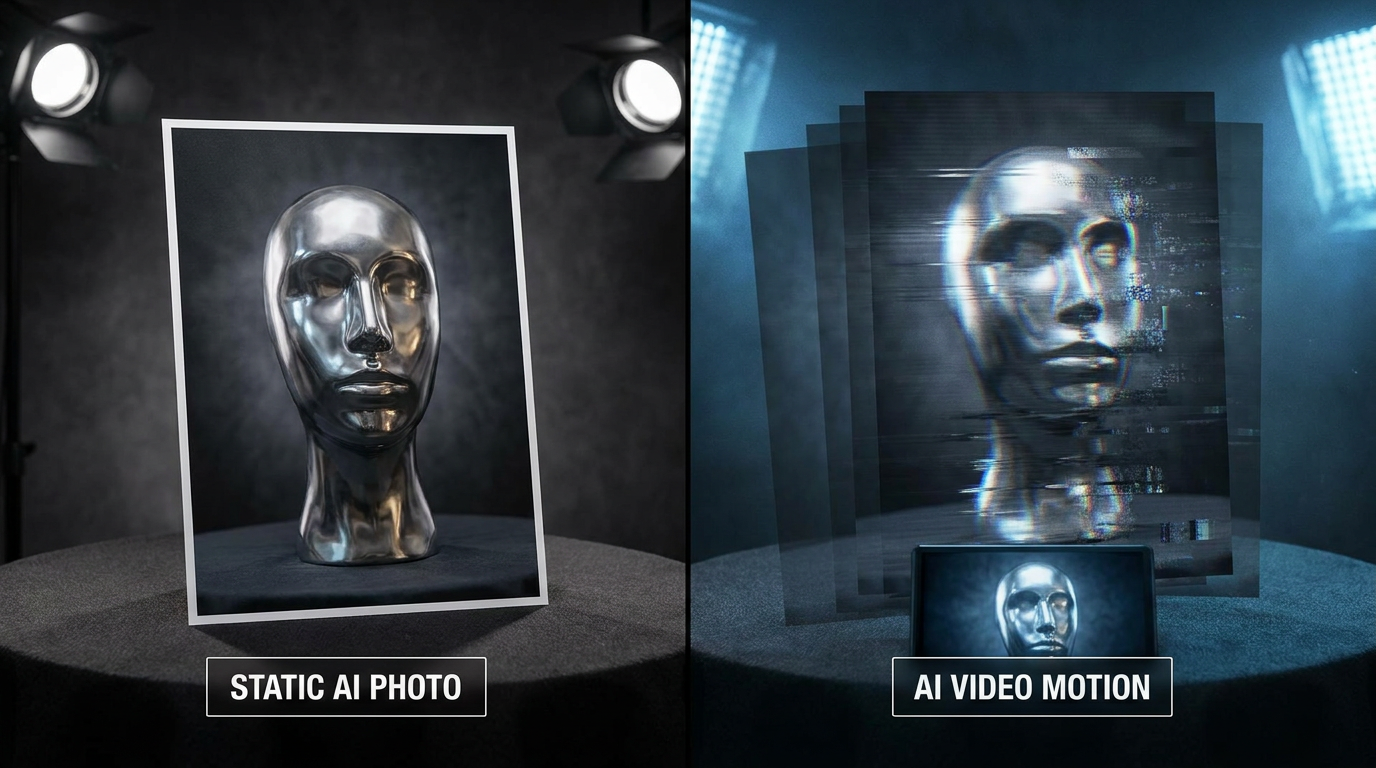
Every example below was made from a single prompt — a glimpse of what the AI image side of the comparison can create for you
When to Choose AI Image Tools
Six reasons content creators and digital artists reach for an AI image generator first
Faster Turnaround
In the AI image vs video tools debate, speed is the clearest win. An AI image generator renders a finished 4K result in about twenty seconds, while video AI often needs minutes per clip. When you need a thumbnail, ad, or hero image now, images keep your workflow moving.
Lower Cost Per Output
Video generation is compute-heavy and priced accordingly. This image and video AI comparison consistently favors images on budget: you can produce dozens of high-quality stills for the cost of a single short AI video, making images ideal for high-volume content.
Higher Resolution
One AI tool feature that still separates the two is fidelity. AI image tools deliver crisp 4K detail, while AI video output is frequently lower resolution and softer. For print, product shots, and anything viewed up close, images win the quality comparison.
Easier to Control
Iterating on a still is simple: tweak the prompt, switch a style, regenerate. Video AI adds motion, timing, and consistency challenges that make fine-tuning harder. If precise, repeatable results matter, the image side of the video vs image AI question is far more forgiving.
Beginner Friendly
AI video tools come with more settings, longer waits, and a steeper learning curve. AI image generation is approachable from the first click — pick a style, add a detail, and go. That low barrier is why so many creators start on the image side before ever touching video.
Free To Start
You can try AI image generation free right on this page — no credit card and nothing to install. That lets any content creator, video producer, or digital artist test AI tool performance and quality with zero risk before deciding where video fits in.
How to Decide Between Image & Video AI
Three simple steps — no design skills and no account setup required to start
Define the Deliverable
Ask what the final output needs to be. A static visual — a thumbnail, ad, poster, or product shot — points straight to AI image tools. If motion is essential to the message, that is where video AI earns its higher cost and longer render time.
Weigh Speed & Budget
Run the image and video AI comparison against your deadline and budget. Images are cheaper and finish in about twenty seconds, so for high-volume or fast-turnaround work an AI image generator almost always wins on AI tool performance.
Test It Free
Skip the guesswork and try the image side right here. Generate a few 4K images free, judge the quality yourself, and only invest in a heavier video workflow when the project truly calls for motion.
Frequently Asked Questions
Common questions about AI image vs video tools
Try the AI Image Tool Now
See the image side of the AI image vs video tools comparison for yourself — crisp 4K results in about twenty seconds, no install and no credit card. Try it free right now. Plans from $2.99.
AI Image vs Video Tools: What Actually Matters
As AI creativity tools multiply, the practical question is rarely which is more impressive — it is which one fits the job in front of you. The AI image vs video tools comparison comes down to a few AI tool features: speed, cost, resolution, and how easily you can control the result. On every one of those, AI image generation is the lightweight, high-volume workhorse. It renders sharp 4K stills in about twenty seconds for only cents each, and iterating is as simple as changing a prompt. Video AI, by contrast, is powerful but heavy — slower, pricier, and harder to fine-tune.
That does not make video the loser; it makes it a specialist. When motion is the message — a product demo, a short reel, an animated explainer — video AI does something a still simply cannot. The mistake many teams make is reaching for video by default and paying the speed and cost penalty on work an image would have handled better. A clear image and video AI comparison helps you spend your budget where it counts: images for the bulk of your visuals, video for the moments that truly need to move.
Best of all, you can settle the question with a quick test. With a free tier on this page, you can try AI image generation without a credit card, an install, or any technical setup. Generate a few images, judge the speed and quality for yourself, and only invest in a heavier video workflow when the project calls for it. Premium plans for unlimited 4K generations start at just $2.99.
Who This Comparison Helps
Content creators lean on this image and video AI comparison every week. Thumbnails, blog headers, ad creative, and social posts are almost always stills, so an AI image generator lets them ship more visuals faster and cheaper. When a single reel genuinely needs motion, they reach for video — but they no longer pay the video premium on work an image handles perfectly.
Video producers and digital artists use the comparison to plan smarter pipelines. They storyboard and prototype with fast, cheap AI images first, locking in style and composition before committing expensive video renders. That workflow saves time and money while keeping AI tool performance high, because the costly step happens only once the creative direction is settled.
Whatever your role, the takeaway is the same: match the tool to the deliverable. For most visual work, AI image tools are faster, cheaper, and sharper — and you can prove it in seconds. Pick a style above, add a personal detail, and try AI image generation free on this page to see how much the image side of the AI image vs video tools comparison, powered by Nano Banana Pro, can do for your next project.
Ready to see the image side in action? Try AI image generation free — no install, no credit card, crisp 4K results in about twenty seconds. See the speed and quality for yourself. Paid plans from $2.99.