
AI Image Generator for VRAM Optimization
Render 4K AI Art Without Burning Your GPU Memory
Stop worrying about CUDA out-of-memory errors. Our AI image generator for VRAM optimization renders 4K AI images on cloud GPUs that handle the heavy memory cost for you — so a laptop with 4 GB of VRAM produces the same hero-grade art a 24 GB workstation card would. Memory-efficient batching, quantized models, and tiled rendering run server-side, while you just see fast, clean image output.
Try It Now — Free
Render a 4K AI image on our hosted GPUs — zero VRAM used on your machine, no driver setup, no install
AI Image Generator for VRAM Optimization
Pick a preset or write your own prompt — our cloud GPUs handle the memory cost so even an integrated-graphics laptop can ship 4K AI art
AI Image Generator for VRAM Optimization Examples
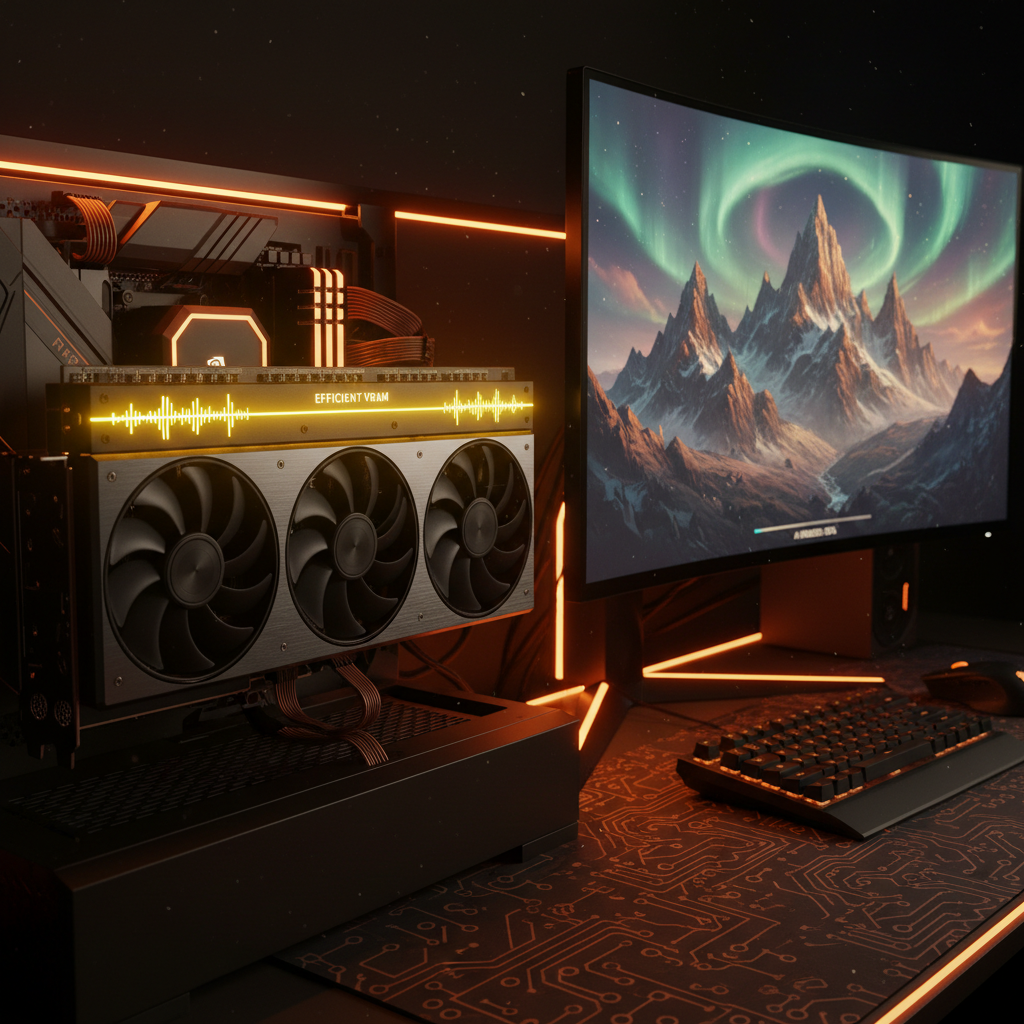
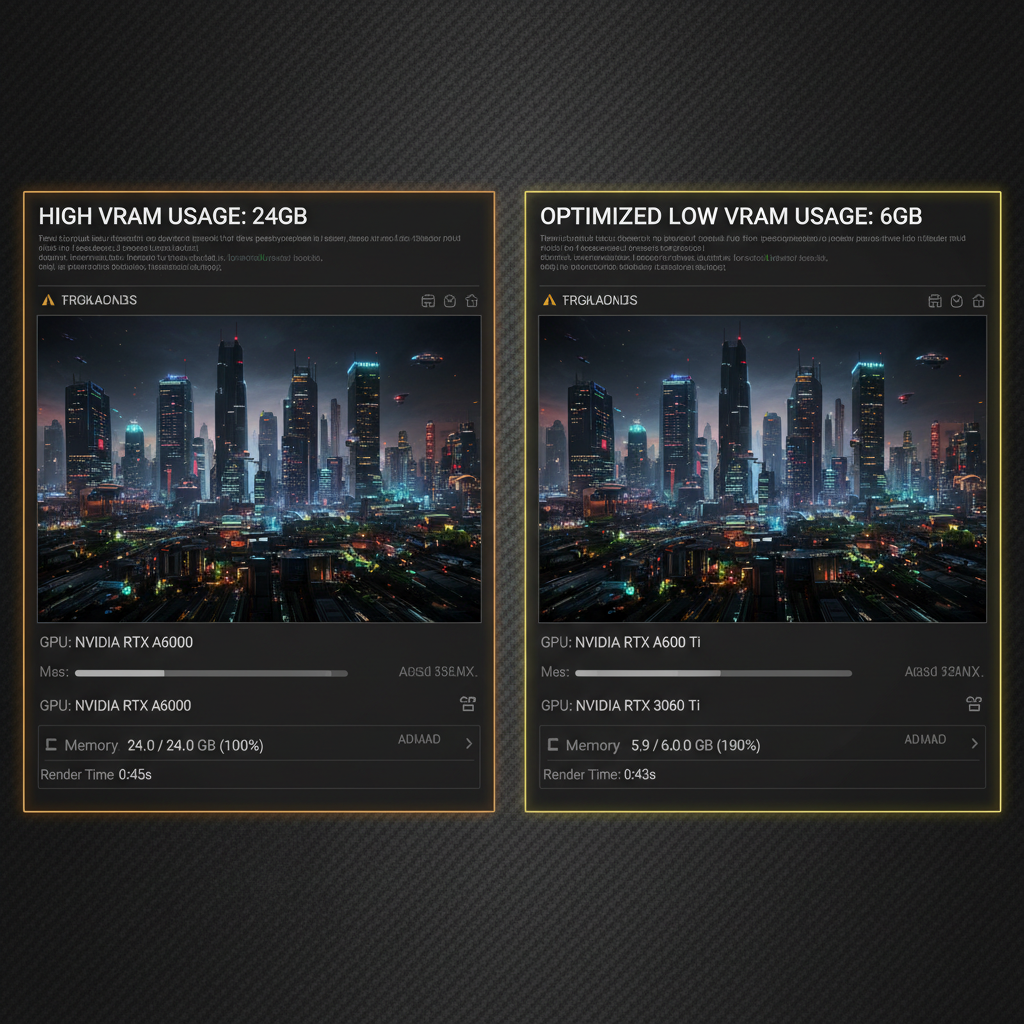
Hero-grade 4K renders shipped from laptops, integrated graphics, and old gaming cards — because our GPUs eat the VRAM cost
How Our AI Image Generator for VRAM Optimization Works
Three steps from a low-VRAM device to a 4K cloud-rendered AI image
Describe Your Image
Type a prompt or pick a preset in the AI image generator for VRAM optimization above. Your device only sends the text — no model weights are loaded locally, no CUDA kernels run on your card, and no driver setup is required. A 2 GB integrated GPU is enough to submit the request.
Cloud GPUs Render Memory-Efficiently
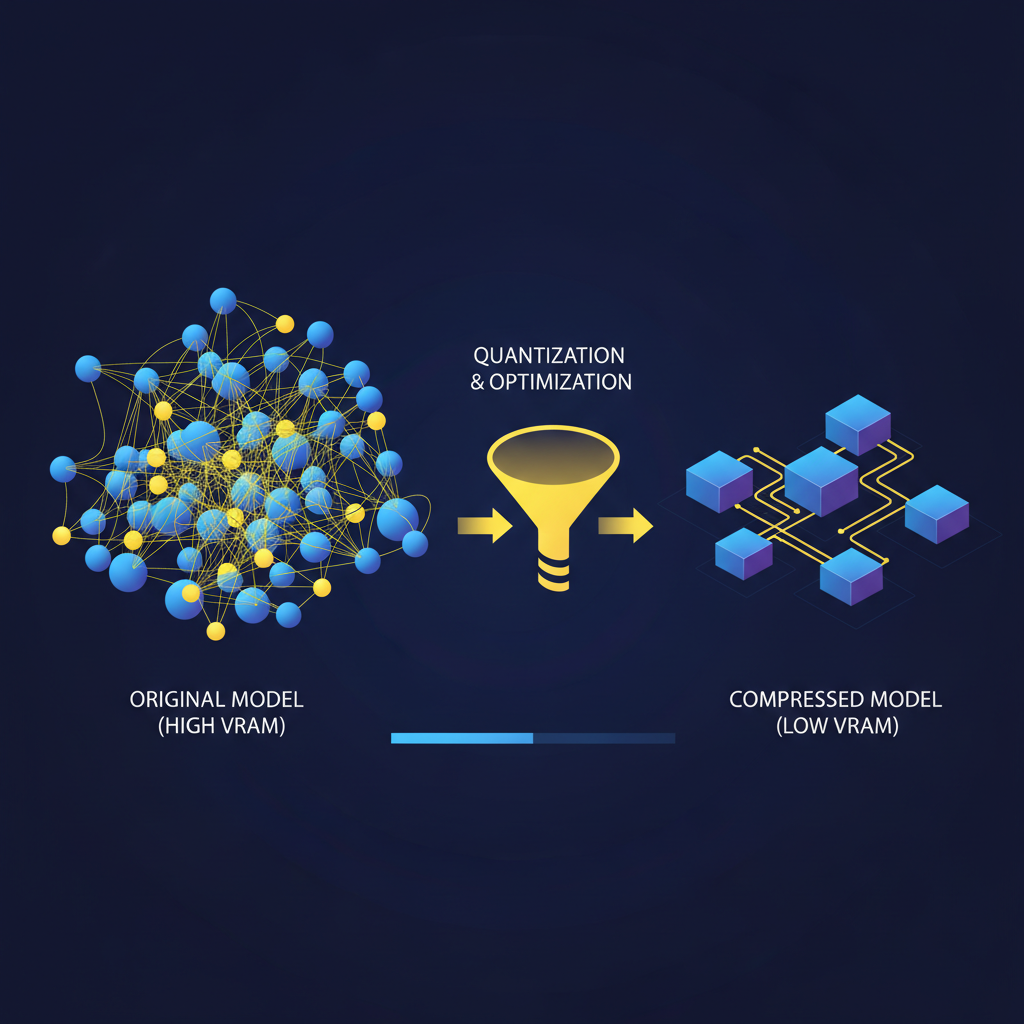
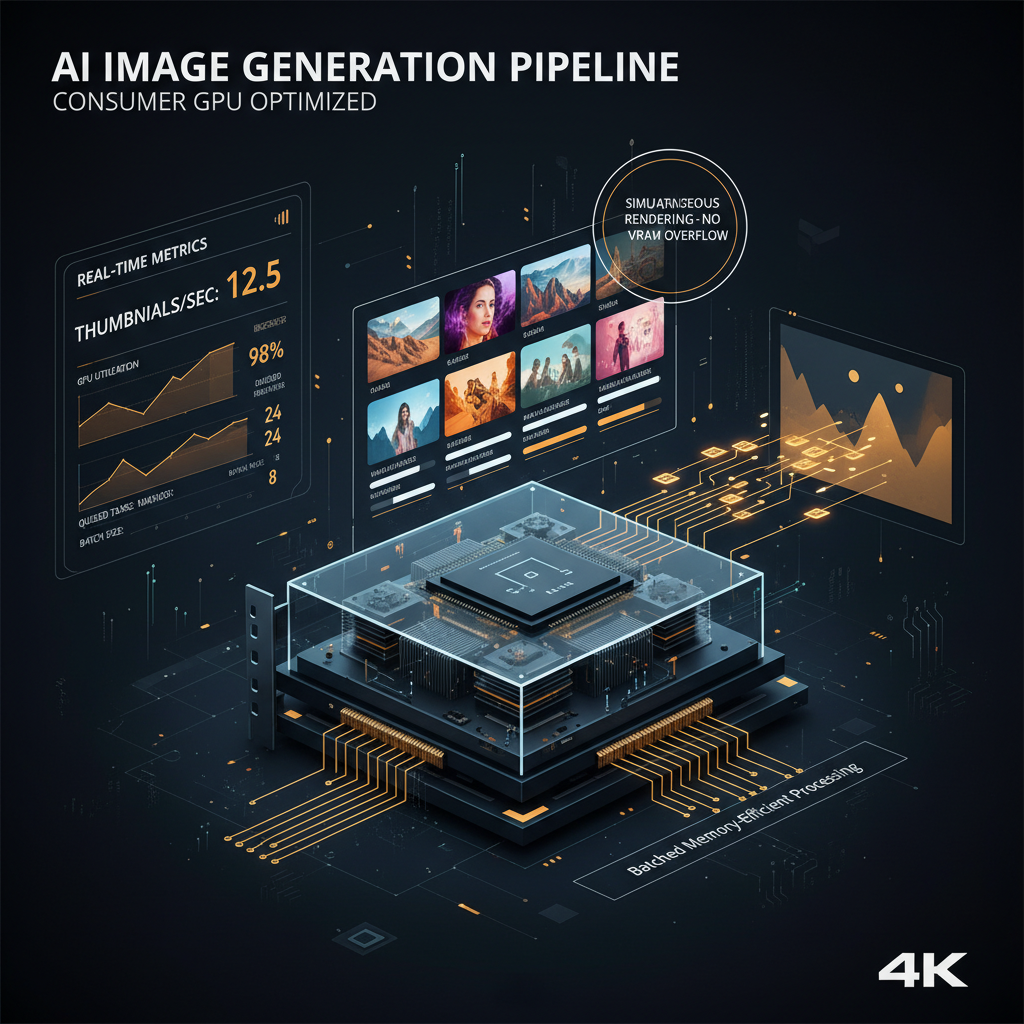
Our hosted GPUs run Nano Banana 2 with attention slicing, quantized weights, and tiled rendering for high-resolution outputs. The AI image generator for VRAM optimization spreads batched work across pooled cards so a long queue does not bottleneck on a single 24 GB instance. You never see the knobs — you just see fast 4K renders.
Download Your 4K Image
The finished render streams back to your browser as a downloadable image. Your VRAM never spiked, your fans never ramped, your laptop battery never tanked — and you still ship a hero-grade 4K image with full commercial rights. That is what an AI image generator for VRAM optimization gives you: pro output without pro hardware.
Why Pick Our AI Image Generator for VRAM Optimization
Built for designers, tech specialists, and game developers who want 4K AI output without buying a new graphics card
Runs on Any Device
Because our AI image generator for VRAM optimization renders in the cloud, your device only needs to display the result. A laptop with integrated graphics, an older MacBook, a low-end PC, or even a phone browser is enough. No CUDA install, no driver updates, no model downloads, no 50 GB checkpoints sitting on your SSD.
Memory-Efficient Server-Side Pipeline
Behind the scenes, the AI image generator for VRAM optimization applies attention slicing, model offloading, quantized weights, and tiled rendering to keep GPU memory tight even at 4K. The optimizations let us serve more renders per card — which is why we can offer fast queues at $2.99 instead of charging per-second cloud GPU rental rates.
Batch Without OOM Crashes
Large batch jobs are where most AI image generators break — a 12 GB card runs out of memory three images into a queue of fifty. Because our AI image generator for VRAM optimization pools work across multiple GPUs, you can submit dozens of prompts in a content pipeline or ecommerce catalog and get them back without OOM errors or sequential bottlenecking.
Full 4K Output, No Quality Tradeoff
VRAM optimization changes how the model runs, not what it produces. The AI image generator for VRAM optimization still renders at full Nano Banana 2 quality — sharp 4K detail, accurate text rendering, consistent characters, faithful prompt adherence. The hardware cost goes down; the output quality does not.
No Driver Headaches
Local diffusion stacks are notorious for CUDA version mismatches, kernel compile failures, and PyTorch/Triton incompatibilities. Our AI image generator for VRAM optimization sidesteps every one of them. You open a browser and you generate — no Python env, no virtualenv, no model directory, no PATH surgery, no GPU passthrough drama on a Windows laptop.
Commercial Rights Included
Every render from the AI image generator for VRAM optimization ships with full commercial rights — drop the output into game UI, paid ads, product mockups, marketing campaigns, in-store displays, and merchandise without attribution, royalties, or stock-license paperwork. Free renders are great for testing; paid plans unlock higher concurrency.
AI Image Generator for VRAM Optimization in the Wild
Where teams use our AI image generator for VRAM optimization when their local GPU just is not enough
Indie Game Asset Pipelines
Indie studios use the AI image generator for VRAM optimization to render concept art, item icons, tile backgrounds, and character portraits without tying up the same RTX card that runs the engine viewport. Render queues live in the cloud, the local GPU stays free for game build and play-testing, and assets land in the Unity or Godot folder ready for import.
Designers on Older Laptops
Freelance designers running older MacBooks or thin-and-light Windows laptops get pro-grade 4K output without buying a workstation. The AI image generator for VRAM optimization offloads all the heavy work to our cloud GPUs, so a 4 GB integrated GPU produces the same hero shots a 24 GB workstation card would — at a fraction of the hardware cost.
Batch Catalog Renders
Ecommerce teams pipe a CSV of product names through the AI image generator for VRAM optimization to render hero shots and lifestyle imagery for hundreds of SKUs. Because the optimization spreads batched work across pooled GPUs, the run finishes in a single overnight job instead of crashing a 12 GB card halfway through.
Classroom & Lab Use
Educators teaching graphics, generative AI, or technical art reach for the AI image generator for VRAM optimization in lab environments where school-issued machines have low VRAM. Every student gets full 4K output through a browser, with no GPU driver setup, no model downloads, and no IT ticket to install a CUDA stack on shared lab hardware.
Tech Spec Visuals
Tech specialists writing docs, blogs, and internal slide decks use the AI image generator for VRAM optimization to render technical diagrams, GPU dashboards, and infrastructure illustrations on the same laptop they use for video calls. No background CUDA process, no fan ramp, no battery drain — just a browser tab and a 4K image download.
Long-Running Marketing Drops
Marketing teams use the AI image generator for VRAM optimization for multi-hour creative drops — fifty social variants, six hundred ad permutations, a full seasonal campaign. The cloud-side memory optimizations keep batches from OOMing, so the job runs to completion instead of failing halfway and forcing a manual restart.
Frequently Asked Questions
Everything tech-savvy creators want to know about the AI image generator for VRAM optimization
Render 4K AI Images Without Burning Your GPU
No signup. No credit card. No driver setup. Try the AI image generator for VRAM optimization in the browser — our cloud GPUs do the memory-heavy lifting so you can ship hero-grade 4K art from any laptop. Premium plans start at $2.99 for higher batch concurrency and priority queue placement.
Start Creating NowAI Image Generator for VRAM Optimization — Hero 4K Output From Any Device
Why VRAM Is the Real Bottleneck in AI Image Generation
Anyone who has tried to run a modern diffusion or transformer model on a 6 GB consumer GPU knows the truth: VRAM is the bottleneck. Resolution gets capped, batches crash with OOM, and the longest bottleneck in the workflow becomes shuffling weights in and out of memory just to keep the render going. An AI image generator for VRAM optimization fixes the root cause — either by running the model in a memory-efficient way locally or, in our case, by moving the entire compute step to cloud GPUs that have enough VRAM to spare. The end user just sees fast, clean 4K output without ever touching CUDA.
The numbers matter. Diffusion models at 4K can demand 16–24 GB of VRAM just to hold activations, let alone batch multiple renders. That excludes virtually every laptop GPU and most mid-range desktop cards from running the workload locally without tricks like attention slicing, model offloading, or tiled rendering. Our AI image generator for VRAM optimization applies those tricks server-side and pools the workload across multiple GPUs, so a queue of fifty prompts does not bottleneck on a single 24 GB instance. The optimizations are why we can offer fast batch rendering at $2.99 instead of the per-second cloud GPU rental rates that those instances normally command.
For designers, tech specialists, and game developers, the practical result is simple: a 4 GB laptop GPU produces the same hero shots that a 24 GB workstation card would, with no driver setup, no model downloads, no virtualenv, and no Python errors at the wrong moment of the project. The AI image generator for VRAM optimization treats VRAM as our problem, not yours. You get the image; we eat the memory.
How Nano Banana 2 Delivers VRAM Optimization Without Quality Loss
Our AI image generator for VRAM optimization is backed by Nano Banana 2 — the same model that drives our web experience and powers our developer tooling. The web UI, the CLI, and this optimized cloud path all hit the same model, so prompt fidelity, character consistency, text rendering, and 4K output do not change just because you came in through a memory-optimized entry point. The optimization is about hardware cost, not creative output.
Under the hood, the AI image generator for VRAM optimization combines attention slicing for long-context diffusion steps, quantized model weights for faster matrix multiplies, model offloading between GPU and CPU memory at safe boundaries, tiled rendering for high-resolution outputs that would otherwise exceed a single card's memory budget, and batched parallel scheduling that spreads concurrent requests across pooled GPUs. None of it leaks into your workflow — there are no flags to set and no settings to tune. You write a prompt, we route it to the GPU that can render it fastest, and you download the finished image.
Start using the AI image generator for VRAM optimization right now — no signup, no credit card, no driver install, no watermark on the output. Try a prompt in the browser above and you will see a 4K render come back in seconds with zero memory used on your local machine. Paid plans start at $2.99 and unlock higher batch concurrency, priority queue placement, and longer queue limits for production workloads — game studios, marketing teams, ecommerce catalogs, and educational labs that need to render hundreds of images per hour. Every output ships with full commercial rights for paid ads, brand campaigns, in-store displays, and merchandise — with no attribution and no per-impression royalty.
Ship 4K AI images from any device with our AI image generator for VRAM optimization. No signup, no credit card, no CUDA setup. Cloud GPUs absorb the memory cost so a laptop renders like a workstation. Royalty-free 4K output with full commercial rights — premium plans from $2.99 for higher concurrency and priority queueing.