
AI Image Extender
Cropping throws pixels away. Extending invents them. When a portrait is too tight for a banner, when a vertical phone shot has to become a widescreen header, when the top of someone's head is clipped in the only good frame you got — the fix is not to shrink the picture, it is to build more of it. This AI image extender reads the lighting, texture, perspective and grain of what you uploaded and generates matching scenery outward past the original border, so the new edges look photographed rather than pasted. Upload, pick a direction, download in about twenty seconds at up to 4K.
Try It Now — Free
Upload your photo, choose which way it should grow, and describe what belongs in the new space. Your expanded image comes back in about twenty seconds at up to 4K.
AI Image Extender
Upload a photo, pick how far and which way to expand it, and get back a wider frame with new scenery that matches
Upload your photo, choose an extension preset, then describe what should appear in the new space
Photos Expanded With This AI Image Extender
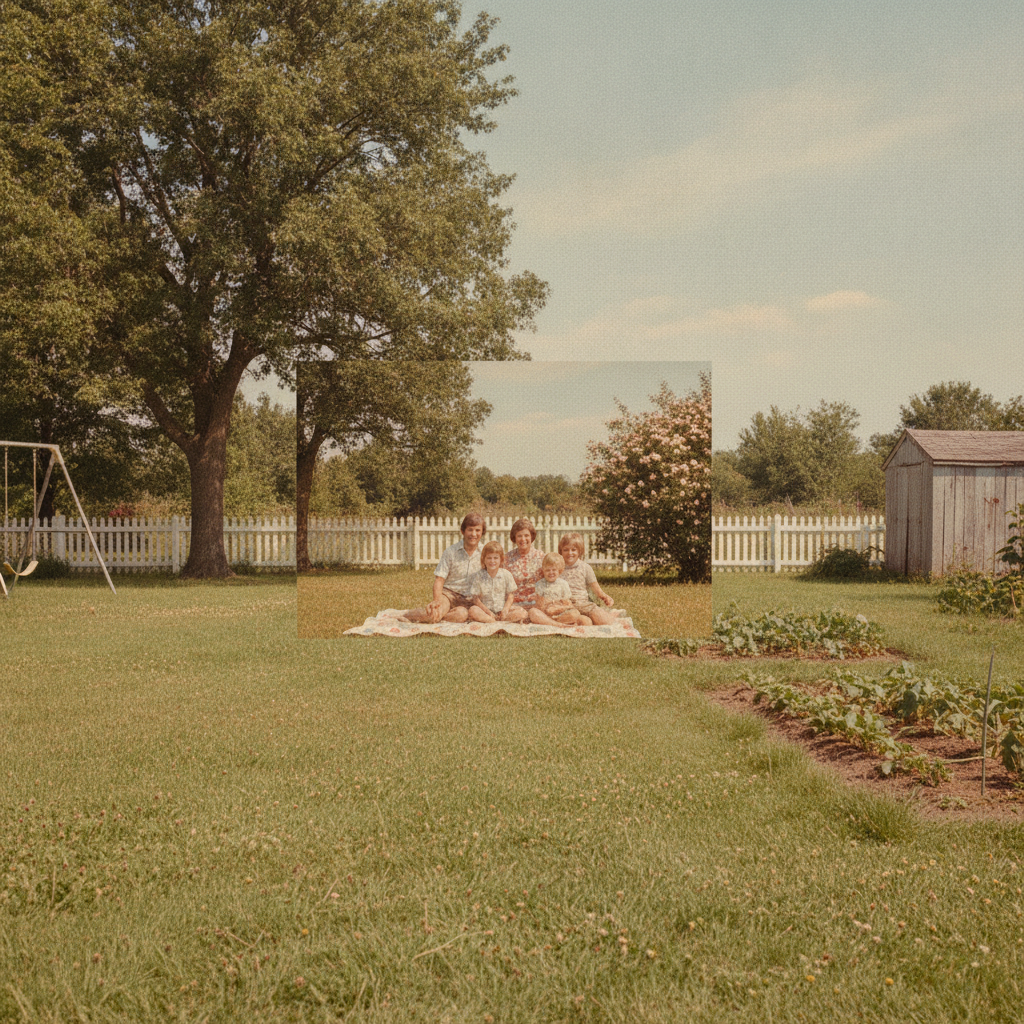
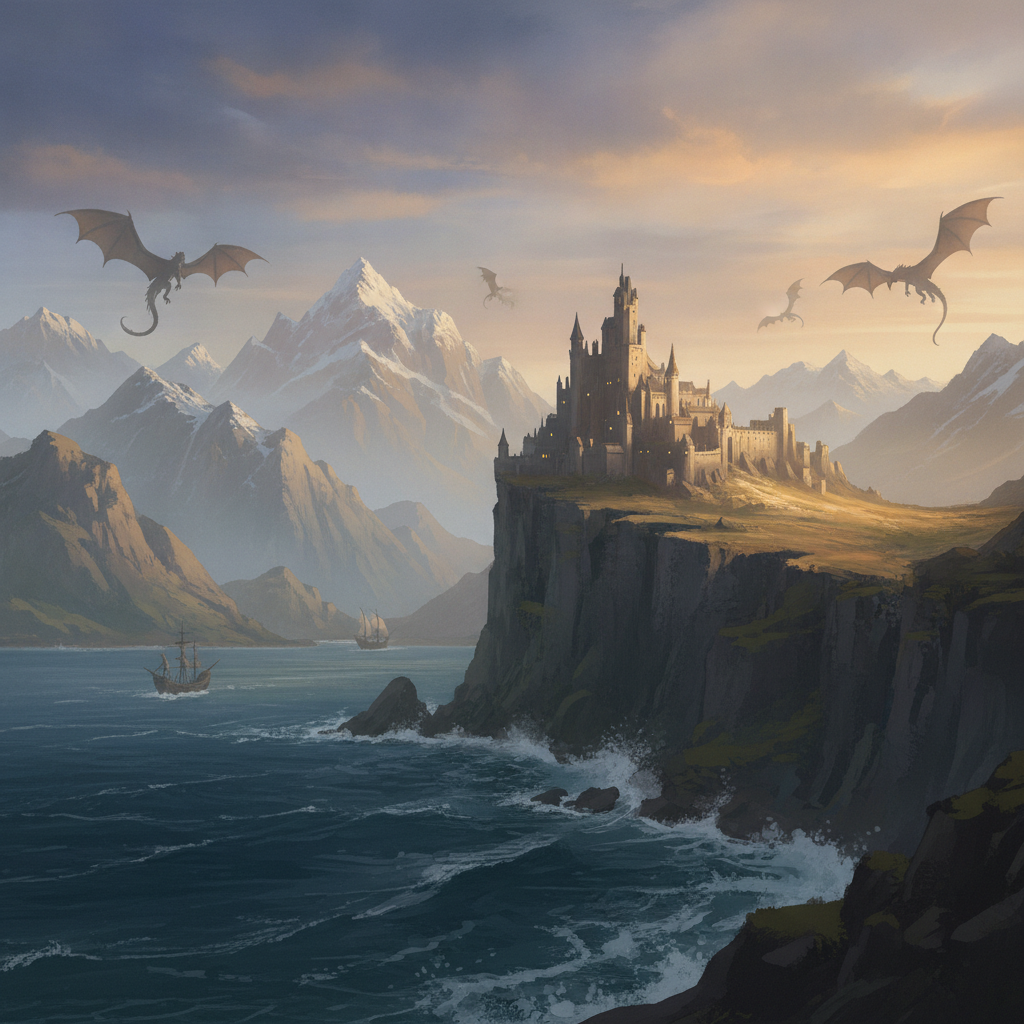
A clipped mountain ridge, a too-tight portrait, a product shot with no margin, a vertical street scene, a square family snapshot and a cropped illustration — each grown past its original border
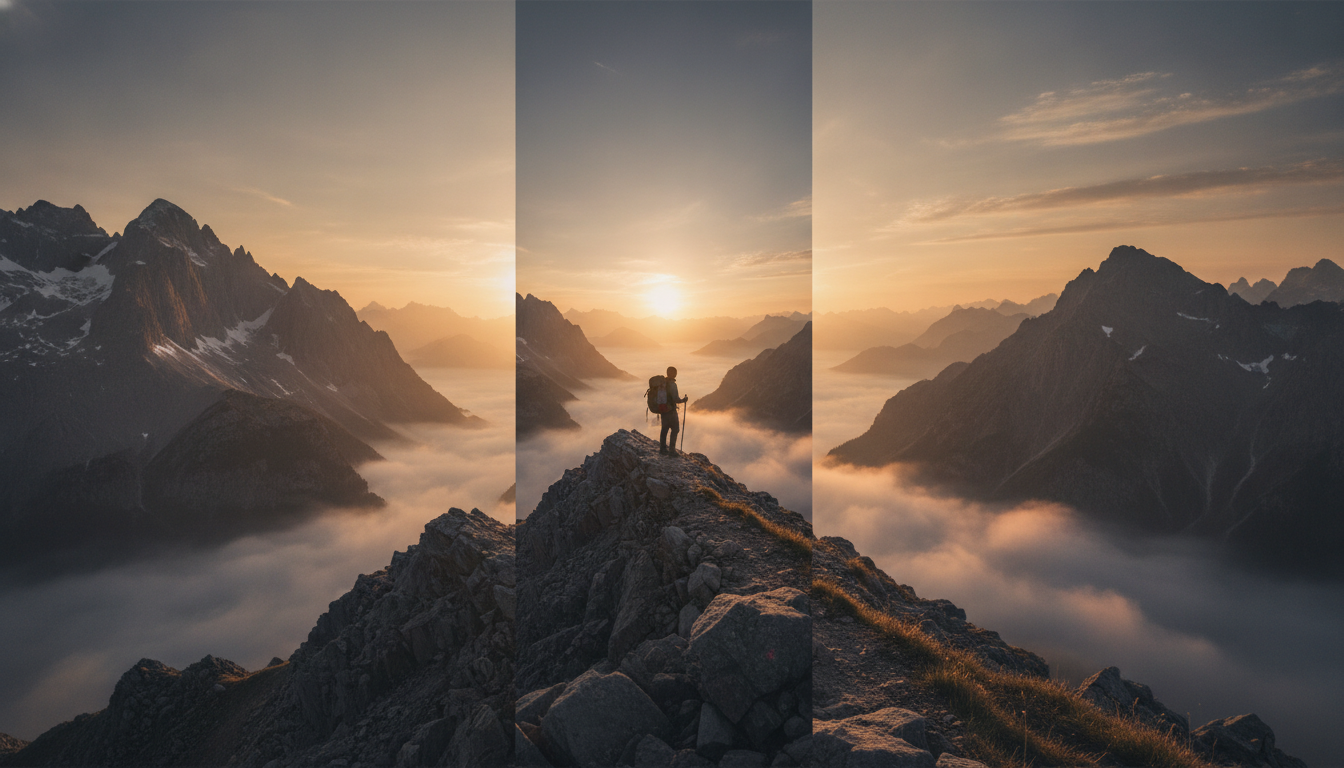
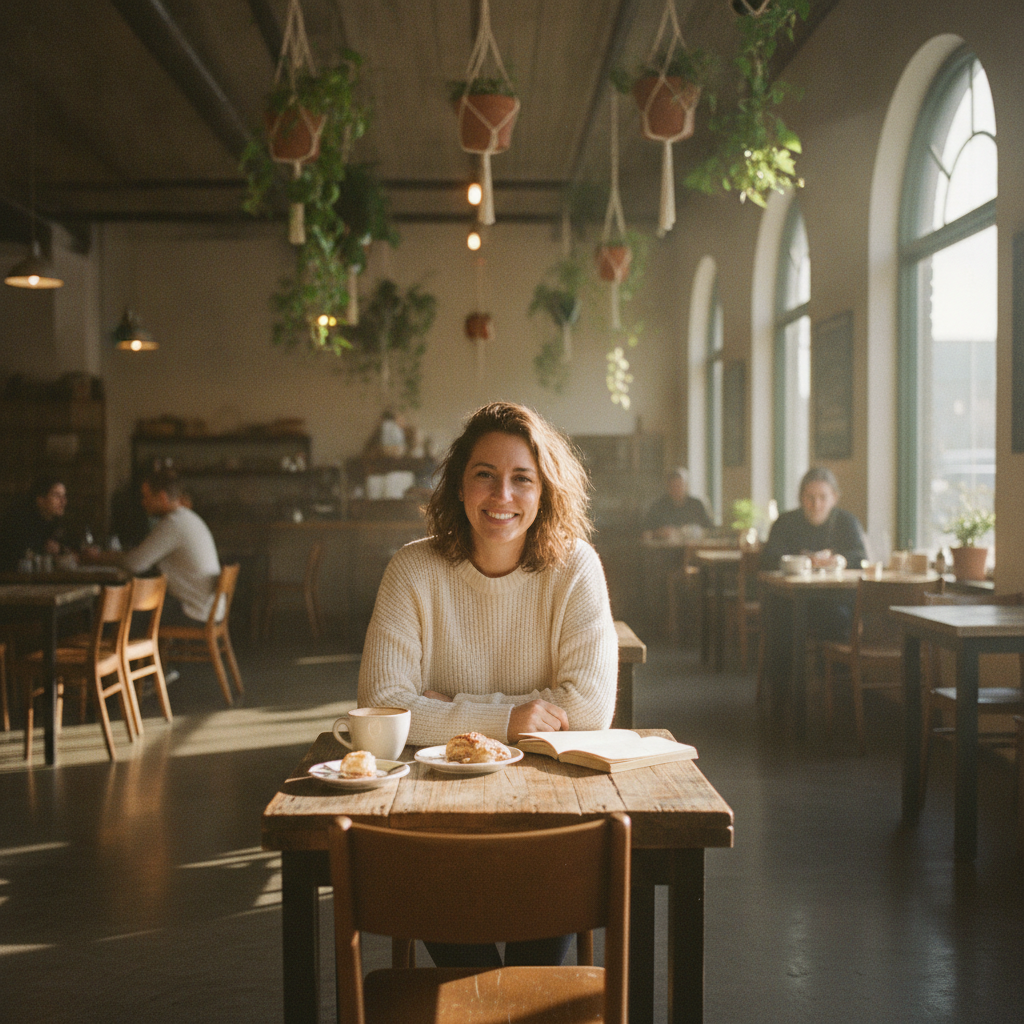
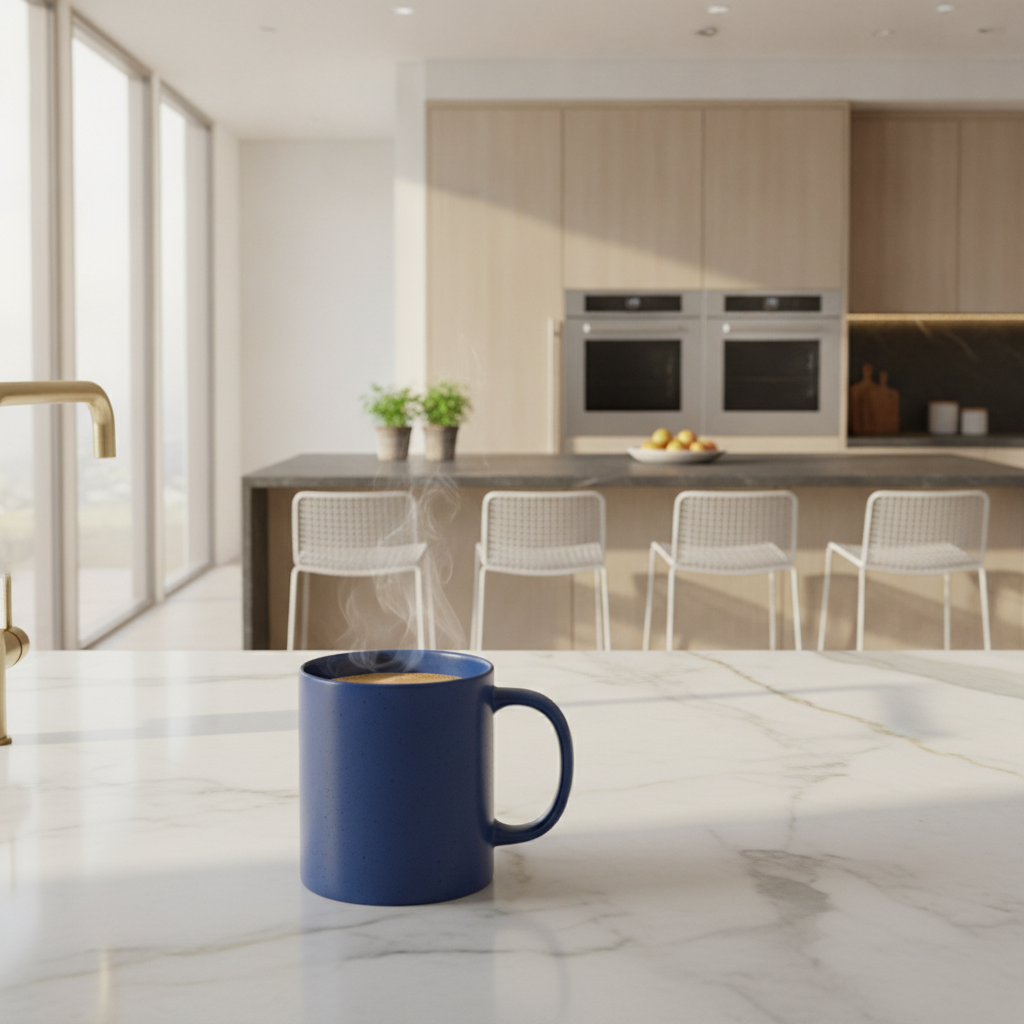
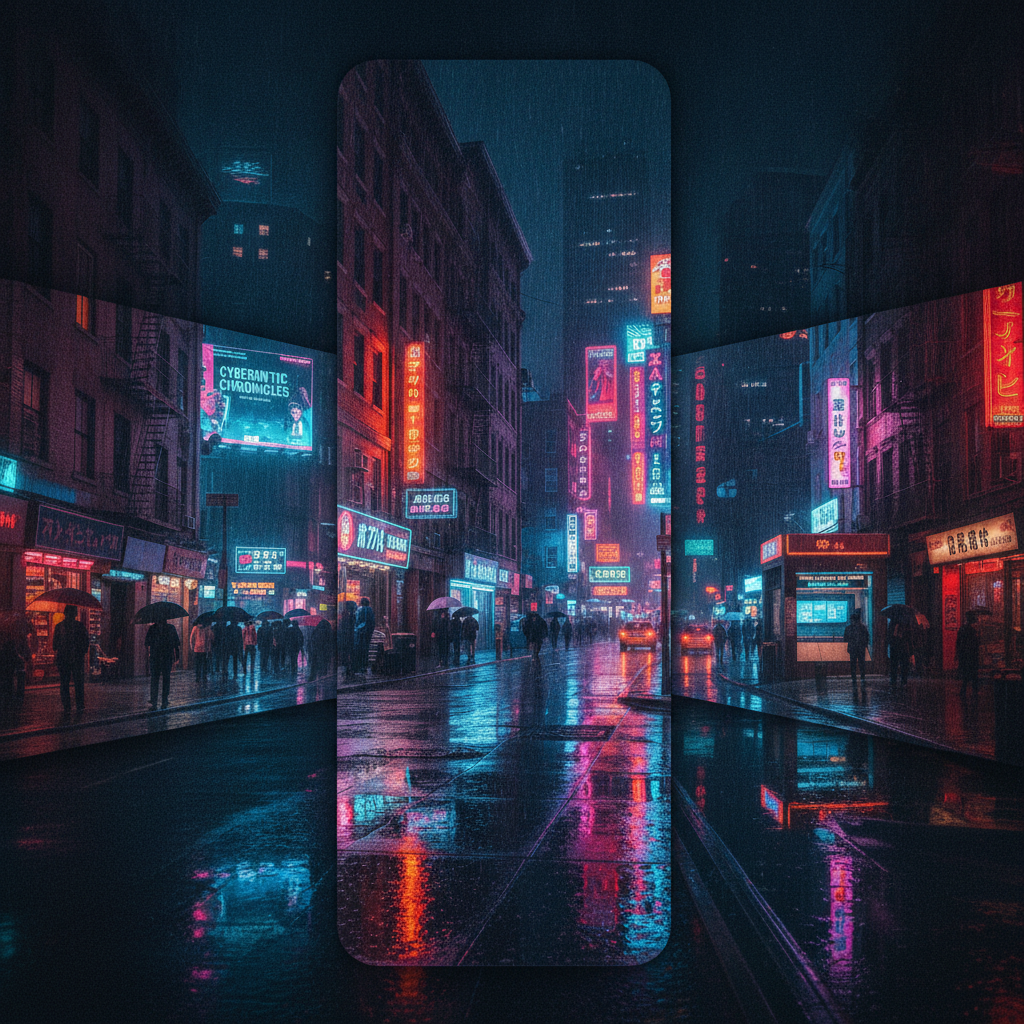
How the AI Image Extender Works
Three steps from a frame that is too tight to one with room to spare
Upload the Original
Drop in the largest version of the photo you have — JPEG, PNG, WebP or phone HEIC all work. Resolution matters more here than for most edits, because the model reads the texture and grain along the existing edge to decide what the new area should look like. A heavily compressed screenshot gives it soft, blocky reference pixels, and the extension inherits that softness. One image at a time, no account required for your first attempt.
Choose Which Way It Grows
Pick the preset that matches the target shape — widen to landscape, extend to vertical, uncrop the subject, square to banner, add room around a product, or extend artwork into a panorama. Then use the details box to say what should occupy the new space: "more forest and a lake on the left", "open sky above the roofline", "continue the marble counter". Naming it beats leaving the AI image extender to guess, especially when the correct answer is simply more of the same background.
Generate and Download
Your expanded image comes back in roughly twenty seconds at up to 4K, watermark-free and cleared for commercial use. Check the seam first — run your eye along where the original border used to be, looking for a brightness step, a texture change or a line that bends. Ambitious extensions occasionally need a second pass, and asking for less distance at a time almost always produces a cleaner join than demanding a huge expansion in one go.
Why This AI Image Extender Beats Stretching or Blurring
Six reasons the new edges hold up when someone looks closely
It Invents Scene, Not Filler
The old ways of making a picture wider all cheat. Stretching distorts faces and bends architecture. Mirroring produces a giveaway butterfly symmetry. A blurred, scaled-up copy behind the original is the standard social-media fudge and reads as exactly that. This tool generates genuinely new content that continues the scene — more ridge line, more shop fronts, more counter top — informed by what the surrounding pixels imply should be there. The result is a wider photograph, not a padded one.
The Seam Is the Whole Job
Anyone can generate plausible scenery. The difficulty is joining it to real pixels without a visible step in brightness, sharpness, color temperature or noise. Every preset here is written to hold the original region untouched and match its lighting direction, depth of field, color grade and film grain across the boundary. That is why the join survives the test that matters: scrolling along the old border at full zoom looking for the place where the photograph stops and the generation starts.
Perspective Carries Through
Extend a room photo and the floorboards, skirting, ceiling line and window frames all have to keep travelling toward the same vanishing point. Extend a street and the kerb, road markings and building tops must stay on their existing trajectories. Because the model interprets the geometry of the scene rather than just the pixel values at the edge, straight lines continue straight, converging lines keep converging, and horizons stay level instead of drifting a degree or two into the new area.
Six Presets for Six Shapes
Widen to landscape turns a standard frame into a 16:9 header. Extend to vertical builds a 9:16 crop for stories and reels. Uncrop the subject zooms out around a person, completing hair, shoulders and limbs clipped by the original framing. Square to banner keeps a centered subject and adds quiet background either side for headline text. Add room around product gives an e-commerce shot margin it was never framed with. Extend artwork panorama matches brushwork and palette rather than photographic grain.
One Master, Every Aspect Ratio
Modern publishing wants the same image at 16:9 for a website hero, 9:16 for stories, 1:1 for a feed tile, 4:5 for a portrait post and a wide strip for an email header. Cropping to each of those sheds content and eventually cuts into the subject. Extending instead adds margin, so one master file becomes every placement without a reshoot and without the subject creeping toward the edge of the frame each time you cut a new size.
4K Output, Free to Start, $9.98 to Scale
Expanded images export at up to 4K with no watermark and full commercial rights, which matters here because extension is usually done for a large placement — a hero banner, a printed poster, a billboard-shaped header. Start free with no credit card on your own difficult files, then move to plans from $9.98 when the volume arrives: a product catalogue needing consistent margins, or a campaign that must ship in five aspect ratios at once.
Frequently Asked Questions
Common questions about using an AI image extender
Stop Cropping. Start Extending.
Widen verticals into banners, uncrop tight portraits, and give any photo the margin it was never framed with. 4K, watermark-free, powered by Nano Banana Pro. Free to start, plans from $9.98.
Expand Any Photo Past Its Border With an AI Image Extender
Every photo library has the shot that is perfect and the wrong shape. The portrait framed beautifully for a phone screen that now has to be a website hero. The product picture with the item pressed right up against the edge while every other listing in the grid has comfortable margin. The one good frame from a family afternoon where the top of somebody's head is clipped. Cropping cannot help, because cropping only ever removes. Reshooting is rarely possible. An AI image extender solves it from the other direction: it keeps every original pixel and builds outward until the frame is the shape you actually needed.
What separates a real extension from the usual workarounds is the seam. Stretching an image to fill a wider space distorts faces and bends architecture in a way viewers notice even when they cannot name it. Mirroring the edge creates a symmetry that reads as fake immediately. The blurred, enlarged copy sitting behind the original — the standard social-media fudge — announces that the picture did not fit. This AI image extender generates new scene content that continues what the surrounding pixels imply, then matches lighting direction, color temperature, depth of field, sharpness and film grain across the join. Brick courses keep their angle. Horizons stay level. Studio backdrops keep their falloff instead of banding where the original stopped.
Six presets cover the shapes people actually need. Widen to landscape produces a 16:9 header from a standard frame. Extend to vertical builds the 9:16 crop that stories and reels demand. Uncrop the subject zooms out around a person, completing hair, shoulders and limbs the original framing sliced through. Square to banner keeps a centered subject and adds quiet background either side, leaving room for a headline. Add room around product gives an e-commerce shot the margin it was never framed with, with a consistent contact shadow. Extend artwork panorama matches brushwork, line weight and palette rather than photographic grain, so illustrations widen without looking padded.
Banners, Product Grids, Social Formats and Print Bleed
The people reaching for an AI image extender daily are the ones publishing the same picture in several shapes. Marketers who need one campaign photo as a 16:9 hero, a 9:16 story, a 1:1 tile and a wide email strip, and who would otherwise crop into the subject four separate times. E-commerce sellers whose listing grid looks ragged because every supplier photo has different margins. Designers handed a logo lockup that must sit on a banner three times wider than the source. Print production teams who need bleed beyond the image edge before anything goes on press. Photographers rescuing a frame that was composed a fraction too tight in the moment.
Getting a clean result comes down to a few habits. Upload the largest original you have rather than a screenshot or a messaging-app copy, because the model reads real texture along the existing edge to decide what comes next. Say what belongs in the new space instead of leaving it open — "more forest and a lake on the left", "open sky above the roofline", "continue the marble counter" — since the correct answer is often simply more of the same background, and stating that prevents the AI image extender inventing something unwanted. Expand in moderate steps rather than one enormous jump, feeding each result back in. And always inspect the old border at full zoom before publishing, because a brightness step or a bent line is trivial to fix with a second pass and embarrassing to find after the banner is live.
One thing worth stating plainly: an extension is a plausible invention, not a recovery. The pixels outside your original frame were never photographed, so what appears there is the model's best reading of what the scene implies — excellent for composition, wrong for anything that must be a factual record. Use it freely on images you own or have permission to edit, and keep it away from photographs functioning as evidence, journalism or documentation, where adding invented content changes the record rather than the layout. Within those limits everything you produce is yours: up to 4K, watermark-free, cleared for commercial use, free to start with no credit card, and plans from $9.98 when a whole campaign needs reshaping.
Try the AI image extender free today. Expand any photo beyond its original edges, change aspect ratio without cropping your subject, and get seamless new scenery at up to 4K. No credit card required to start. Paid plans from $9.98.