
AI Image Enhancer
Turn blurry, low-resolution, and noisy photos into crisp, high-quality images. The AI image enhancer boosts resolution, sharpens fine detail, reduces noise, and restores vivid color in seconds — perfect for portraits, landscapes, products, old family photos, and social media, all in stunning 4K with no editing skills required.
Try It Now — Free
Upload a photo, choose an enhancement style, and the AI image enhancer delivers a sharper, higher-quality image in seconds — no account needed.
AI Image Enhancer
Upload a photo, pick an enhancement, and get a sharper, higher-quality image instantly
Upload your photo, select an enhancement style, and click Generate
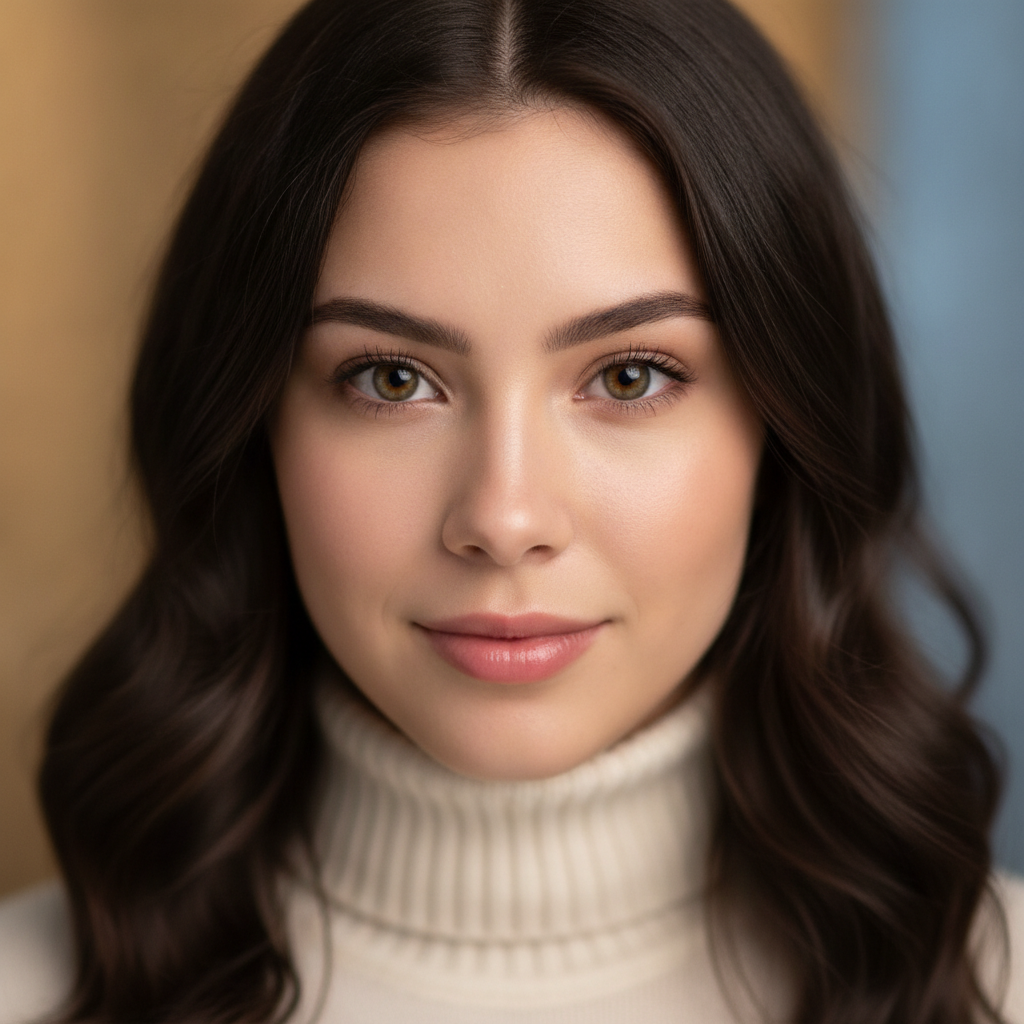
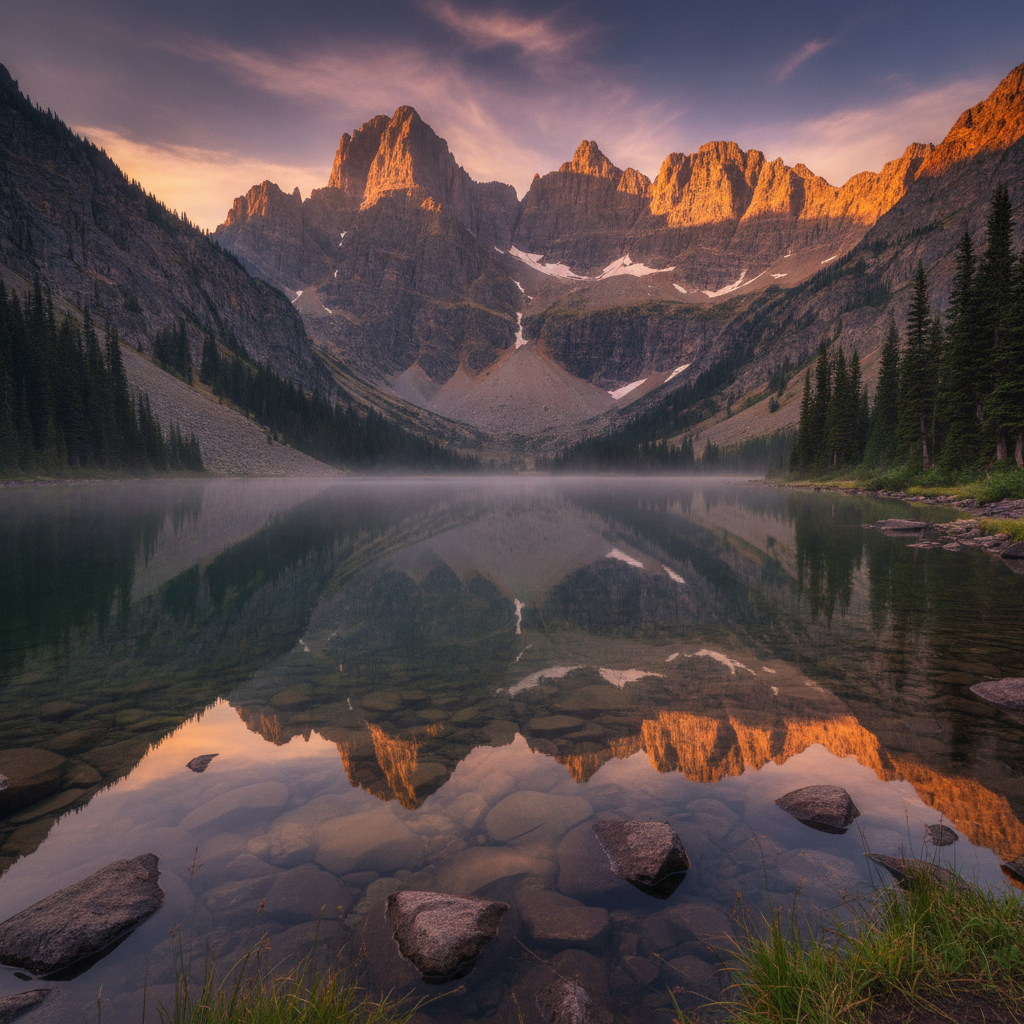
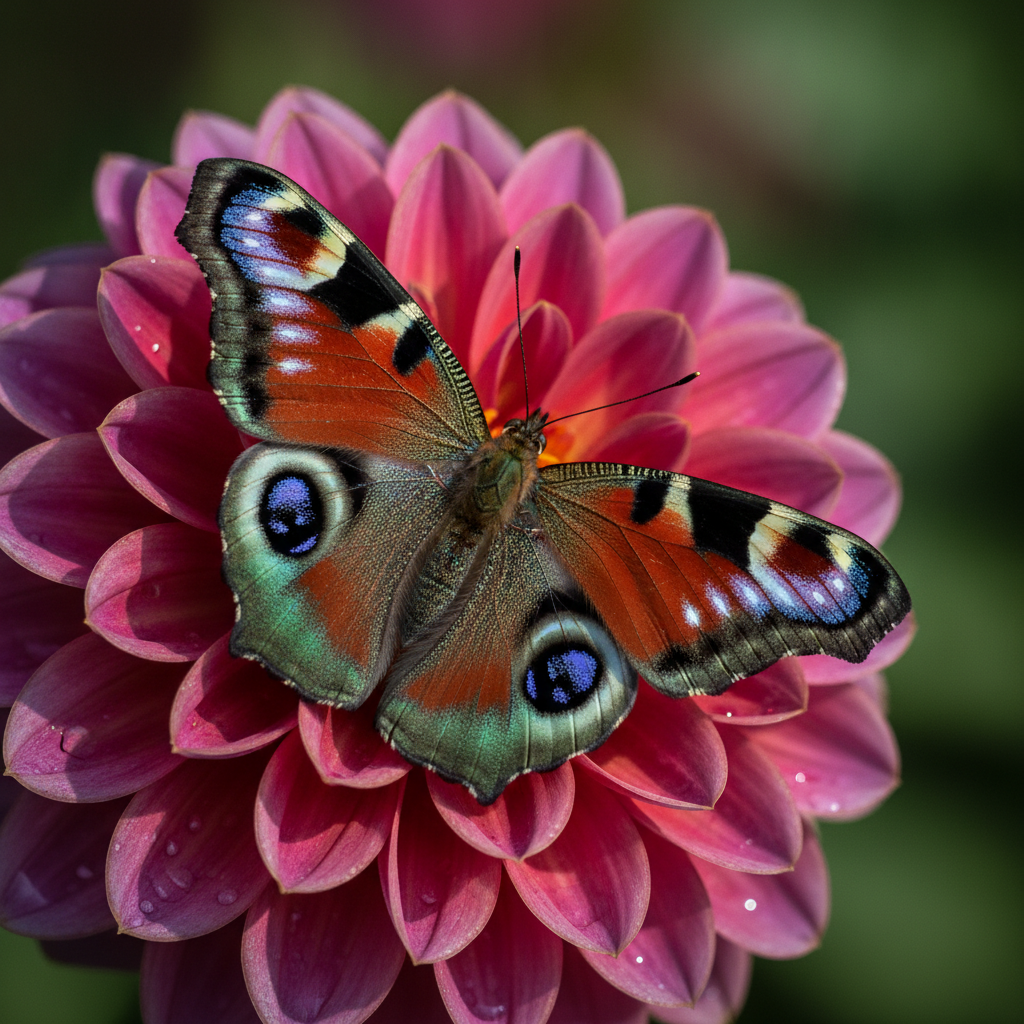
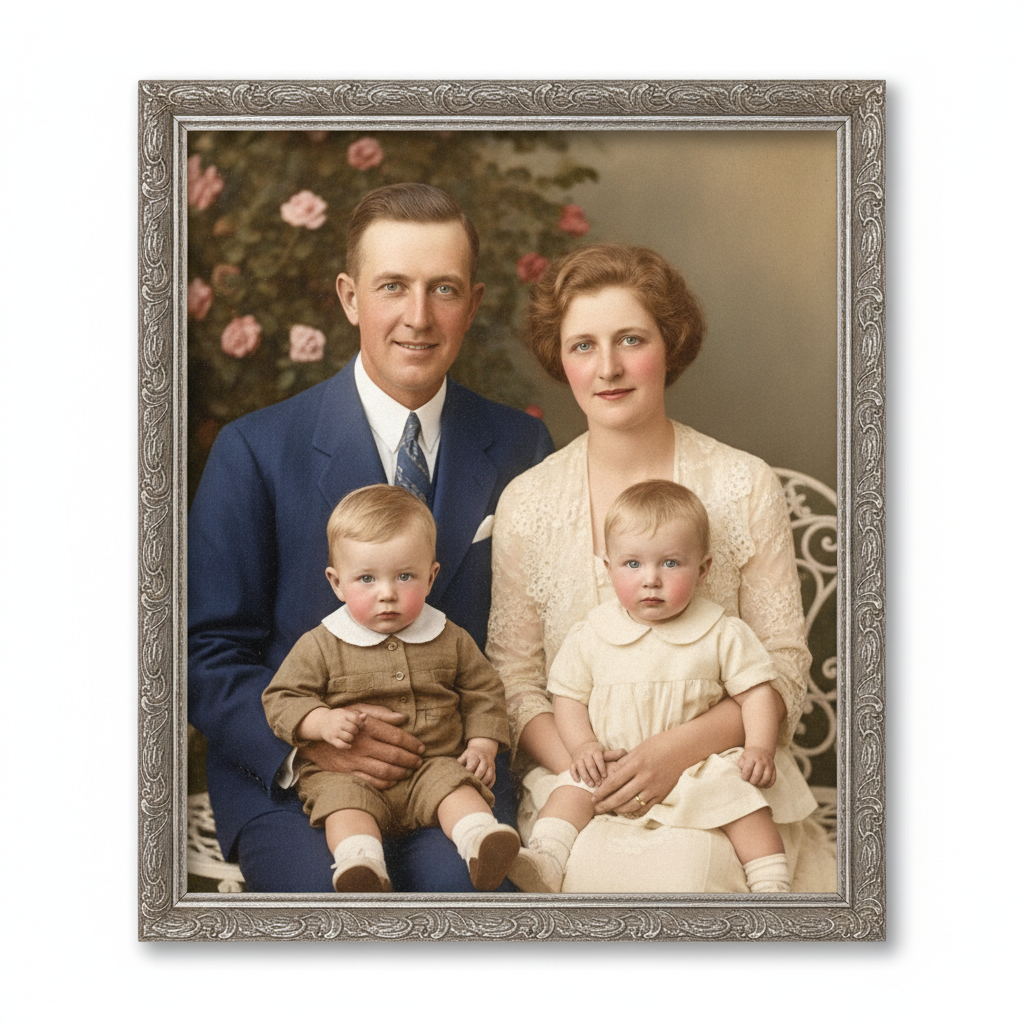
The AI Image Enhancer in Action
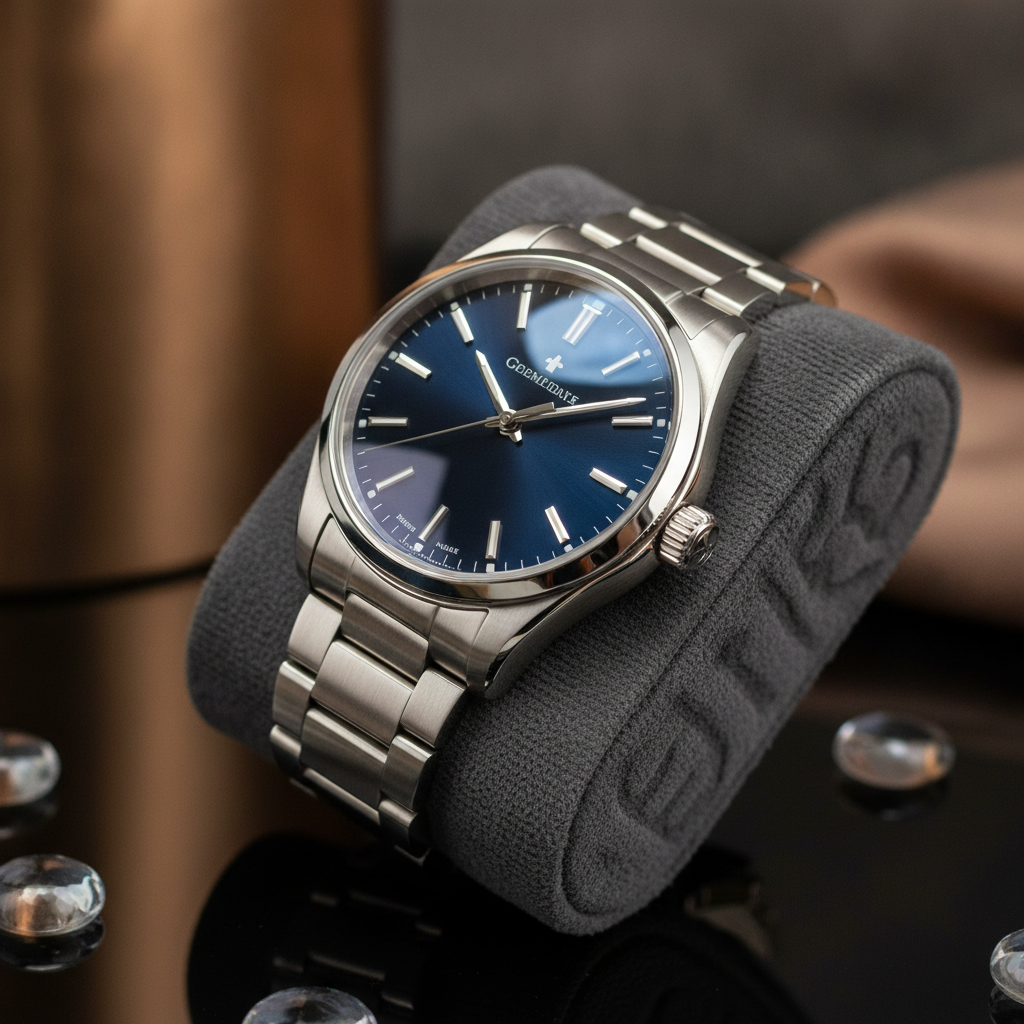
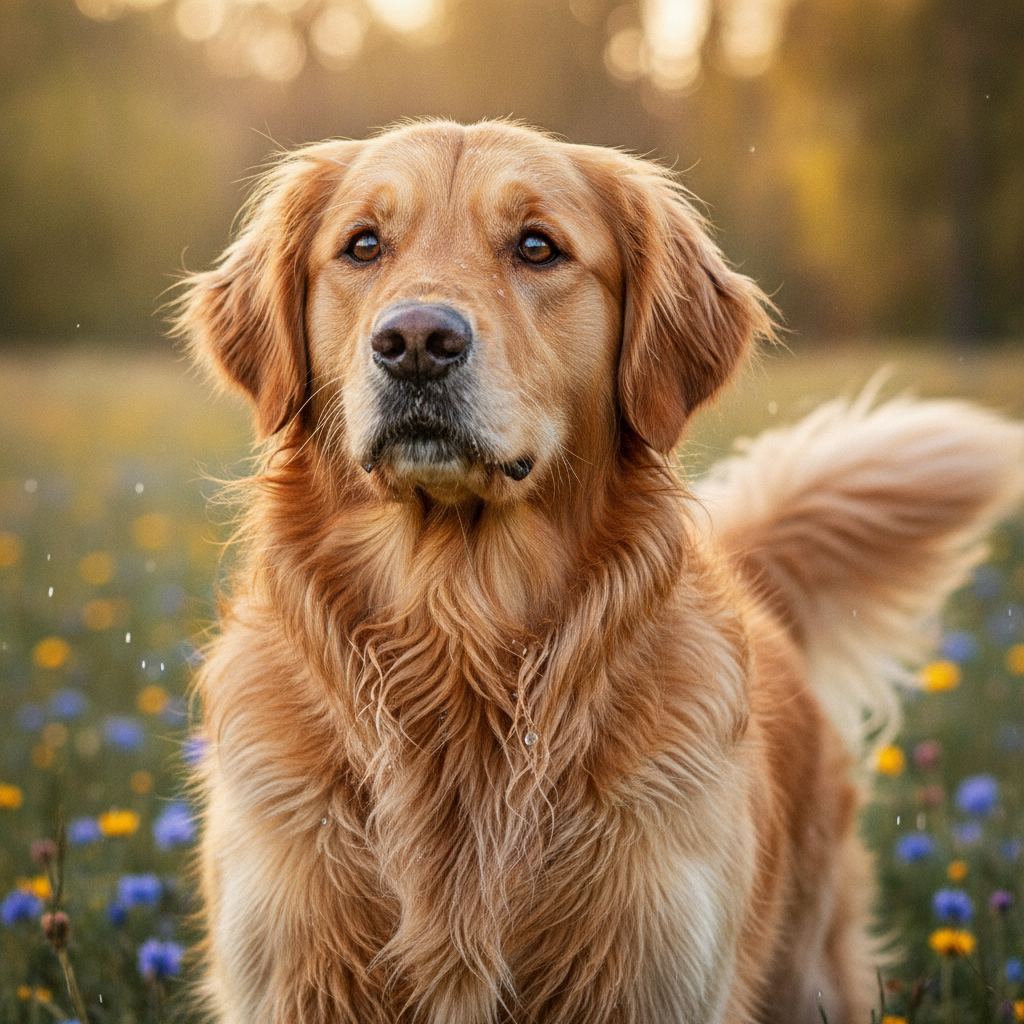
See the crisp, high-quality results the AI image enhancer produces from everyday photos
How the AI Image Enhancer Works
Go from a low-quality photo to a crisp, enhanced image in three simple steps
Upload Your Photo
Drag in any photo that looks blurry, low-resolution, noisy, or faded. The AI image enhancer accepts JPG, PNG, and WebP files, so you can fix portraits, landscapes, product shots, screenshots, and old family photos alike.
Pick an Enhancement
Choose what you need — enhance and sharpen, upscale to 4K, denoise, unblur, restore an old photo, or boost color. Nano Banana Pro analyses your image and improves quality in about 20 seconds while keeping the original subject intact.
Download in 4K
Preview the sharper, higher-quality result and download it in crisp 4K. Use the enhanced image for prints, social media, e-commerce listings, portfolios, or restored memories — no watermarks on paid plans.
Why Creators Love the AI Image Enhancer
Six reasons this AI image enhancer is the fastest way to improve photo quality
Boost Resolution to 4K
The AI image enhancer upscales low-resolution photos to crisp 4K, recovering detail and smoothing pixelation. Small or compressed images become large, print-ready files without the soft, stretched look of basic resizing.
Sharpen Blurry Photos
Recover focus from soft, out-of-focus, or motion-blurred shots. The enhancer rebuilds crisp edges and fine texture so faces, text, and details look sharp and clear instead of fuzzy.
Remove Noise & Grain
Clean up low-light noise, grain, and JPEG compression artifacts in one click. The AI image enhancer produces a smooth, professional result while keeping genuine detail intact.
Restore Old Photos
Bring faded, scratched, and aged photos back to life. Repair color, improve lighting, and sharpen faces so cherished family memories look crisp and vibrant on any modern screen.
Improve Color & Vibrance
Flat, dull images get balanced exposure, richer tones, and professional color grading. The enhancer makes photos pop with vivid, natural color while preserving the original mood.
Free & Easy to Use
No Photoshop, plugins, or editing skills needed. Upload a photo, pick an enhancement, and download — all in your browser. Start free with no credit card and upgrade only when you need more.
Frequently Asked Questions
Common questions about the AI image enhancer
Enhance Your Photos Instantly
Boost resolution, sharpen blur, remove noise, and restore color in crisp 4K — ready for prints, social media, and e-commerce. Try the AI image enhancer free. Plans from $9.98/mo with full commercial rights.
Better Photos, No Editing Skills Required
Not every photo turns out perfect. Low light, shaky hands, cheap cameras, heavy compression, and old prints all leave images blurry, grainy, or low-resolution. The AI image enhancer fixes that in seconds: upload a photo, choose an enhancement, and get a crisp, high-quality result without ever opening Photoshop. It puts professional-grade photo improvement in reach of anyone, whether you are rescuing a once-in-a-lifetime shot or polishing a product image for your store.
Traditional upscalers simply stretch pixels, leaving soft, blocky results. The AI image enhancer works differently. Nano Banana Pro understands what is in your photo and intelligently rebuilds realistic detail — skin texture, hair, fabric, foliage, and edges — while removing noise and compression artifacts. The result is a photo that looks naturally sharper and higher resolution, not artificially over-processed.
Because everything runs in your browser, there is nothing to install and no plugins to manage. You can enhance photos from any device, see results in about twenty seconds, and improve as many images as you like, starting with a free tier to test the quality first.
One Tool for Every Photo Quality Problem
What makes this AI image enhancer stand out is its range. Instead of juggling separate tools for upscaling, sharpening, denoising, and restoration, you get them all in one place. Boost a small image to 4K, unblur a soft portrait, clean noise from a low-light shot, revive a faded family photo, or deepen flat color — each enhancement is tuned for its specific job, so you always get the best possible result for your image.
People rely on the AI image enhancer for e-commerce product photos, real-estate listings, social media content, portfolios, marketing materials, restored memories, and reprints. Every output is delivered in high resolution, so it stays sharp on large displays and in print, and scales down cleanly for thumbnails and avatars. You can re-run any enhancement until the photo looks exactly the way you want.
Whether you need to fix one important picture or batch-improve a whole library, the AI image enhancer gives you a fast, affordable way to make every photo look its best. Start free today and see how much clearer your images can be with a single click.
Try the AI image enhancer free today. Boost resolution, sharpen blur, remove noise, and restore color in 4K — ready for prints, social media, and e-commerce, with full commercial rights on paid plans. No credit card required. Plans from $9.98/mo.