
AI Image Enhancement Tool
Got a blurry, low-resolution, or noisy photo? The AI image enhancement tool improves image quality automatically — it sharpens fine detail, boosts resolution, removes noise, and restores natural color, all while keeping your photo looking real. No editing skills, no Photoshop, and crisp 4K results in seconds.
Try It Now — Free
Upload any photo, pick an enhancement mode, and the AI image enhancement tool improves its quality in seconds — no editing skills and no account needed.
AI Image Enhancement Tool
Upload a photo, choose an enhancement, and improve its quality instantly
Upload any photo, pick an enhancement mode, and click Generate
The AI Image Enhancement Tool in Action
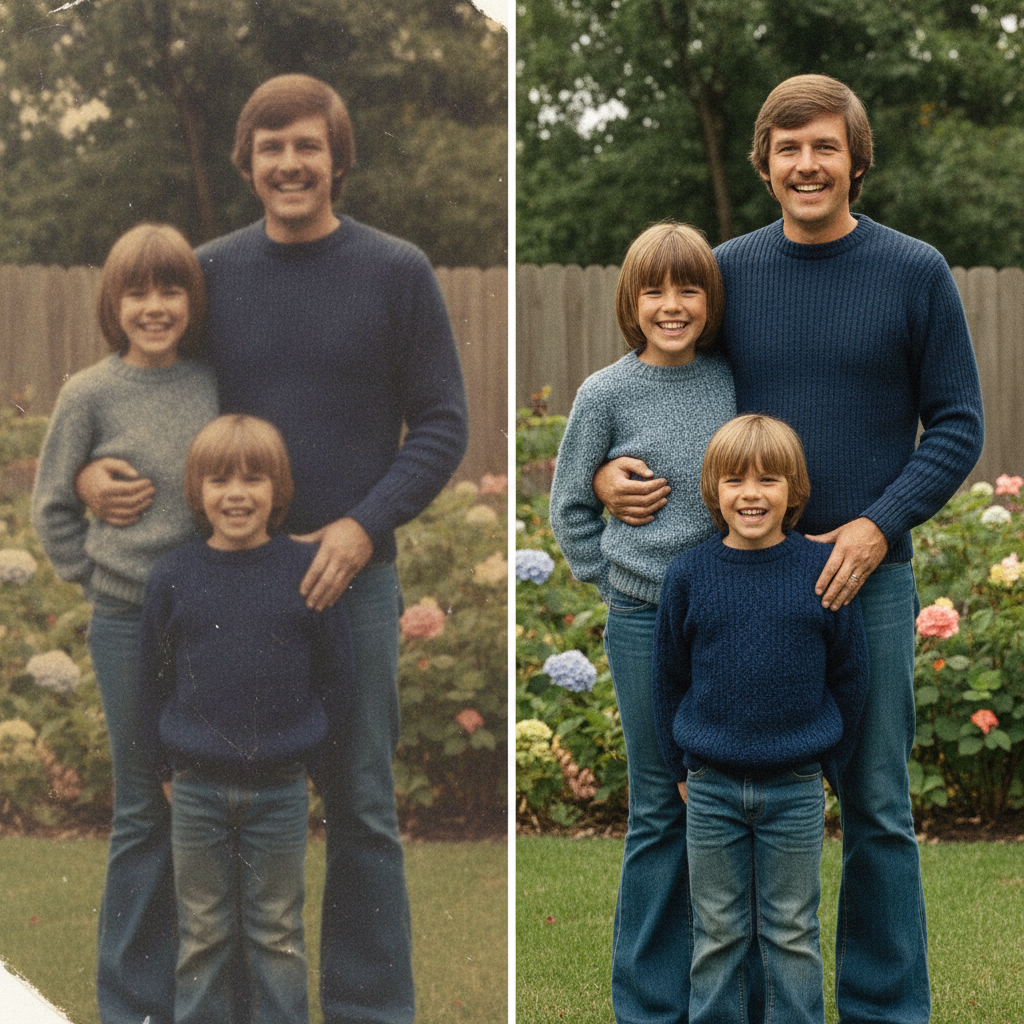
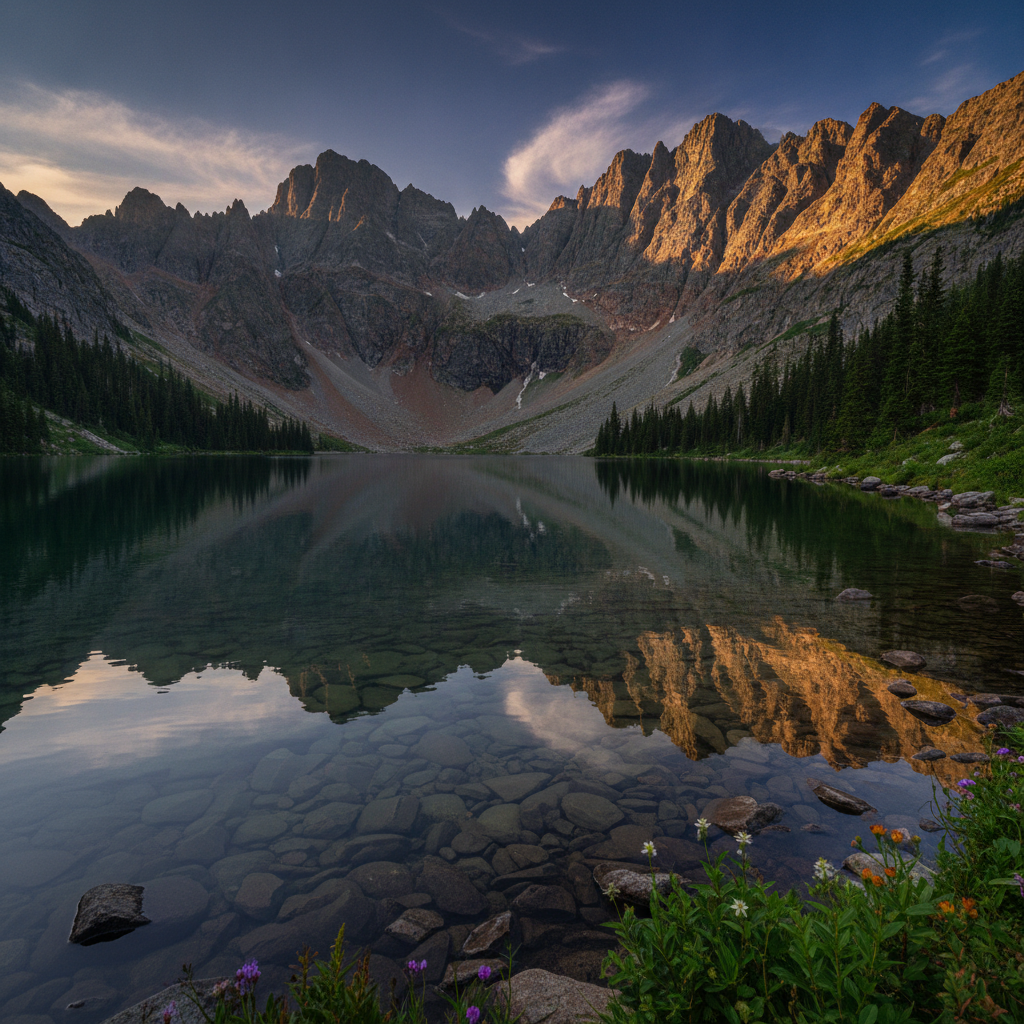
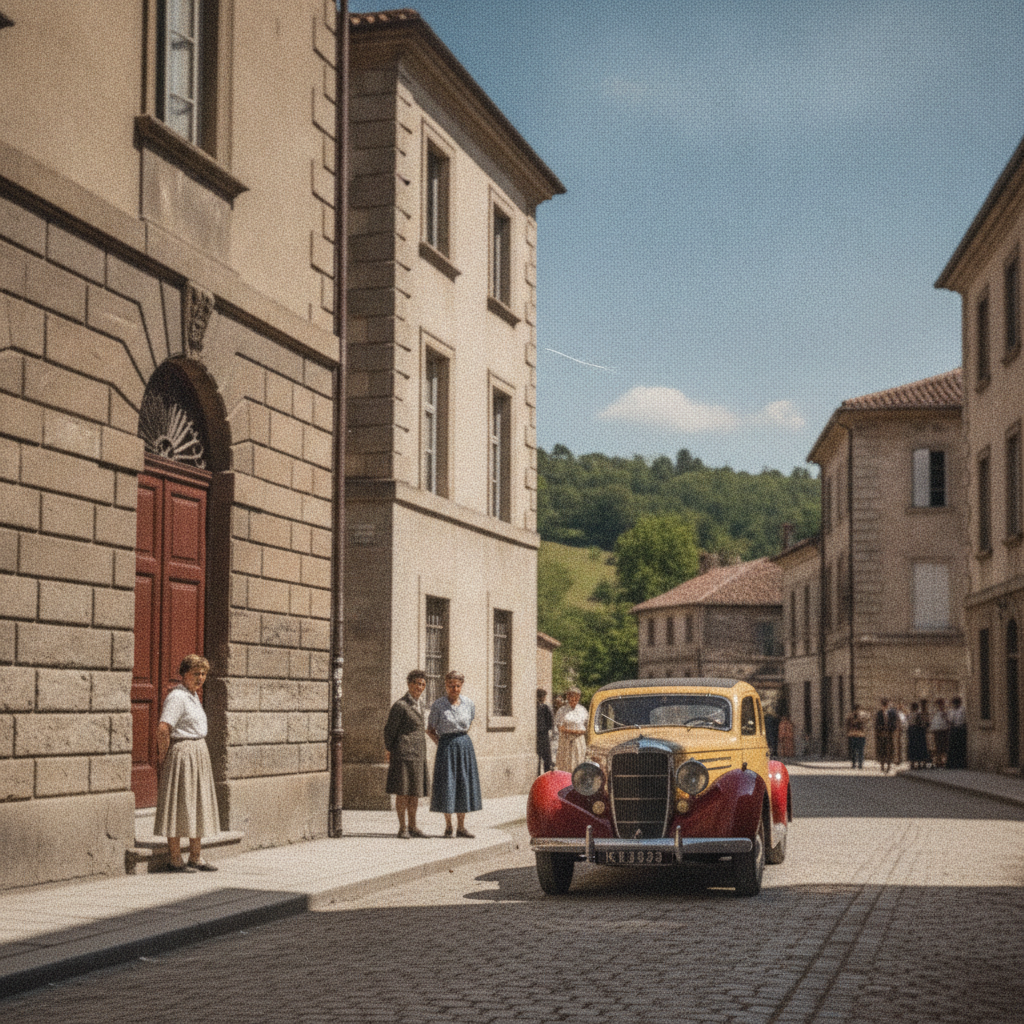
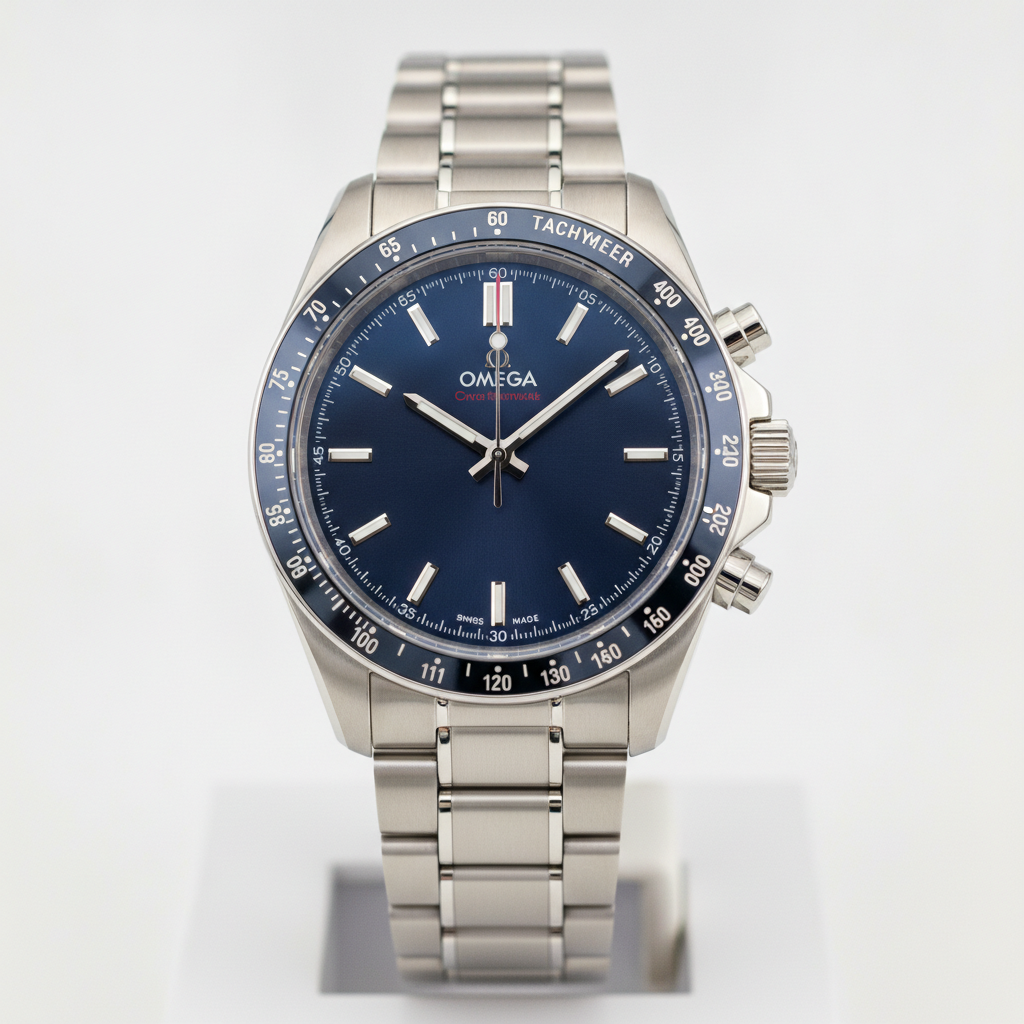
See the kind of crisp, high-quality results the AI image enhancement tool produces across portraits, landscapes, products, and old photos


How the AI Image Enhancement Tool Works
Go from a low-quality photo to a crisp, enhanced image in three simple steps
Upload a Photo
Add any photo you want to improve — a blurry selfie, a low-resolution download, a noisy night shot, or an old scanned print. The AI image enhancement tool accepts everyday JPG, PNG, and WebP files.
Pick an Enhancement
Choose what you need — sharpen, upscale to 4K, denoise, boost color, restore an old photo, or auto enhance. Nano Banana Pro improves the image in about 20 seconds while keeping your subject and composition intact.
Download in 4K
Save your enhanced image in crisp 4K, ready to print, post, or use for work. Compare modes side by side and re-run as many times as you like to get the cleanest, sharpest result.
Why People Love the AI Image Enhancement Tool
Six reasons this AI image enhancement tool delivers crisp, natural-looking quality every time
Sharper, Clearer Detail
The AI image enhancement tool recovers fine texture and crisp edges from soft or blurry photos, so faces, hair, fabric, and small details come back into focus without looking over-processed.
True Resolution Upscaling
Boost a small, low-resolution image up to crisp 4K. Nano Banana Pro reconstructs realistic detail as it upscales, instead of just stretching pixels into a blurry mess.
Noise & Grain Removal
Clean up grainy low-light shots and JPEG compression artifacts. The AI image enhancement tool smooths noise while preserving real detail, giving you a clean, professional finish.
Natural Color & Lighting
Improve dull, flat, or badly-lit photos with balanced exposure, richer contrast, and lifelike color — enhancements that look natural, never garish or fake.
Old Photo Restoration
Bring faded, scratched, or scanned prints back to life. Restore facial detail, fix damage, and rebalance color so cherished old photos look crisp and clear again.
Free & Browser-Based
No Photoshop, no plugins, no install. The AI image enhancement tool runs right in your browser, and you can enhance your first image free with starter credits — no credit card required.
Frequently Asked Questions
Common questions about the AI image enhancement tool
Enhance Your Photos With AI
Upload any photo and improve its quality in crisp 4K — sharpen, upscale, denoise, boost color, and restore old prints, all while keeping your image looking real. Try the AI image enhancement tool free. Plans from $9.98/mo.
Better Photos, Powered by AI
Not every photo comes out perfect. A precious memory might be blurry, a product shot might be too small and pixelated, a night photo might be buried in grain, and an old family print might be faded and scratched. The AI image enhancement tool fixes all of that automatically. Upload an image and the AI improves its quality — sharpening fine detail, boosting resolution, removing noise, and restoring natural color — while keeping the subject and composition exactly as you shot them.
Traditional photo editors put the burden on you: sliders, masks, plugins, and hours of trial and error. The AI image enhancement tool is different. Nano Banana Pro understands how real photos are structured and lit, so it knows where to recover detail, where to smooth noise, and how to enhance color without making the result look artificial. One click does the work of an entire retouching session.
Because everything runs in your browser, there is nothing to install and no steep learning curve. You can start from any device, enhance your first image in seconds, and explore every mode — sharpen, upscale, denoise, color boost, and old-photo restore — with a free tier to get you going.
One Tool for Every Quality Problem
What sets this AI image enhancement tool apart is how natural the results look. Many enhancers over-sharpen until photos look crunchy, or over-smooth until faces turn plastic. Nano Banana Pro instead reads the real detail, lighting, and texture in your image, then improves quality in a balanced way — so every enhanced photo keeps its authentic look while gaining crisp clarity.
People use the AI image enhancement tool to rescue blurry phone snapshots, upscale images for print and web, clean up noisy low-light shots, sharpen product photos for online stores, and restore old family prints to crystal clarity. Each enhanced image renders in 4K, so it stays sharp whether you print it, post it on social media, or use it for professional work, and you can keep re-running modes to get the best possible result.
Whether you need a quick auto enhance or a careful old-photo restoration, the AI image enhancement tool gives you a fast, private way to turn any low-quality photo into a crisp, stunning image. Start free today and improve your first photo with the click of a button.
Try the AI image enhancement tool free today. Upload any photo and improve its quality in 4K — sharpen, upscale, denoise, color boost, and restore old prints while keeping your image looking real. No credit card required. Paid plans from $9.98/mo.