
AI GTA Style Generator
Ever wanted to see yourself on the cover of Grand Theft Auto? The AI GTA style generator turns an ordinary selfie into bold GTA loading-screen art — thick comic outlines, high-contrast cel shading, palm trees, muscle cars, and neon skylines — while keeping your real face. No Photoshop, no game mods, and crisp 4K results in seconds.
Try It Now — Free
Upload a clear photo, pick a GTA art style, and the AI GTA style generator delivers a bold, loading-screen-quality portrait in seconds — no account needed.
AI GTA Style Generator
Upload a photo, choose a GTA art style, and transform it into Grand Theft Auto loading-screen artwork instantly
Upload a clear front-facing photo, pick a GTA style, and click Generate
The AI GTA Style Generator in Action
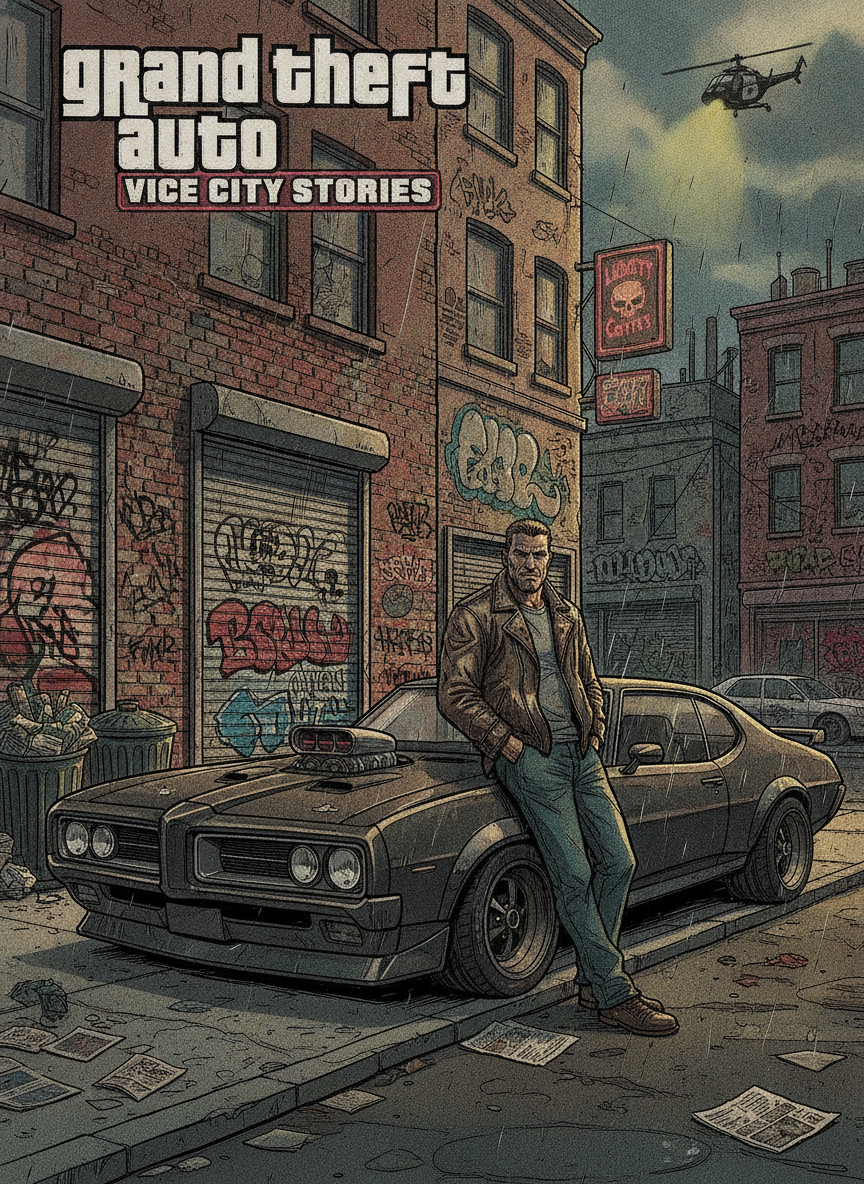
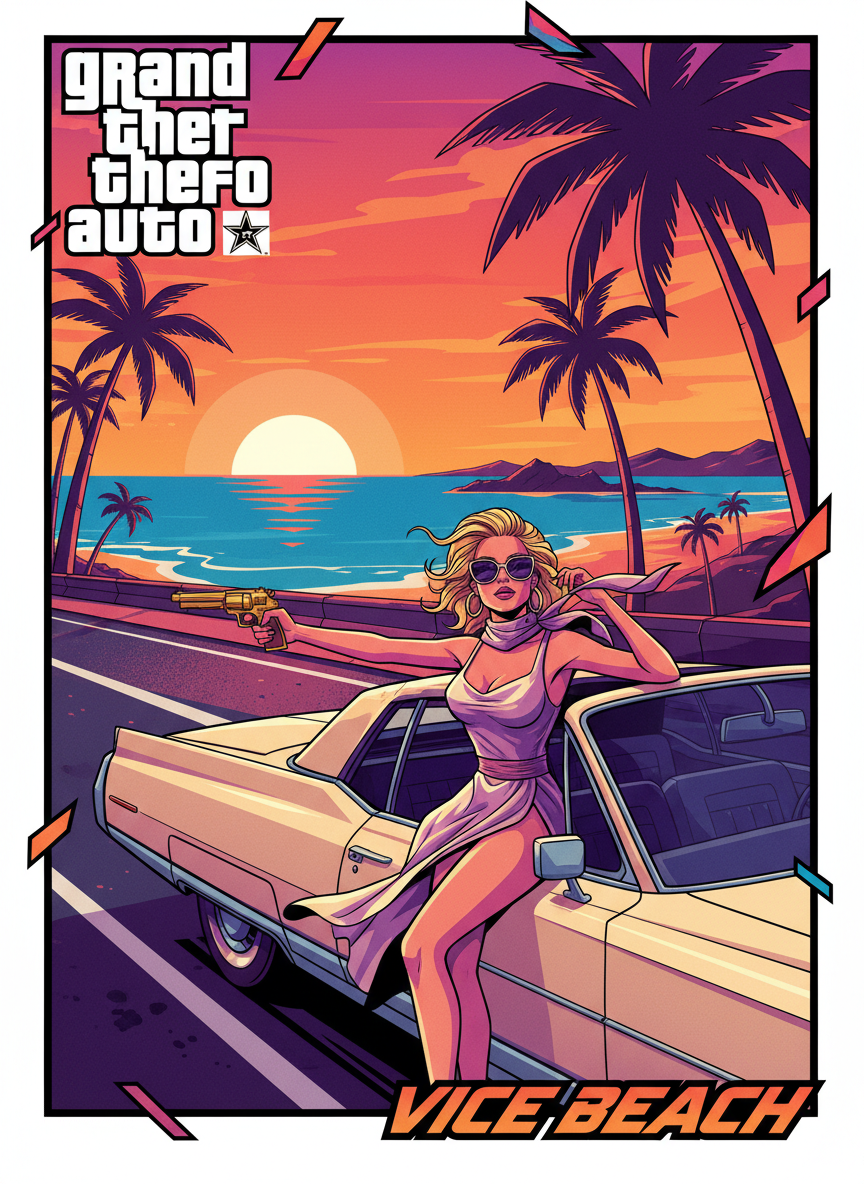
See the kind of bold, loading-screen-quality cover art the AI GTA style generator creates from a single photo
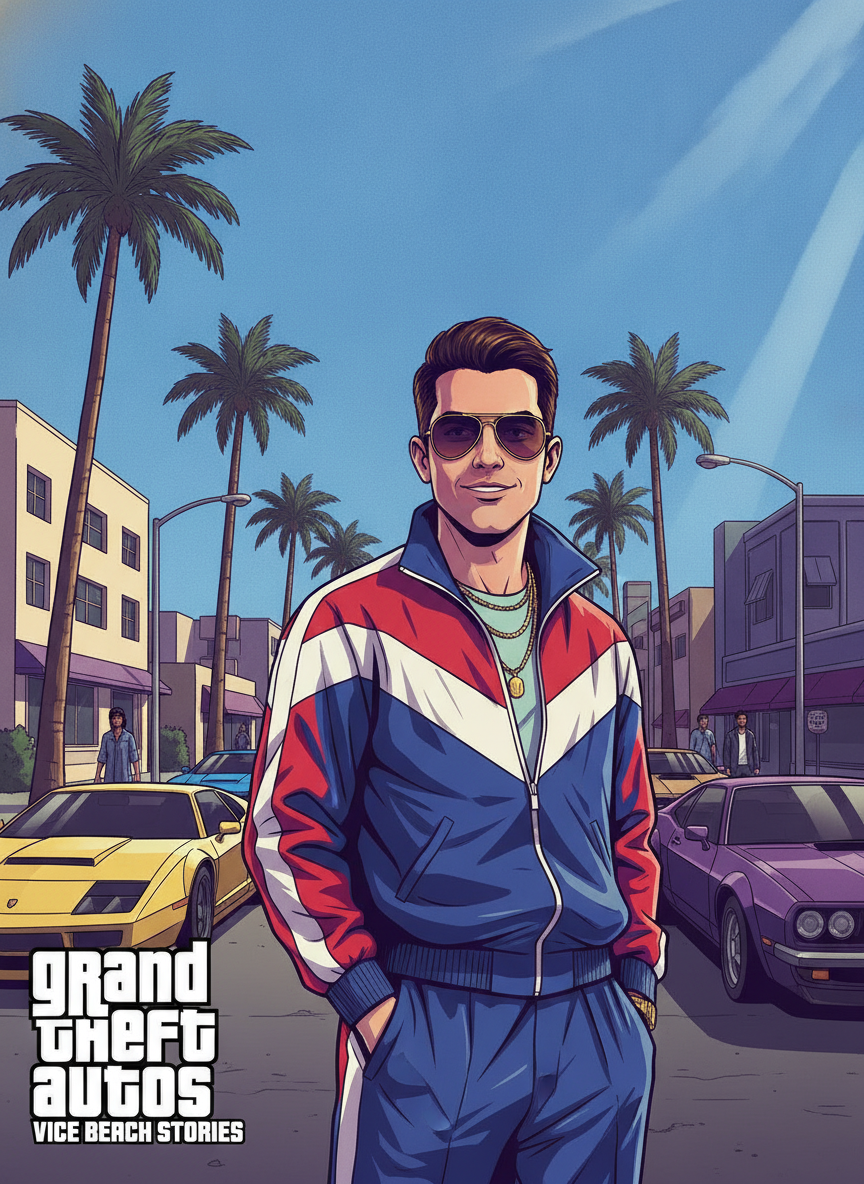
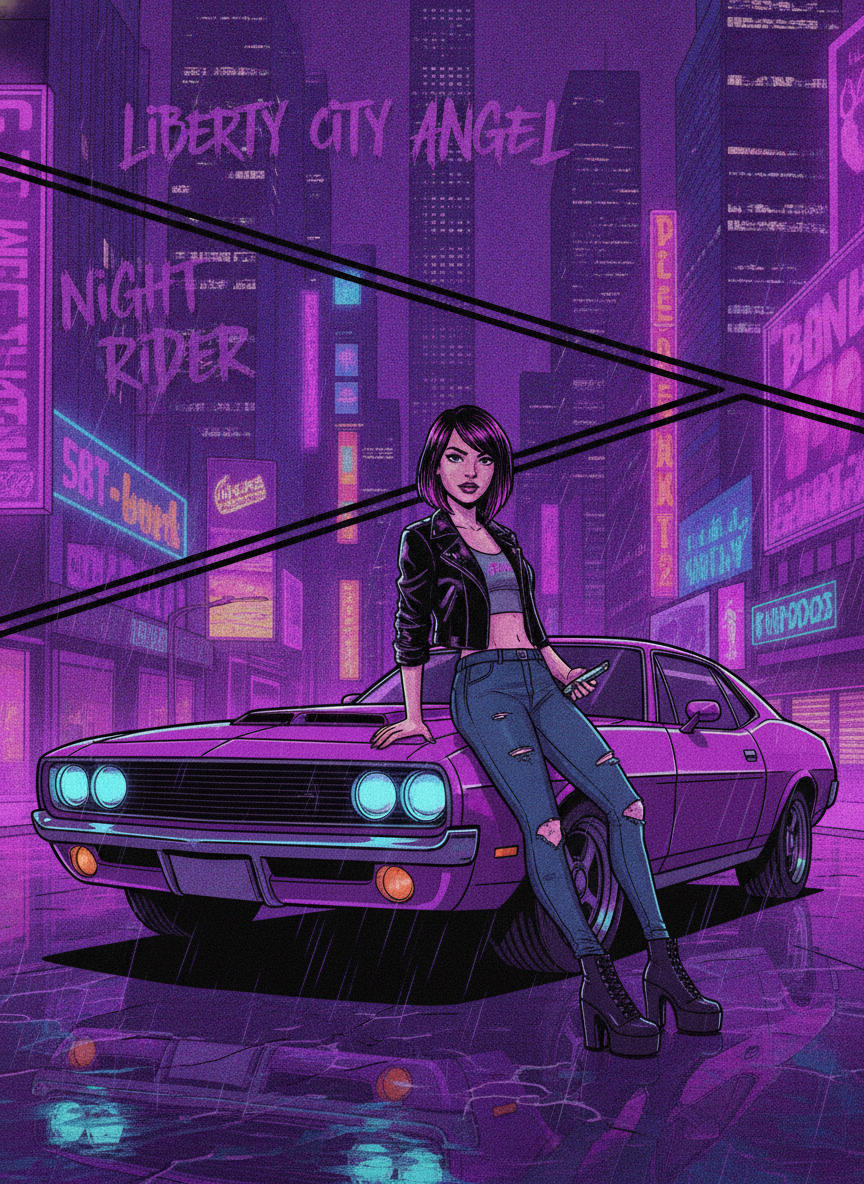
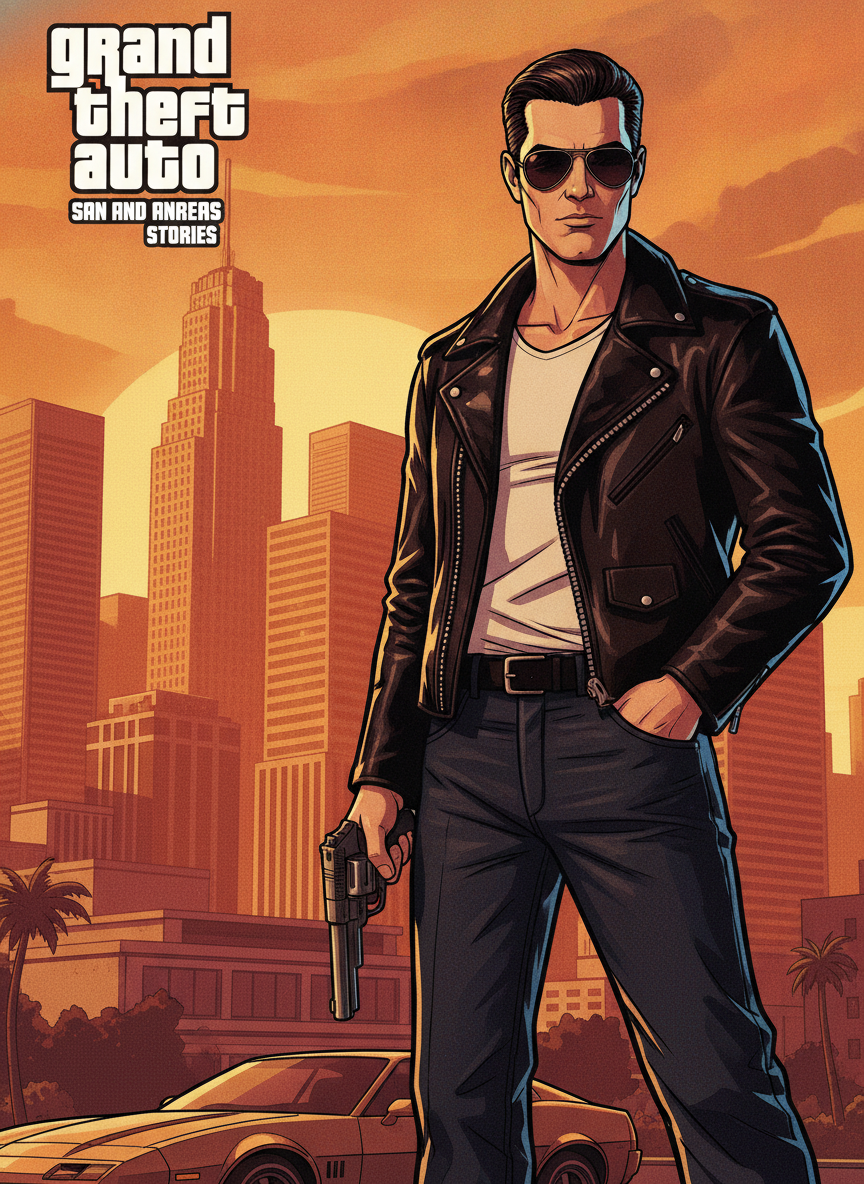
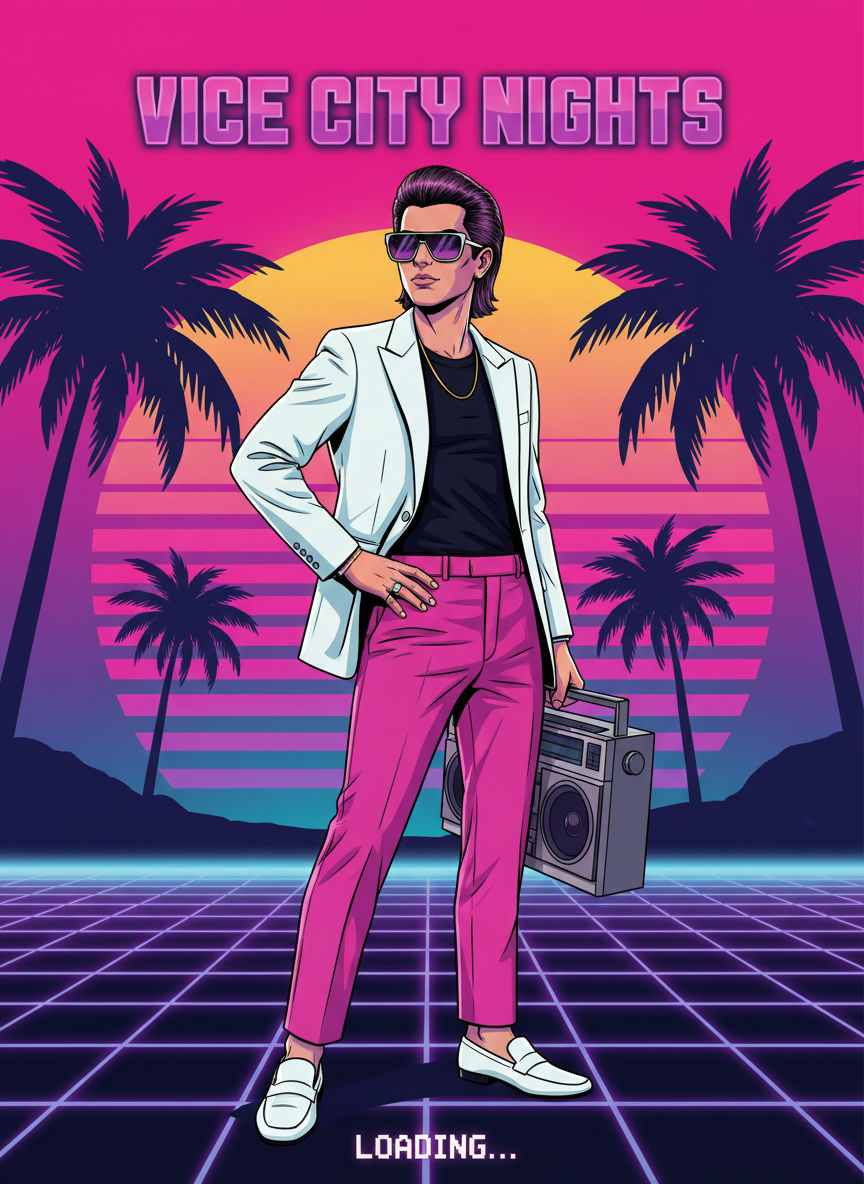
How the AI GTA Style Generator Works
Go from a simple photo to a viral GTA loading-screen portrait in three simple steps
Upload a Photo
Add a clear, front-facing photo. The AI GTA style generator works best with good lighting and your face easy to see, but it handles everyday phone selfies too.
Pick a GTA Style
Choose a look — classic cover, Vice City neon, street cover, character card, luxury ride, or golden hour. Nano Banana Pro illustrates your GTA portrait in about 20 seconds while keeping you recognizable.
Download in 4K
Save your GTA art in crisp 4K, ready to post on social media, share with friends, or set as a profile picture. Generate several styles and pick your favorite cover-art look.
Why People Love the AI GTA Style Generator
Six reasons this AI GTA style generator nails the viral loading-screen art look
Real GTA Cover-Art Look
The AI GTA style generator produces the signature loading-screen aesthetic — thick black outlines, high-contrast cel shading, and bold saturated colors — without Photoshop, game mods, or any design skills at all.
Still Looks Like You
Nano Banana Pro keeps your real face, expression, and features, so your GTA portrait is recognizably you — just reimagined as an illustrated video game cover character.
Classic, Vice City & Street Styles
Classic cover art, Vice City neon, gritty street covers, character cards, luxury rides, and golden-hour key art. One photo unlocks a whole gallery of GTA art styles to explore.
No App to Install
The AI GTA style generator runs right in your browser. No downloads, no sign-up wall, and no invasive permissions — just upload a photo and generate.
4K Share-Ready Quality
Every GTA portrait renders in crisp 4K, sharp enough to post on Instagram or TikTok, share in group chats, or set as a fun new profile picture or banner.
Free to Start
Create your first GTA-style photo with free starter credits — no credit card required. Upgrade only when you want more art portraits and premium 4K quality.
Frequently Asked Questions
Common questions about the AI GTA style generator
Put Yourself on the GTA Cover
Upload a photo and turn it into GTA loading-screen art in crisp 4K — classic cover, Vice City neon, street, and character-card looks, with your real face kept intact. Try the AI GTA style generator free. Plans from $9.98/mo.
The Viral GTA Art Look, Powered by AI
The Grand Theft Auto loading-screen look is instantly recognizable: bold cel-shaded illustration, thick black outlines, sun-soaked palm trees, muscle cars, and neon skylines. Everyone wants to see themselves rendered as a GTA cover character, but nailing the look usually means hours of tracing, filters, or game mods. The AI GTA style generator fixes that by turning a single photo into a polished, loading-screen-quality portrait. Upload a selfie and the AI poses you as classic cover art, drops you into a neon Vice City sunset, or sets you on a gritty street corner — all while keeping the features that make you unmistakably you.
Cheap GTA filters either distort your face or smear a generic comic overlay across the whole photo. The AI GTA style generator is different: Nano Banana Pro understands how faces are actually structured and lit, so your photo becomes a genuinely believable GTA illustration rather than a flat sticker. The result looks like a real loading screen pulled straight from the game — just without the modding, the tracing, or the steep learning curve.
Because everything runs in your browser, there is nothing to install and no app permissions to grant. You can start from any device, generate your first GTA photo in seconds, and explore many art styles with a free tier to get you going.
From One Photo to a Whole GTA Gallery
What sets this AI GTA style generator apart is how natural the results look. Many photo effects either warp your face or wash out your likeness entirely. Nano Banana Pro instead reads your real proportions, expression, and lighting, then reimagines them in bold GTA cover-art style — so every image still carries your genuine likeness into a fun, share-worthy loading-screen portrait.
People use the AI GTA style generator to make profile pictures and banners, to create playful social media content, to surprise friends with a cover-art version of themselves, or simply to see what they would look like in their favorite game. Each portrait renders in 4K, so it stays sharp whether you post it on Instagram and TikTok, share it in a group chat, or set it as a gamer profile picture, and you can keep regenerating to explore every style.
Whether you want a single classic GTA cover portrait or a full set from Vice City neon to gritty street art, the AI GTA style generator gives you a fast, private way to turn one photo into stunning game-cover pictures. Start free today and put yourself on the loading screen with the click of a button.
Try the AI GTA style generator free today. Upload a photo and turn it into GTA loading-screen art in 4K — classic cover, Vice City neon, street, and character-card looks with your real face intact. No credit card required. Paid plans from $9.98/mo.