
AI Backyard Design
Staring at a patch of tired grass and wondering what it could become? AI backyard design turns a plain description of your outdoor space into a photorealistic landscape concept in about twenty seconds. Describe the yard you have and the life you want in it — a paved patio with a fire pit, a shaded tropical garden, a pool and lounge deck, an outdoor kitchen for weekend dinners, or neat raised beds for growing vegetables — and this AI backyard design tool renders the whole scene in up to 4K. Try six layouts before lunch, see how paving, planting, and lighting change the feel of the space, and walk into your first contractor meeting with a picture instead of a vague idea. No CAD software, no landscape design fees, no waiting weeks for a rendering.
Try It Now — Free
Pick the kind of outdoor space you want, add a line about your yard — its size, shape, sunlight, or the materials you like — then click Generate. Your AI backyard design concept arrives in about twenty seconds.
AI Backyard Design
Choose an outdoor style, describe your yard, and get a photorealistic 4K design concept in seconds
Outdoor Spaces Made With AI Backyard Design
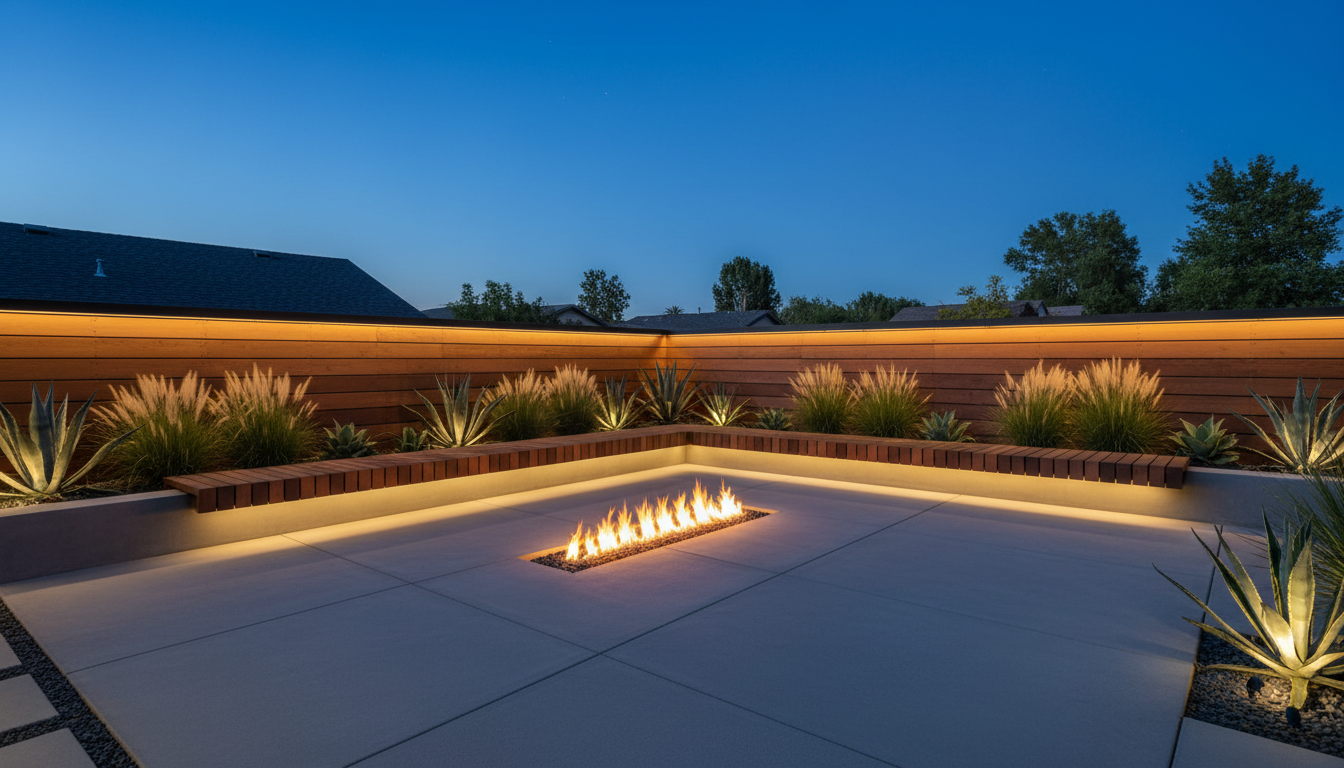
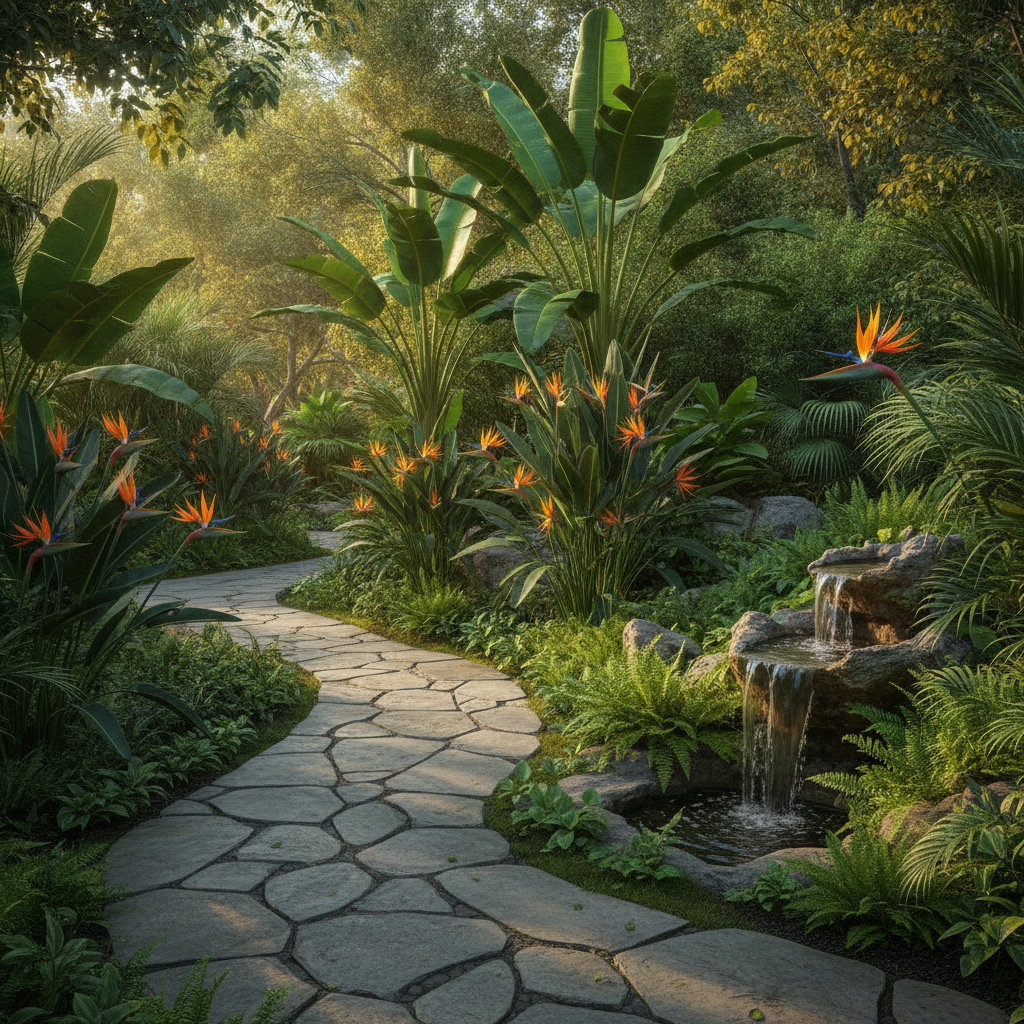
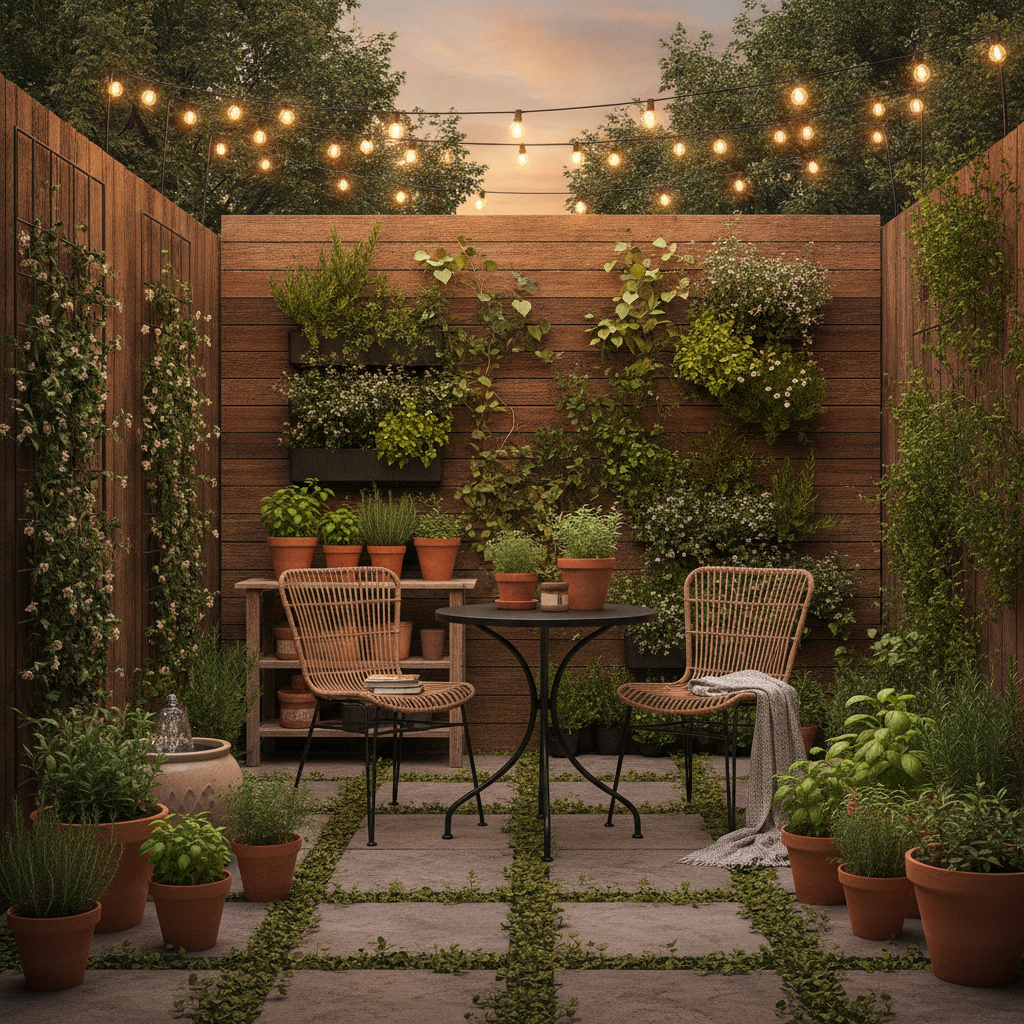
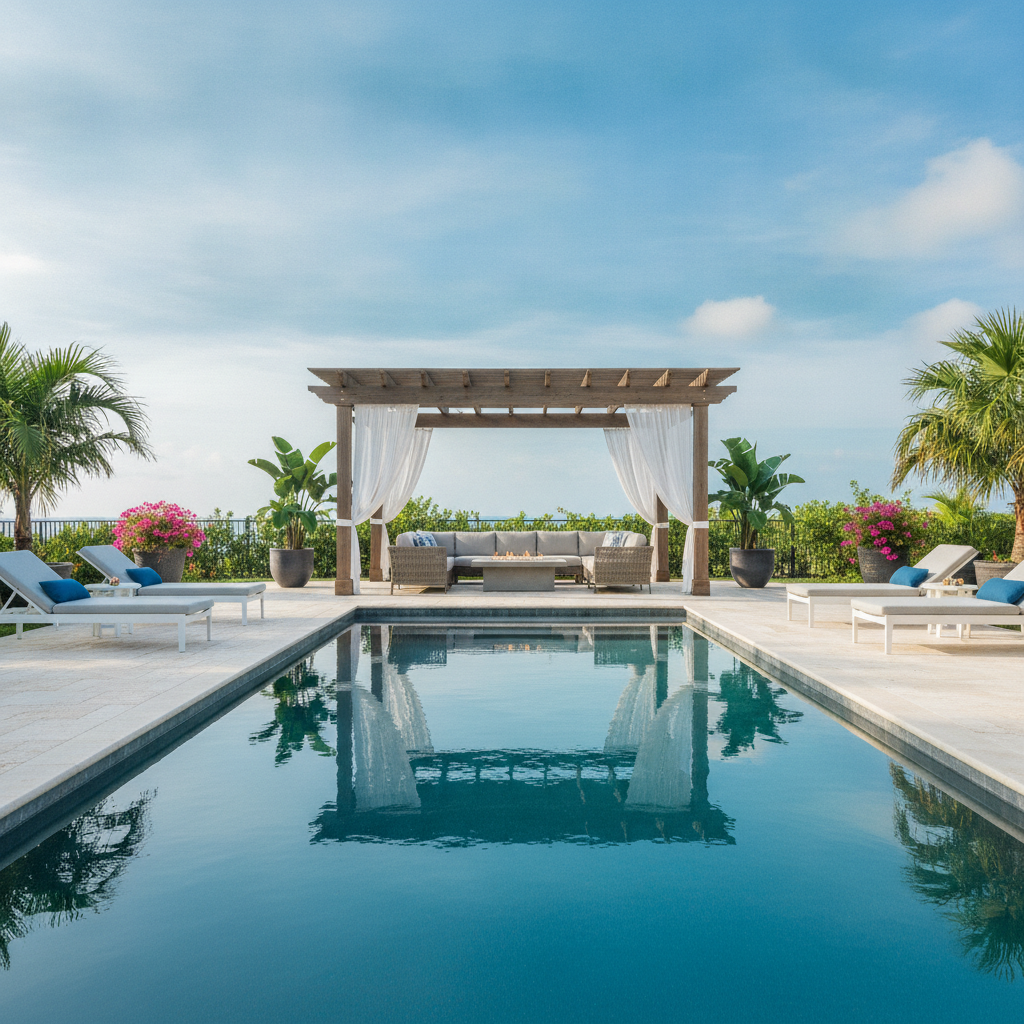
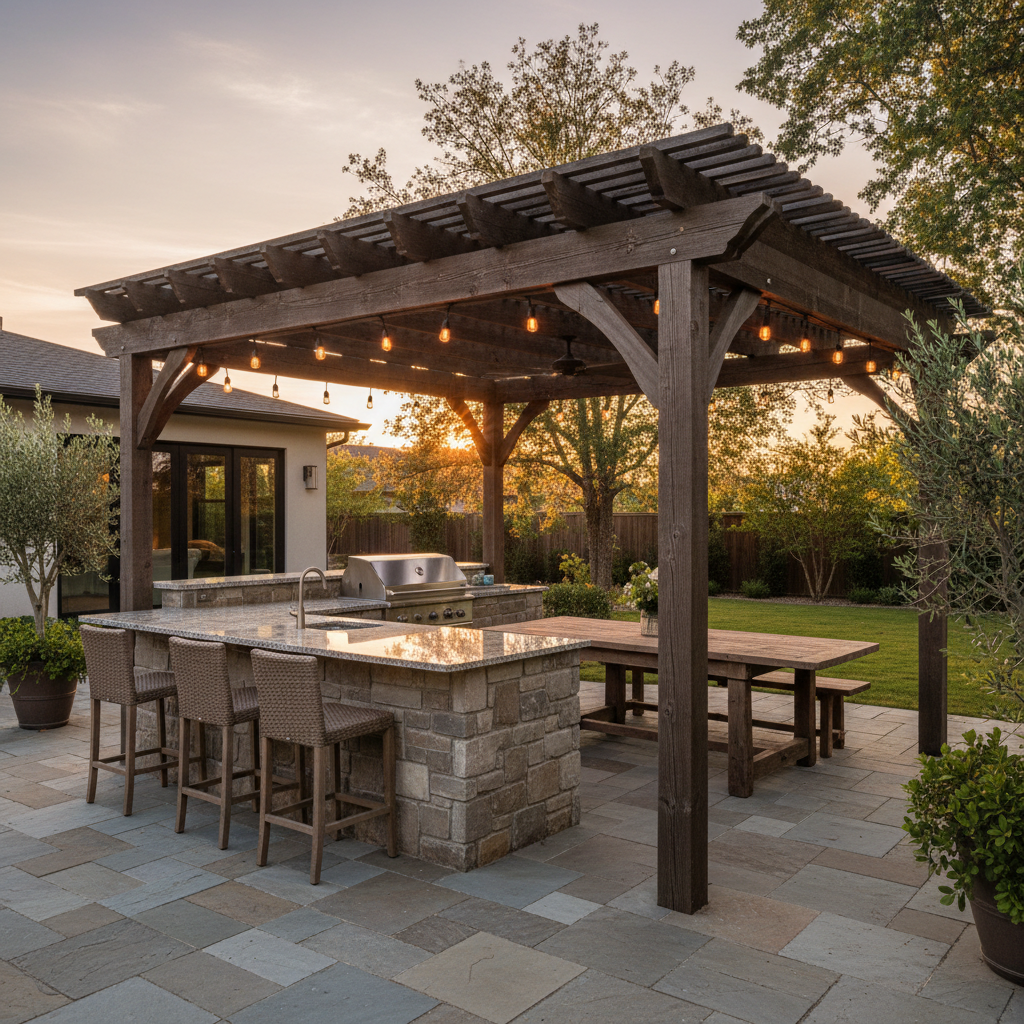
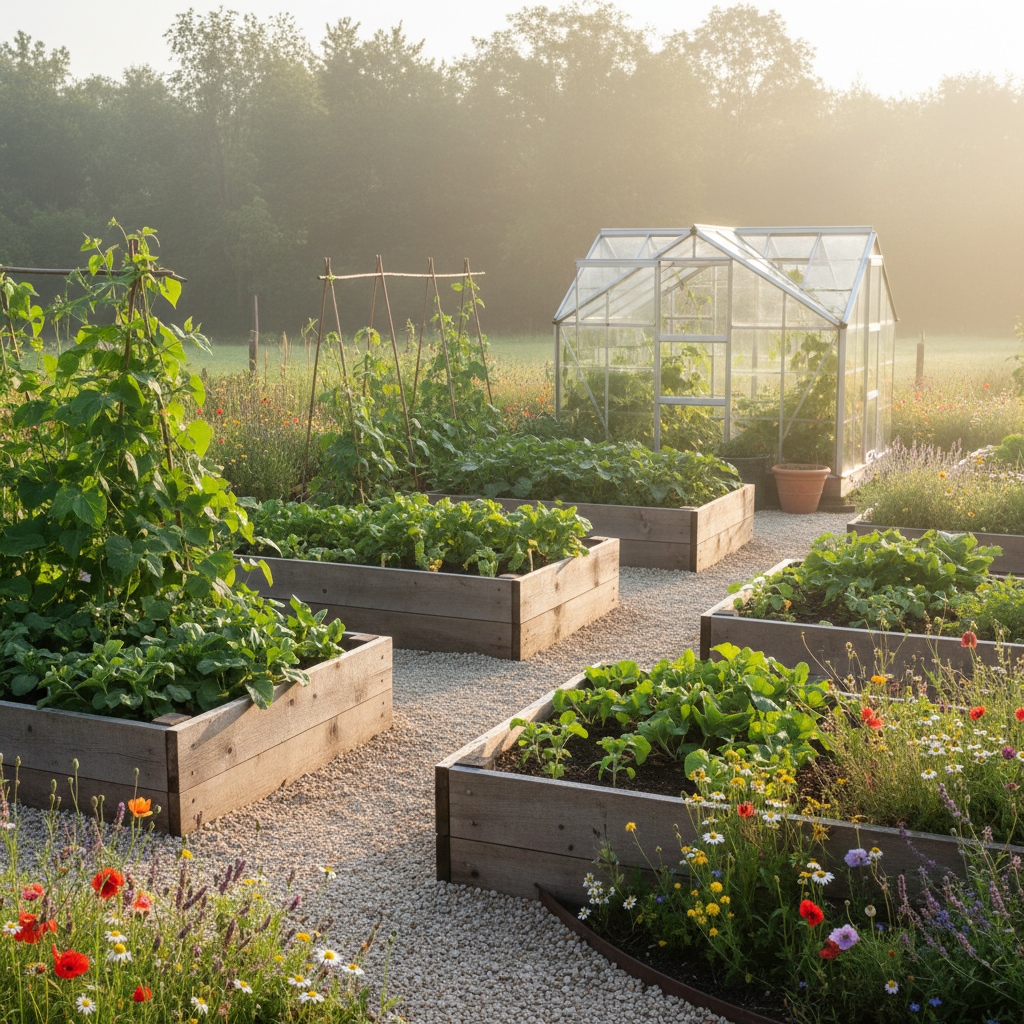
Every concept below started as one sentence — no CAD software, no design retainer, no site visit. This is the range you can cover from a single prompt box
How AI Backyard Design Works
Three steps from a bare lawn to a photorealistic 4K landscape concept
Describe Your Yard
Write what you have and what you want in ordinary English — "a narrow north-facing yard, mostly shade, I want a paved seating area and low-maintenance planting". Mention size, slope, sunlight, existing trees, or the materials you like. There is no special syntax to learn and nothing to measure precisely.
Pick an Outdoor Style
Choose a preset — modern patio, tropical garden, small yard, pool and lounge, outdoor kitchen, or vegetable garden — to lock in the direction. Each preset is a tuned landscape prompt covering paving, planting, structures, and lighting, so you get a coherent design rather than a random arrangement.
Generate and Compare
Click Generate and Nano Banana Pro renders your concept in roughly twenty seconds. Download it in up to 4K, then re-run with small changes — swap gravel for pavers, add a pergola, shift to evening lighting — and put the versions side by side before you spend a cent on materials.
Why Homeowners Choose This AI Backyard Design Tool
Six reasons it beats mood boards, graph paper, and guessing
See It Before You Build It
The most expensive landscaping mistake is committing to a layout you have only pictured in your head. AI backyard design gives you a photorealistic view of the finished space first, so you find out that the patio feels cramped or the fire pit blocks the path while it still costs nothing to change.
Six Outdoor Styles, One Box
Modern patios, tropical gardens, compact urban yards, pool decks, outdoor kitchens, and productive vegetable plots all live behind the same input. Switch direction with a single tap instead of trawling through a dozen inspiration sites hoping something matches your lot.
Built for Small and Awkward Lots
Not every yard is a flat rectangle. Describe a narrow side return, a steep slope, a shaded corner, or an L-shaped plot and the design adapts around it — vertical planting, terracing, space-saving seating — so the concept fits the space you actually own.
Cheaper Than a Design Consult
Professional landscape renderings typically run into the hundreds or thousands and take weeks. Here you start free, plans begin at $9.98, and each concept lands in about twenty seconds. Use it to explore first, then bring the best version to a designer who can cost it properly.
Fast Enough to Explore Properly
Around twenty seconds per render means you can compare eight layouts in the time one hand sketch would take. That loop — imagine, generate, compare, refine — is how you find out what you really want from the space rather than settling for the first plausible idea.
4K Output You Can Share
Every concept exports in crisp 4K with no watermark, ready to send to a contractor, a landscaper, a partner who needs convincing, or your local planning board. A shared picture ends the argument about what "a nice patio area" actually means far faster than words do.
Frequently Asked Questions
Common questions about AI backyard design
See Your Backyard Before You Build It
Stop guessing from mood boards. AI backyard design turns one sentence into a photorealistic 4K concept — patios, gardens, pools, outdoor kitchens, and vegetable beds — powered by Nano Banana Pro. Free to start, plans from $9.98.
Plan Your Outdoor Space With AI Backyard Design
The hardest part of a landscaping project has always been the gap between the picture in your head and anything you can show another person. You know you want somewhere to sit in the evening, somewhere the kids can run, maybe a spot to grow tomatoes — but a saved folder of inspiration photos from other people's gardens does not tell you how any of it would look in yours. AI backyard design closes that gap. You describe your yard and your wish list in one ordinary sentence, choose a style, and a photorealistic concept arrives about twenty seconds later at up to 4K, rendered by Nano Banana Pro. No CAD software, no design retainer, no waiting weeks for a first draft.
What makes it useful rather than merely fun is control. This AI backyard design tool ships with six tuned presets — modern patio, tropical garden, small yard, pool and lounge, outdoor kitchen, and vegetable garden — so you begin from a coherent landscape direction instead of a random assembly of features. Each preset already specifies paving, planting character, structures, and lighting, and you layer your own site details on top: the yard's shape and orientation, whether it is sunny or shaded, flat or sloped, the materials you like, the mature tree that has to stay. Change one variable at a time and you can watch how gravel versus pavers, or a pergola versus an open deck, changes the whole feel of the space.
Speed is what turns this into real planning rather than daydreaming. Because each concept takes seconds, you can explore eight layouts in the time one hand sketch would take, line them up side by side, and notice things you would never catch in your imagination — that the seating area wants to be in the far corner, that the yard needs a path more than it needs a lawn, that evening lighting matters more than another flower bed. That is how good landscape decisions actually get made, and AI backyard design puts the process within reach of anyone with a yard and a browser tab.
From Patios and Pools to Vegetable Beds
A landscape tool earns its keep when it covers the whole project, not one corner of it. Plan a paved seating area with a fire pit for autumn evenings, a shaded tropical planting scheme for a hot climate, a compact courtyard for a narrow city lot, a pool deck with loungers and a pergola, an outdoor kitchen built around a grill island for weekend dinners, or a productive kitchen garden with raised cedar beds and a greenhouse in the corner. Homeowners use it to decide what they want, landscape designers use it to show clients three directions in a first meeting, and contractors use it to make sure everyone is picturing the same finished yard before the first paver goes down.
Everything you generate is yours to keep. Downloads are watermark-free, exported in sharp 4K, and cleared for commercial use — put them in a client proposal, send them to your builder, attach them to a listing, or bring them to a planning meeting. There is nothing to install and no queue to wait in. Do keep in mind what these images are: convincing art direction, not surveyed construction documents. Drainage, dimensions, structural detail, and plant choices suited to your hardiness zone still need a professional eye.
The practical workflow most people land on is simple. Generate half a dozen AI backyard design concepts free, pick the one that keeps pulling you back, refine it with a few more prompts until the details are right, then hand that image to a landscaper who can survey the site and cost the build. You spend the professional budget on execution rather than on discovering what you like. Start free today, describe the yard you want, and see it before you spend anything on it.
Try AI backyard design free today. Turn one sentence into photorealistic 4K concepts for patios, gardens, pools, outdoor kitchens, and raised vegetable beds. No credit card required to start. Paid plans from $9.98.