
AI-Assisted Image Editing
Retouching, enhancing, and reworking photos used to mean hours of masking, layers, and sliders. AI-assisted image editing changes that. Upload a photo, describe the edit in plain words, and Nano Banana Pro handles the pixels — smoothing skin, fixing exposure, removing objects, swapping backgrounds, and upscaling to a crisp 4K result. Whether you are a photographer clearing a backlog, a designer polishing assets, or a content creator shipping daily, these smart image editing tools deliver professional AI photo enhancement in seconds, no editing software or manual selections required.
Try It Now — Free
Upload your photo, pick the kind of edit you need, and click Generate. In about twenty seconds you get a professionally edited image — enhanced, retouched, or transformed — ready to download in 4K. This is hands-on AI-assisted image editing, right in your browser.
AI-Assisted Image Editor
Upload a photo, choose an editing style, and let AI enhance, retouch, or transform it in seconds
Upload your photo, pick an editing style, and click Generate
AI-Assisted Image Editing in Action
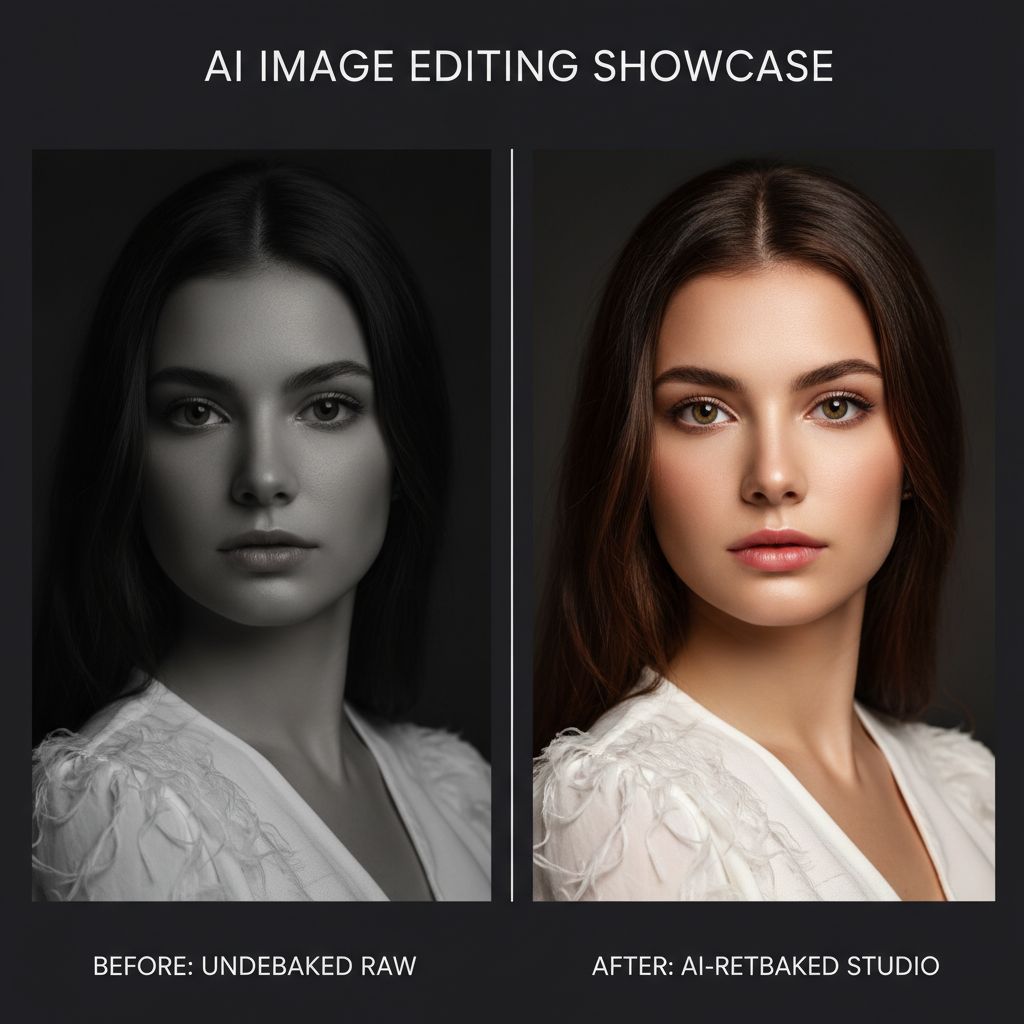
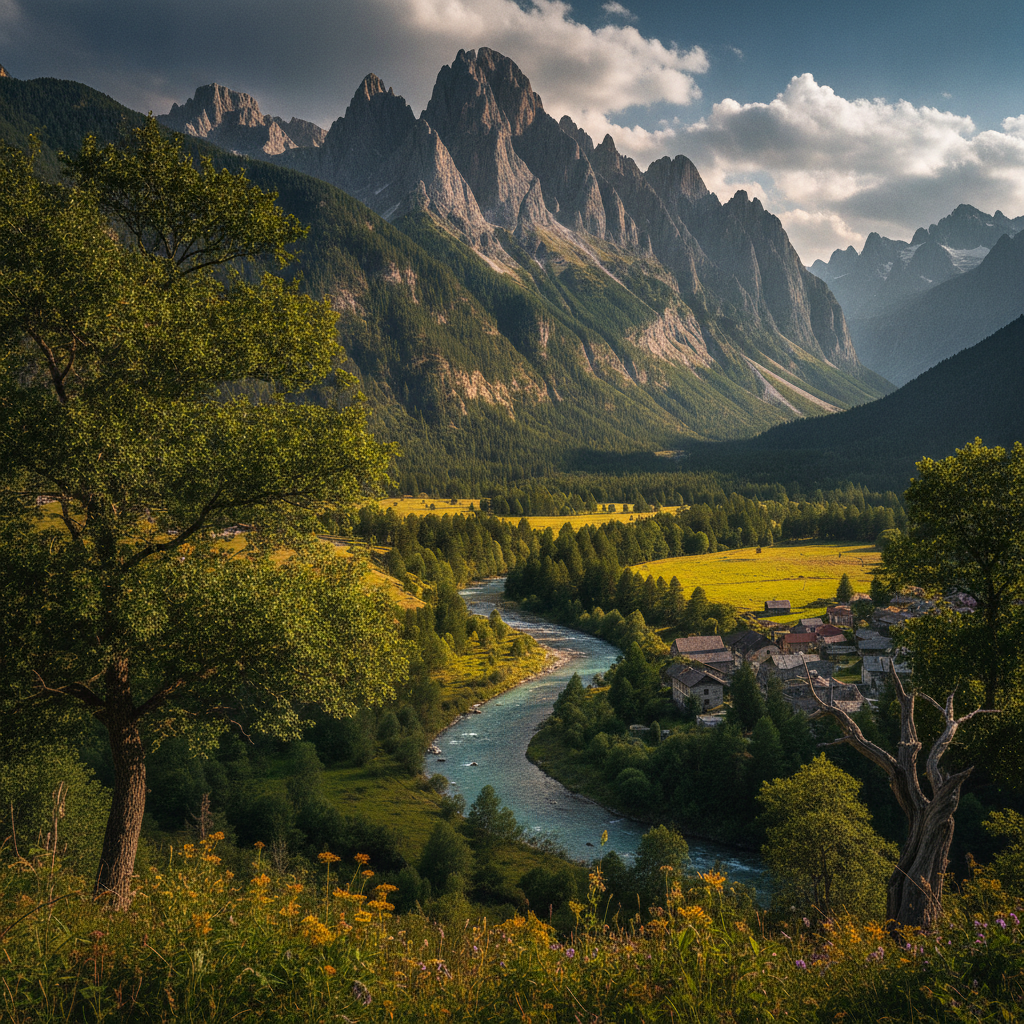
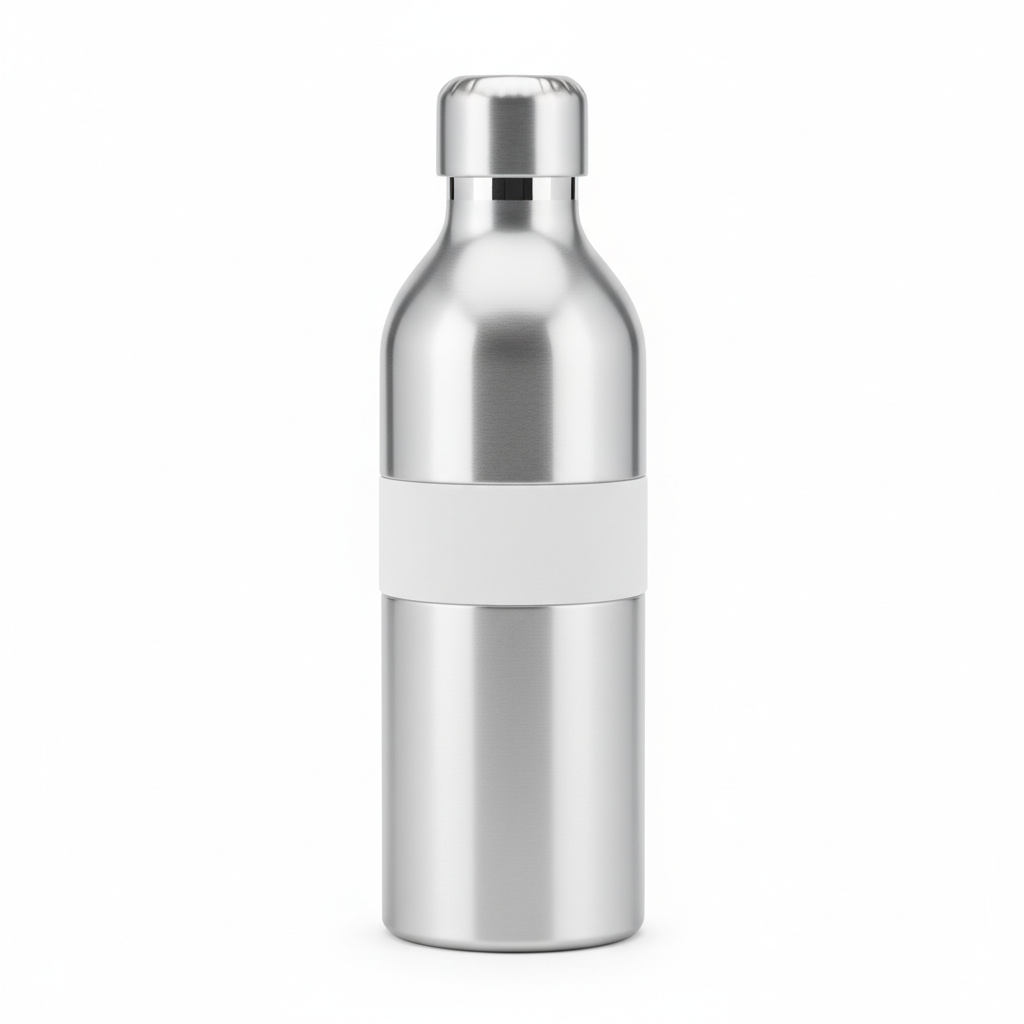
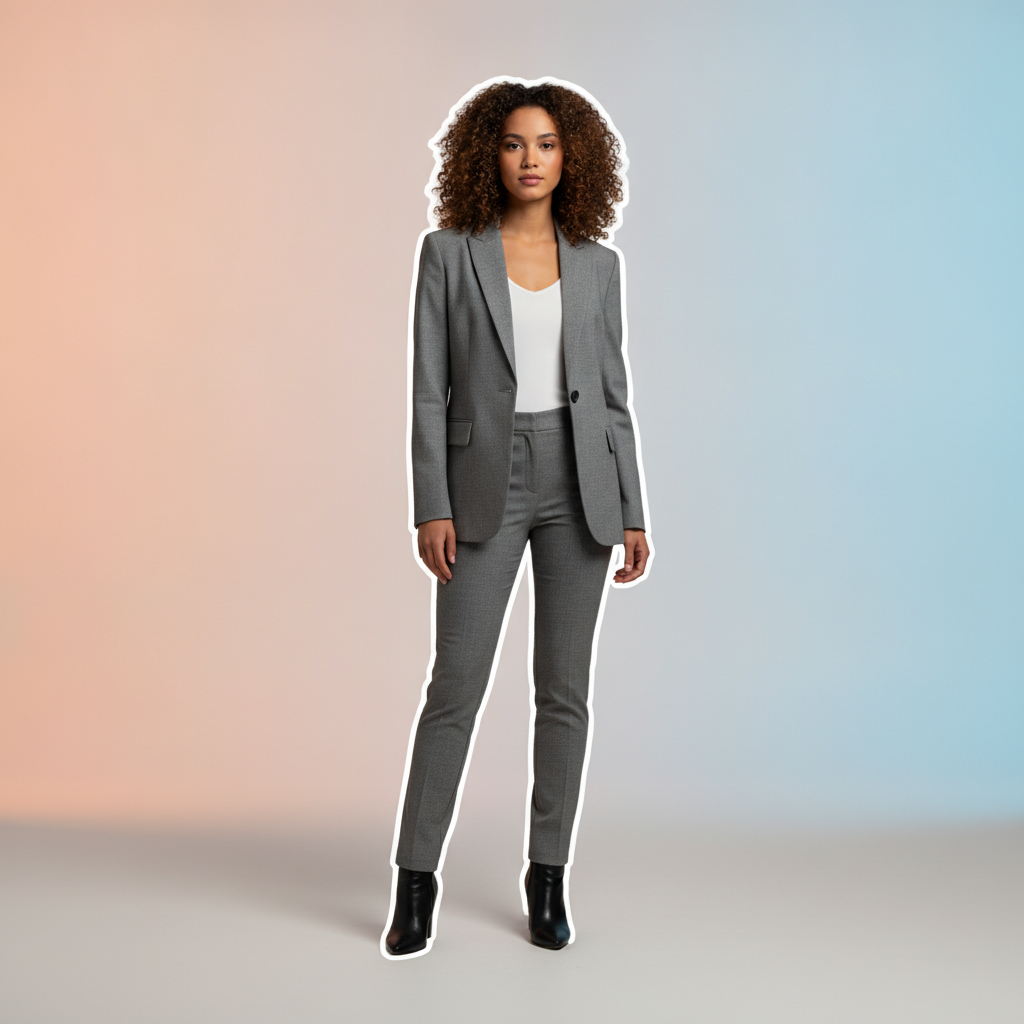
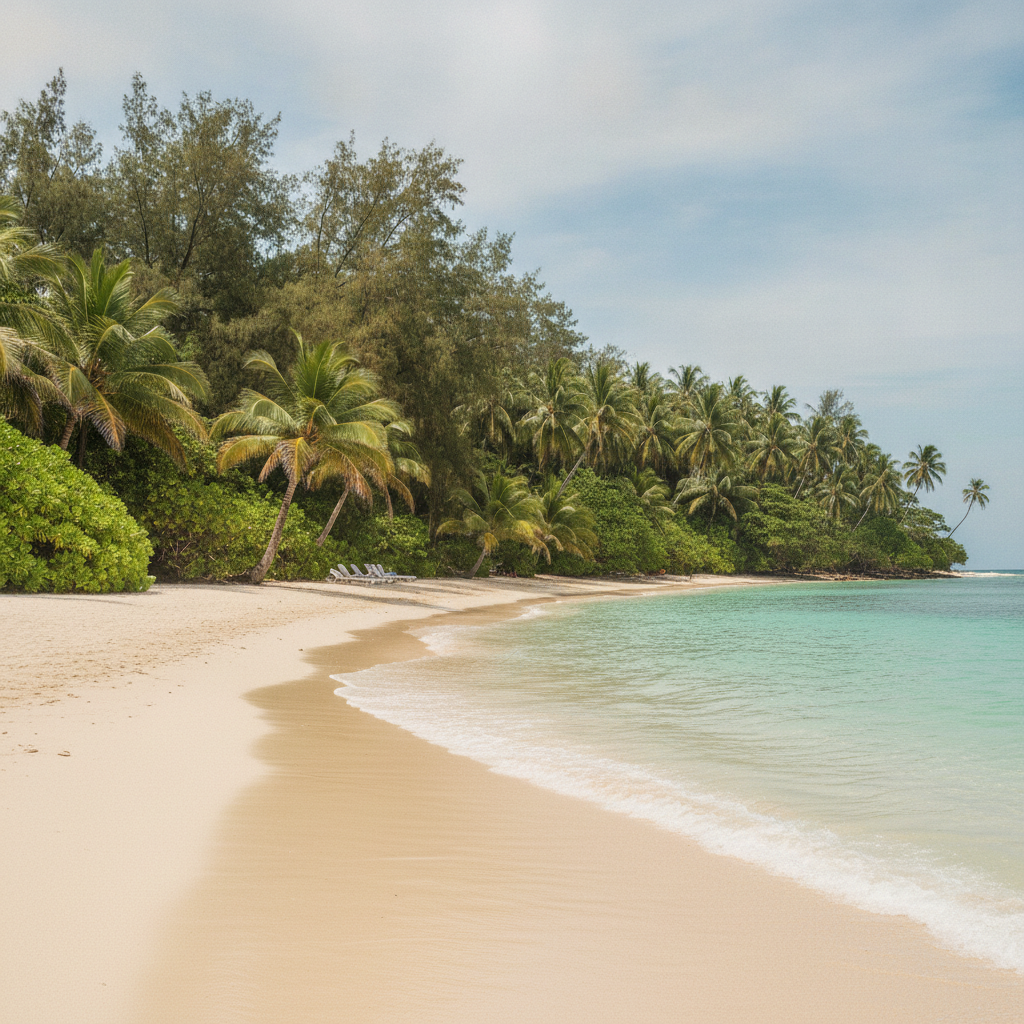
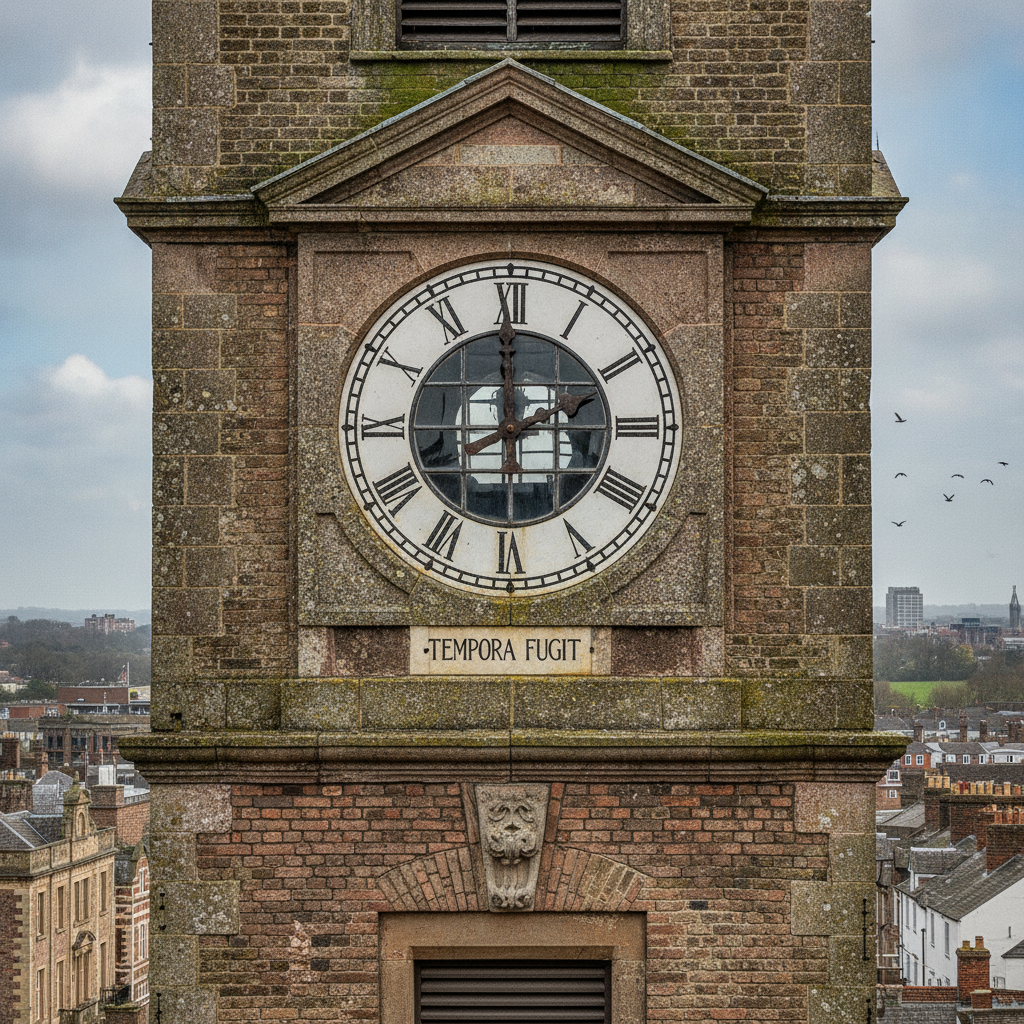
Every result below was created in seconds — no masking, no layers, no editing software. This is the kind of edit you can produce and publish the same afternoon
How AI-Assisted Image Editing Works in 3 Steps
From a raw photo to a polished, publish-ready image in under a minute
Upload Your Photo
Drop in any image you want to improve — a portrait, product shot, landscape, or screenshot. There is no need to prepare files, make selections, or flatten layers first. The AI-assisted image editing engine reads your photo and gets it ready for whatever change you have in mind.
Describe the Edit
Choose an editing style like Auto Enhance, Portrait Retouch, Remove Objects, or Swap Background — or describe the change in your own words. Instead of hunting through menus and sliders, you simply say what you want, and these smart image editing tools translate plain language into precise edits.
Generate and Download
Click Generate and Nano Banana Pro applies your edit in about twenty seconds, then hands back a sharp 4K image with no watermark. Love it? Download it. Want to push further? Chain another edit or try a different style — automated image editing makes iteration effortless.
Why Creators Choose These Smart Image Editing Tools
Six reasons AI-assisted image editing beats manual retouching and clunky photo apps
No Manual Masking
Traditional editing means painstaking selections, layer masks, and clone-stamping. AI-assisted image editing handles all of it for you — the model understands the subject, background, and lighting, so removing an object or swapping a backdrop takes one click instead of twenty minutes of careful masking.
Describe It in Plain Words
You do not need to learn a single tool or panel. Just type what you want changed — "brighten the shot," "remove the person on the left," "give it a cinematic look" — and these smart image editing tools turn your description into a precise, professional edit. It is the fastest way to reach the result you pictured.
Studio-Grade AI Photo Enhancement
Powered by Nano Banana Pro, every AI photo enhancement balances exposure, recovers detail, and grades color to a professional standard while keeping the image realistic. Portraits stay natural, products stay true to life, and landscapes come alive — no overcooked filters or plastic-looking skin.
Faster Than Any Editor
A single retouch in a desktop app can eat half an hour; a full batch can eat a day. AI-assisted image editing returns a finished result in about twenty seconds, so you can clear a shoot, polish a product catalog, or prep a week of content in one focused sitting.
4K, Watermark-Free
Every edited image exports in high-resolution 4K with no watermark, ready to publish to your portfolio, store, or social feed. Whether it is an AI image retouch for a client or an enhanced hero shot for a landing page, the output is clean, sharp, and ready to use immediately.
Cheaper Than a Retoucher
Hiring a retoucher or subscribing to pro editing suites adds up fast. Start using this AI-assisted image editing tool for free, then unlock unlimited premium 4K edits from just $2.99 — with the freedom to enhance, retouch, and transform as many photos as your workflow demands.
Frequently Asked Questions
Common questions about AI-assisted image editing
Edit Your Photos With AI Now
Skip the masks, layers, and sliders. AI-assisted image editing enhances, retouches, and transforms your photos in seconds, powered by Nano Banana Pro. Free to start, plans from $2.99.
Polish Every Photo With AI-Assisted Image Editing
Editing photos has always been the slow part of creative work. A single portrait can take thirty minutes of dodging, burning, and frequency separation; a product catalog can eat an entire day of masking and clean-up. AI-assisted image editing removes that bottleneck. Upload a photo, describe the change you want, and Nano Banana Pro does the technical work — balancing exposure, grading color, smoothing skin, or clearing clutter — and returns a finished 4K result in about twenty seconds. No layers, no masks, and no years of software experience required.
What makes these smart image editing tools different is how they understand your image. Instead of you manually selecting a subject or painting over a background, the model recognizes what is in the frame and edits it intelligently. That is why AI photo enhancement here looks natural: portraits keep their texture, products stay true to color, and landscapes gain depth without looking artificial. Ask for an AI image retouch, an object removal, a background swap, or a cinematic grade, and each one is applied cleanly, the way a skilled editor would do it.
And because every edit takes seconds, iteration becomes part of the process. Try three versions of a retouch, compare a blurred background against a studio backdrop, or chain edits together — enhance, then upscale, then grade. Fast, automated image editing means you explore more looks and settle on the best one, instead of committing to the first pass because a redo would cost another hour.
Built for Photographers, Designers, and Creators
Once you have an edit you love, it is ready to go everywhere. Download in sharp 4K and publish straight to your portfolio, online store, client gallery, landing page, or social feed. One tool covers enhancement, retouching, object removal, background replacement, and upscaling, so you get a consistent, professional look across all your images without stitching together a stack of separate apps and plugins.
AI-assisted image editing scales with how you work. Photographers can turn around client galleries in a fraction of the usual time, designers can polish and adapt assets on demand, and content creators can keep a steady stream of clean, on-brand visuals flowing. Every export is watermark-free and high-resolution, so each image is ready to publish, sell, or repurpose the moment it finishes.
Whether you are clearing a shoot backlog, prepping product photos, or just want your images to look their best, this AI-assisted image editing tool makes retouching effortless. Start free today, upload a photo, describe the edit, and watch professional AI photo enhancement come together in seconds — no masking, no software, and no waiting. Just the polished, publish-ready images your work deserves.
Try AI-assisted image editing free today. Enhance, retouch, remove objects, and upscale your photos to 4K in seconds. No credit card required to start. Paid plans from $2.99.